
Out of stock
Sold out
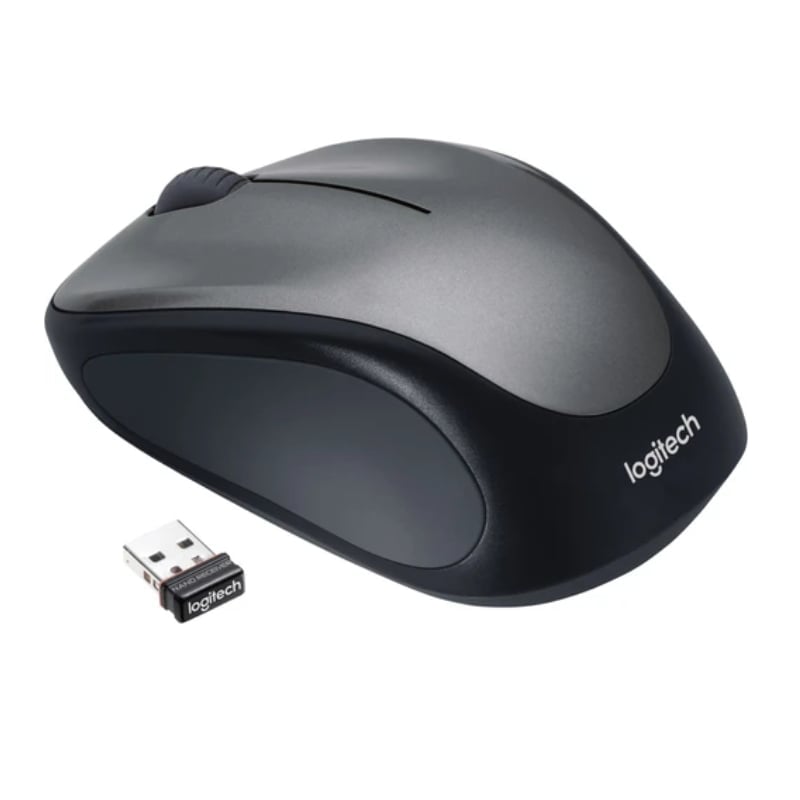
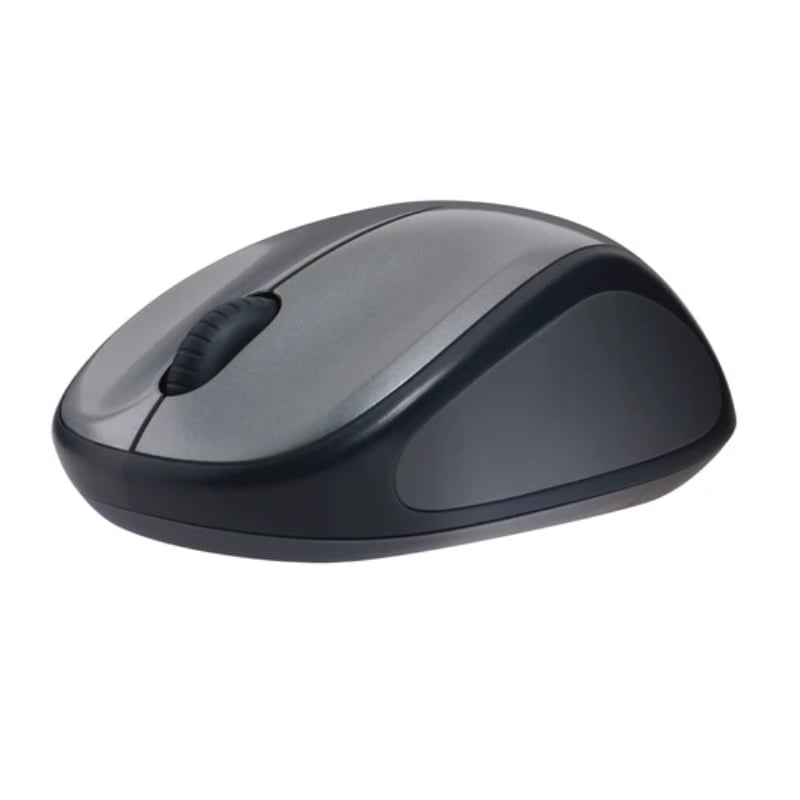
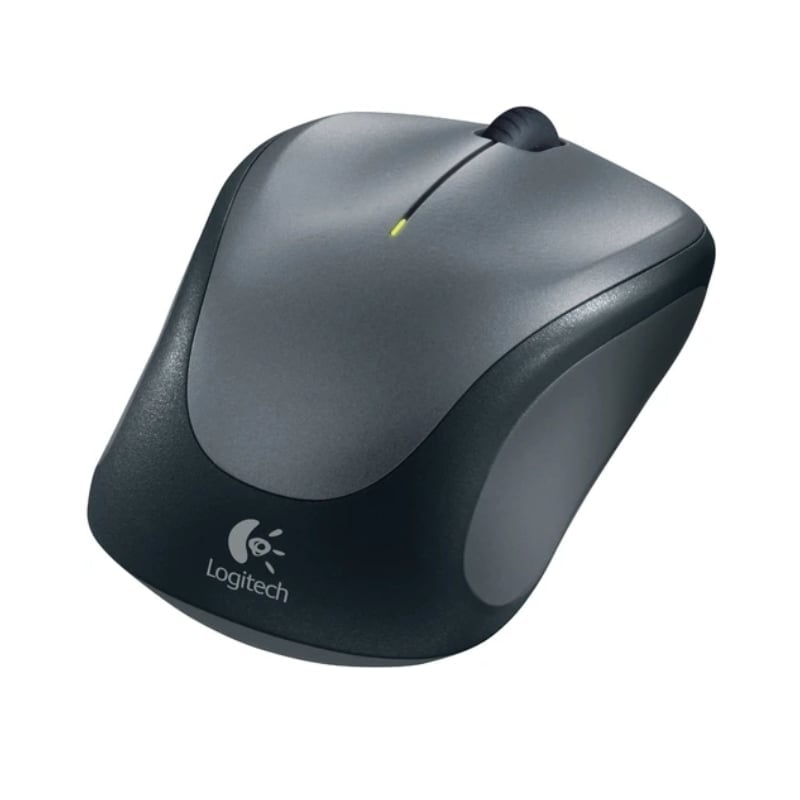
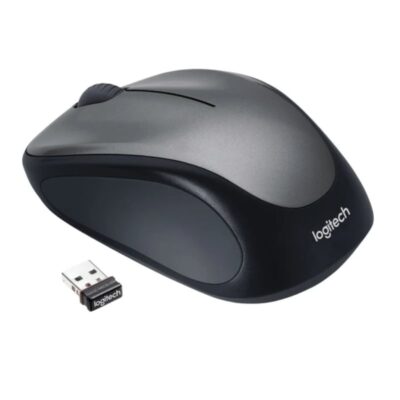
Logitech M235 Wireless Mouse
KSh 3,800
specifications
- Sensor Technology: Advanced Optical Tracking
- DPI (Min/Max): 1000±
- Number of Buttons: 3 (Left/Right-click, Middle click)
- Scrolling: Line-by-line precision wheel
- Battery Life: 12 months (1 x AA included)
- Wireless Range: 10 meters (33 feet)
- Receiver Type: Logitech Unifying receiver
- Weight: 84g (including battery)
- Dimensions: 95 mm x 55 mm x 38.6 mm
- Compatibility: Windows, macOS, ChromeOS, Linux
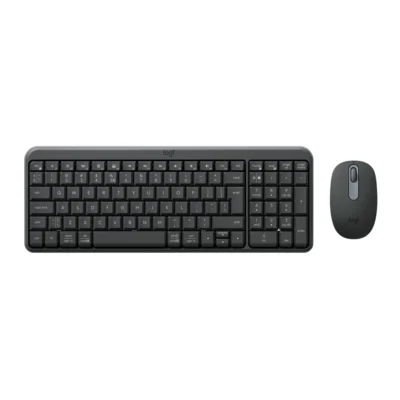
Complete Your Setup
View all
Logitech M235 Wireless Mouse Highlights
- 1,000 DPI sensor
- Up to 12 months rated battery life
- 10 m wireless range
- Wireless via USB receiver connection type
- 2.4GHz wireless technology
- Optical tracking sensor technology
Compare Logitech M235 Wireless Mouse with Similar Products
Compare Logitech M235 Wireless Mouse specs, features and price with similar computer mice and alternatives.
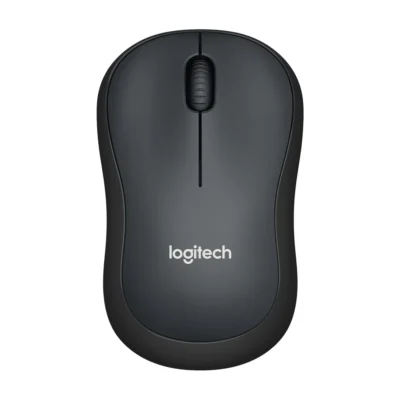
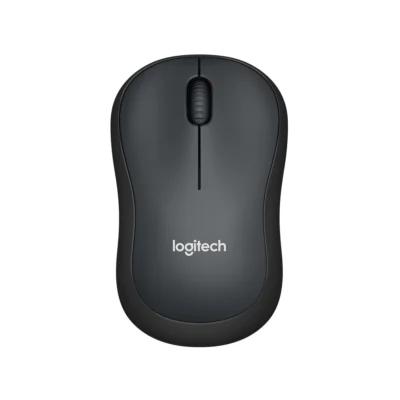
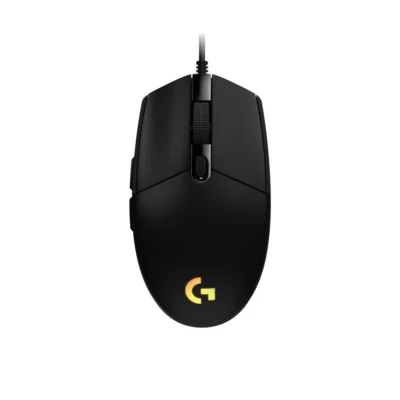
Comparison full
0 spaces availableGeneral
| Specification | Logitech M235 Wireless Mouse | Logitech M221 Wireless Mouse | Logitech M220 Silent | Logitech G203 LIGHTSYNC |
|---|---|---|---|---|
| Brand | Logitech | Logitech | Logitech | Logitech |
| Model | M235 | M221 Silent (910-006510) | M220 Silent (910-004878) | G203 LIGHTSYNC — Black: 910-005796; White: 910-005797; Blue: 910-005798 |
| Type | Wireless optical mouse | Productivity mouse | Everyday mouse | Gaming mouse |
| Color | Not specified | Charcoal | Charcoal | Black; White; Blue |
Sensor & Tracking
| Specification | Logitech M235 Wireless Mouse | Logitech M221 Wireless Mouse | Logitech M220 Silent | Logitech G203 LIGHTSYNC |
|---|---|---|---|---|
| Sensor Technology | Optical tracking | Optical tracking | Advanced Optical Tracking | Not specified |
| DPI | Up to 1000 DPI | 1,000 DPI | 1,000 DPI | 200 – 8,000 DPI |
| Polling Rate | Not specified | Not specified | Not specified | 1000Hz (1ms) |
Buttons & Scrolling
| Specification | Logitech M235 Wireless Mouse | Logitech M221 Wireless Mouse | Logitech M220 Silent | Logitech G203 LIGHTSYNC |
|---|---|---|---|---|
| Scroll Wheel | Regular vertical scroll wheel | Line-by-line mechanical scrolling | 2D optical scroll wheel | Not specified |
| Number of Buttons | Not specified | 3 | 3 | 6 |
| Programmable Buttons | Not specified | Not specified | Not specified | 6 |
Connectivity
| Specification | Logitech M235 Wireless Mouse | Logitech M221 Wireless Mouse | Logitech M220 Silent | Logitech G203 LIGHTSYNC |
|---|---|---|---|---|
| Connection Type | Wireless via USB receiver | 2.4 GHz wireless USB receiver | 2.4 GHz wireless USB receiver | Wired USB |
| Wireless Technology | 2.4GHz | Not specified | Not specified | Not specified |
| Wireless Receiver | USB nano receiver; Unifying or Non-Unifying type depends on the product revision and must be checked on the box | USB nano receiver included | Not specified | Not specified |
| Wireless Range | Up to 10m; actual range depends on the operating environment | Up to 10 m | Up to 10 m | Not specified |
| Bluetooth | Not specified | No | Not specified | No |
| Cable / Connector | Not specified | Not specified | Not specified | USB-A |
| Cable Length | Not specified | Not specified | Not specified | 2.1 m |
Battery & Power
| Specification | Logitech M235 Wireless Mouse | Logitech M221 Wireless Mouse | Logitech M220 Silent | Logitech G203 LIGHTSYNC |
|---|---|---|---|---|
| Battery Type | 1 replaceable AA alkaline battery | One AA battery | 1 × AA | USB powered |
| Battery Life | Up to 12 months; actual battery life varies with use | Up to 18 months | Up to 18 months | No battery |
Features
| Specification | Logitech M235 Wireless Mouse | Logitech M221 Wireless Mouse | Logitech M220 Silent | Logitech G203 LIGHTSYNC |
|---|---|---|---|---|
| Special Features | On/off switch; power and battery indicators | Not specified | Not specified | Not specified |
| Silent Clicks | Not specified | SilentTouch technology | SilentTouch reduces clicking noise by over 90% compared with Logitech M170 | Not specified |
| Customization Software | Not specified | Not specified | Not specified | Logitech G HUB |
| RGB Lighting | Not specified | Not specified | Not specified | LIGHTSYNC RGB |
Design
| Specification | Logitech M235 Wireless Mouse | Logitech M221 Wireless Mouse | Logitech M220 Silent | Logitech G203 LIGHTSYNC |
|---|---|---|---|---|
| Dimensions | Not specified | 99 mm × 60 mm × 39 mm | 99 mm × 60 mm × 39 mm | 38.2 mm × 62.1 mm × 116.6 mm |
| Weight | Not specified | 75.2 g | 75.2 g | 85 g |
| Hand Orientation | Not specified | Ambidextrous | Ambidextrous | Not specified |
System Requirements
| Specification | Logitech M235 Wireless Mouse | Logitech M221 Wireless Mouse | Logitech M220 Silent | Logitech G203 LIGHTSYNC |
|---|---|---|---|---|
| Required Port / Connection | Compatible USB host port for the wireless receiver | Not specified | Not specified | Not specified |
| Windows | Not specified | Windows 10/11 or later | Not specified | Windows® 7 or later |
| macOS | Not specified | macOS 10.5 or later | Not specified | macOS 10.13 or later |
| Other Operating Systems | Not specified | linux: Linux kernel 2.6 or later; chromeos: Supported | Not specified | Not specified |
What's in the Box
| Specification | Logitech M235 Wireless Mouse | Logitech M221 Wireless Mouse | Logitech M220 Silent | Logitech G203 LIGHTSYNC |
|---|---|---|---|---|
| In the Box | Not specified | Mouse; USB receiver; AA battery; user documentation | Mouse; Nano receiver; 1 AA battery (pre-installed); User documentation | G203 LIGHTSYNC; User documentation |
Specs
Logitech M235 Wireless Mouse specifications
General
| Brand | Logitech |
|---|---|
| Model | M235 |
| Type | Wireless optical mouse |
Sensor & Tracking
| Sensor Technology | Optical tracking |
|---|---|
| DPI | Up to 1000 DPI |
Buttons & Scrolling
| Scroll Wheel | Regular vertical scroll wheel |
|---|
Connectivity
| Connection Type | Wireless via USB receiver |
|---|---|
| Wireless Technology | 2.4GHz |
| Wireless Receiver | USB nano receiver; Unifying or Non-Unifying type depends on the product revision and must be checked on the box |
| Wireless Range | Up to 10m; actual range depends on the operating environment |
Battery & Power
| Battery Type | 1 replaceable AA alkaline battery |
|---|---|
| Battery Life | Up to 12 months; actual battery life varies with use |
Features
| Special Features | On/off switch; power and battery indicators |
|---|
System Requirements
| Required Port / Connection | Compatible USB host port for the wireless receiver |
|---|