Product details
Logitech MeetUp 4K ConferenceCam Price in Kenya
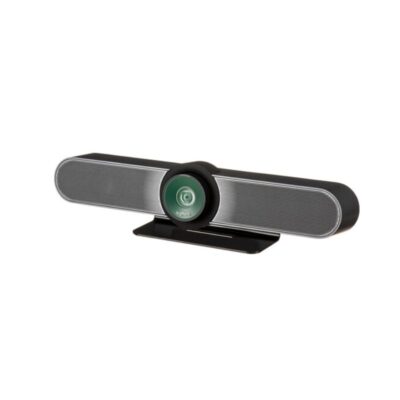
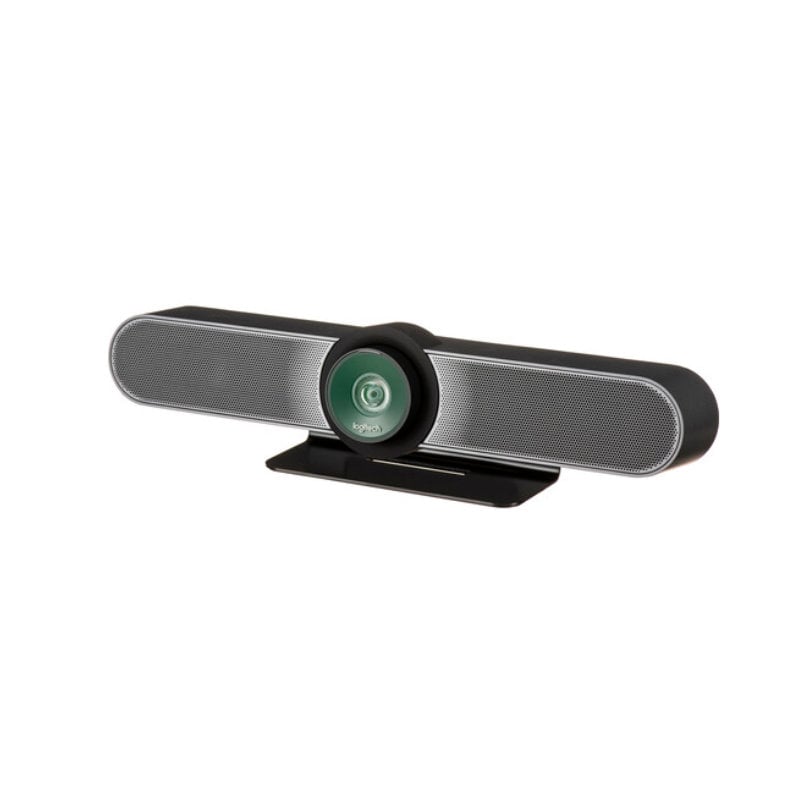
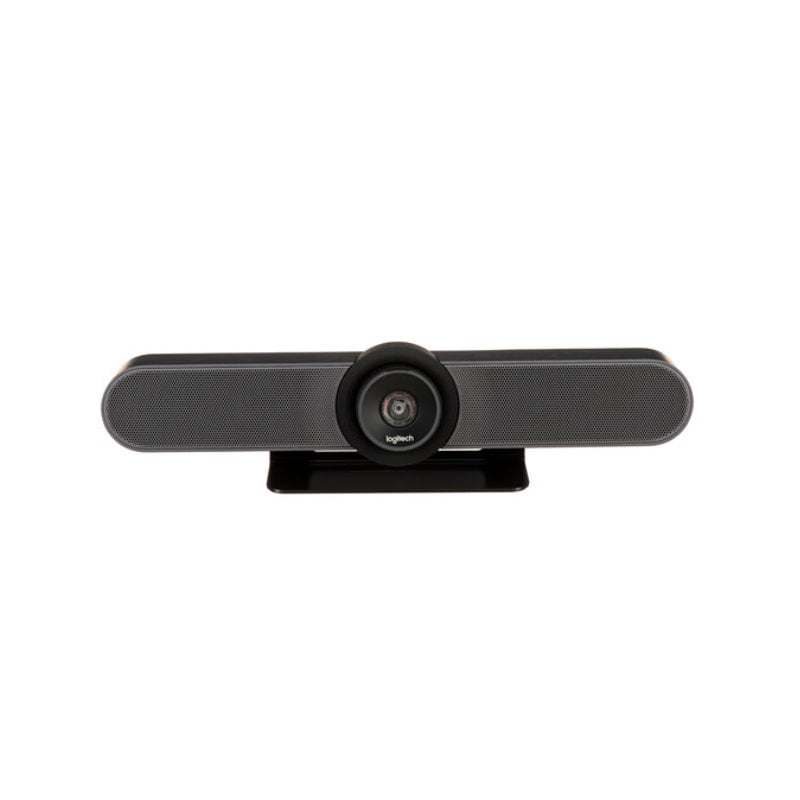
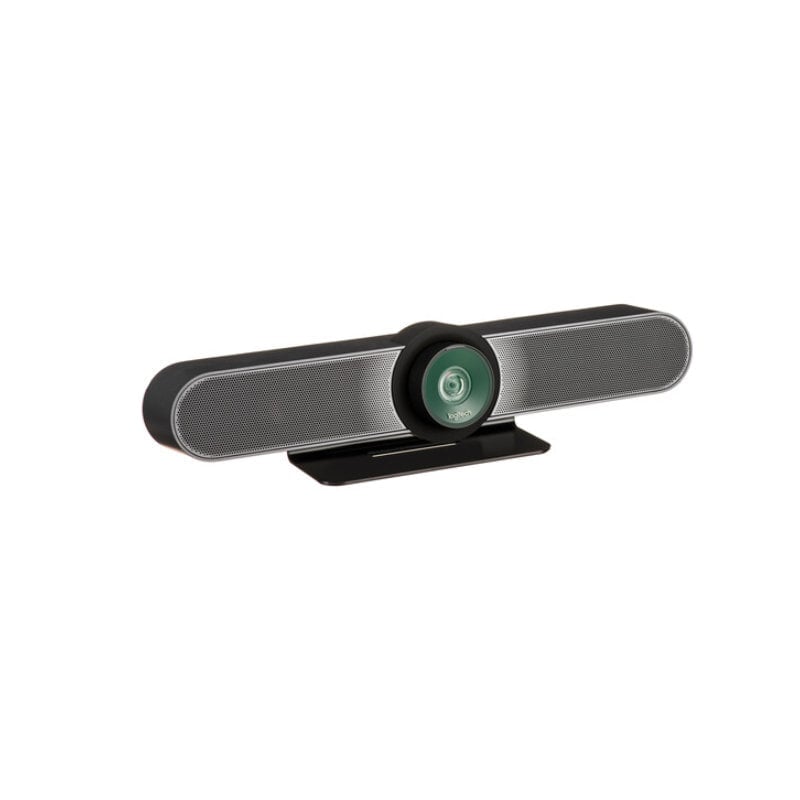
The Logitech MeetUp price in Kenya is Ksh 85,000. Designed specifically for “huddle rooms” and small conference spaces, MeetUp is a premium all-in-one ConferenceCam that eliminates the need for separate speakers, microphones, and cameras. In the fast-paced business hubs of Nairobi, from Westlands to Upper Hill, this device is the gold standard for teams that need to turn any small space into a high-powered video collaboration suite.
Its standout feature is a Super-Wide 120° Field of View, which ensures that everyone at the table is seen—even those sitting closest to the camera. Combined with RightSight™ auto-framing, the camera automatically adjusts to find and frame participants, so you never have to faff with a remote in the middle of a pitch.
The #1 lifestyle upgrade here is Clean Boardroom Aesthetics. By mounting MeetUp at the display like a soundbar, you remove the “cable spaghetti” from the conference table, so that your meeting room looks as professional and organized as your business.
Buy it today at Exelic Gadgets. We offer same-day delivery in Nairobi and nationwide shipping via Wells Fargo or G4S. All our units are genuine and come with a 2-year warranty.
Why You’ll Love It (The Lifestyle Upgrade)
- See Everyone Clearly: The 120-degree lens captures the whole room without “fisheye” distortion, so that even team members sitting at the very edge of the table are visible to remote clients.
- Auto-Framing Intelligence: RightSight technology automatically moves the lens and adjusts the zoom, so that the camera always keeps the conversation perfectly framed as people join or leave.
- Studio-Quality Audio: Three beamforming microphones and a custom-tuned speaker are optimized for huddle room acoustics, so that every word is heard with “front-of-room” clarity.
- 4K Ultra HD Precision: Even when you use the 5x digital zoom to focus on a whiteboard, the 4K sensor keeps the image razor-sharp, so that remote participants can read every detail.
- Smartphone Synergy: Pair MeetUp with your smartphone via Bluetooth, so that you can use it as a high-quality speakerphone for mobile audio calls.
- Plug-and-Play Simplicity: Connects via a single USB cable, so that you can start your Zoom, Microsoft Teams, or Google Meet sessions instantly without IT assistance.
Logitech MeetUp Specifications
120° Field of View: The “Small Space” Solution
In small meeting rooms, people often sit very close to the screen. Standard webcams (with 60-78° FOV) often cut off the people at the ends of the table. MeetUp’s 120° lens is specifically engineered to “see wide” without bending the image, making it feel like everyone is in the same physical room.
RightSense™ Technologies: Proactive Automation
MeetUp is “smart” hardware. RightLight balances light so faces look natural even in back-lit rooms. RightSound uses AI to distinguish human speech from background noise (like air conditioning or typing). RightSight handles the “cameraman” duties by automatically zooming in on whoever is speaking.
Beamforming Mics: Precision Listening
Unlike a standard mic that picks up everything, MeetUp’s three mics use “beamforming.” They create a virtual “beam” directed at the person speaking, effectively ignoring reflections from the walls or ceiling. This results in a much more intimate, “natural” sound for the person on the other end of the call.
Motorized PTZ: Beyond the Fixed Lens
While it is an all-in-one bar, the lens inside actually moves. You can use the remote to pan and tilt the camera if you need to show something specific, like a physical prototype or a chart on a side wall. It offers three “Presets,” allowing you to jump from a wide view of the table to a close-up of the whiteboard with one click.
Who Is This Perfect For?
- The Modern Startup in Westlands: You have small “huddle” pods for quick syncs. MeetUp fits perfectly under a 43″ or 55″ TV, providing an instant pro-grade setup.
- The Legal/Consultancy Firm: You need highly secure, clear communication with international clients. The 4K optics and premium audio ensure your firm maintains a high-end image.
- Educational Institutions: Perfect for small seminar rooms where a lecturer needs to be seen while also showing a small group of students for collaborative learning.
Alternatives & Competitors
- Logitech Rally Bar : The upgraded AI-driven successor for slightly larger rooms.
- Logitech Group: Best for medium-to-large rooms with a separate hub and mic pods.
- Logitech Connect: Portable, battery-powered alternative for 1-6 people.
- Poly Studio R30: A key competitor in the all-in-one video bar category.
- Logitech Rally Plus: Modular system with separate speakers and mics; best for very large auditoriums.
- Insta360 Link 2
Frequently Asked Questions (FAQs)
1. Do I need a special cable for 4K? Yes. While the box includes a 5-meter USB 2.0 cable (perfect for 1080p), you will need a USB 3.0 cable (sold separately) to unlock the full 4K resolution.
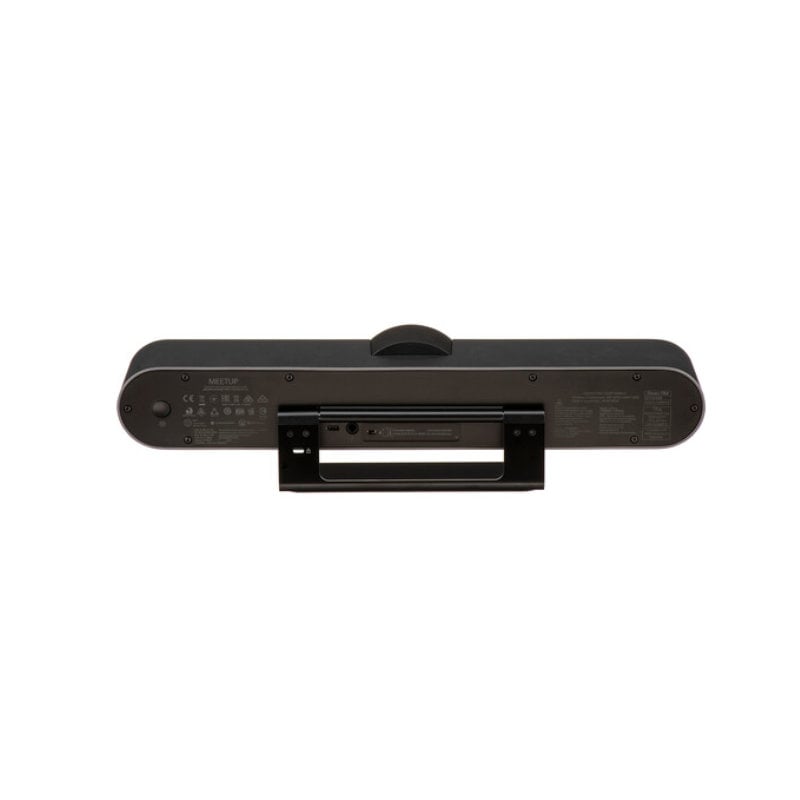
2. Can I mount this on my TV? The box includes a wall mount and a table stand. To mount it directly to your TV’s VESA points, you will need the optional Logitech TV Mount for MeetUp.
3. Does it work with Zoom and Microsoft Teams? Yes. It is officially certified for both. It is “Plug-and-Play,” meaning your computer will recognize it as a camera and speakerphone the moment you plug it in.
4. How do I extend the microphone range? If your room is slightly longer than expected, you can add the Logitech Expansion Mic for MeetUp (Ksh 25,000–30,000 approx) to increase the pickup range from 4 meters to 5 meters.
5. Can I control the camera from my phone? Yes! You can download the Logi Remote app for iOS or Android, which connects via Bluetooth and gives you full control over pan, tilt, zoom, and volume.
Buy more Webcams at Exelic Gadgets