
Experience seamless control with the Apple Magic Trackpad (USB‑C), now available in Kenya for KES 21,000. Featuring a sleek design, Force Touch technology, and USB-C charging, it delivers precision and comfort for your Mac or iPad.
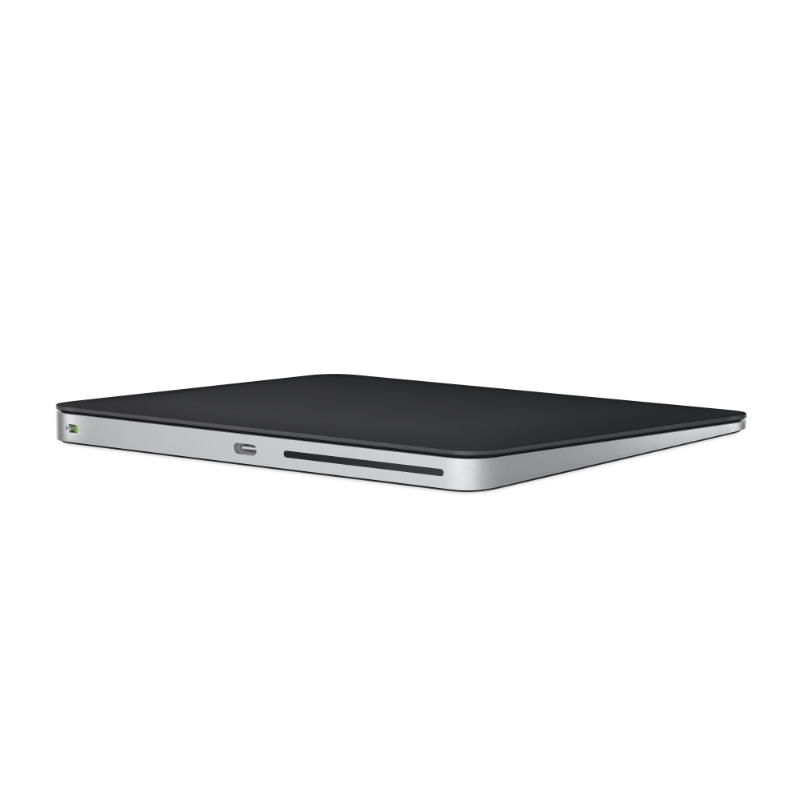

Apple Magic Trackpad (USB‑C)
Complete Your Setup
View all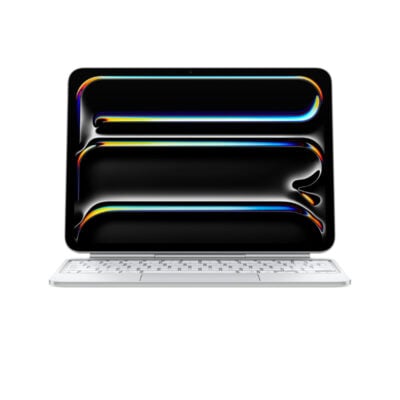
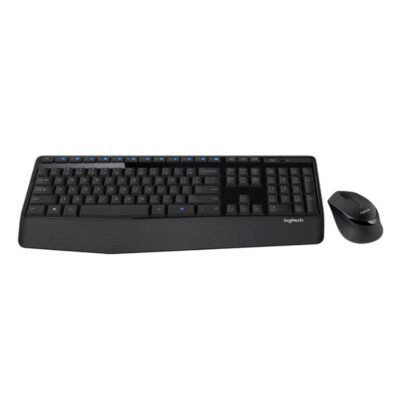
Compare Apple Magic Trackpad (USB‑C) with Similar Products
Compare Apple Magic Trackpad (USB‑C) specs, features and price with similar computer mice and alternatives.
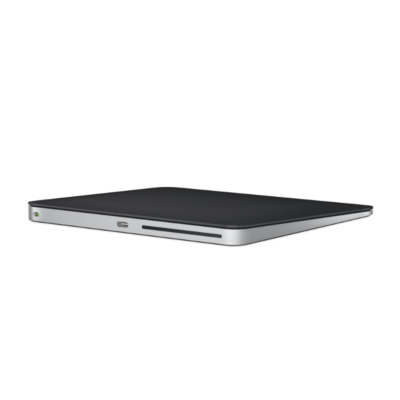
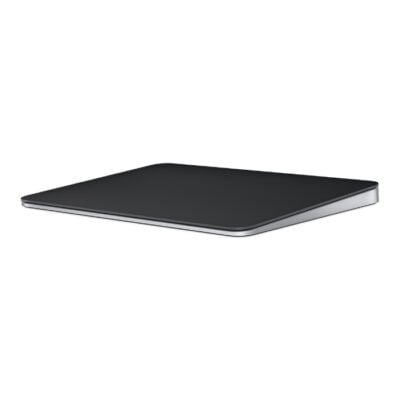
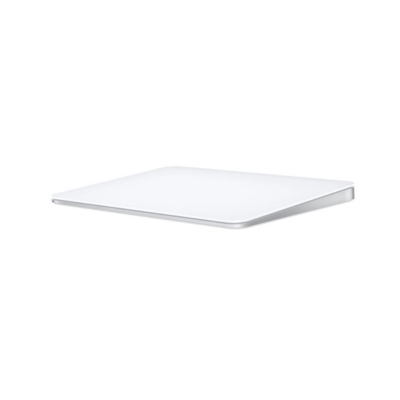
Comparison full
0 spaces availableGeneral
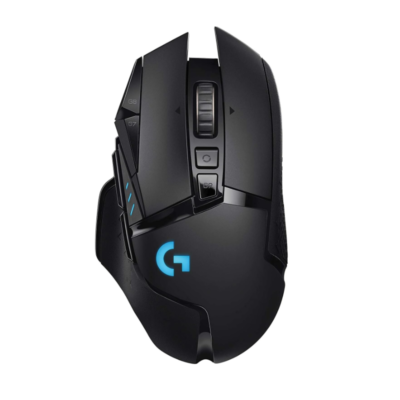
| Specification | Apple Magic Trackpad (USB‑C) | Apple Magic TrackPad | Apple Magic Trackpad 2 | Logitech G502 Lightspeed Mouse |
|---|---|---|---|---|
| Brand | Apple | Apple | Apple | Not specified |
| Model | Magic Trackpad (USB-C) | Magic Trackpad (Lightning, 2021) | Magic Trackpad 2 (A1535) | G502 LIGHTSPEED |
| Announced | 2024 | 2021 | 2015 | 2019 |
| Type | Wireless Multi-Touch trackpad | Wireless Multi-Touch trackpad | Wireless Multi-Touch trackpad | Wireless gaming mouse |
| Color | White Multi-Touch Surface; Black Multi-Touch Surface | White Multi-Touch Surface; Black Multi-Touch Surface | Silver with White Multi-Touch surface; Space Gray with Black Multi-Touch surface | Black |
Sensor & Tracking
| Specification | Apple Magic Trackpad (USB‑C) | Apple Magic TrackPad | Apple Magic Trackpad 2 | Logitech G502 Lightspeed Mouse |
|---|---|---|---|---|
| Sensor Technology | Capacitive Multi-Touch surface with Force Touch | Capacitive Multi-Touch surface with Force Touch | Capacitive Multi-Touch surface with Force Touch | HERO 25K optical sensor |
| DPI | N/A | N/A | N/A | 100–25,600 DPI |
| DPI Adjustment | N/A | N/A | N/A | Yes — 5 onboard DPI settings via Logitech G HUB |
| Tracking Speed | N/A | N/A | N/A | >400 IPS |
| Acceleration | N/A | N/A | N/A | >88 G |
| Polling Rate | Not specified | Not specified | Not specified | 1,000 Hz |
Buttons & Scrolling
| Specification | Apple Magic Trackpad (USB‑C) | Apple Magic TrackPad | Apple Magic Trackpad 2 | Logitech G502 Lightspeed Mouse |
|---|---|---|---|---|
| Number of Buttons | N/A | N/A | N/A | 11 |
| Programmable Buttons | No | No | No | Yes — 11 programmable controls |
| Gesture Button | Yes — Multi-Touch gestures | Yes — Multi-Touch gestures | Yes — Multi-Touch gestures | N/A |
| Scroll Wheel | N/A — Multi-Touch surface | N/A — Multi-Touch surface | N/A — Multi-Touch surface | Dual-mode hyper-fast tilt wheel |
| Horizontal Scroll | Yes — Multi-Touch gestures | Yes — Multi-Touch gestures | Yes — Multi-Touch gestures | Yes |
| Thumb Wheel | N/A | N/A | N/A | N/A |
| Button / Switch Type | Force Touch pressure sensors | Force Touch pressure sensors | Force Touch pressure sensors | Mechanical switches with metal-spring button tensioning |
Connectivity
| Specification | Apple Magic Trackpad (USB‑C) | Apple Magic TrackPad | Apple Magic Trackpad 2 | Logitech G502 Lightspeed Mouse |
|---|---|---|---|---|
| Connection Type | Wired & wireless | Wired & wireless | Wired & wireless | Wireless |
| Wireless Technology | Bluetooth | Bluetooth | Bluetooth | LIGHTSPEED 2.4GHz |
| Bluetooth | Yes | Yes | Yes | No |
| Wireless Receiver | N/A | N/A | N/A | USB-A LIGHTSPEED receiver |
| Multi-Device Connection | No | No | No | No |
| Cable / Connector | USB-C charging and pairing cable | USB-C to Lightning charging and pairing cable | Lightning to USB charging and pairing cable | USB-A to Micro-USB charging/data cable |
Battery & Power
| Specification | Apple Magic Trackpad (USB‑C) | Apple Magic TrackPad | Apple Magic Trackpad 2 | Logitech G502 Lightspeed Mouse |
|---|---|---|---|---|
| Battery Type | Rechargeable lithium-ion | Rechargeable lithium-ion | Rechargeable lithium-ion | Rechargeable Li-Po |
| Battery Life | About 1 month or more between charges | About 1 month or more between charges | About 1 month or more between charges | Up to 60 hours without lighting; up to 48 hours with default lighting |
| Charging Port | USB-C | Lightning | Lightning | Micro-USB |
| Wireless Charging | No | No | No | Yes — POWERPLAY compatible |
Features
| Specification | Apple Magic Trackpad (USB‑C) | Apple Magic TrackPad | Apple Magic Trackpad 2 | Logitech G502 Lightspeed Mouse |
|---|---|---|---|---|
| Customization Software | macOS and iPadOS system settings | macOS and iPadOS system settings | macOS and iPadOS system settings | Logitech G HUB |
| Onboard Memory | No | No | No | Yes |
| Profiles | N/A | N/A | N/A | Up to 5 onboard profiles |
| RGB Lighting | No | No | No | Yes — 2-zone LIGHTSYNC RGB |
| Haptic Feedback | Yes — Force Touch haptic feedback | Yes — Force Touch haptic feedback | Yes — Force Touch haptic feedback | No |
| Silent Clicks | N/A | N/A | N/A | No |
| Special Features | Force Touch; Multi-Touch gestures; automatic pairing with Mac | Force Touch; Multi-Touch gestures; automatic pairing with Mac | Force Touch; Multi-Touch gestures; automatic pairing with Mac | Adjustable weight system; POWERPLAY compatibility; onboard DPI shift; dual-mode wheel |
Design
| Specification | Apple Magic Trackpad (USB‑C) | Apple Magic TrackPad | Apple Magic Trackpad 2 | Logitech G502 Lightspeed Mouse |
|---|---|---|---|---|
| Dimensions | 160 × 114.9 × 4.9–10.9 mm | 160 × 114.9 × 4.9–10.9 mm | 160 × 114.9 × 4.9–10.9 mm | 131.2 × 75.2 × 41.1 mm |
| Weight | 230 g | 230 g | 231 g | 114 g; up to 16 g optional weights |
| Hand Orientation | Ambidextrous | Ambidextrous | Ambidextrous | Right-handed |
| Form Factor | Trackpad | Trackpad | Trackpad | Ergonomic gaming mouse |
| Grip Style | N/A | N/A | N/A | Palm / claw |
| Material | Glass Multi-Touch surface; aluminum enclosure | Glass Multi-Touch surface; aluminum enclosure | Glass Multi-Touch surface; aluminum enclosure | Plastic with rubber grips and metal scroll wheel |
System Requirements
| Specification | Apple Magic Trackpad (USB‑C) | Apple Magic TrackPad | Apple Magic Trackpad 2 | Logitech G502 Lightspeed Mouse |
|---|---|---|---|---|
| Windows | N/A | N/A | N/A | Windows 7 or later |
| macOS | macOS 15.1 or later | macOS 11.3 or later | OS X 10.11 or later | macOS 10.11 or later |
| Other Operating Systems | iPadOS 18.1 or later | iPadOS 14.5 or later | Not specified | ChromeOS |
| Required Port / Connection | Bluetooth-enabled Mac or iPad; USB-C port for charging | Bluetooth-enabled Mac or iPad; USB-C port for charging cable | Bluetooth-enabled Mac; USB port for charging | USB-A port |
| Software | None required on supported Apple devices | None required on supported Apple devices | None required on supported Apple devices | Logitech G HUB (optional for customization) |
What's in the Box
| Specification | Apple Magic Trackpad (USB‑C) | Apple Magic TrackPad | Apple Magic Trackpad 2 | Logitech G502 Lightspeed Mouse |
|---|---|---|---|---|
| In the Box | Magic Trackpad and woven USB-C charging cable | Magic Trackpad and woven USB-C to Lightning cable | Magic Trackpad 2 and Lightning to USB cable | G502 LIGHTSPEED mouse, LIGHTSPEED receiver, receiver extension adapter, charging/data cable, adjustable weights with case and user documentation |
Specs
Apple Magic Trackpad (USB‑C) specifications
General
| Brand | Apple |
|---|---|
| Model | Magic Trackpad (USB-C) |
| Announced | 2024 |
| Type | Wireless Multi-Touch trackpad |
| Color | White Multi-Touch Surface; Black Multi-Touch Surface |
| Dimensions | 160 × 114.9 × 4.9–10.9 mm |
| Weight | 230 g |
Sensor & Tracking
| Sensor Technology | Capacitive Multi-Touch surface with Force Touch |
|---|---|
| DPI | N/A |
| DPI Adjustment | N/A |
| Tracking Speed | N/A |
| Acceleration | N/A |
| Polling Rate | Not specified |
Buttons & Scrolling
| Number of Buttons | N/A |
|---|---|
| Programmable Buttons | No |
| Gesture Button | Yes — Multi-Touch gestures |
| Scroll Wheel | N/A — Multi-Touch surface |
| Horizontal Scroll | Yes — Multi-Touch gestures |
| Thumb Wheel | N/A |
| Button / Switch Type | Force Touch pressure sensors |
Connectivity
| Connection Type | Wired & wireless |
|---|---|
| Wireless Technology | Bluetooth |
| Bluetooth | Yes |
| Wireless Receiver | N/A |
| Wireless Range | Not specified |
| Multi-Device Connection | No |
| Cable / Connector | USB-C charging and pairing cable |
| Cable Length | Not specified |
Battery & Power
| Battery Type | Rechargeable lithium-ion |
|---|---|
| Battery Capacity | Not specified |
| Battery Life | About 1 month or more between charges |
| Charging Port | USB-C |
| Charging Time | Not specified |
| Fast Charging | Not specified |
| Wireless Charging | No |
Features
| Customization Software | macOS and iPadOS system settings |
|---|---|
| Onboard Memory | No |
| Profiles | N/A |
| RGB Lighting | No |
| Haptic Feedback | Yes — Force Touch haptic feedback |
| Silent Clicks | N/A |
| Special Features | Force Touch; Multi-Touch gestures; automatic pairing with Mac |
Design
| Hand Orientation | Ambidextrous |
|---|---|
| Form Factor | Trackpad |
| Grip Style | N/A |
| Material | Glass Multi-Touch surface; aluminum enclosure |
System Requirements
| Windows | N/A |
|---|---|
| macOS | macOS 15.1 or later |
| Other Operating Systems | iPadOS 18.1 or later |
| Required Port / Connection | Bluetooth-enabled Mac or iPad; USB-C port for charging |
| Software | None required on supported Apple devices |
What's in the Box
| In the Box | Magic Trackpad and woven USB-C charging cable |
|---|