Product details
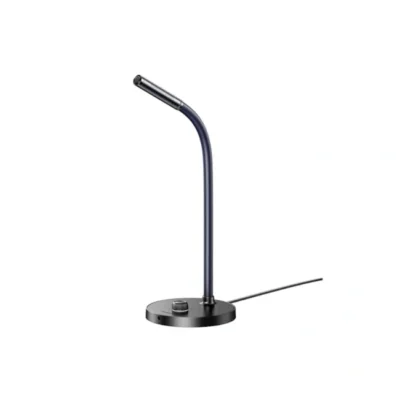
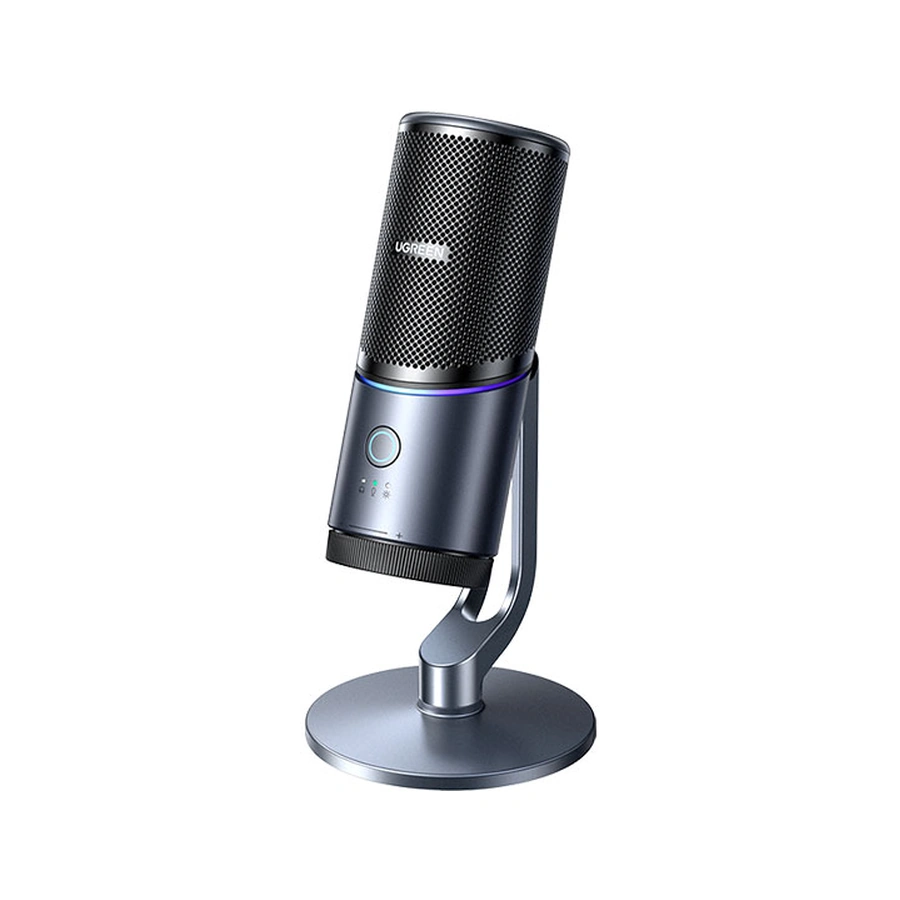
The UGREEN USB desktop microphone provides a dedicated microphone for recording and live-streaming setups. It combines a supported desktop mount with controls on the microphone body, allowing the unit to be positioned close to the speaker. The design is intended for uses such as spoken recordings, podcast production and live audio where a separate microphone is preferable to a built-in computer microphone.
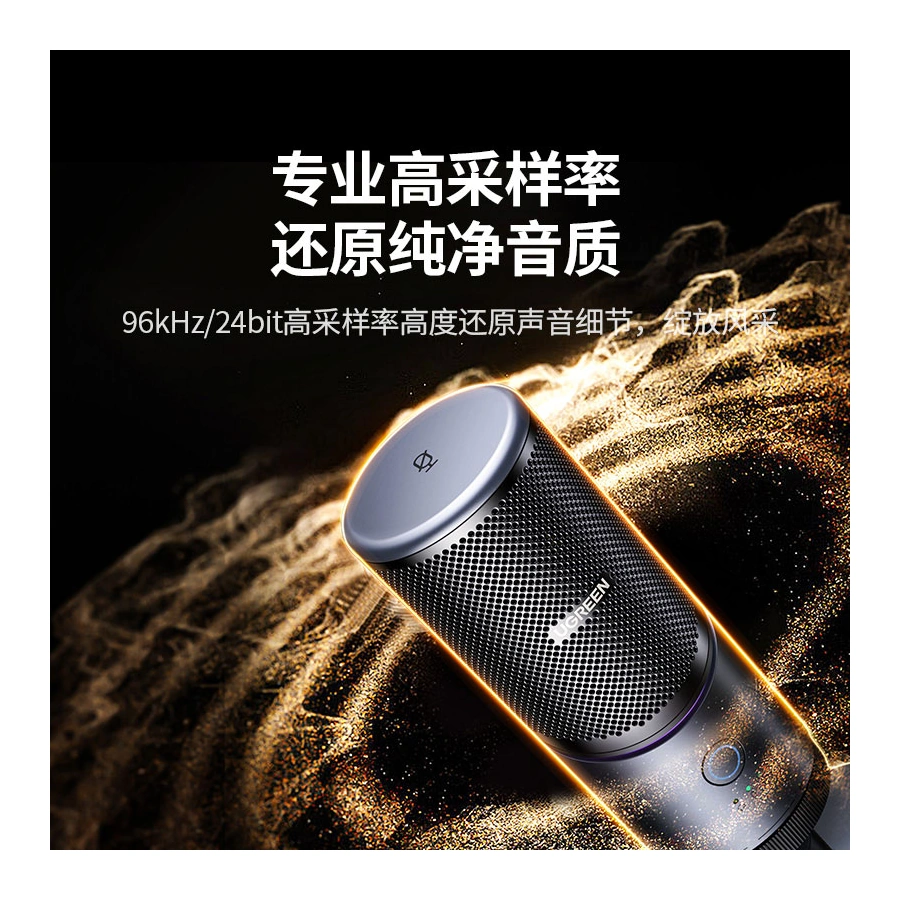
Digital recording support reaches a sample rate of 96kHz with 24-bit depth. Those figures describe the supported audio format, while the recording application and connected equipment determine the settings actually used. Select the format that suits the recording workflow. A higher supported sample rate should be considered alongside microphone placement and the acoustic conditions of the room.
DSP noise-reduction processing is included in the microphone’s design. It is intended to reduce unwanted background sound during recording, but the location of the microphone and surrounding noise remain relevant. Placing the microphone appropriately for the voice and managing nearby sources of noise are still useful parts of a desktop recording arrangement.
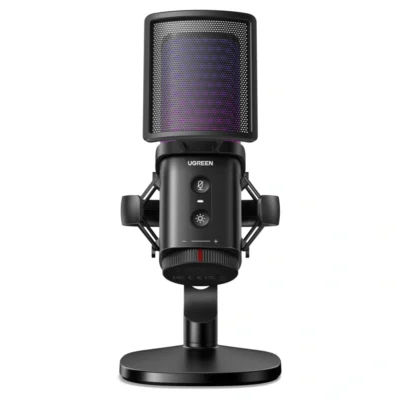
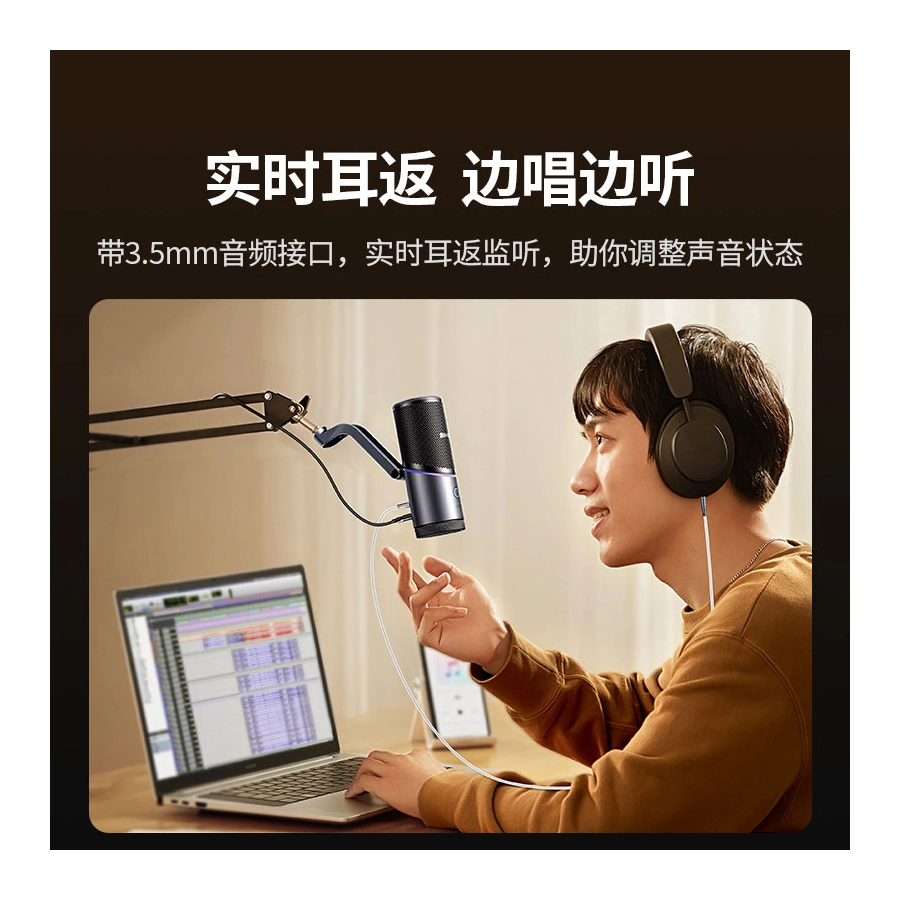
A 3.5-millimetre headphone connection provides live monitoring, allowing supported headphones to be connected at the microphone. The body also includes touch controls and a multifunction adjustment dial. UGREEN identifies seven RGB lighting effects, giving a selectable visual element for a streaming desk. The lighting and control functions are separate from the digital recording format and should be chosen according to the way the microphone is being used.
The included desktop support provides a stable placement point and allows the microphone position to be adjusted. This suits a desk where the speaker needs the microphone within reach for monitoring and control. Choose this model for a dedicated USB microphone arrangement with a defined recording format, DSP processing and direct headphone monitoring. Configure the microphone in the recording application and check the input level before beginning a longer recording or live session.