Connections
- iPad Pro 13-inch Magic Keyboard
- Magnetic attachment to a compatible iPad
- Microsoft Surface Pro Flex keyboard with Slim Pen
- Bluetooth Low Energy

Keyboard comparison
Compare layout, connection, battery and typing feel.
01Selected 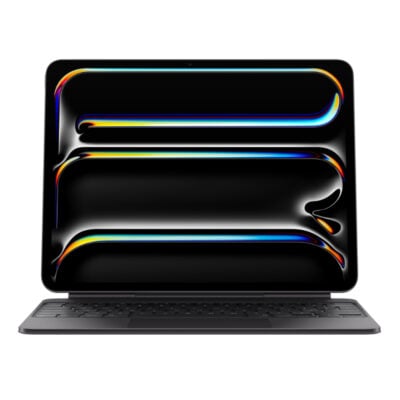 iPad Pro 13-inch (M4/M5) Magic Keyboard
KSh 53,000In Stock | 02 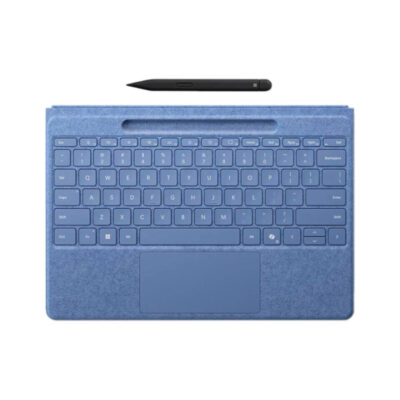 Microsoft Surface Pro Flex keyboard with Slim Pen
KSh 48,000In Stock |
|---|
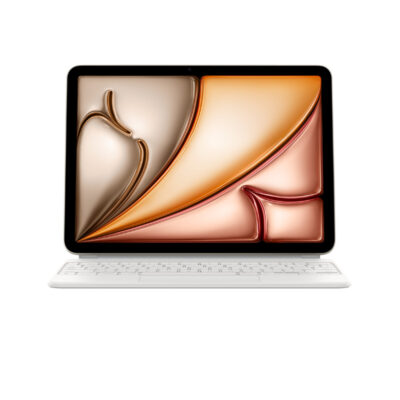
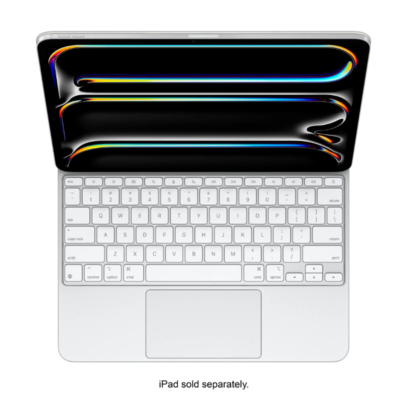
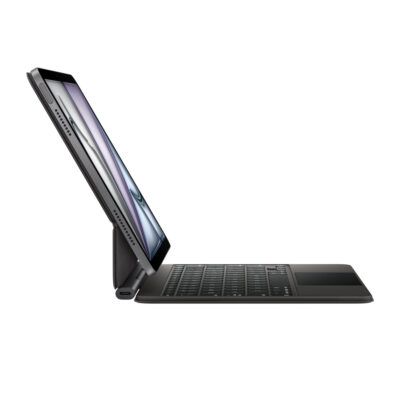
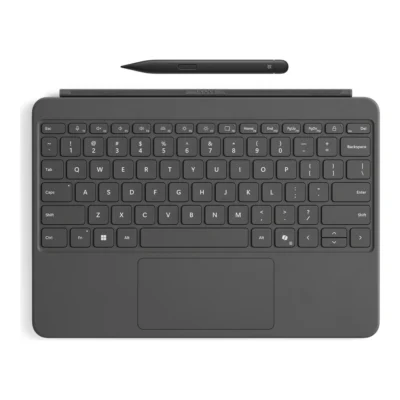
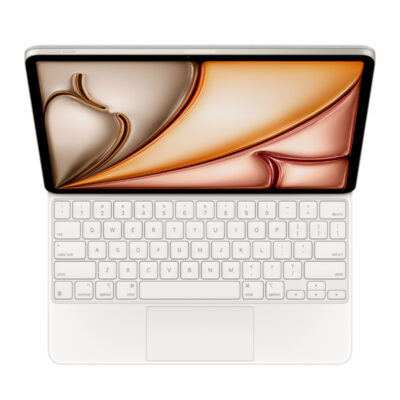
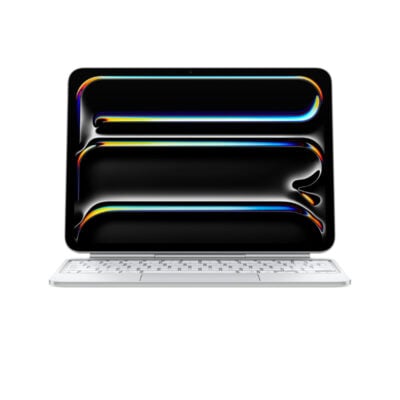
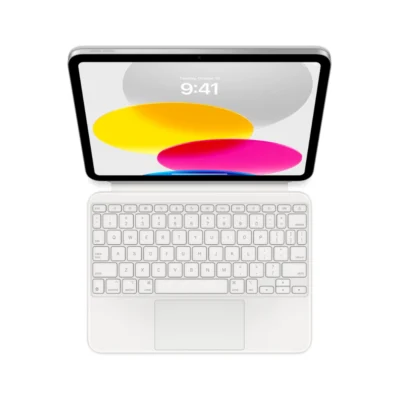
The iPad Pro 13-inch Magic Keyboard and Microsoft Surface Pro Flex keyboard with Slim Pen are closely matched on published specifications; they differ in type (iPad keyboard cover with trackpad vs wireless and detachable keyboard cover) and connection type (magnetic attachment to a compatible iPad vs wireless and Surface magnetic connector).
This comparison is partial: only 9 of the 35 specifications are published for both products. The iPad Pro 13-inch Magic Keyboard does not list layout, Wireless Technology or Bluetooth; the Microsoft Surface Pro Flex keyboard with Slim Pen does not list Total Travel.
The main differences to help you choose.
| Priority | iPad Pro 13-inch Magic Keyboard | Microsoft Surface Pro Flex keyboard with Slim Pen |
|---|---|---|
| Connections | Magnetic attachment to a compatible iPad | Bluetooth Low Energy |
| Charging port | USB-C pass-through charging for iPad | Charges while attached to compatible Surface Pro |
| Type | iPad keyboard cover with trackpad | Wireless and detachable keyboard cover |
| Dedicated multimedia keys | 14-key function row for brightness, volume and other controls | Yes, function-row shortcuts |
| Switch type | Scissor mechanism | Scissor |
| Backlighting | Backlit keys | White |
Tick a topic above to see how each product answers it.
Explore the full specifications, section by section.
| Specification | iPad Pro 13-inch (M4/M5) Magic Keyboard | Microsoft Surface Pro Flex keyboard with Slim Pen |
|---|---|---|
| Brand | Apple | Microsoft |
| Model | Magic Keyboard for iPad Pro 13-inch (M4/M5) | Surface Pro Flex Keyboard with Slim Pen |
| Type | iPad keyboard cover with trackpad | Wireless and detachable keyboard cover |
| Color | Black, White | Black; Bright Sapphire |
| Material | Aluminum palm rest and machined aluminum hinge | Alcantara-covered keyboard deck |
| Announced | — | 2024 |
| Layout | — | Compact notebook-style |
| Specification | iPad Pro 13-inch (M4/M5) Magic Keyboard | Microsoft Surface Pro Flex keyboard with Slim Pen |
|---|---|---|
| Dimensions | — | 289.1 × 226.1 × 5.25 mm |
| Weight | — | 340 g |
| Specification | iPad Pro 13-inch (M4/M5) Magic Keyboard | Microsoft Surface Pro Flex keyboard with Slim Pen |
|---|---|---|
| Connection Type | Magnetic attachment to a compatible iPad; no wireless pairing required | Wireless and Surface magnetic connector |
| Wireless Technology | — | Bluetooth Low Energy |
| Bluetooth | — | Bluetooth Low Energy |
| Wireless Receiver | — | Not applicable |
| Multi-Device Connection | — | No |
| Connector | — | Surface Pro magnetic interface connector |
| Cable | — | — |
| Cable Length | — | — |
| Specification | iPad Pro 13-inch (M4/M5) Magic Keyboard | Microsoft Surface Pro Flex keyboard with Slim Pen |
|---|---|---|
| Switch Type | Scissor mechanism | Scissor |
| Total Travel | 1mm | — |
| Dedicated Multimedia Keys | 14-key function row for brightness, volume and other controls | Yes — function-row shortcuts |
| Switches | — | Mechanical scissor keys |
| Switch Options | — | Not applicable |
| Programmable Keys | — | Yes — Copilot key and adaptive touchpad gestures |
| Numeric Keypad | — | No |
| Specification | iPad Pro 13-inch (M4/M5) Magic Keyboard | Microsoft Surface Pro Flex keyboard with Slim Pen |
|---|---|---|
| Charging Port | USB-C pass-through charging for iPad; this port does not transmit data | Charges while attached to compatible Surface Pro |
| Battery Type | — | Built-in rechargeable battery |
| Battery Life | — | Up to 41 hours detached continuous typing |
| Power Switch | — | Not applicable |
| Battery Indicator | — | Yes — Windows battery status |
| Specification | iPad Pro 13-inch (M4/M5) Magic Keyboard | Microsoft Surface Pro Flex keyboard with Slim Pen |
|---|---|---|
| Backlighting | Backlit keys | White |
| Special Features | Floating adjustable hinge, glass trackpad with haptic feedback, and front/back protection | Works attached or detached; precision haptic touchpad; Slim Pen storage and charging; Copilot key |
| Lighting Technology | — | Backlit keys |
| Brightness Adjustment | — | Yes |
| Ambient Light Sensor | — | No |
| Proximity Sensor | — | No |
| Wrist Rest | — | Integrated keyboard deck |
| Customization Software | — | Windows Settings; Surface app |
| Onboard Memory | — | No |
| Profiles / Macros | — | No |
| Specification | iPad Pro 13-inch (M4/M5) Magic Keyboard | Microsoft Surface Pro Flex keyboard with Slim Pen |
|---|---|---|
| Other Operating Systems | iPad Pro 13-inch (M4 or M5), with iPadOS 17.4 or later | No |
| Windows | — | Windows 11 on compatible Surface Pro |
| macOS | — | No |
| Required Port / Connection | — | Compatible Surface Pro magnetic connector or Bluetooth Low Energy |
| Software | — | Surface app optional |
| Specification | iPad Pro 13-inch (M4/M5) Magic Keyboard | Microsoft Surface Pro Flex keyboard with Slim Pen |
|---|---|---|
| In the Box | — | Surface Pro Flex Keyboard, Surface Slim Pen, safety and warranty documents |
These products have the same published specifications.
iPad Pro 13-inch Magic and Microsoft Surface Pro Flex are closely matched on the features compared here.
Back to compared products ↑For iPad Pro 13-inch (M4/M5) Magic KeyboardMagic Keyboard for iPad Pro 13‑inch (M4)View product ↗For iPad Pro 13-inch (M4/M5) Magic KeyboardApple iPad Pro 11-inch M4 Magic KeyboardView product ↗For Microsoft Surface Pro Flex keyboard with Slim PenMicrosoft Surface Pro 12-inch Keyboard with Slim PenView product ↗For Microsoft Surface Pro Flex keyboard with Slim PeniPad Air Magic Keyboard 11" M4View product ↗iPad Pro 13-inch (M4/M5) Magic KeyboardVSMagic Keyboard for iPad Air 11-inch (M2)iPad Pro 13-inch (M4/M5) Magic KeyboardVSMagic Keyboard for iPad Pro 13‑inch (M4)iPad Pro 13-inch (M4/M5) Magic KeyboardVSiPad Air Magic Keyboard 11" M4iPad Pro 13-inch (M4/M5) Magic KeyboardVSMicrosoft Surface Pro 12-inch Keyboard with Slim PenApple iPad Pro 12.9-inch M2 Magic Keyboard (4th Gen)VSiPad Pro 13-inch (M4/M5) Magic KeyboardApple iPad Pro 11-inch M4 Magic KeyboardVSiPad Pro 13-inch (M4/M5) Magic KeyboardApple Magic Keyboard Folio for iPad (10th Gen)VSiPad Pro 13-inch (M4/M5) Magic Keyboard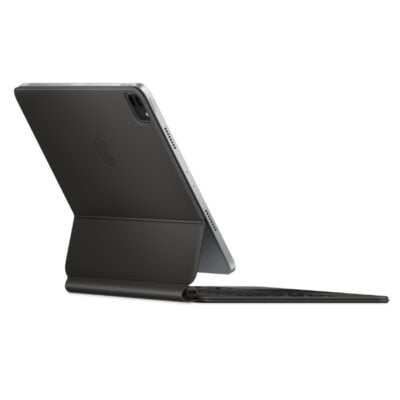 Magic Keyboard for iPad Pro 11-inchVSiPad Pro 13-inch (M4/M5) Magic Keyboard
We are here to serve you