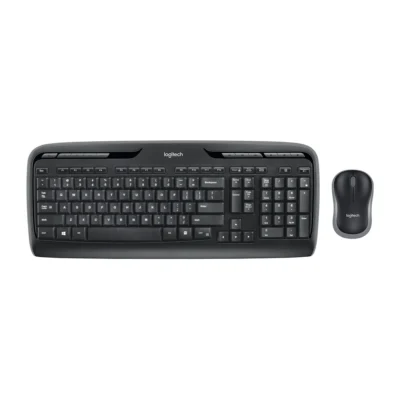
Battery capacity
- Logitech K360
- Two replaceable AA alkaline batteries
- Logitech MK220
- Keyboard: 2 × AAA; mouse: 2 × AA

Keyboard comparison
Compare layout, connection, battery and typing feel.
01Selected 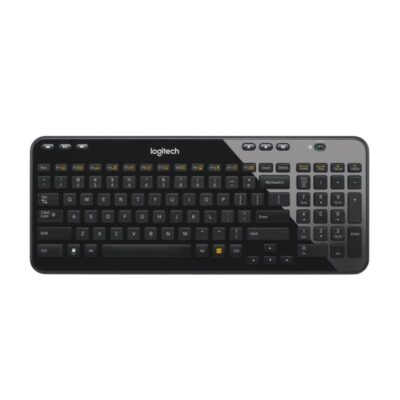 Logitech K360
KSh 4,500Out of Stock | 02 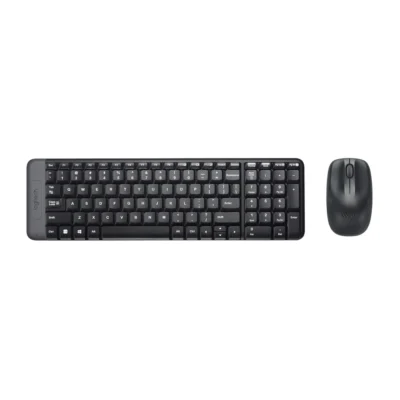 Logitech MK220
KSh 4,000In Stock |
|---|
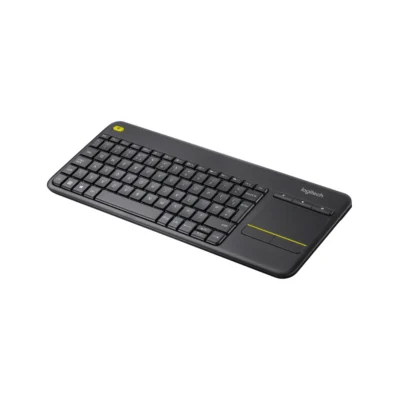
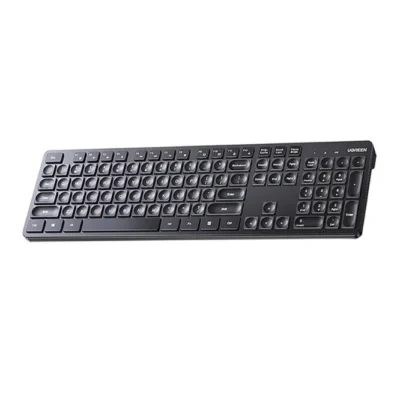
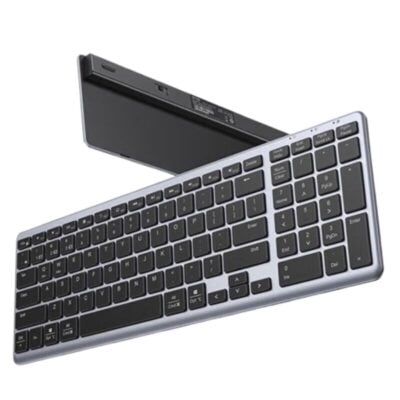
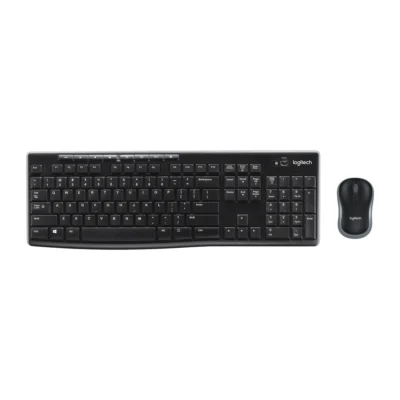
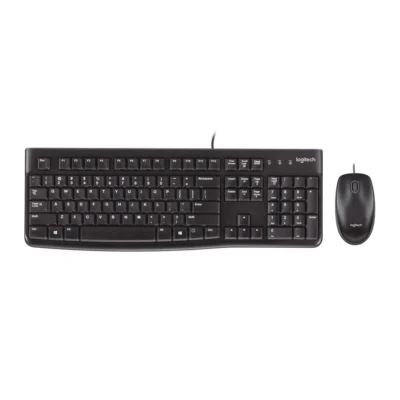
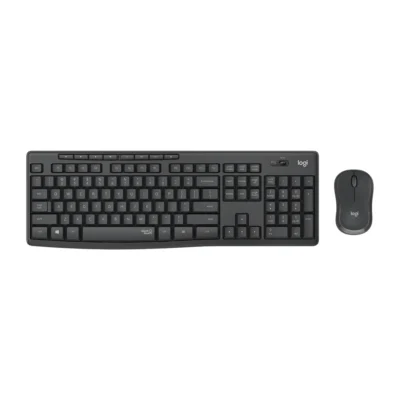
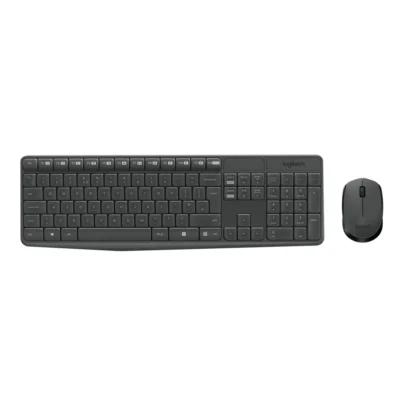
The Logitech K360 is a wireless desktop keyboard, while the Logitech MK220 is a keyboard and mouse combo.
The main differences to help you choose.
| Priority | Logitech K360 | Logitech MK220 |
|---|---|---|
| Connections | 2.4GHz Logitech Unifying wireless connection through a USB | 2.4 GHz wireless USB receiver |
| Battery life | Up to three years | Up to 24 months of battery life |
| Battery capacity | Battery: Two replaceable AA alkaline batteries | Battery: Keyboard: 2 × AAA; mouse: 2 × AA |
| Type | Wireless desktop keyboard | Keyboard and mouse combo |
Tick a topic above to see how each product answers it.
Explore the full specifications, section by section.
| Specification | Logitech K360 | Logitech MK220 |
|---|---|---|
| Brand | Logitech | Logitech |
| Model | Wireless Keyboard K360 | MK220 (920-003161) |
| Type | Wireless desktop keyboard | Keyboard and mouse combo |
| Layout | — | US International (QWERTY) |
| Color | — | Black |
| Specification | Logitech K360 | Logitech MK220 |
|---|---|---|
| Dimensions | — | 112 × 381 × 17.78 mm |
| Weight | — | 320 g |
| Specification | Logitech K360 | Logitech MK220 |
|---|---|---|
| Connection Type | 2.4GHz Logitech Unifying wireless connection through a USB receiver | 2.4 GHz wireless USB receiver |
| Wireless Receiver | USB 2.0 Full Speed nano receiver | USB receiver included |
| Wireless Range | Up to 10m, depending on conditions | Up to 10 m |
| Specification | Logitech K360 | Logitech MK220 |
|---|---|---|
| Battery Type | Two replaceable AA alkaline batteries | Keyboard: 2 × AAA; mouse: 2 × AA |
| Battery Life | Up to three years; actual runtime depends on use | Up to 24 months keyboard; up to 12 months mouse |
| Power Switch | On/off switch | — |
| Specification | Logitech K360 | Logitech MK220 |
|---|---|---|
| Windows | Windows XP, Vista and 7, as listed in the release specifications | Windows 10, 11 or later |
| Other Operating Systems | — | ChromeOS |
| Specification | Logitech K360 | Logitech MK220 |
|---|---|---|
| Switch Type | — | Deep-profile keys |
| Numeric Keypad | — | Yes |
| Specification | Logitech K360 | Logitech MK220 |
|---|---|---|
| Special Features | — | Deep-profile keys; music controls Mouse: 107 × 60 × 40 mm; 112 g; optical tracking; three buttons; line-by-line scrolling. Keyboard: 2 × AAA; mouse: 2 × AA; up to 10 m wireless range. |
| Specification | Logitech K360 | Logitech MK220 |
|---|---|---|
| In the Box | — | Keyboard with 2 AAA batteries; Mouse with 2 AA batteries; USB receiver; User documentation |
These products have the same published specifications.
Get the Logitech K360 if you want a wireless desktop keyboard, or the Logitech MK220 if you want a keyboard and mouse combo.
Back to compared products ↑Logitech K360VSLogitech K400 PlusLogitech K360VSUGREEN Wireless Chocolate Membrane KeyboardLogitech K360VSUGREEN Ultra Slim Wireless KeyboardLogitech MK270VSLogitech K360Logitech K360VSLogitech MK120 Keyboard and Mouse ComboLogitech K360VSLogitech MK295Logitech K360VSLogitech MK235Logitech K360VS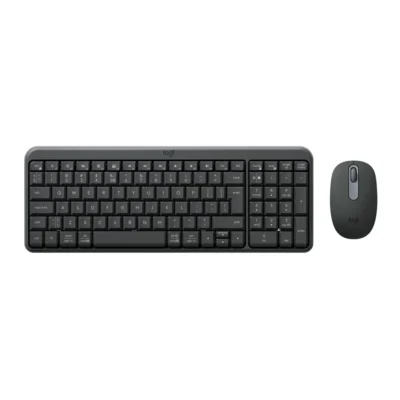 Logitech MK250 Mouse and Keyboard Combo
We are here to serve you
Keep a link to this cart, or ask us to send it to you. Reminders are optional.
You may send me reminders about this cart on the channels I select. I can opt out at any time.
Only the details you provide here or in checkout are used. Reminders are optional. Privacy notice