Weight
- Logitech MK120 Keyboard and Mouse Combo
- 550 g
- Logitech MK250 Mouse and Keyboard Combo
- 380 g

Keyboard and mouse comparison
Compare sensor, connection, battery and comfort.
01Selected 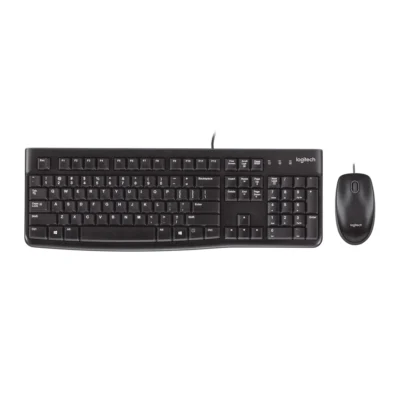 Logitech MK120 Keyboard and Mouse Combo
KSh 3,500In Stock | 02 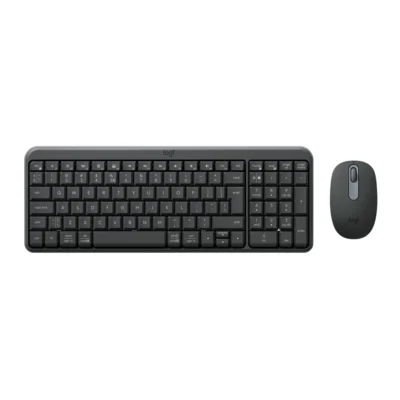 Logitech MK250 Mouse and Keyboard Combo
KSh 4,450In Stock |
|---|
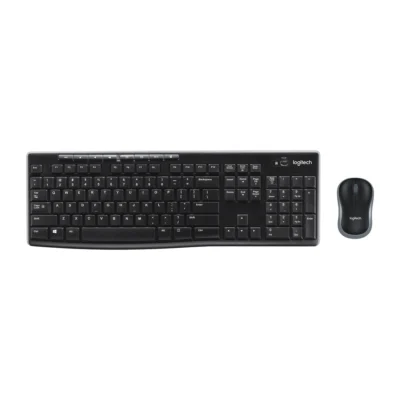
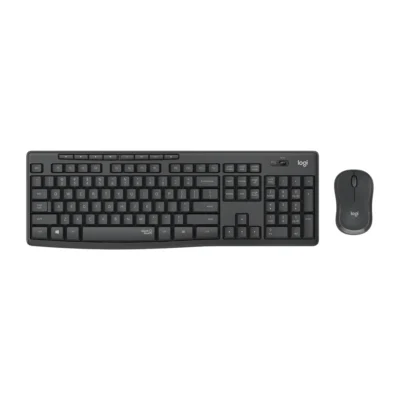
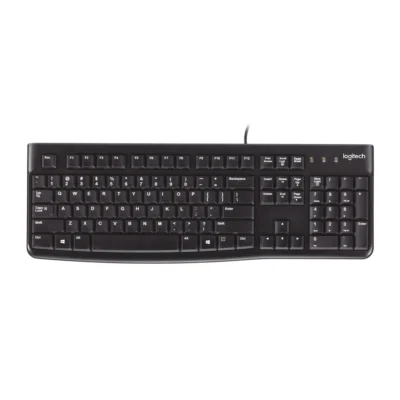
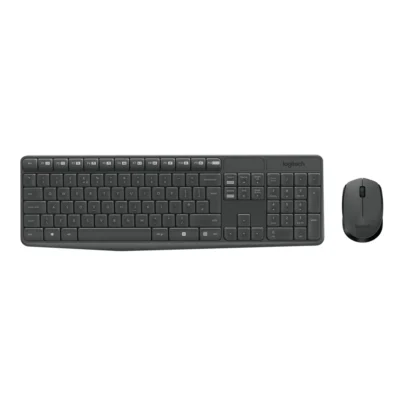
Choose the Logitech MK120 Keyboard and Mouse Combo if you want a lower price (KSh 950 less). Choose the Logitech MK250 Mouse and Keyboard Combo if you want Bluetooth Low Energy and a lighter build (380 g).
The main differences to help you choose.
| Priority | Logitech MK120 Keyboard and Mouse Combo | Logitech MK250 Mouse and Keyboard Combo |
|---|---|---|
| Connections | Wired USB | Bluetooth Low Energy |
| Battery life | USB powered | Up to 12 months of battery life |
| Weight | 550 g | 380 g |
| Battery capacity | Battery: USB powered | Battery: Keyboard: 2 × AAA; mouse: 1 × AA |
Tick a topic above to see how each product answers it.
Explore the full specifications, section by section.
| Specification | Logitech MK120 Keyboard and Mouse Combo | Logitech MK250 Mouse and Keyboard Combo |
|---|---|---|
| Brand | Logitech | Logitech |
| Model | MK120 (920-002562) | MK250 (920-013519) |
| Type | Keyboard and mouse combo | Keyboard and mouse combo |
| Layout | US International (QWERTY) | English International (QWERTY) |
| Color | Black | Graphite |
| Specification | Logitech MK120 Keyboard and Mouse Combo | Logitech MK250 Mouse and Keyboard Combo |
|---|---|---|
| Dimensions | 155 × 450 × 23.5 mm | 136.9 mm × 369.9 mm × 22.8 mm |
| Weight | 550 g | 380 g |
| Specification | Logitech MK120 Keyboard and Mouse Combo | Logitech MK250 Mouse and Keyboard Combo |
|---|---|---|
| Connection Type | Wired USB | Bluetooth Low Energy |
| Bluetooth | No | Bluetooth Low Energy |
| Connector | USB-A | — |
| Cable Length | Keyboard: 1.5 m; mouse: 1.8 m | — |
| Wireless Receiver | — | No receiver required |
| Wireless Range | — | 10 m |
| Specification | Logitech MK120 Keyboard and Mouse Combo | Logitech MK250 Mouse and Keyboard Combo |
|---|---|---|
| Switch Type | Deep-profile plunger keys | — |
| Numeric Keypad | Yes | Yes |
| Specification | Logitech MK120 Keyboard and Mouse Combo | Logitech MK250 Mouse and Keyboard Combo |
|---|---|---|
| Battery Type | USB powered | Keyboard: 2 × AAA; mouse: 1 × AA |
| Battery Life | USB powered | Up to 12 months keyboard and mouse |
| Battery Indicator | — | Connectivity LED |
| Specification | Logitech MK120 Keyboard and Mouse Combo | Logitech MK250 Mouse and Keyboard Combo |
|---|---|---|
| Special Features | Deep-profile keys; adjustable tilt legs Keyboard: 1.5 m cable. Mouse: 113 × 62 × 38 mm; 90 g; 1.8 m cable; 1,000 DPI optical sensor; three buttons; line-by-line scrolling. | Three-button 1,000 DPI optical mouse; No USB receiver required Included mouse: Dimensions: 100 mm × 60 mm × 38 mm Weight: 76 g Sensor technology: Smooth optical tracking (1,000 DPI) Buttons: On/Off power buttons Scrolling: Line-by-line scrolling Scroll wheel: 2D, mechanical Connect/Power: Long press On/Off power buttons for pairing Battery type: Alkaline battery Battery life: 12 months Wireless technology: Bluetooth® Low Energy Technology Wireless operating distance: 10 m Number of Batteries: 1xAA (included) Indicator lights: Connectivity LED Number of buttons: 3 (Left/Right-click, Scroll-wheel with middle click) |
| Specification | Logitech MK120 Keyboard and Mouse Combo | Logitech MK250 Mouse and Keyboard Combo |
|---|---|---|
| Windows | Windows 7, 8, 10 or later | Windows 10 or later |
| macOS | — | macOS 12 or later |
| Specification | Logitech MK120 Keyboard and Mouse Combo | Logitech MK250 Mouse and Keyboard Combo |
|---|---|---|
| In the Box | Keyboard; Mouse; User documentation | 1x keyboard with 2x AAA batteries (pre-installed); 1x mouse with 1x AA battery (pre-installed); 1x User documentation; 1x QSG printed on packaging |
These products have the same published specifications.
Choose MK250 for a Bluetooth connection and a lighter build; MK120 is the cheaper choice if you do not need a Bluetooth connection.
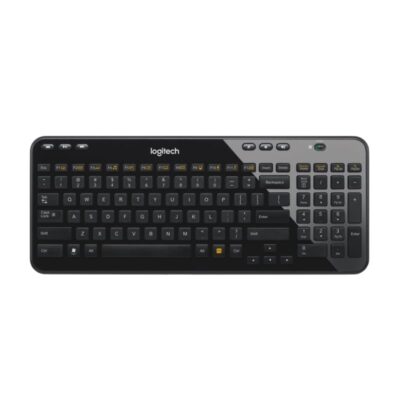
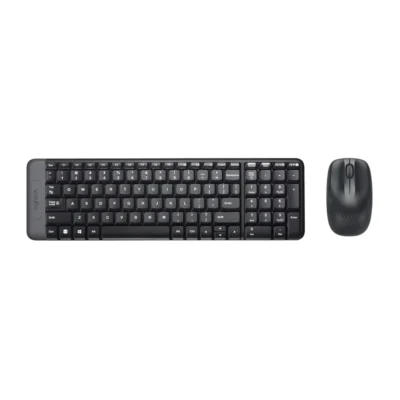
Back to compared products ↑For Logitech MK120 Keyboard and Mouse ComboLogitech K120View product ↗For Logitech MK120 Keyboard and Mouse ComboUGREEN Wireless Chocolate Membrane KeyboardView product ↗For Logitech MK250 Mouse and Keyboard ComboLogitech MK270View product ↗For Logitech MK250 Mouse and Keyboard ComboLogitech MK220View product ↗Logitech K360VSLogitech MK120 Keyboard and Mouse ComboLogitech MK120 Keyboard and Mouse ComboVSLogitech MK220Logitech MK270VSLogitech MK120 Keyboard and Mouse ComboLogitech MK120 Keyboard and Mouse ComboVSLogitech MK295Logitech MK120 Keyboard and Mouse ComboVSLogitech K120Logitech MK120 Keyboard and Mouse ComboVSLogitech MK235Logitech MK120 Keyboard and Mouse ComboVSUGREEN Wireless Chocolate Membrane KeyboardWe are here to serve you