Camera
- Logitech BRIO Ultra HD Pro Webcam
- Video: 4K at 30 fps; 1080p at 60 fps; 720p at 90 fps
- Logitech MX Brio Webcam
- Video: 4K at 30 fps; 1080p at 60 fps

Webcam comparison
Compare video quality, framing, microphones and setup.
01Selected 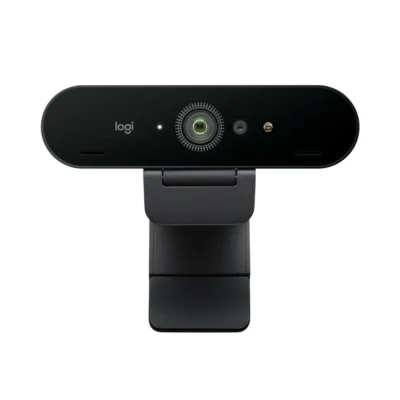 Logitech BRIO Ultra HD Pro Webcam
KSh 27,500In Stock | 02 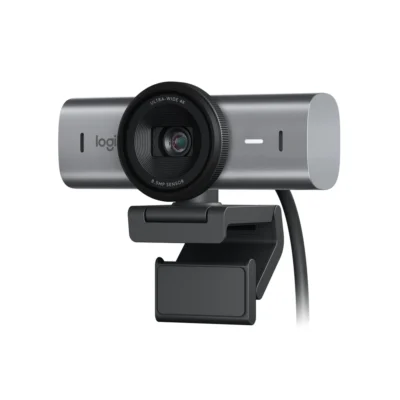 Logitech MX Brio Webcam
KSh 27,500In Stock |
|---|
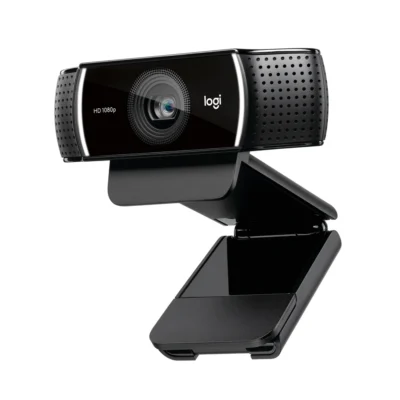
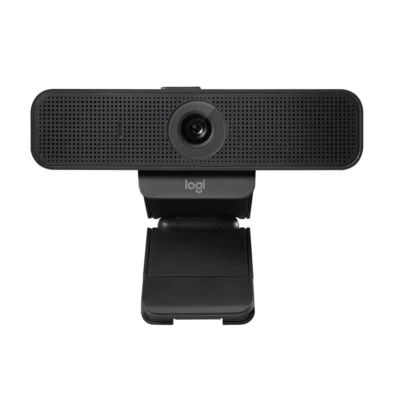
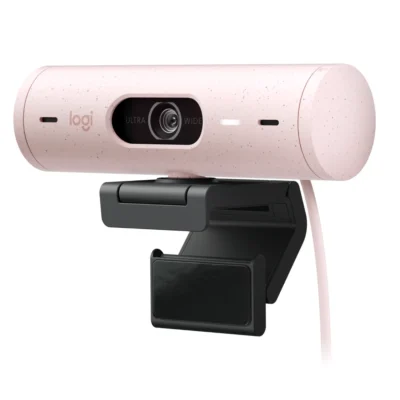
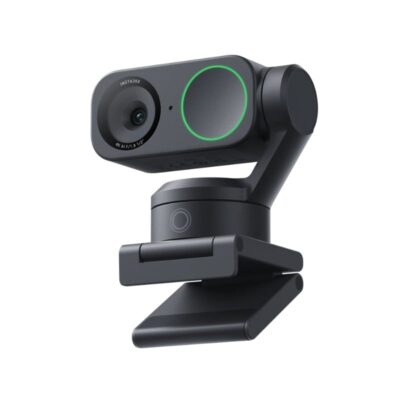
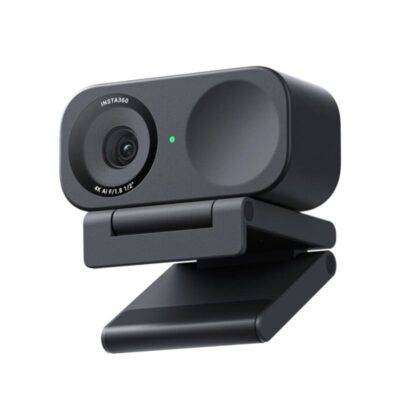
Choose the Logitech BRIO Ultra HD Pro Webcam if you want a lighter build (65 g) and frame rates of up to 90 fps.
The main differences to help you choose.
No clear advantage over the Logitech BRIO Ultra HD Pro Webcam in the published specifications. Check the detailed comparison for features that matter to you.
| Priority | Logitech BRIO Ultra HD Pro Webcam | Logitech MX Brio Webcam |
|---|---|---|
| Camera | Video: 4K at 30 fps; 1080p at 60 fps; 720p at 90 fps | Video: 4K at 30 fps; 1080p at 60 fps |
| Audio | Dual omnidirectional noise-canceling microphones | Dual beamforming noise-reducing microphones |
| Connections | USB-A | USB-C to USB-C cable supporting USB 3.0 |
| Controls | Software image controls | Rotating privacy shutter |
| Mounting | Detachable universal mounting clip | Detachable universal mounting clip |
| Weight | 65 g | 137 g |
| Cable length | 1.5 m cable for extra reach | 1.5 m cable for extra reach |
| Noise reduction | Noise-canceling dual omnidirectional microphones | AI-assisted dual beamforming microphone noise reduction |
| USB standard | USB 3.0, USB 2.0 compatible | USB 3.0 |
| Software / app | Logi Tune | Logi Options+ or Logitech G HUB on supported Windows/macOS computers |
| Privacy shutter | Attachable | Built-in privacy shutter |
| Field of view | 65°, 78° or 90° diagonal | 90°/78°/65° |
| Interfaces | USB-C camera port, supplied USB-A to USB-C cable | USB-C |
Tick a topic above to see how each product answers it.
Explore the full specifications, section by section.
| Specification | Logitech BRIO Ultra HD Pro Webcam | Logitech MX Brio Webcam |
|---|---|---|
| Brand | Logitech | Logitech |
| Model | Brio 4K (960-001724) | MX Brio — Graphite: 960-001559; Pale Gray: 960-001554 |
| Type | USB webcam | USB webcam |
| Color | Black | Graphite; Pale Gray |
| Specification | Logitech BRIO Ultra HD Pro Webcam | Logitech MX Brio Webcam |
|---|---|---|
| Dimensions | 27 × 102 × 26.5 mm (webcam) | 98 × 44 × 36 mm (W × H × D), camera only; 98 × 62 × 52 mm with closed mount |
| Weight | 65 g excluding cable | 137 g webcam only; 176 g with mount |
| Specification | Logitech BRIO Ultra HD Pro Webcam | Logitech MX Brio Webcam |
|---|---|---|
| Image Sensor | 13 MP | 8.5 MP Sony STARVIS |
| Video Resolution | 4K at 30 fps; 1080p at 60 fps; 720p at 90 fps | 4K at 30 fps; 1080p at 60 fps |
| Lens | Glass | Glass |
| Field of View | 65°, 78° or 90° diagonal | 90°/78°/65° |
| Focus | Autofocus | Advanced Autofocus |
| Zoom | 5× digital zoom | 4x digital zoom |
| HDR | Yes | Yes |
| Exposure / Image Control | RightLight 3 | RightLight 5; HDR; white balance and exposure controls |
| Specification | Logitech BRIO Ultra HD Pro Webcam | Logitech MX Brio Webcam |
|---|---|---|
| Microphones | Dual omnidirectional noise-canceling microphones | Dual beamforming noise-reducing microphones |
| Microphone Pickup Range | Up to 1.2 m | Up to 1.2 m |
| Noise Reduction | Noise-canceling dual omnidirectional microphones | AI-assisted dual beamforming microphone noise reduction |
| Specification | Logitech BRIO Ultra HD Pro Webcam | Logitech MX Brio Webcam |
|---|---|---|
| Connection | USB-A; USB-C with a separate adapter | USB-C to USB-C cable supporting USB 3.0 |
| USB Standard | USB 3.0; USB 2.0 compatible | USB 3.0 |
| Cable Length | 1.5 m | 1.5 m |
| Interfaces | USB-C camera port; supplied USB-A to USB-C cable | USB-C |
| Wireless Connectivity | No | No |
| Mounting | Detachable universal mounting clip | Detachable universal mounting clip |
| Tripod Mount | 1/4-inch thread; tripod not included | 1/4-inch thread; tripod separate |
| Specification | Logitech BRIO Ultra HD Pro Webcam | Logitech MX Brio Webcam |
|---|---|---|
| Privacy Shutter | Attachable | Built-in privacy shutter |
| Controls | Software image controls; attachable privacy shutter | Rotating privacy shutter; software image controls |
| Software / App | Logi Tune | Logi Options+ or Logitech G HUB on supported Windows/macOS computers |
| Special Features | Infrared sensor for Windows Hello | Show Mode; RightLight 5; AI face-based image enhancement; adjustable ISO, shutter speed, white balance and exposure |
| Specification | Logitech BRIO Ultra HD Pro Webcam | Logitech MX Brio Webcam |
|---|---|---|
| Power Source | USB | USB |
| Specification | Logitech BRIO Ultra HD Pro Webcam | Logitech MX Brio Webcam |
|---|---|---|
| Device Management | Logitech Sync | — |
| Specification | Logitech BRIO Ultra HD Pro Webcam | Logitech MX Brio Webcam |
|---|---|---|
| Windows | Windows 8 or later; Windows 8.1 or later for resolutions above 1080p | Windows 10 or later |
| macOS | macOS 10.8 or later | macOS 10.15 or later |
| Other Operating Systems | ChromeOS; Logi Tune is available for Windows and macOS | ChromeOS and Linux provide basic UVC webcam support; no Logitech software |
| Processor / RAM Requirements | 2.4 GHz Intel Core 2 Duo processor; 2 GB RAM or more | — |
| Compatible Apps / Platforms | Microsoft Teams, Zoom, Google Meet and popular USB video-calling applications | Zoom, Microsoft Teams, Cisco Webex, Skype, FaceTime, Google Meet, Streamlabs and OBS |
| Certifications | Microsoft Teams; Zoom; Google Meet; Works With Chromebook | Microsoft Teams; Zoom; Google Meet; Works With Chromebook; Streamlabs |
| Specification | Logitech BRIO Ultra HD Pro Webcam | Logitech MX Brio Webcam |
|---|---|---|
| In the Box | Webcam; Removable mounting clip; Privacy shutter; USB-A to USB-C cable; User documentation | MX Brio; Mount clip with removable adapter; USB-C to C 3.0 cable; User documentation |
| Specification | Logitech BRIO Ultra HD Pro Webcam | Logitech MX Brio Webcam |
|---|---|---|
| Tracking / Camera Modes | — | Show Mode |
These products have the same published specifications.
Choose BRIO Ultra HD Pro for a lighter build.
Back to compared products ↑Logitech C920eVSLogitech BRIO Ultra HD Pro WebcamLogitech C930e WebcamVSLogitech BRIO Ultra HD Pro WebcamLogitech BRIO Ultra HD Pro WebcamVSLogitech C922 ProLogitech BRIO Ultra HD Pro WebcamVSLogitech C925e WebcamLogitech BRIO Ultra HD Pro WebcamVSLogitech Brio 500 WebcamLogitech BRIO Ultra HD Pro WebcamVSInsta360 Link 2Logitech BRIO Ultra HD Pro WebcamVSInsta360 Link 2CLogitech BRIO Ultra HD Pro WebcamVS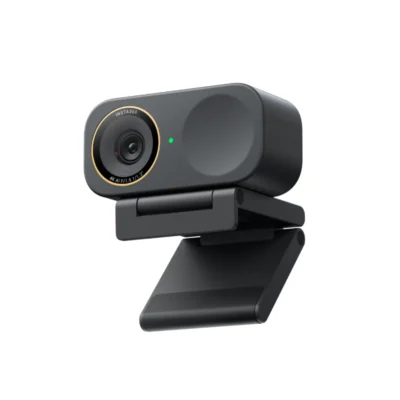 Insta360 Link 2C Pro AI 4K WebcamLogitech BRIO Ultra HD Pro WebcamVS
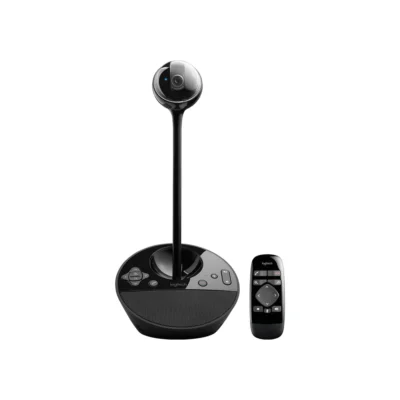 Logitech BCC950 ConferenceCam
We are here to serve you