Weight
- Logitech G G213 Prodigy
- 1 kg
- Logitech Pebble 2 Combo
- 415 g

Keyboard comparison
Compare layout, connection, battery and typing feel.
01Selected 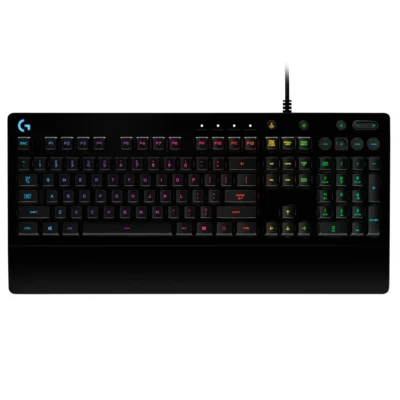 Logitech G G213 Prodigy
KSh 8,500In Stock | 02 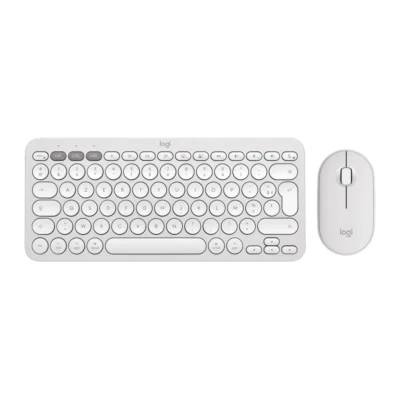 Logitech Pebble 2 Combo
KSh 9,100In Stock |
|---|
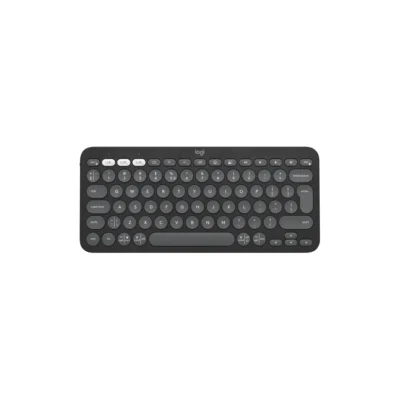
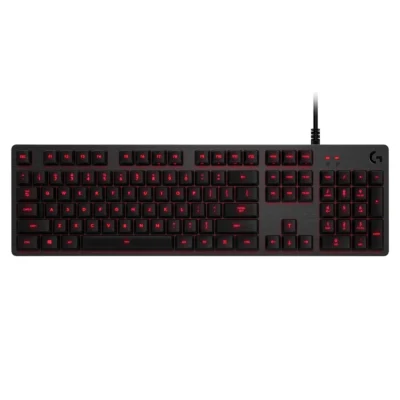
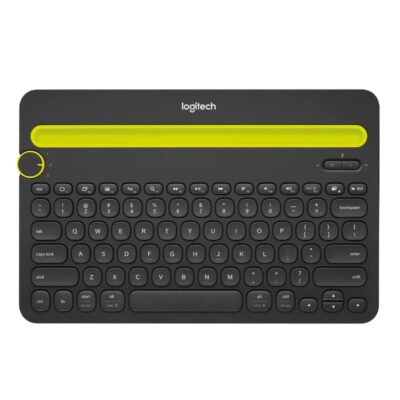
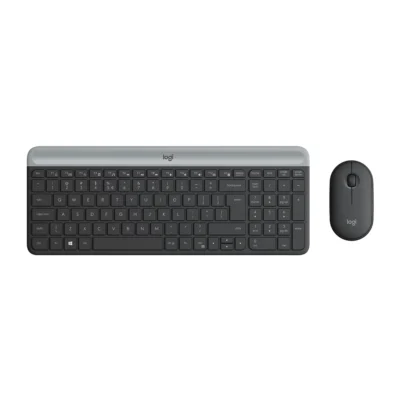
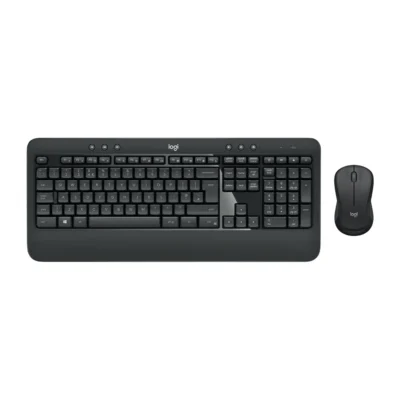
Choose the Logitech G G213 Prodigy if you want a lower price (KSh 600 less). Choose the Logitech Pebble 2 Combo if you want a lighter build (415 g).
This comparison is partial: only 9 of the 20 specifications are published for both products. The Logitech G G213 Prodigy does not list Wireless Receiver, Multi-Device Connection or Switch Type; the Logitech Pebble 2 Combo does not list Bluetooth, connector or Dedicated Multimedia Keys.
The main differences to help you choose.
| Priority | Logitech G G213 Prodigy | Logitech Pebble 2 Combo |
|---|---|---|
| Connections | Wired USB | Bluetooth Low Energy or Logi Bolt USB receiver |
| Battery life | USB powered | Up to 36 months of battery life |
| Weight | 1 kg | 415 g |
| Battery capacity | Battery: USB powered | Battery: Keyboard: 2 × AAA; mouse: 1 × AA |
| Customization software | Logitech G HUB | Supported by Logi Options+ App on Windows and macOS |
| Type | Gaming keyboard | Keyboard and mouse combo |
Tick a topic above to see how each product answers it.
Explore the full specifications, section by section.
| Specification | Logitech G G213 Prodigy | Logitech Pebble 2 Combo |
|---|---|---|
| Brand | Logitech | Logitech |
| Model | G213 Prodigy (920-008093) | Pebble 2 Combo (920-012240) |
| Type | Gaming keyboard | Keyboard and mouse combo |
| Layout | English International (QWERTY) | English International (QWERTY) |
| Color | Black | Tonal White |
| Specification | Logitech G G213 Prodigy | Logitech Pebble 2 Combo |
|---|---|---|
| Dimensions | 33 mm × 452 mm × 218 mm | Keyboard: 124 × 279 × 16 mm |
| Weight | 1000 g | Keyboard: 415 g |
| Specification | Logitech G G213 Prodigy | Logitech Pebble 2 Combo |
|---|---|---|
| Connection Type | Wired USB | Bluetooth Low Energy or Logi Bolt USB receiver |
| Bluetooth | No | — |
| Connector | USB-A | — |
| Wireless Receiver | — | Logi Bolt receiver included |
| Multi-Device Connection | — | Up to three paired devices |
| Specification | Logitech G G213 Prodigy | Logitech Pebble 2 Combo |
|---|---|---|
| Dedicated Multimedia Keys | Yes | — |
| Numeric Keypad | Yes | — |
| Switch Type | — | Low-profile scooped keys |
| Specification | Logitech G G213 Prodigy | Logitech Pebble 2 Combo |
|---|---|---|
| Battery Type | USB powered | Keyboard: 2 × AAA; mouse: 1 × AA |
| Battery Life | USB powered | Up to 36 months keyboard; up to 24 months mouse |
| Battery Indicator | Yes | — |
| Specification | Logitech G G213 Prodigy | Logitech Pebble 2 Combo |
|---|---|---|
| Backlighting | Five-zone RGB | — |
| Wrist Rest | Integrated palm rest | — |
| Customization Software | Logitech G HUB | Supported by Logi Options+ App on Windows and macOS |
| Special Features | Five-zone LIGHTSYNC RGB lighting; Dedicated media controls | Included Pebble Mouse 2 M350s: 106.7 × 58.7 × 26.62 mm, 76 g; three buttons; 400–4,000 DPI optical tracking; SilentTouch clicks |
| Specification | Logitech G G213 Prodigy | Logitech Pebble 2 Combo |
|---|---|---|
| Windows | Windows® 7 or later | — |
| Specification | Logitech G G213 Prodigy | Logitech Pebble 2 Combo |
|---|---|---|
| In the Box | Keyboard; User Documentation | Pebble Keys 2 K380s keyboard; 2 X AAA alkaline batteries (pre-installed); Pebble Mouse 2 M350s; 1 x AA alkaline battery (pre-installed); User documentation; Logi Bolt receiver; Important Info Document (IID) |
These products have the same published specifications.
Choose Pebble 2 for a lighter build; G213 Prodigy is the cheaper choice if you do not need a lighter build.
Back to compared products ↑Logitech G G213 ProdigyVSLogitech K580Logitech G G213 ProdigyVSLogitech K375sLogitech G G213 ProdigyVSLogitech Pebble Keys 2 K380sLogitech G G213 ProdigyVSLogitech G413 CarbonLogitech K480VSLogitech G G213 ProdigyLogitech G G213 ProdigyVSLogitech MK470Logitech G G213 ProdigyVSLogitech MK540 ADVANCEDLogitech G G213 ProdigyVS Logitech G413 SELogitech G G213 ProdigyVS
 Logitech G413 TKL SE Mechanical Gaming Keyboard
We are here to serve you