
Stylu comparison
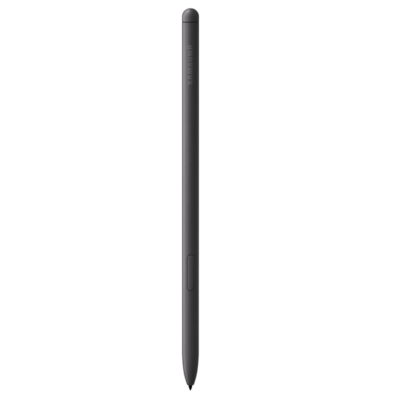
Galaxy Tab S6 Lite S Pen vs Galaxy S25 Ultra S Pen
Compare key specifications, features and design side by side.
02 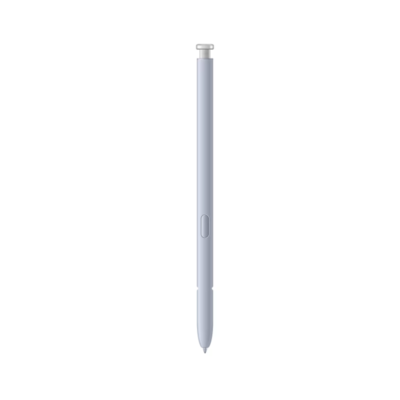 Galaxy S25 Ultra S Pen
KSh 6,500In Stock |
|---|
Add to comparison
2 spaces available
S Pen for Galaxy S24 UltraKSh 6,500
Galaxy S23 Ultra S PenKSh 6,500
Galaxy Tab S9 Series S PenKSh 10,500
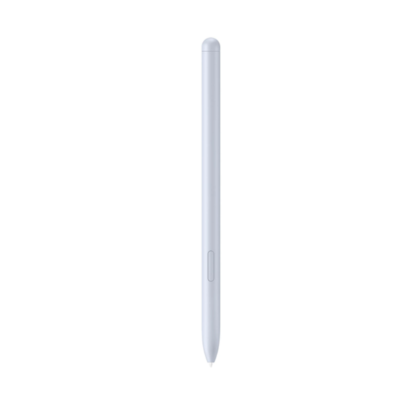
Galaxy Tab S10 Series S PenKSh 12,500
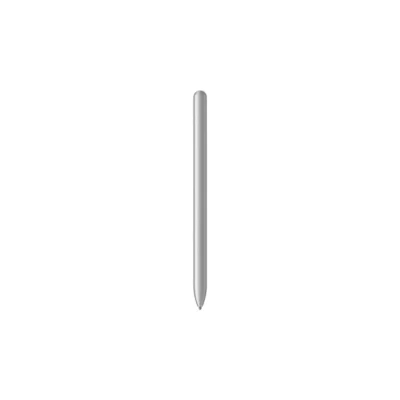
Oppo AI PenKSh 11,500
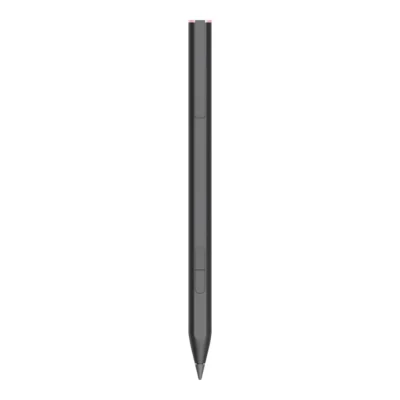
HP Rechargeable MPP 2.0 Tilt PenKSh 11,000
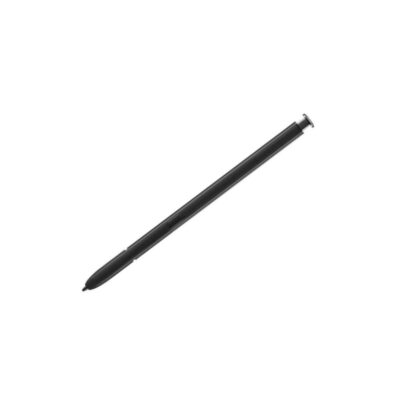
Galaxy S22 Ultra S-PenKSh 6,500
2 of 4 products
Our quick verdict
The Galaxy Tab S6 Lite S Pen is made for the Galaxy Tab S6 Lite, while the Galaxy S25 Ultra S Pen is made for the Galaxy S25 Ultra, so buy the one that matches your device.
What matters most to you?
1 priority selected.
| Priority | Galaxy Tab S6 Lite S Pen | Galaxy S25 Ultra S Pen |
|---|---|---|
| Charging | No charging required | No charging or Bluetooth pairing required |
Tick a topic above to see how each product answers it.
Detailed comparison
Explore the full specifications, section by section.
These products have the same published specifications.
Similarities
- Both are made by Samsung.
In summary
Buy the one made for your device: the Galaxy Tab S6 Lite S Pen for the Galaxy Tab S6 Lite, or the Galaxy S25 Ultra S Pen for the Galaxy S25 Ultra.
Back to compared products ↑In-stock alternatives
Related comparisons
 Galaxy Tab S6 Lite S PenS Pen for Galaxy S24 UltraGalaxy Tab S6 Lite S PenGalaxy S23 Ultra S PenGalaxy Tab S6 Lite S PenGalaxy Tab S9 Series S PenGalaxy Tab S6 Lite S PenGalaxy Tab S10 Series S PenGalaxy Tab S6 Lite S PenOppo AI PenGalaxy Tab S6 Lite S PenHP Rechargeable MPP 2.0 Tilt PenGalaxy S22 Ultra S-PenGalaxy Tab S6 Lite S Pen
 Galaxy Note 20 | 20 Ultra S-PenGalaxy Tab S6 Lite S Pen
 Apple Pencil TipsGalaxy Tab S6 Lite S Pen