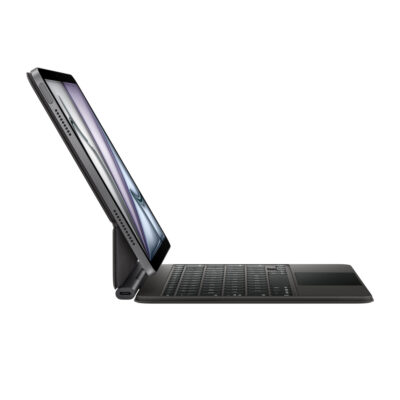
Apple Magic Keyboard for iPad Pro 13‑inch
- Backlit keys.
- Backlit keyboard.

Keyboard comparison
Compare layout, connection, battery and typing feel.
01Selected 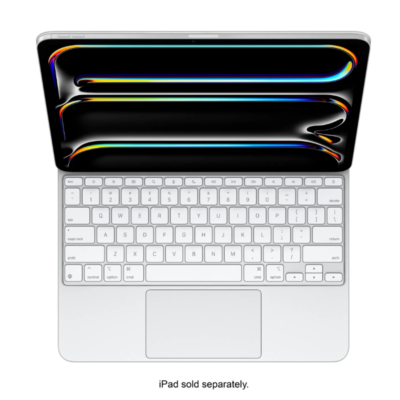 Magic Keyboard for iPad Pro 13‑inch (M4)
KSh 54,500In Stock |
|---|
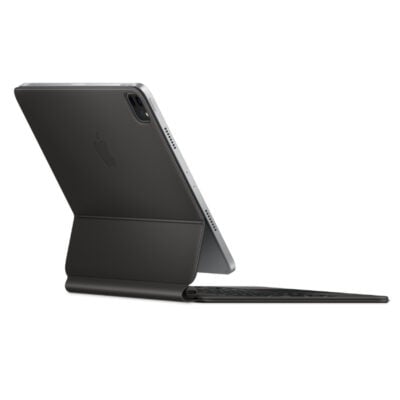
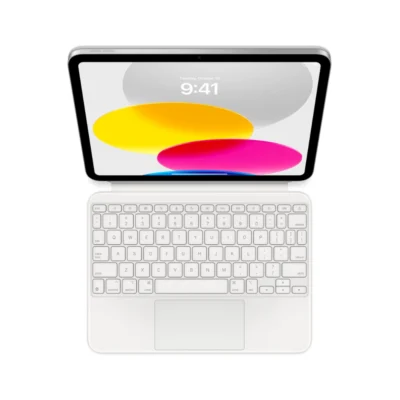
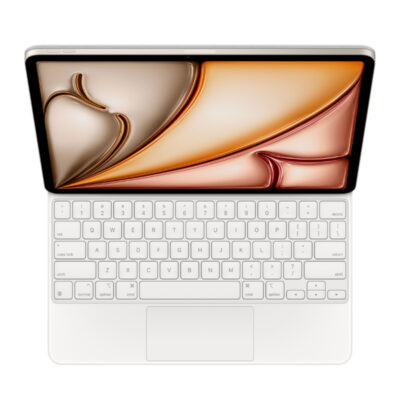
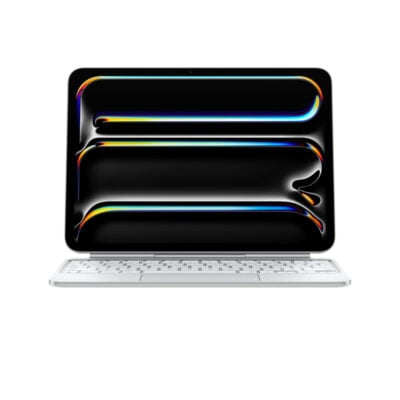
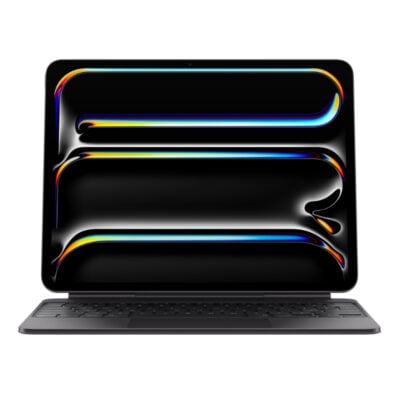
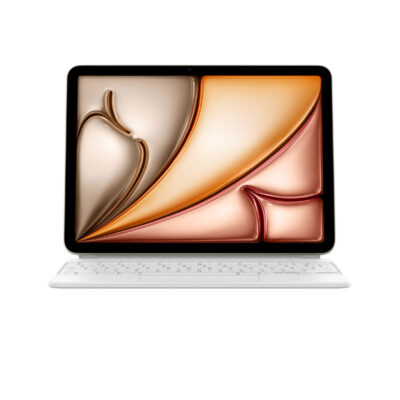
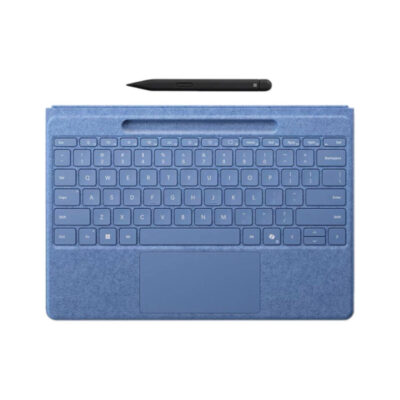
The Apple Magic Keyboard for iPad Pro 13‑inch is the better buy: it has backlit keys.
The main differences to help you choose.
Its full specifications are in the detailed comparison below.
| Priority | Apple Magic Keyboard for iPad Pro 13‑inch | iPad Air Magic Keyboard 11" M4 |
|---|---|---|
| Connections | Magnetic attachment to a compatible iPad | Magnetic attachment to a compatible iPad |
Tick a topic above to see how each product answers it.
Explore the full specifications, section by section.
| Specification | Magic Keyboard for iPad Pro 13‑inch (M4) | iPad Air Magic Keyboard 11" M4 |
|---|---|---|
| Brand | Apple | Apple |
| Model | Magic Keyboard for iPad Pro 13-inch (M4/M5) | Magic Keyboard for 11-inch iPad Air |
| Type | iPad keyboard cover with trackpad | iPad keyboard cover with trackpad |
| Color | Black, White | — |
| Material | Aluminum palm rest and machined aluminum hinge | — |
| Specification | Magic Keyboard for iPad Pro 13‑inch (M4) | iPad Air Magic Keyboard 11" M4 |
|---|---|---|
| Connection Type | Magnetic attachment to a compatible iPad; no wireless pairing required | Magnetic attachment to a compatible iPad; no wireless pairing required |
| Specification | Magic Keyboard for iPad Pro 13‑inch (M4) | iPad Air Magic Keyboard 11" M4 |
|---|---|---|
| Switch Type | Scissor mechanism | Scissor mechanism |
| Total Travel | 1mm | 1mm |
| Dedicated Multimedia Keys | 14-key function row for brightness, volume and other controls | — |
| Specification | Magic Keyboard for iPad Pro 13‑inch (M4) | iPad Air Magic Keyboard 11" M4 |
|---|---|---|
| Charging Port | USB-C pass-through charging for iPad; this port does not transmit data | USB-C pass-through charging for iPad; this port does not transmit data |
| Specification | Magic Keyboard for iPad Pro 13‑inch (M4) | iPad Air Magic Keyboard 11" M4 |
|---|---|---|
| Backlighting | Backlit keys | — |
| Special Features | Floating adjustable hinge, glass trackpad with haptic feedback, and front/back protection | Adjustable floating cantilever design, Multi-Touch trackpad, and front/back protection |
| Specification | Magic Keyboard for iPad Pro 13‑inch (M4) | iPad Air Magic Keyboard 11" M4 |
|---|---|---|
| Other Operating Systems | iPad Pro 13-inch (M4 or M5), with iPadOS 17.4 or later | — |
These products have the same published specifications.
The Apple Magic Keyboard for iPad Pro 13‑inch is the better buy for almost everyone, with backlit keys.
Back to compared products ↑For Magic Keyboard for iPad Pro 13‑inch (M4)iPad Pro 13-inch (M4/M5) Magic KeyboardView product ↗For Magic Keyboard for iPad Pro 13‑inch (M4)Apple iPad Pro 11-inch M4 Magic KeyboardView product ↗For iPad Air Magic Keyboard 11" M4Magic Keyboard for iPad Pro 11-inchView product ↗For iPad Air Magic Keyboard 11" M4Magic Keyboard for iPad Air 11-inch (M2)View product ↗Magic Keyboard for iPad Pro 11-inchVSMagic Keyboard for iPad Pro 13‑inch (M4)Apple Magic Keyboard Folio for iPad (10th Gen)VSMagic Keyboard for iPad Pro 13‑inch (M4)Apple iPad Pro 12.9-inch M2 Magic Keyboard (4th Gen)VSMagic Keyboard for iPad Pro 13‑inch (M4)Apple iPad Pro 11-inch M4 Magic KeyboardVSMagic Keyboard for iPad Pro 13‑inch (M4)iPad Pro 13-inch (M4/M5) Magic KeyboardVSMagic Keyboard for iPad Pro 13‑inch (M4)Magic Keyboard for iPad Air 11-inch (M2)VSMagic Keyboard for iPad Pro 13‑inch (M4)Microsoft Surface Pro Flex keyboard with Slim PenVSMagic Keyboard for iPad Pro 13‑inch (M4)Magic Keyboard for iPad Pro 13‑inch (M4)VS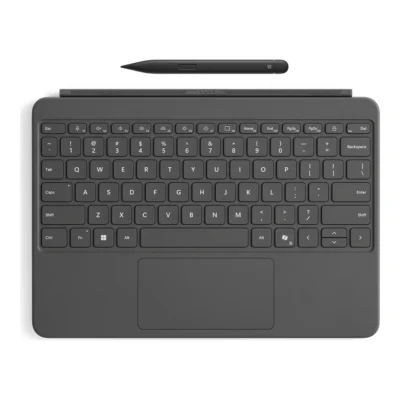 Microsoft Surface Pro 12-inch Keyboard with Slim PenMagic Keyboard for iPad Pro 13‑inch (M4)VS
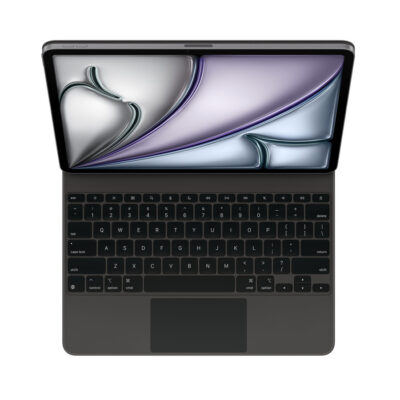 Apple iPad Air Magic Keyboard 13-inch
We are here to serve you
Keep a link to this cart, or ask us to send it to you. Reminders are optional.
You may send me reminders about this cart on the channels I select. I can opt out at any time.
Only the details you provide here or in checkout are used. Reminders are optional. Privacy notice