Weight
- Logitech Tap Scheduler
- 700 g
- Logitech Tap IP
- 1 kg

Conference system comparison
Compare key specifications, features and design side by side.
01Selected  Logitech Tap Scheduler
KSh 97,000In Stock | 02 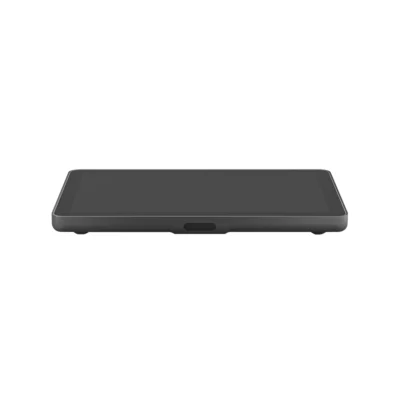 Logitech Tap IP
KSh 100,000In Stock |
|---|
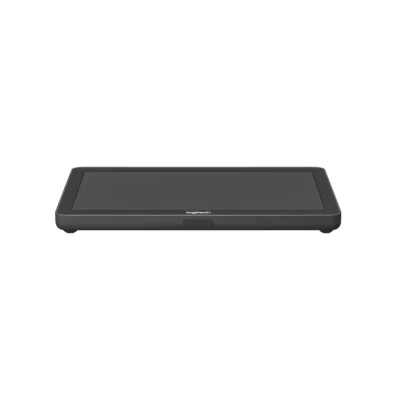
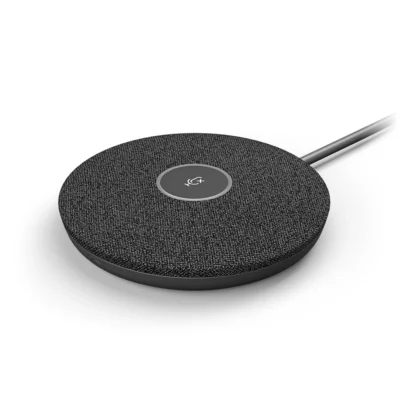
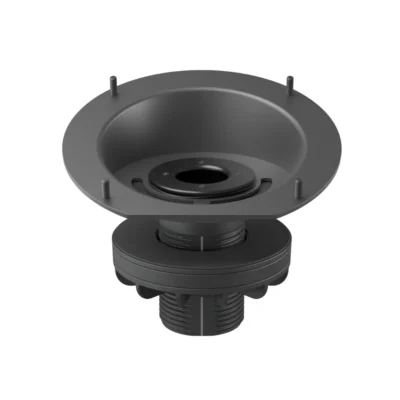
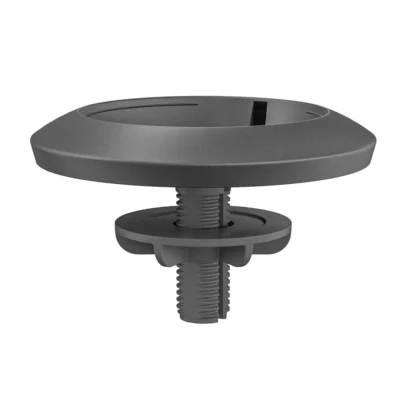
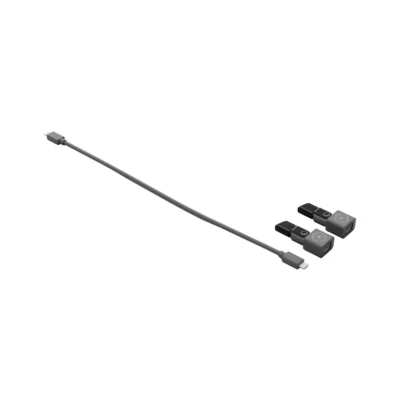
The Logitech Tap Scheduler is a meeting-room scheduling panel, while the Logitech Tap IP is a meeting-room touch controller; the Logitech Tap Scheduler costs KSh 3,000 less.
The main differences to help you choose.
| Priority | Logitech Tap Scheduler | Logitech Tap IP |
|---|---|---|
| Weight | 699.9 g | 997.9 g |
| Connector | 10/100 Mbps Ethernet and supported Wi-Fi | 10/100 Mbps Ethernet and Wi-Fi 802.11a/b/g/n/ac |
| Product type | Meeting-room scheduling panel | Meeting-room touch controller |
Tick a topic above to see how each product answers it.
Explore the full specifications, section by section.
| Specification | Logitech Tap Scheduler | Logitech Tap IP |
|---|---|---|
| Brand | Logitech | Logitech |
| Model | Tap Scheduler (952-000091) | Tap IP (952-000085) |
| Product type | Meeting-room scheduling panel | Meeting-room touch controller |
| Connection | 10/100 Mbps Ethernet and supported Wi-Fi | — |
| Touch | Capacitive, 10 points multi-touch | — |
| Brightness | 400 nits | — |
| Contrast | 1000:1 | — |
| Viewing Angle | 85 degrees (U/D/L/R) | — |
| Position Angle | 0 degrees (flat on mounting surface) | — |
| Cable Exits | horizontal / vertical / center | — |
| Ethernet | 10/100 Mbps | — |
| Humidity | 10-95% | — |
| Full Disk Encryption | AES-128 | — |
| Data Encryption | Symmetric Keys, PKI | — |
| Device Identity | Protected by device attestation | — |
| Key Protection | Arm TrustZone | — |
| Wi-Fi | 802.11a/b/g/n/ac/ax | — |
| Bluetooth | Bluetooth 5.0 inactive, reserved for future use | — |
| Mounts In Package | Multi-surface, glass and mullion mounting components; corner bracket | — |
| Connection | — | 10/100 Mbps Ethernet and Wi-Fi 802.11a/b/g/n/ac |
| Touch | — | Capacitive, 10 points multi-touch |
| Brightness | — | 400 nits |
| Contrast | — | 1000:1 |
| Viewing Angle | — | 85 degrees (U/D/L/R) |
| Position Angle | — | 14 degrees |
| Ethernet | — | 10/100 Mbps |
| WiFi | — | 802.11a/b/g/n/ac |
| Operating Temperature | — | 0 to 40°C |
| Stored Temperature | — | -40 to 70°C |
| Humidity | — | 10 to 95% |
| Full Disk Encryption | — | AES-128 |
| Data Encryption | — | Symmetric Keys, PKI |
| Device Identity | — | Protected by device attestation |
| Key Protection | — | Arm TrustZone, RPMP |
| Specification | Logitech Tap Scheduler | Logitech Tap IP |
|---|---|---|
| Dimensions | 6.5 in (165 mm) × 9.69 in (246.2 mm) × 1.12 in (28.5 mm) | 2.21 in (56.1 mm) × 9.69 in (246.2 mm) × 6.74 in (171.3 mm) |
| Weight | 24.69 oz (700 g) | 2.2 lbs (1 kg) |
| Specification | Logitech Tap Scheduler | Logitech Tap IP |
|---|---|---|
| Display and touch | 10.1-inch; 1280 × 800 | 10.1-inch; 1280 × 800 |
| Specification | Logitech Tap Scheduler | Logitech Tap IP |
|---|---|---|
| Compatible room systems | Microsoft Teams Panel and Zoom scheduling support | Teams Rooms on Android and Zoom Rooms support |
| Specification | Logitech Tap Scheduler | Logitech Tap IP |
|---|---|---|
| Mounting | 100 × 100 mm VESA; supported mounts depend on controller | 100 × 100 mm VESA; supported mounts depend on controller |
| Specification | Logitech Tap Scheduler | Logitech Tap IP |
|---|---|---|
| Power supply and PoE | PoE IEEE 802.3af Type 1 Class 3; network equipment separate | PoE IEEE 802.3af Type 1 Class 3; network equipment separate |
| Specification | Logitech Tap Scheduler | Logitech Tap IP |
|---|---|---|
| In the box | Logitech Tap Scheduler; Multi-surface mount (glass/drywall); Corner mount accessory; Mullion mount; Mounting hardware; Documentation | Tap IP Touch Controller; Documentation |
| Specification | Logitech Tap Scheduler | Logitech Tap IP |
|---|---|---|
| Colour | Graphite | Graphite |
| Connector | 10/100 Mbps Ethernet and supported Wi-Fi | 10/100 Mbps Ethernet and Wi-Fi 802.11a/b/g/n/ac |
These products have the same published specifications.
Get the Logitech Tap Scheduler if you want a meeting-room scheduling panel, or the Logitech Tap IP if you want a meeting-room touch controller.
Back to compared products ↑Logitech Expansion MicVSLogitech Tap SchedulerLogitech GROUP Expansion Mics (2 packs)VSLogitech Tap SchedulerLogitech Tap with Cat5e KitVSLogitech Tap SchedulerLogitech Tap SchedulerVSLogitech Rally Mic PodLogitech Tap SchedulerVSLogitech Tap Riser MountLogitech Tap SchedulerVSLogitech Rally Mic Pod MountLogitech Tap SchedulerVSLogitech Rally Mic Pod CAT CouplerLogitech Tap SchedulerVS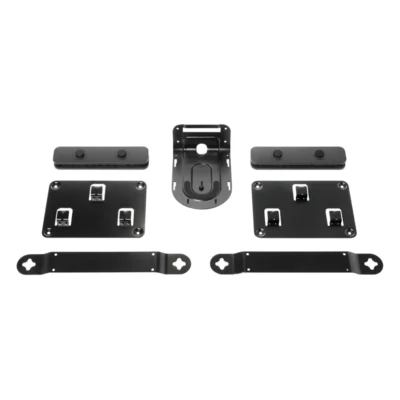 Logitech Rally Mounting KitLogitech Tap SchedulerVS
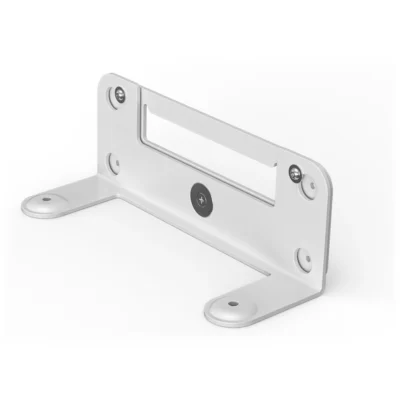 Logitech Wall Mount for Video Bars
We are here to serve you
Keep a link to this cart, or ask us to send it to you. Reminders are optional.
You may send me reminders about this cart on the channels I select. I can opt out at any time.
Only the details you provide here or in checkout are used. Reminders are optional. Privacy notice