Skip to content

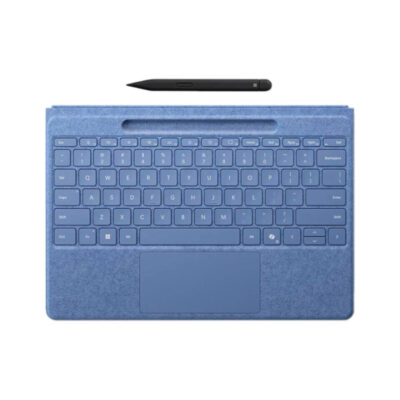
Microsoft Surface Pro Flex keyboard with Slim Pen

Compare specifications, current prices and availability.

Compared products
01Selected
Microsoft Surface Pro Flex keyboard with Slim Pen

Microsoft Surface Pro Flex keyboard with Slim Pen

  • 340 g.
  • Bluetooth connection.
  • Connects to one device at a time.
  • Battery: Built-in rechargeable battery.
  • Up to 41 hours per charge.
KSh 48,000In Stock

Add to comparison

3 spaces available

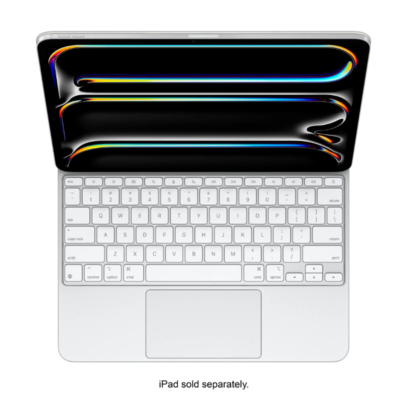
Magic Keyboard for iPad Pro 13‑inch (M4)KSh 53,000
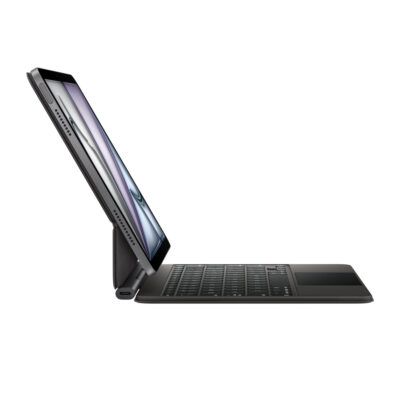
iPad Air Magic Keyboard 11" M4KSh 43,500
Logitech G915 X LIGHTSPEED TKLKSh 38,500
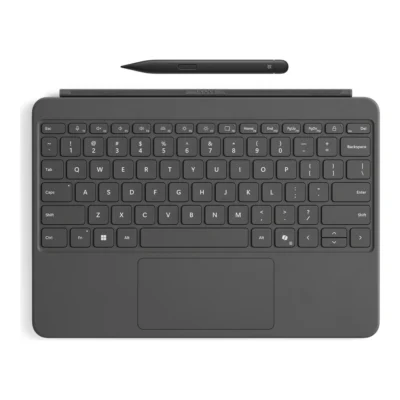
Microsoft Surface Pro 12-inch Keyboard with Slim PenKSh 48,000
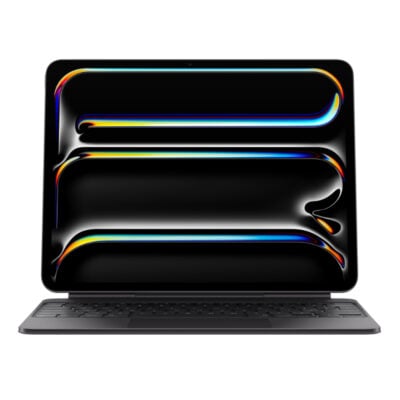
iPad Pro 13-inch (M4/M5) Magic KeyboardKSh 53,000
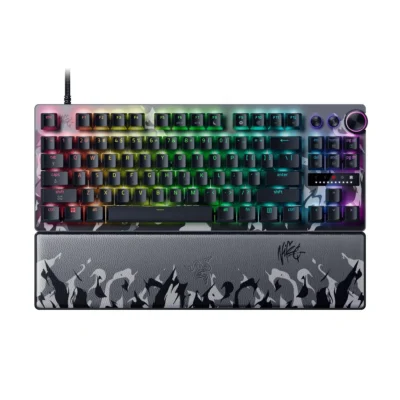
Razer Huntsman V3 Pro Tenkeyless 8KHz Niko EditionKSh 42,500
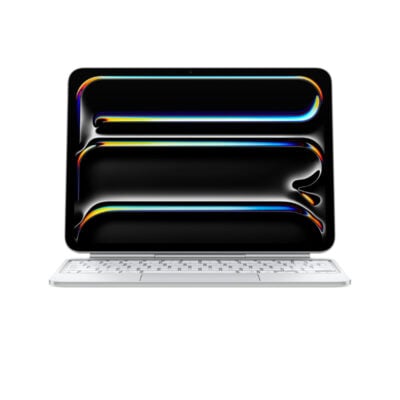
Apple iPad Pro 11-inch M4 Magic KeyboardKSh 47,500
1 of 4 products

Detailed comparison

Explore the full specifications, section by section.

General

General specifications comparison
SpecificationMicrosoft Surface Pro Flex keyboard with Slim Pen
BrandMicrosoft
ModelSurface Pro Flex Keyboard with Slim Pen
Announced2024
TypeWireless and detachable keyboard cover
LayoutCompact notebook-style
ColorBlack; Bright Sapphire
MaterialAlcantara-covered keyboard deck

Design

Design specifications comparison
SpecificationMicrosoft Surface Pro Flex keyboard with Slim Pen
Dimensions289.1 × 226.1 × 5.25 mm
Weight340 g

Connectivity

Connectivity specifications comparison
SpecificationMicrosoft Surface Pro Flex keyboard with Slim Pen
Connection TypeWireless and Surface magnetic connector
Wireless TechnologyBluetooth Low Energy
BluetoothBluetooth Low Energy
Wireless ReceiverNot applicable
Multi-Device ConnectionNo
ConnectorSurface Pro magnetic interface connector
Cable—
Cable Length—

Keys & Switches

Keys & Switches specifications comparison
SpecificationMicrosoft Surface Pro Flex keyboard with Slim Pen
Switch TypeScissor
SwitchesMechanical scissor keys
Switch OptionsNot applicable
Dedicated Multimedia KeysYes — function-row shortcuts
Programmable KeysYes — Copilot key and adaptive touchpad gestures
Numeric KeypadNo

Battery & Power

Battery & Power specifications comparison
SpecificationMicrosoft Surface Pro Flex keyboard with Slim Pen
Battery TypeBuilt-in rechargeable battery
Battery LifeUp to 41 hours detached continuous typing
Charging PortCharges while attached to compatible Surface Pro
Power SwitchNot applicable
Battery IndicatorYes — Windows battery status

Lighting & Features

Lighting & Features specifications comparison
SpecificationMicrosoft Surface Pro Flex keyboard with Slim Pen
BacklightingWhite
Lighting TechnologyBacklit keys
Brightness AdjustmentYes
Ambient Light SensorNo
Proximity SensorNo
Wrist RestIntegrated keyboard deck
Customization SoftwareWindows Settings; Surface app
Onboard MemoryNo
Profiles / MacrosNo
Special FeaturesWorks attached or detached; precision haptic touchpad; Slim Pen storage and charging; Copilot key

System Requirements

System Requirements specifications comparison
SpecificationMicrosoft Surface Pro Flex keyboard with Slim Pen
WindowsWindows 11 on compatible Surface Pro
macOSNo
Other Operating SystemsNo
Required Port / ConnectionCompatible Surface Pro magnetic connector or Bluetooth Low Energy
SoftwareSurface app optional

What's in the Box

What's in the Box specifications comparison
SpecificationMicrosoft Surface Pro Flex keyboard with Slim Pen
In the BoxSurface Pro Flex Keyboard, Surface Slim Pen, safety and warranty documents

Back to Top

My Cart