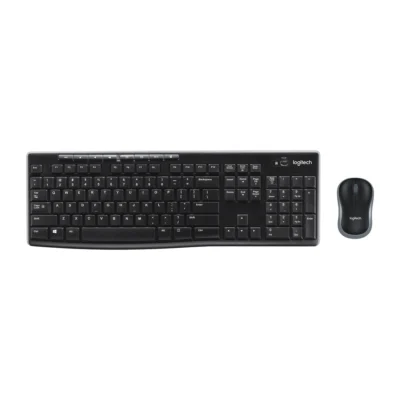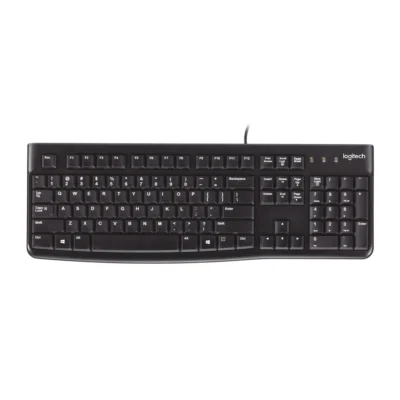
Weight
- Logitech K120
- 50 g
- Logitech MK250 Mouse and Keyboard Combo
- 380 g

Keyboard comparison
Compare layout, connection, battery and typing feel.
02 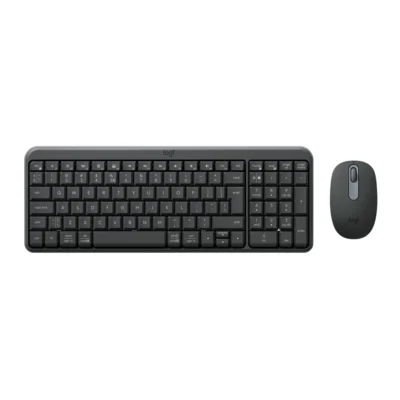 Logitech MK250 Mouse and Keyboard Combo
KSh 4,450In Stock |
|---|
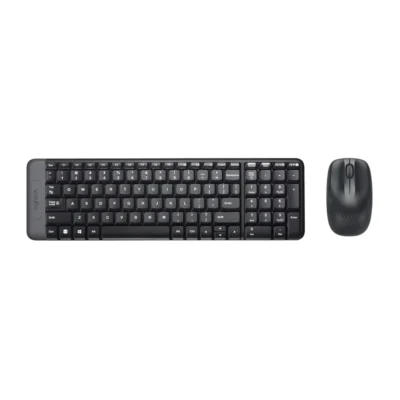
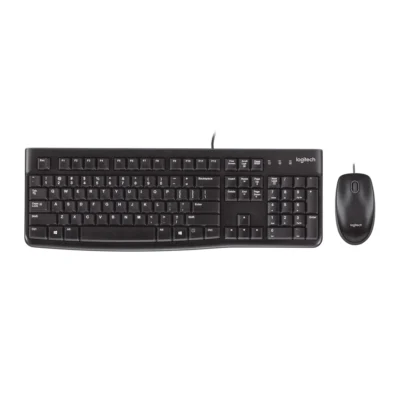
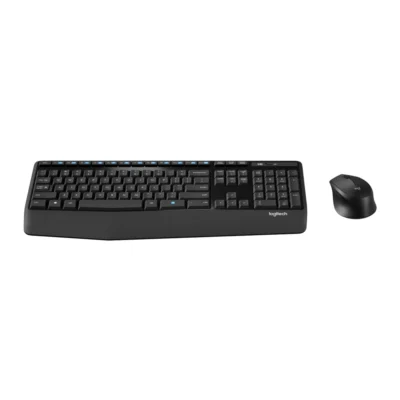
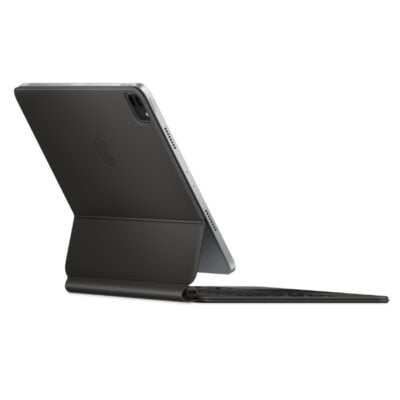
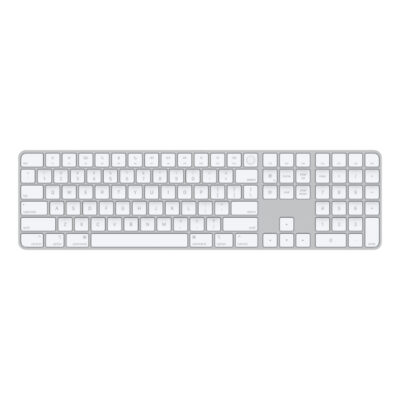
Choose the Logitech K120 if you want a lower price (KSh 1,450 less) and a lighter build (50 g). Choose the Logitech MK250 Mouse and Keyboard Combo if you want Bluetooth Low Energy.
The main differences to help you choose.
| Priority | Logitech K120 | Logitech MK250 Mouse and Keyboard Combo |
|---|---|---|
| Connections | Wired USB | Bluetooth Low Energy |
| Battery life | USB powered | Up to 12 months of battery life |
| Weight | 50 g | 380 g |
| Battery capacity | Battery: USB powered | Battery: Keyboard: 2 × AAA; mouse: 1 × AA |
| Type | Computer keyboard | Keyboard and mouse combo |
Tick a topic above to see how each product answers it.
Explore the full specifications, section by section.
| Specification | Logitech K120 | Logitech MK250 Mouse and Keyboard Combo |
|---|---|---|
| Brand | Logitech | Logitech |
| Model | K120 (920-002508) | MK250 (920-013519) |
| Type | Computer keyboard | Keyboard and mouse combo |
| Layout | English International (QWERTY) | English International (QWERTY) |
| Color | Carbon | Graphite |
| Specification | Logitech K120 | Logitech MK250 Mouse and Keyboard Combo |
|---|---|---|
| Dimensions | 155 mm × 450 mm × 23.5 mm | 136.9 mm × 369.9 mm × 22.8 mm |
| Weight | 50 g | 380 g |
| Specification | Logitech K120 | Logitech MK250 Mouse and Keyboard Combo |
|---|---|---|
| Connection Type | Wired USB | Bluetooth Low Energy |
| Bluetooth | No | Bluetooth Low Energy |
| Connector | USB-A | — |
| Wireless Receiver | — | No receiver required |
| Wireless Range | — | 10 m |
| Specification | Logitech K120 | Logitech MK250 Mouse and Keyboard Combo |
|---|---|---|
| Switch Type | Deep profile | — |
| Numeric Keypad | Yes | Yes |
| Specification | Logitech K120 | Logitech MK250 Mouse and Keyboard Combo |
|---|---|---|
| Battery Type | USB powered | Keyboard: 2 × AAA; mouse: 1 × AA |
| Battery Life | USB powered | Up to 12 months keyboard and mouse |
| Battery Indicator | — | Connectivity LED |
| Specification | Logitech K120 | Logitech MK250 Mouse and Keyboard Combo |
|---|---|---|
| Special Features | Low-profile keys; Adjustable keyboard tilt legs | Three-button 1,000 DPI optical mouse; No USB receiver required Included mouse: Dimensions: 100 mm × 60 mm × 38 mm Weight: 76 g Sensor technology: Smooth optical tracking (1,000 DPI) Buttons: On/Off power buttons Scrolling: Line-by-line scrolling Scroll wheel: 2D, mechanical Connect/Power: Long press On/Off power buttons for pairing Battery type: Alkaline battery Battery life: 12 months Wireless technology: Bluetooth® Low Energy Technology Wireless operating distance: 10 m Number of Batteries: 1xAA (included) Indicator lights: Connectivity LED Number of buttons: 3 (Left/Right-click, Scroll-wheel with middle click) |
| Specification | Logitech K120 | Logitech MK250 Mouse and Keyboard Combo |
|---|---|---|
| Windows | Windows 10, 11 or later | Windows 10 or later |
| macOS | — | macOS 12 or later |
| Specification | Logitech K120 | Logitech MK250 Mouse and Keyboard Combo |
|---|---|---|
| In the Box | Keyboard; User Documentation | 1x keyboard with 2x AAA batteries (pre-installed); 1x mouse with 1x AA battery (pre-installed); 1x User documentation; 1x QSG printed on packaging |
These products have the same published specifications.
Choose MK250 for a Bluetooth connection; K120 offers a lighter build at a price about 33% lower.
Back to compared products ↑