Weight
- Razer Deathadder V4 Pro Niko Edition
- 57 g
- Apple Magic TrackPad
- 230 g

Mouse comparison
Compare sensor, connection, battery and comfort.
01Selected 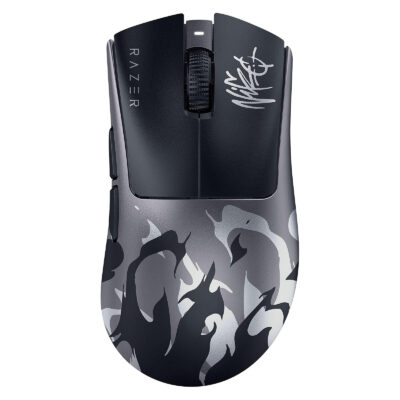 Razer Deathadder V4 Pro Niko Edition
KSh 35,000In Stock | 02 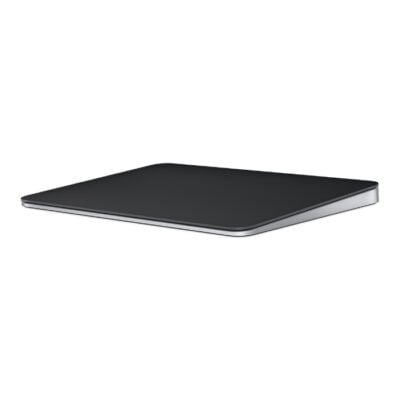 Apple Magic TrackPad
KSh 20,500In Stock |
|---|
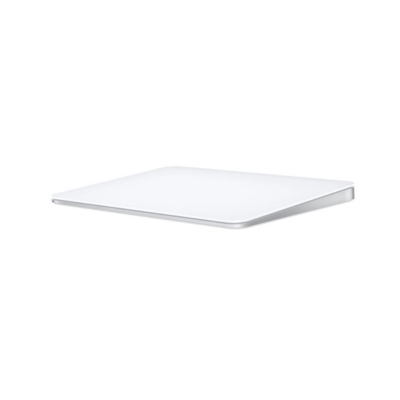
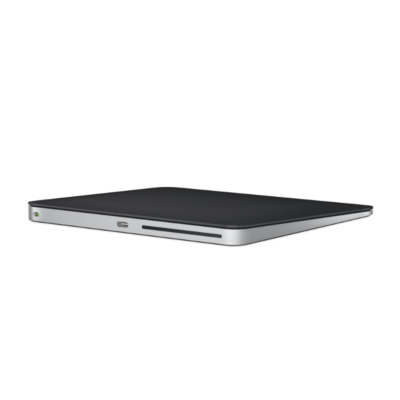
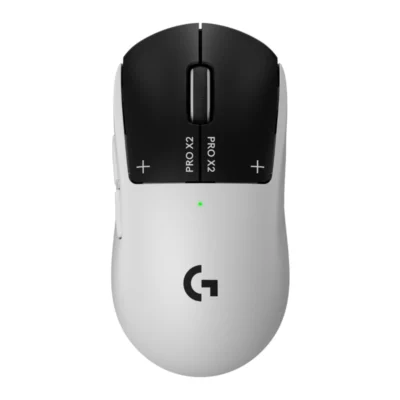
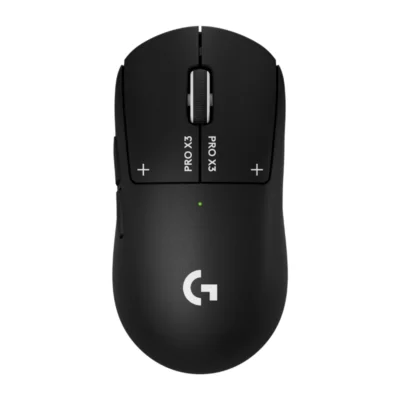
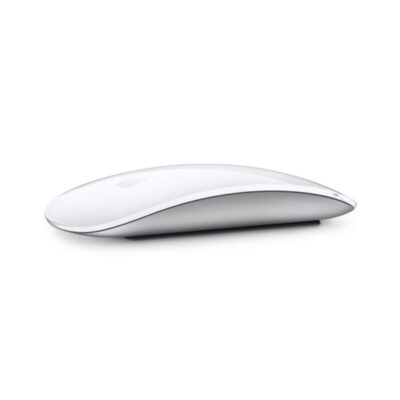
Choose the Razer Deathadder V4 Pro Niko Edition if you want onboard memory, programmable buttons and a lighter build (57 g). Choose the Apple Magic TrackPad if you want Bluetooth and a horizontal scroll.
The main differences to help you choose.
| Priority | Razer Deathadder V4 Pro Niko Edition | Apple Magic TrackPad |
|---|---|---|
| Fit | Ergonomic gaming mouse | Trackpad |
| Weight | 57 g | 230 g |
| Connections | Razer HyperSpeed Wireless Gen-2 | Bluetooth |
| Two devices | Connects to one device at a time | Connects to one device at a time |
| Controls | 6 buttons | No |
| Battery life | Up to 150 hours per charge | About 1 month or more between charges |
| Performance | 45,000 DPI sensor | Capacitive Multi-Touch surface with Force Touch |
| Battery capacity | Battery: Rechargeable lithium-ion | Battery: Rechargeable lithium-ion |
| Sensor technology | Razer Focus Pro 45K Optical Sensor Gen-2 | Capacitive Multi-Touch surface with Force Touch |
| Charging port | USB-C | Lightning |
| Onboard memory | Yes | No |
| Customization software | Razer Synapse | macOS and iPadOS system settings |
| Type | Wireless esports gaming mouse | Wireless Multi-Touch trackpad |
| Hand orientation | Right-handed | Ambidextrous |
| Haptic feedback | No | Yes, Force Touch haptic feedback |
| Scroll wheel | Optical 24-step scroll wheel | Multi-Touch surface |
Tick a topic above to see how each product answers it.
Explore the full specifications, section by section.
| Specification | Razer Deathadder V4 Pro Niko Edition | Apple Magic TrackPad |
|---|---|---|
| Brand | Razer | Apple |
| Model | DeathAdder V4 Pro NiKo Edition | Magic Trackpad (Lightning, 2021) |
| Announced | 2026 | 2021 |
| Type | Wireless esports gaming mouse | Wireless Multi-Touch trackpad |
| Color | NiKo Edition flame graphic | White Multi-Touch Surface; Black Multi-Touch Surface |
| Specification | Razer Deathadder V4 Pro Niko Edition | Apple Magic TrackPad |
|---|---|---|
| Dimensions | 128 × 68 × 44 mm | 160 × 114.9 × 4.9–10.9 mm |
| Weight | 57 g | 230 g |
| Hand Orientation | Right-handed | Ambidextrous |
| Form Factor | Ergonomic gaming mouse | Trackpad |
| Grip Style | Palm / claw | Not applicable |
| Material | — | Glass Multi-Touch surface; aluminum enclosure |
| Specification | Razer Deathadder V4 Pro Niko Edition | Apple Magic TrackPad |
|---|---|---|
| Connection Type | Wired & wireless | Wired & wireless |
| Wireless Technology | Razer HyperSpeed Wireless Gen-2 (2.4GHz) | Bluetooth |
| Bluetooth | No | Yes |
| Wireless Receiver | Razer HyperSpeed Wireless Gen-2 dongle | Not applicable |
| Multi-Device Connection | No | No |
| Cable / Connector | USB-A to USB-C | USB-C to Lightning charging and pairing cable |
| Specification | Razer Deathadder V4 Pro Niko Edition | Apple Magic TrackPad |
|---|---|---|
| Customization Software | Razer Synapse | macOS and iPadOS system settings |
| Onboard Memory | Yes | No |
| Profiles | 1 onboard profile | Not applicable |
| RGB Lighting | No | No |
| Haptic Feedback | No | Yes — Force Touch haptic feedback |
| Silent Clicks | No | — |
| Special Features | NiKo-tuned 1600 DPI and 2000 Hz preset; asymmetric cut-off; Dynamic Sensitivity; Motion Sync; HyperSpeed Wireless Gen-2 | Force Touch; Multi-Touch gestures; automatic pairing with Mac |
| Specification | Razer Deathadder V4 Pro Niko Edition | Apple Magic TrackPad |
|---|---|---|
| Sensor Technology | Razer Focus Pro 45K Optical Sensor Gen-2 | Capacitive Multi-Touch surface with Force Touch |
| DPI | Up to 45,000 DPI | Not applicable |
| DPI Adjustment | Yes — onboard DPI stages and Razer Synapse | — |
| Tracking Speed | 900 IPS | — |
| Acceleration | 85 G | — |
| Polling Rate | Up to 8,000 Hz | — |
| Specification | Razer Deathadder V4 Pro Niko Edition | Apple Magic TrackPad |
|---|---|---|
| Number of Buttons | 6 | Not applicable |
| Programmable Buttons | Yes — 6 independently programmable buttons | No |
| Gesture Button | Not applicable | Yes — Multi-Touch gestures |
| Scroll Wheel | Optical 24-step scroll wheel | Multi-Touch surface |
| Horizontal Scroll | No | Yes — Multi-Touch gestures |
| Thumb Wheel | — | — |
| Button / Switch Type | Razer Optical Mouse Switches Gen-4; 100-million-click lifecycle | Force Touch pressure sensors |
| Specification | Razer Deathadder V4 Pro Niko Edition | Apple Magic TrackPad |
|---|---|---|
| Battery Type | Rechargeable lithium-ion | Rechargeable lithium-ion |
| Battery Life | Up to 150 hours at 1,000 Hz; up to 22 hours at 8,000 Hz | About 1 month or more between charges |
| Charging Port | USB-C | Lightning |
| Wireless Charging | No | No |
| Specification | Razer Deathadder V4 Pro Niko Edition | Apple Magic TrackPad |
|---|---|---|
| Windows | Windows 10 64-bit or later | Not applicable |
| Required Port / Connection | USB-A port | Bluetooth-enabled Mac or iPad; USB-C port for charging cable |
| Software | Razer Synapse (optional for customization) | None required on supported Apple devices |
| macOS | — | macOS 11.3 or later |
| Other Operating Systems | — | iPadOS 14.5 or later |
| Specification | Razer Deathadder V4 Pro Niko Edition | Apple Magic TrackPad |
|---|---|---|
| In the Box | Razer DeathAdder V4 Pro NiKo Edition mouse, HyperSpeed wireless dongle, USB cable, wireless dongle adapter and documentation | Magic Trackpad and woven USB-C to Lightning cable |
These products have the same published specifications.
Choose Apple Magic TrackPad for a Bluetooth connection and a horizontal scroll; Razer Deathadder V4 Pro offers a lighter build and onboard memory for profiles.
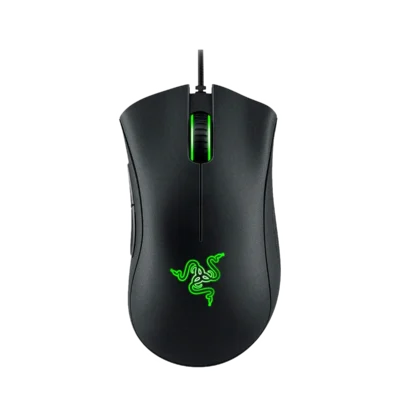
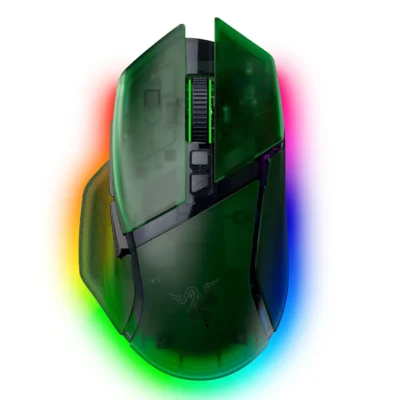
Back to compared products ↑For Razer Deathadder V4 Pro Niko EditionRazer Basilisk V3 Pro 35K Phantom Green EditonView product ↗For Razer Deathadder V4 Pro Niko EditionRazer Deathadder Essential Wired Gaming MouseView product ↗For Apple Magic TrackPadApple Magic Trackpad (USB‑C)View product ↗For Apple Magic TrackPadApple Magic Trackpad 2View product ↗