Skip to content

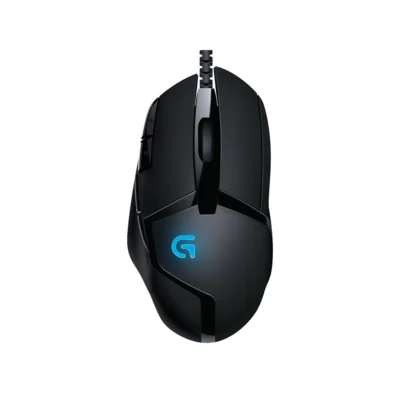
Logitech G402 Hyperion Fury

Compare specifications, current prices and availability.

Compared products
01Selected
Logitech G402 Hyperion Fury

Logitech G402 Hyperion Fury

  • 108 g.
  • wired connection.
  • 2.1 m cable for extra reach.
  • Battery: USB powered.
  • 4,000 DPI sensor.
KSh 6,000In Stock

Add to comparison

3 spaces available

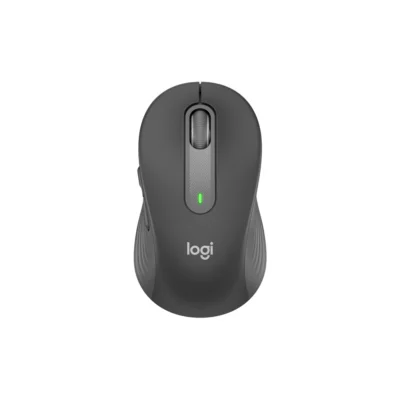
Logitech Signature M650KSh 6,000
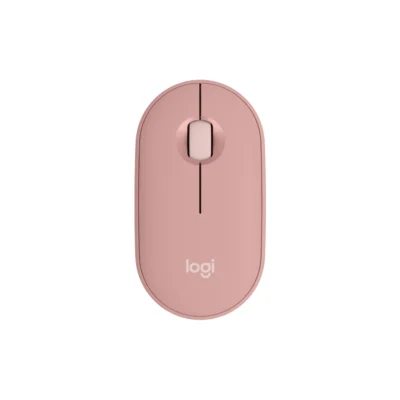
Logitech Pebble Mouse 2 M350sKSh 4,500
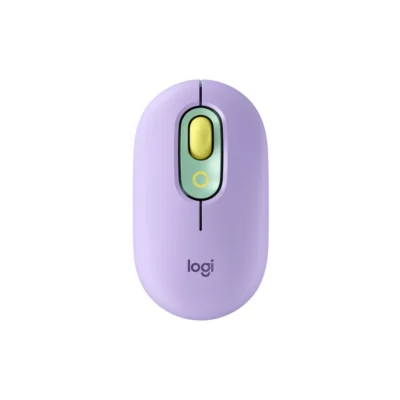
Logitech Pop MouseKSh 5,700
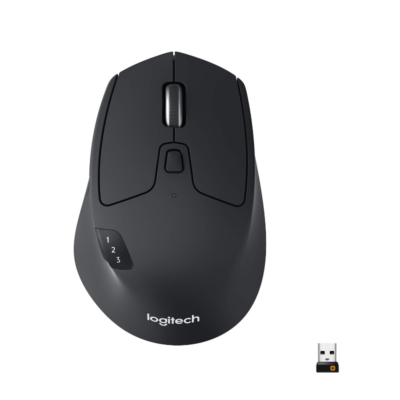
Logitech M720 TriathlonKSh 5,200
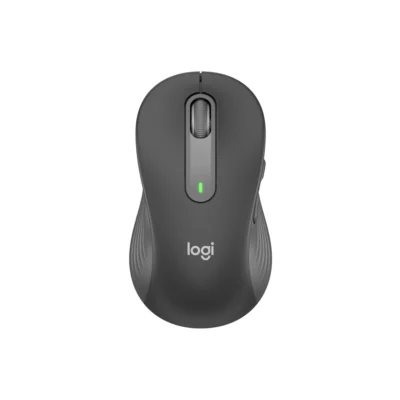
Logitech M650 L LeftKSh 6,700
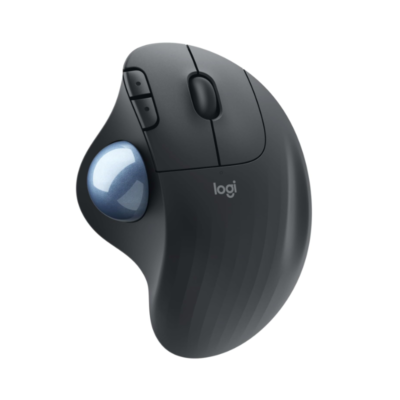
Logitech Ergo M575KSh 6,500
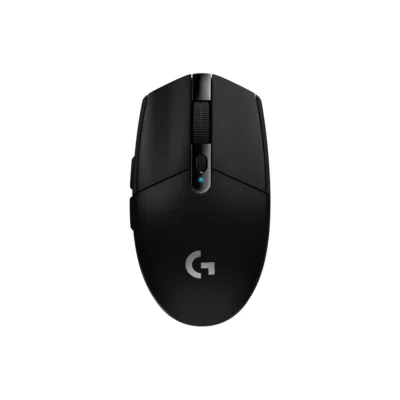
Logitech G305 LIGHTSPEEDKSh 8,400
1 of 4 products

Detailed comparison

Explore the full specifications, section by section.

General

General specifications comparison
SpecificationLogitech G402 Hyperion Fury
BrandLogitech
ModelG402 Hyperion Fury (910-004068)
TypeGaming mouse
ColorBlack

Design

Design specifications comparison
SpecificationLogitech G402 Hyperion Fury
Dimensions136 mm × 72 mm × 41 mm
Weight108 g

Connectivity

Connectivity specifications comparison
SpecificationLogitech G402 Hyperion Fury
Connection TypeWired USB
BluetoothNo
Cable / ConnectorUSB-A
Cable Length2.1 m

Features

Features specifications comparison
SpecificationLogitech G402 Hyperion Fury
Customization SoftwareLogitech G HUB

Sensor & Tracking

Sensor & Tracking specifications comparison
SpecificationLogitech G402 Hyperion Fury
Sensor TechnologyFusion Engine hybrid sensor
DPI240-4000 dpi
Tracking Speed>500 ips
Acceleration>16 g
Polling Rate1000Hz (1ms)

Buttons & Scrolling

Buttons & Scrolling specifications comparison
SpecificationLogitech G402 Hyperion Fury
Number of Buttons8
Programmable Buttons8

Battery & Power

Battery & Power specifications comparison
SpecificationLogitech G402 Hyperion Fury
Battery TypeUSB powered
Battery LifeNo battery

System Requirements

System Requirements specifications comparison
SpecificationLogitech G402 Hyperion Fury
WindowsWindows® 10 or later

What's in the Box

What's in the Box specifications comparison
SpecificationLogitech G402 Hyperion Fury
In the BoxMouse; User documentation

Back to Top

My Cart