
Product details
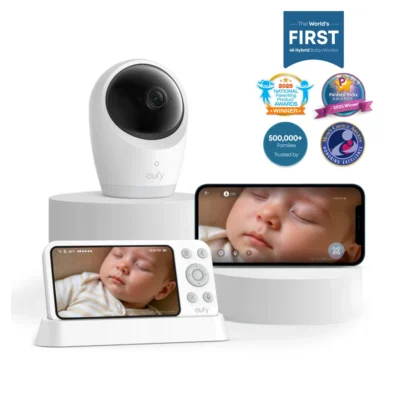
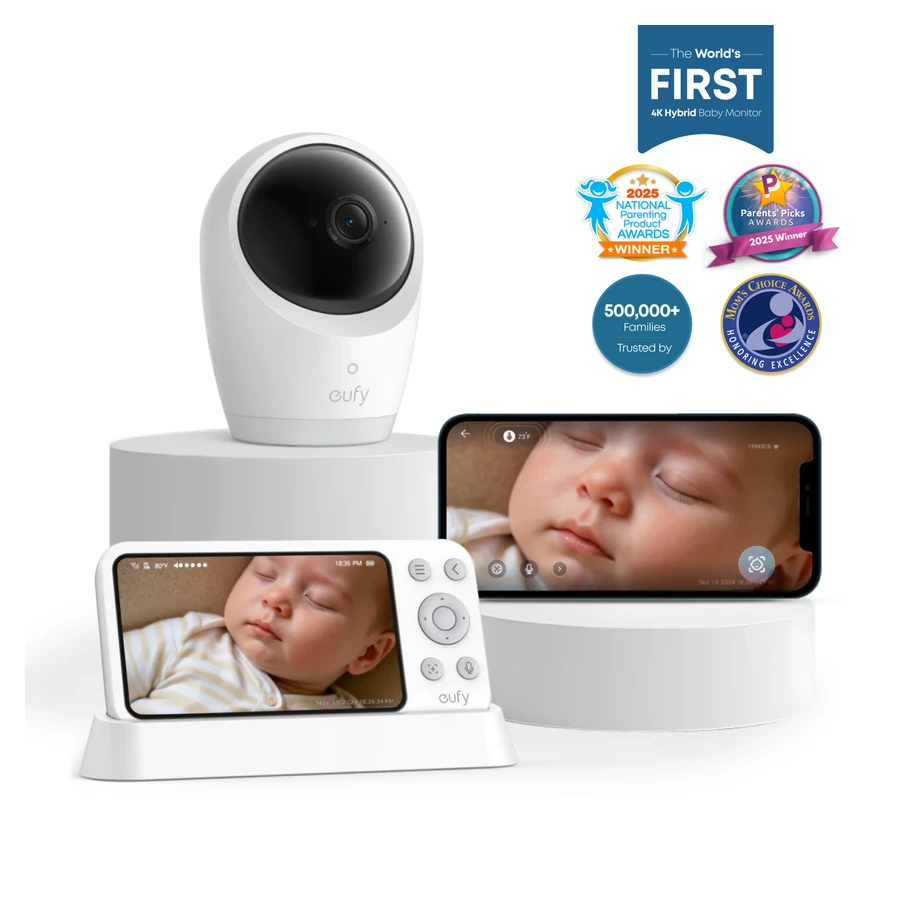
The Eufy Baby Monitor E21 combines a 4K camera with a separate parent monitor for viewing your baby at home. Its hybrid connection supports direct camera-to-monitor viewing without Wi-Fi, with app access available when the camera connects to a router. This listing is the E21 camera-and-monitor package; a phone shown in official illustrations is not included.
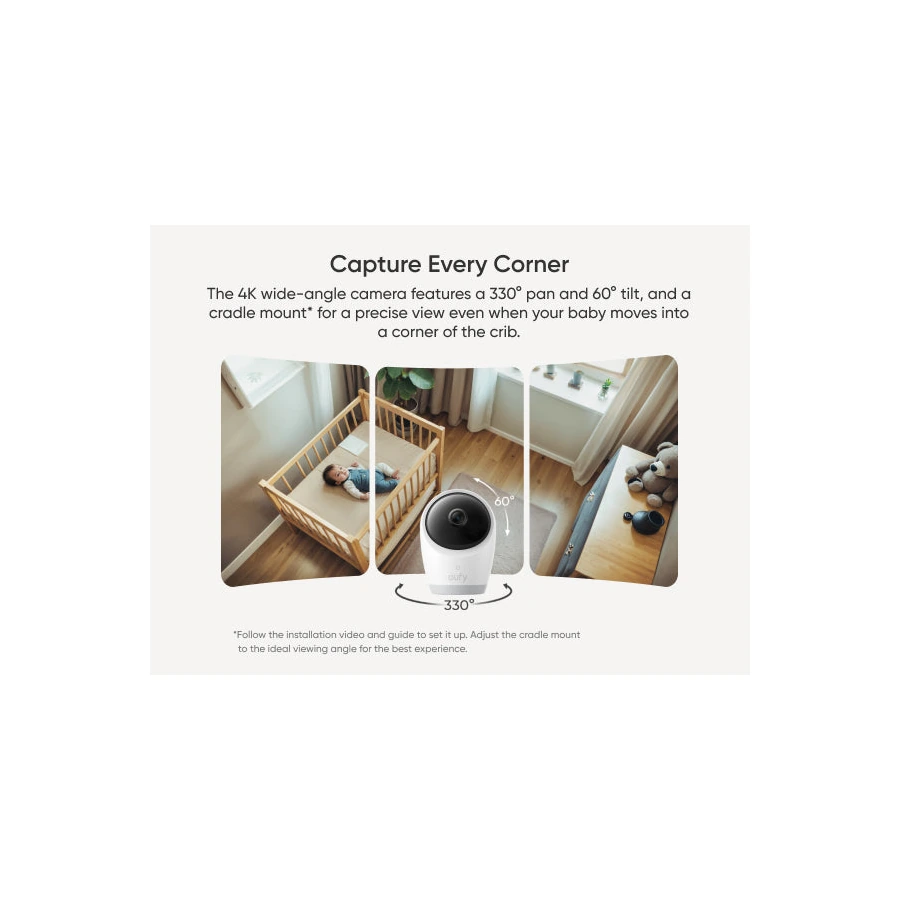
The camera provides 330-degree pan, 60-degree tilt and eight-times zoom. Infrared night vision supports viewing in a dark room, while autofocus helps maintain the image as the view changes. Position the camera so its movement covers the intended area, then check the monitor before settling on the final placement.
A built-in 5000mAh camera battery allows movement between suitable indoor locations without remaining beside a power outlet. Eufy states approximately nine hours of battery use, or around five and a half hours with night vision. Runtime varies with settings and activity. The camera can also operate while plugged in, following the supplied power and installation instructions.
Cry detection, loud-noise detection and room-temperature monitoring provide configurable alerts. Cry and noise sensitivity have five levels, and notification intervals can be adjusted. Active noise reduction has a manufacturer-stated reduction of up to 20dB for background sound. Review these settings for the room rather than assuming every sound should trigger an alert.
The eufy Baby app supports remote viewing and access sharing with up to five family members. The camera’s Wi-Fi switch can stop router and app access while retaining its direct connection to the parent monitor. When direct range weakens, the monitor’s Smart Connect feature can use the home router to support the connection. Available access depends on the selected connection and successful setup.
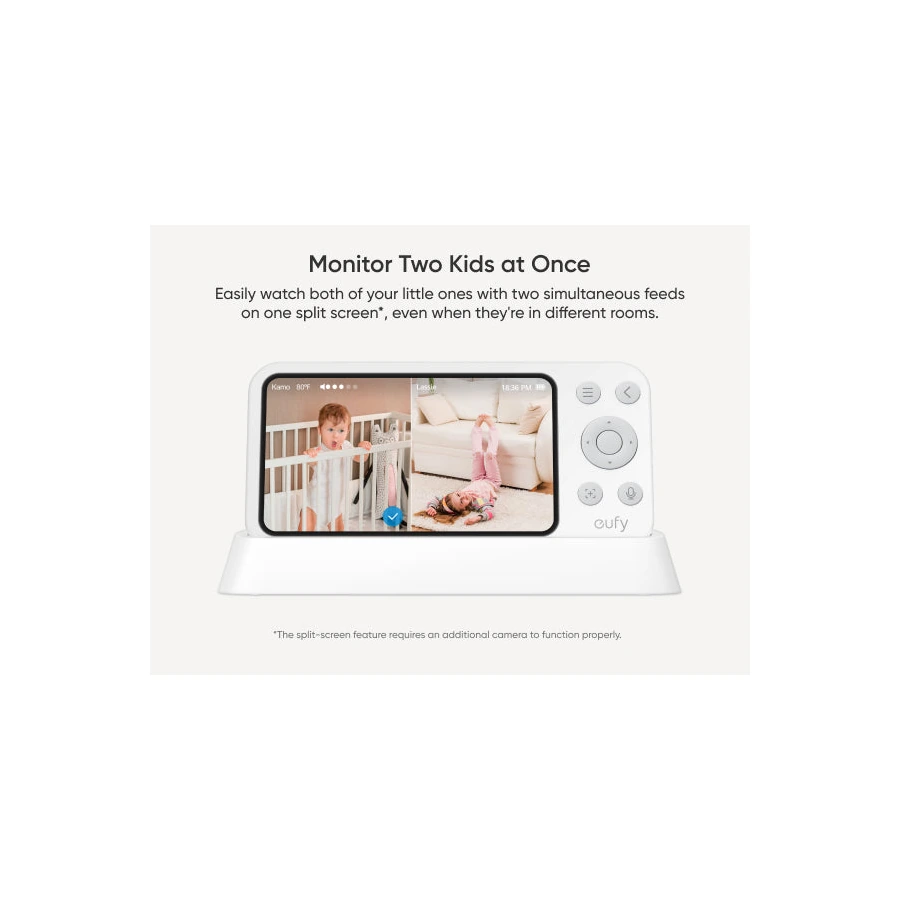
App recording supports reviewing activity over time. The parent monitor can display two camera feeds on a split screen when a second compatible camera is added; that extra camera is purchased separately. Follow the supplied mounting instructions, keep the monitor within useful connection range and test viewing and alerts before completing setup. Camera and monitor firmware updates are managed through their respective app and screen controls.