


Product details
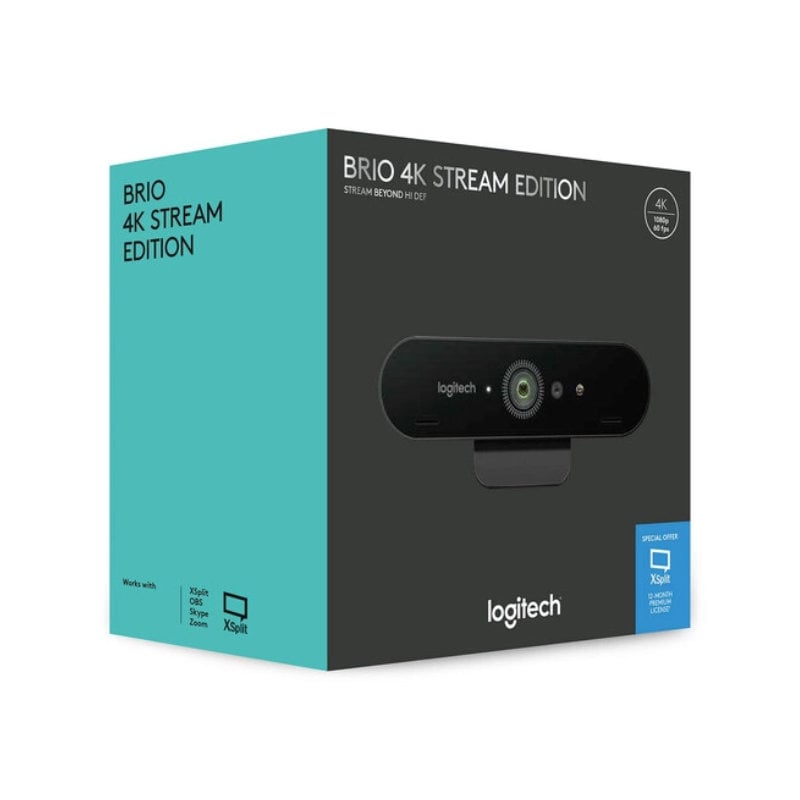
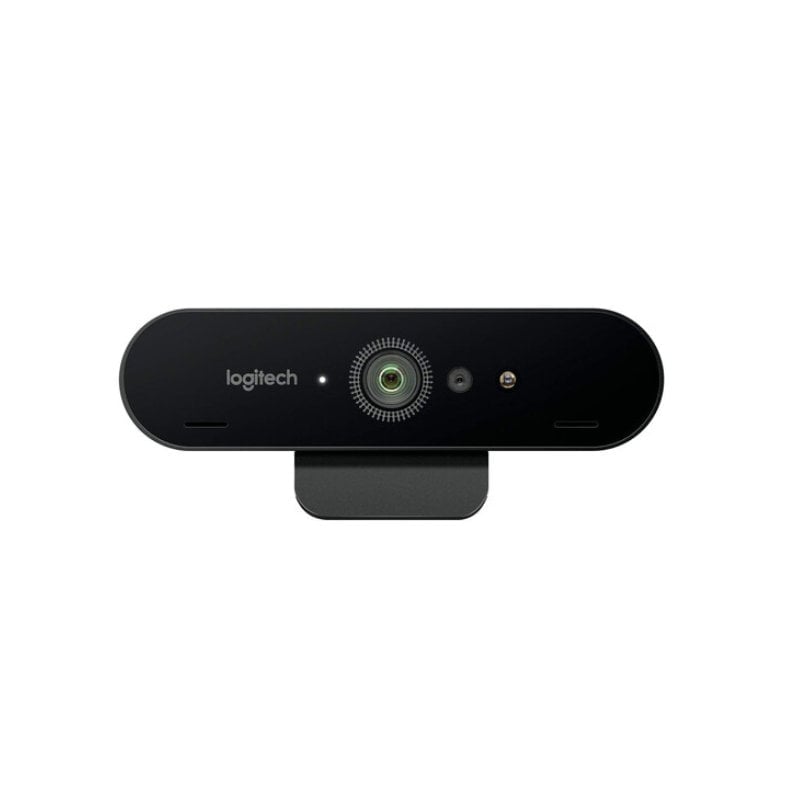
Logitech BRIO Ultra HD Pro Price in Kenya
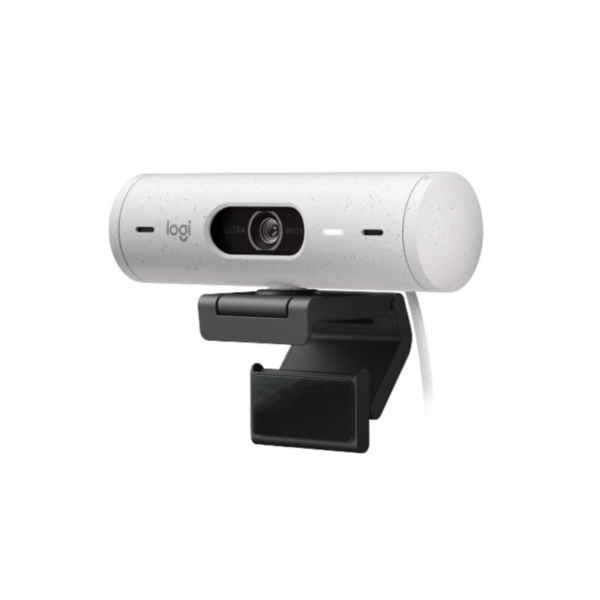
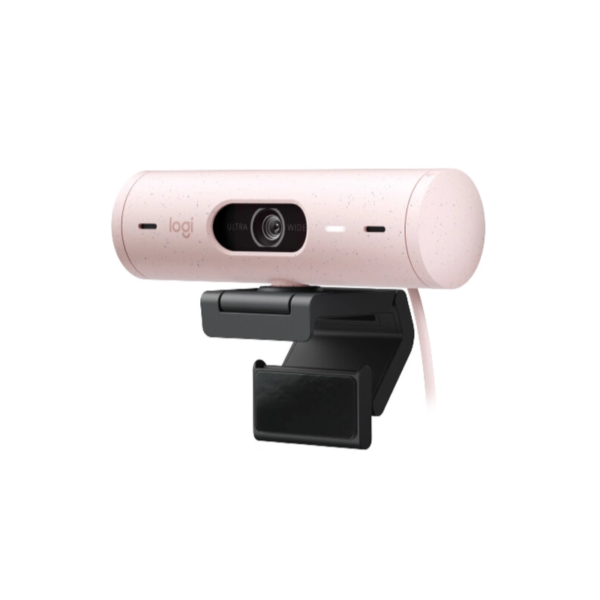
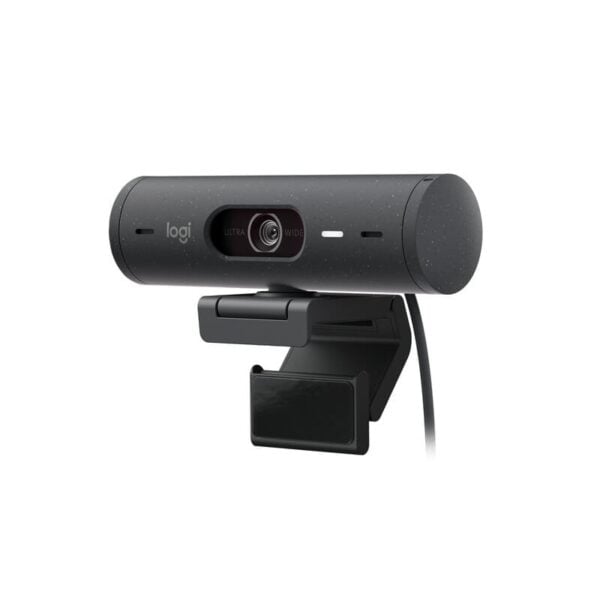
The Logitech BRIO Ultra HD Pro price in Kenya is Ksh 29,500. This is the undisputed king of webcams for Nairobi’s elite professionals and content creators who refuse to settle for “good enough.” While standard 1080p webcams are fine for casual chats, the BRIO offers a massive jump to 4K Ultra HD, ensuring you look as sharp on a global Zoom call as you do in person.
In a world where lighting in Kenyan offices can be unpredictable—from harsh afternoon sun in Upper Hill to dim boardrooms during a power dip—the BRIO’s RightLight 3 with HDR acts as your personal lighting crew. It automatically balances exposure so you never look like a silhouette or a washed-out ghost.
The #1 lifestyle upgrade here is Secure Biometric Login. Stop typing passwords; the integrated infrared sensor supports Windows Hello, so that you can unlock your workstation just by looking at the lens.
Buy it today at Exelic Gadgets. We offer same-day delivery in Nairobi and secure countrywide shipping via Wells Fargo or G4S to ensure your gear arrives safely in Mombasa, Kisumu, or Eldoret.
Why You’ll Love It (The Lifestyle Upgrade)
- Unmatched Detail: 4K resolution at 30fps provides 4x the pixels of standard HD, so that your clients see every detail of your presentation with lifelike clarity
- Master Any Lighting: RightLight 3 and HDR technology automatically adjust for low light or high contrast, so that you always look professional, even if your desk is right in front of a bright window.
- Custom Framing: Choose between 65°, 78°, or 90° field-of-view presets, so that you can focus on just your face or show the entire team in the meeting room.
- Instant Security: Infrared facial recognition works with Windows Hello, so that you can log in to your PC in seconds without touching the keyboard.
- Precision Zoom: 5x HD digital zoom allows you to crop out messy backgrounds, so that your viewers stay focused on you and not the shelf behind you.
- Ultra-Smooth Motion: Supports 1080p at 60fps or 720p at 90fps, so that your video remains fluid and lag-free during fast-paced streaming or high-motion presentations.
Logitech BRIO Specifications
4K Ultra HD: The “Big Screen” Experience
Using the BRIO is like switching from a basic feature phone to a flagship smartphone screen. With a 13MP sensor, it captures details that standard webcams miss. For a creative director in Nairobi reviewing a physical print or a makeup artist doing a live tutorial, this 4K resolution ensures that colors and textures are represented with 100% accuracy.
RightLight 3 & HDR: Your Personal Sun-God
HDR (High Dynamic Range) is the same tech used in high-end TVs. It allows the camera to see details in the darkest shadows and the brightest highlights at the same time. If you have a bright window behind you (backlighting), a normal camera makes you look black. RightLight 3 fixes this instantly, making you look bright and clear while the window behind you doesn’t “blow out.”
Infrared Facial Recognition: The “Digital Key”
The BRIO doesn’t just “see” you; it “maps” you. Using an infrared (IR) sensor, it projects thousands of tiny dots to verify your face. This is much more secure than standard photo-based facial recognition. It works in the dark and even if you’re wearing glasses, acting as a secure “digital key” to your office PC.
5x HD Zoom: Precision Cropping
Think of this like a high-end camera lens. Because the sensor starts at 4K, you can zoom in up to 5 times and the image still stays at a very high resolution. It’s perfect for “hiding” a cluttered home office during an unplanned call—just zoom in to a “head and shoulders” shot and the mess disappears.
Dual Noise-Canceling Mics: The “Silence” Filter
Nairobi can be noisy—from passing matatus to nearby construction. The BRIO uses two mics to create a “beamforming” effect. It identifies the sound of your voice and actively filters out background hums and distant chatter, so that your voice remains the center of attention.
90 FPS Refresh Rate: Butter-Smooth Video
While most webcams are stuck at 30 frames per second (fps), the BRIO can go up to 90 fps at 720p. This is the “Secret Sauce” for streamers. High frame rates mean zero motion blur; if you wave your hand or move quickly, the video remains perfectly crisp and fluid, mimicking the look of professional TV broadcasts.
Who Is This Perfect For?
- The “C-Suite” Executive: You lead high-stakes board meetings from home or a private office. You need the 4K clarity and professional light correction to maintain your executive presence on screen.
- The Twitch/YouTube Streamer: You need 60fps or 90fps for smooth gameplay overlays. The BRIO is the industry standard for creators who want DSLR-like quality without the massive price tag and complexity of a “real” camera.
- The Remote Software Engineer: You frequently share your screen but need to look sharp when you switch back to your face. The Windows Hello support also adds a layer of much-needed security for your development machine.
Alternatives & Competitors
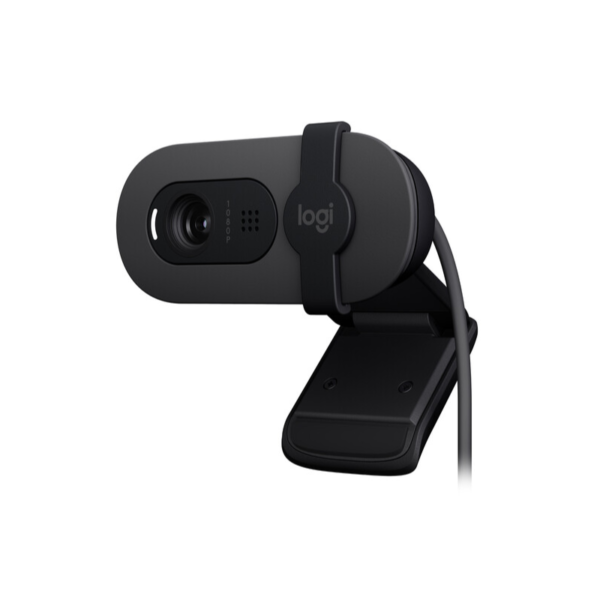
- Logitech Brio 300: Cheaper; 1080p but no auto-framing; fixed focus; similar Rose color.
- Logitech Brio 4K (Pro): Similar price; higher 4K resolution; infrared for Windows Hello; wider body design.
- Insta360 Link: Much more expensive; 3-axis gimbal; 4K resolution; AI tracking.
- Logitech BRIO Ultra HD Pro Webcam
Frequently Asked Questions (FAQs)
1. Do I need a special cable for 4K video? Yes. To achieve 4K resolution, you must plug the BRIO into a USB 3.0 port on your computer. If you use a USB 2.0 port, the camera will automatically cap your resolution at 1080p.
2. Does it work with the latest MacBook M3? Absolutely. It is fully compatible with macOS. Since modern MacBooks use USB-C, you may need a USB-A to USB-C adapter or a dedicated USB-C to USB-C 3.0 cable.
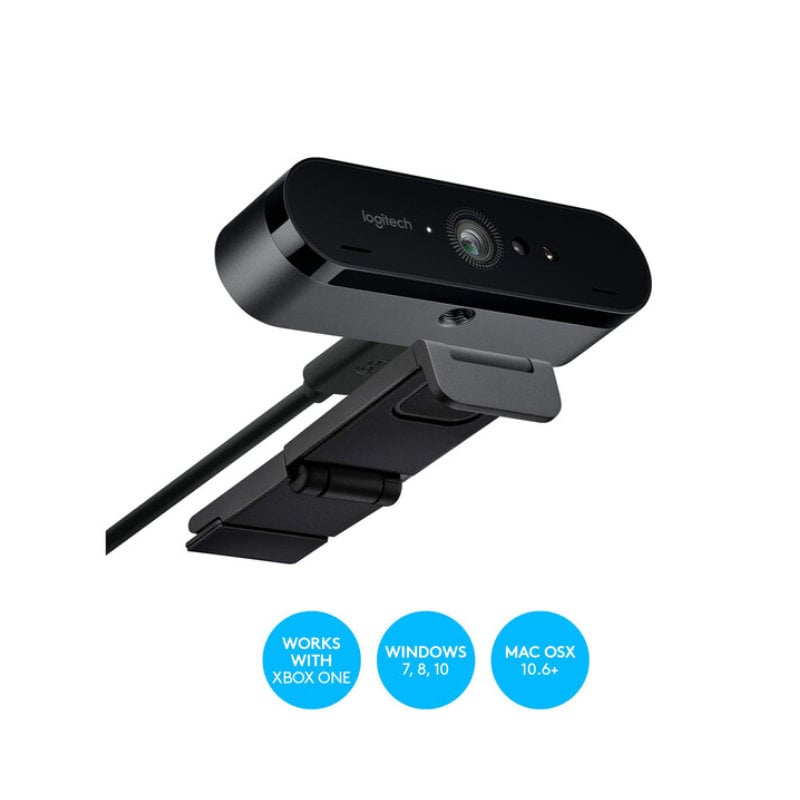
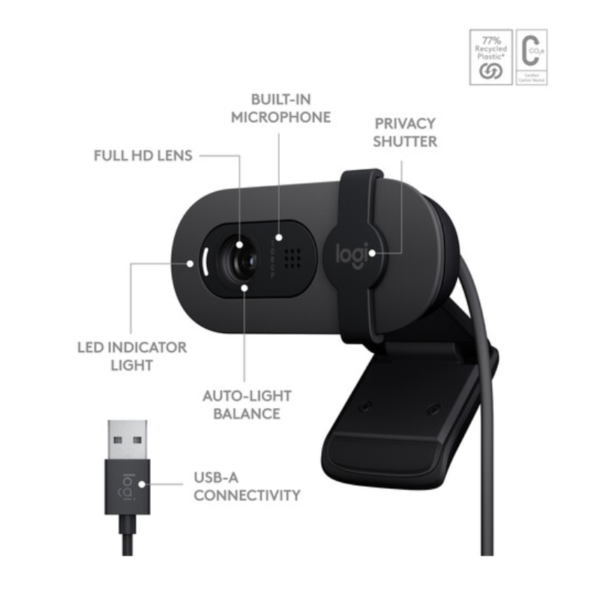
3. Is the privacy shutter built-in? It comes with an attachable, flippable privacy shade in the box. You can easily snap it on and flip it down whenever you want 100% peace of mind.
4. Can I use this on a tripod? Yes. The universal clip is removable, revealing a standard 1/4″ tripod thread on the bottom of the camera, allowing you to mount it on any professional stand or tripod.
5. How do I adjust the field of view? You can easily toggle between 65°, 78°, and 90° using the Logi Tune or G HUB software, which are free to download from the Logitech website.
Buy more Webcams at Exelic Gadgets


There are no reviews yet.