
Product details
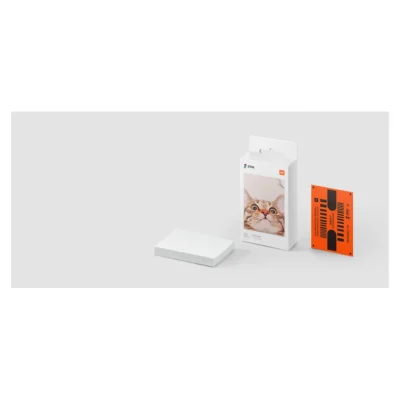
The Mi Portable Photo Printer turns selected phone photos into compact, sticky-backed prints using ZINK thermal technology. Colour-forming dyes are already embedded in the matching paper, so the printer does not need an ink cartridge. The printed photographs measure 50 × 76mm, making them suitable for albums, journals and small displays where a full-size photograph would take up too much space.
The printer works with the Xiaomi Home app over Bluetooth 5.0 BLE. A Wi-Fi connection is not required for Bluetooth printing. Xiaomi lists support for compatible phones and tablets running Android 4.1 or iOS 9.0 and above, although the current app version must also be supported by your device. Up to three people can connect simultaneously, with their print jobs added to a queue rather than all printing at once.
Printing resolution is 313 × 400dpi, and the specified printing time is approximately 45 seconds per sheet. The tray holds up to ten sheets of matching photo paper. JPEG and PNG files are supported. App features include photo-collage templates, filters and AR photos; the latter can associate a short video or audio experience with a print that is scanned through the app. Connected features depend on the app and its supported services.
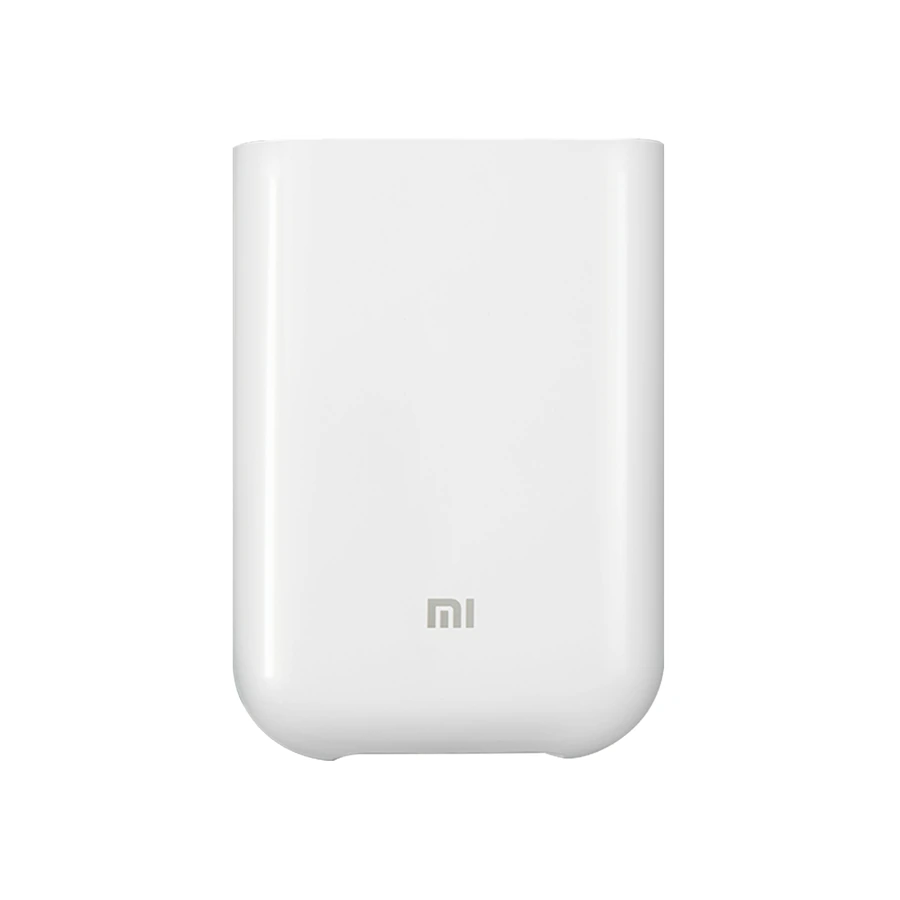
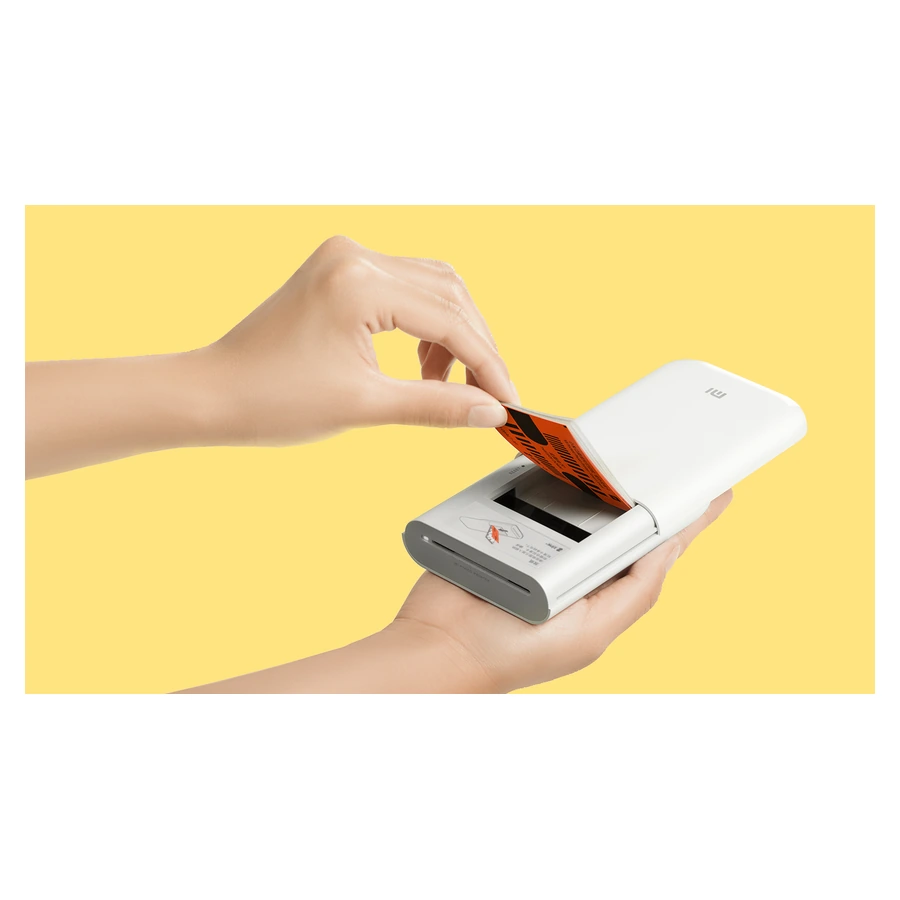
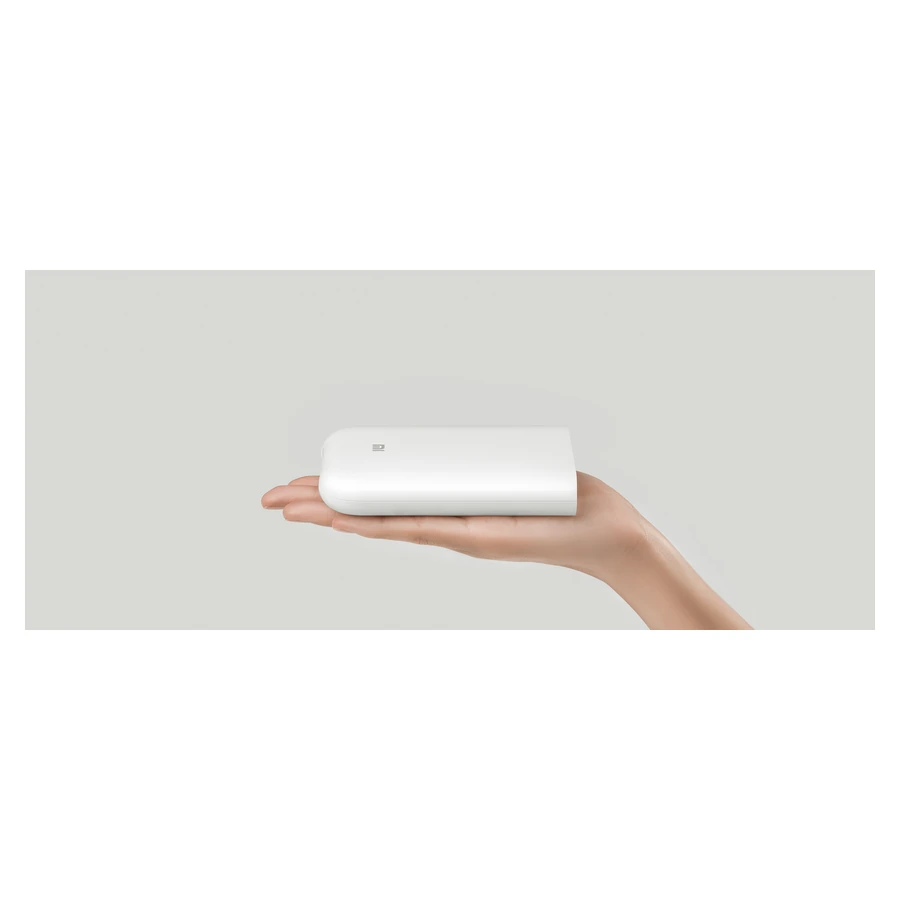
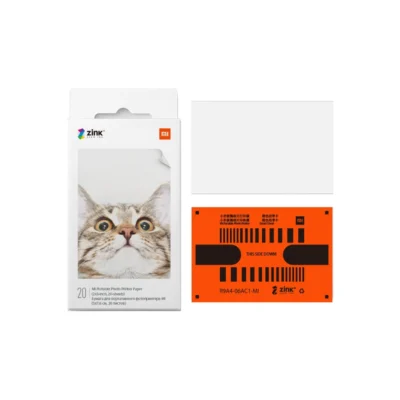
The compact white printer weighs approximately 181g. Its outer case uses ABS and PC flame-retardant material, and the sliding cover gives access to the paper tray without separating the cover from the device. Open the tray, insert the matching paper with the orange calibration card at the bottom and its barcode facing down, then close the cover as directed by Xiaomi.
An internal lithium-ion polymer battery is rated at 500mAh and 7.4V. Xiaomi gives an approximate working capacity of twenty printed sheets per charge, with actual results depending on use. Charging uses the Micro-USB port. The package contains the printer, a USB cable, a user manual and five sheets of photo paper. Additional compatible paper is purchased separately. Check paper orientation and the app connection before printing, and follow the supplied guidance for charging and paper handling.