



Product details
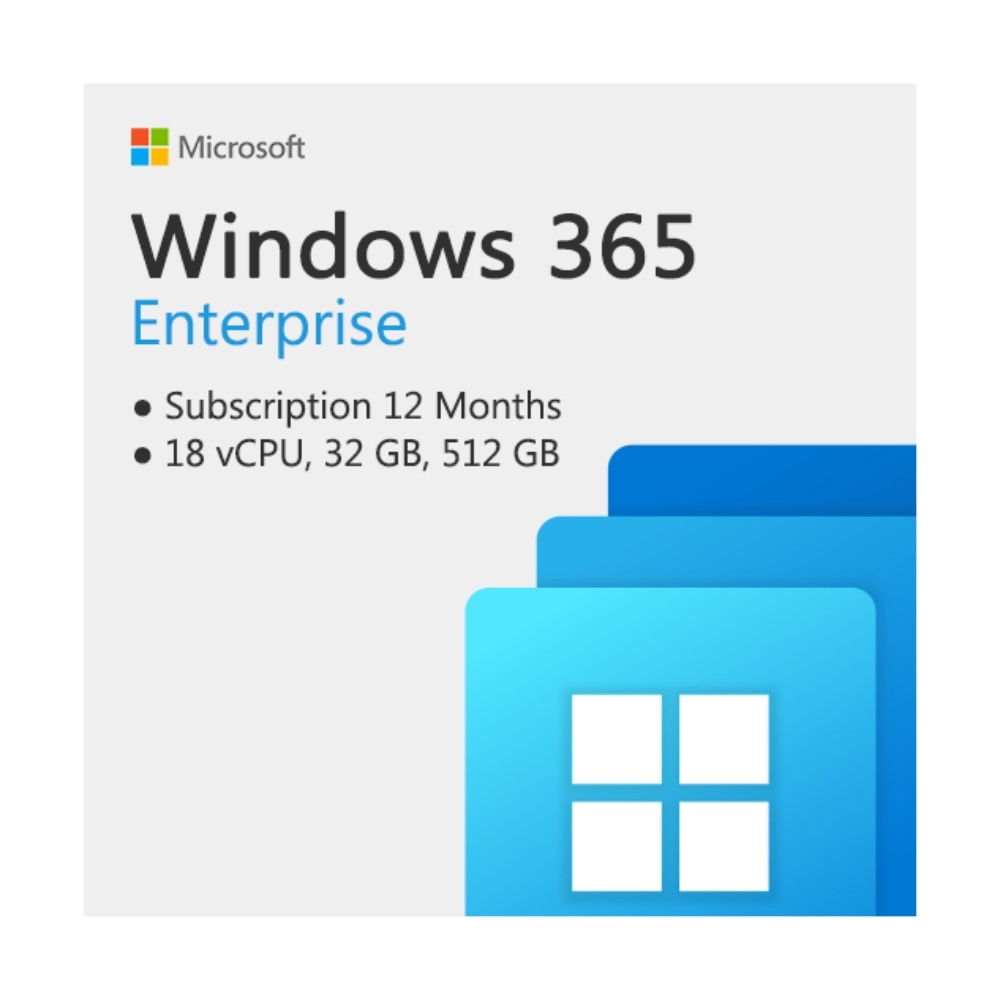
Windows 365 Enterprise (8 vCPU, 32 GB, 512 GB) – 12 Months Price in Kenya
The Windows 365 Enterprise 8 vCPU, 32 GB RAM, 512 GB Storage (12 Months) price in Kenya is KSh 100,000. Welcome to the future of hybrid work. This is not a traditional software license; it is a subscription to a top-tier “Cloud PC.” It easily justifies its premium price tag by providing a dedicated, high-performance Windows computer hosted entirely in the Microsoft Cloud, allowing your employees to securely stream their personalized apps, data, and settings to any device.
This specific configuration (8 vCPU and 32 GB of RAM) is a powerhouse, built specifically for businesses that require intensive computing power, large-scale data processing, and sophisticated multitasking without the upfront capital expense of buying physical high-end workstations. Because the compute happens in the cloud, corporate data is never stored on vulnerable local endpoints, completely revolutionizing your IT security and hardware procurement strategy. Stop worrying about hardware deprecation and stolen laptops. Secure your 12-month Windows 365 Enterprise subscription today at Exelic Gadgets, located at Mithoo Biashara Centre. Pay securely via M-Pesa to receive your digital provisioning details instantly via WhatsApp or Email. We guarantee seamless activation so your IT department can deploy this Cloud PC immediately.
Why You’ll Love It (The Lifestyle Upgrade)
- The Ultimate BYOD Solution: Implement “Bring Your Own PC” (BYOPC) safely. Employees can use their personal MacBooks, iPads, or older Windows laptops to stream this powerful Cloud PC. Corporate data remains secure in the cloud, completely isolated from their personal hardware.
- Top-Tier Cloud Performance: Do not let the cloud label fool you. With 8 virtual CPUs, 32 GB of RAM, and 512 GB of storage, this instance is built for heavy lifting—perfect for software developers, data scientists, and power users.
- Seamless Intune Management: Simplify your IT overhead. Administrators can easily deploy, manage, and monitor Cloud PCs directly within Microsoft Intune, treating virtual and physical resources through a single, unified pane of glass.
- Zero Trust Security: Built on Microsoft’s Zero Trust architecture. If an employee loses their physical laptop or it gets stolen, absolutely no corporate data is compromised because everything is stored and processed securely in the Microsoft Cloud.
- Instant Onboarding: Hiring temporary workers or external contractors? You can provision a secure, fully loaded Windows Cloud PC for them in minutes, and revoke access the second their contract ends.
Windows 365 Enterprise Configuration Specifications
Deep Dive: The Tech Explained
What is a Cloud PC?
Unlike a traditional operating system installed on a local hard drive, Windows 365 streams your entire desktop experience from Microsoft’s Azure servers to your local screen. Your desktop, applications, passwords, and files are exactly where you left them, whether you log in from your office desktop at 9:00 AM or your iPad at home at 8:00 PM. The local device is merely a “monitor” displaying the incredibly powerful computer running in the cloud.
High-Performance Configuration
Many virtual desktops are provisioned for basic data entry (e.g., 2 vCPU and 4GB RAM). This specific package is an elite configuration. Featuring 8 vCPUs and 32 GB of RAM, it is designed for demanding enterprise workloads. It allows media production teams to render heavy files, animators to work fluidly, and data scientists to compile massive datasets without experiencing the latency traditionally associated with remote desktops.
Enterprise Management & Intune
The “Enterprise” tag means this integrates seamlessly into massive corporate IT infrastructures. Unlike the “Business” tier of Windows 365, the Enterprise edition requires and fully integrates with Microsoft Intune. This allows your IT department to deploy specific security policies, push software updates, and remotely wipe access to the Cloud PC with the exact same tools they use to manage your physical hardware fleet.
Bulletproof Business Continuity
Physical hardware fails. Hard drives crash, laptops are left in taxis, and local power grids go down. Windows 365 Enterprise ensures absolute business continuity. Because the compute environment resides in the highly redundant Microsoft Cloud, an employee whose laptop breaks can simply borrow another device, log in to their portal, and resume working immediately without losing a single second of productivity or an ounce of data.
Who Is This Perfect For?
- The Enterprise Power User: Software developers, financial analysts, and multimedia creators who require massive computing power but need the flexibility to work from anywhere.
- The IT Administrator: You need a highly secure, centralized way to deploy computing resources to remote workers without shipping Ksh 200,000 physical laptops across the country.
- Organizations Using Freelancers/Contractors: You need to give short-term employees immediate access to your internal network and software, but want to instantly revoke that access when the project is done.
- The Mac-Based Business: Your creative team prefers using Apple hardware, but they strictly require access to proprietary Windows-only enterprise software.
Frequently Asked Questions (FAQs)
- What happens if I lose my internet connection? Because the operating system and files are hosted in the cloud, a stable internet connection is strictly required to access and stream the Cloud PC. If your internet drops, you will lose connection to the desktop, but your session remains active in the cloud; you will not lose any unsaved work once you reconnect.
- Can I run this on a MacBook or an iPad? Absolutely. One of the greatest benefits of Windows 365 is platform independence. You can download the Remote Desktop app on macOS, iOS, or Android, or simply access your high-powered Windows desktop through an HTML5 web browser on any device.
- Does this price include Microsoft 365 apps (Word, Excel, etc.)? No. This subscription covers the high-performance computing hardware (the OS, CPU, RAM, and Storage) in the cloud. You still need your existing Microsoft 365 business licenses to activate and use the Office suite applications within the Cloud PC.
- Do I still need to buy antivirus software for the Cloud PC? Windows 365 Enterprise includes built-in Windows Security and integrates directly with Microsoft Defender for Endpoint (if your organization is licensed for it). Because data is centralized in the cloud, it is inherently more secure than local hardware.
- Is the 512 GB storage local or in the cloud? The 512 GB of storage is a dedicated cloud drive attached directly to your virtual machine in the Microsoft data center. It operates incredibly fast, but it is entirely separate from the physical hard drive on the local laptop or tablet you are using to log in.
There are no reviews yet.