
Deal
Deal
Brand: Logitech
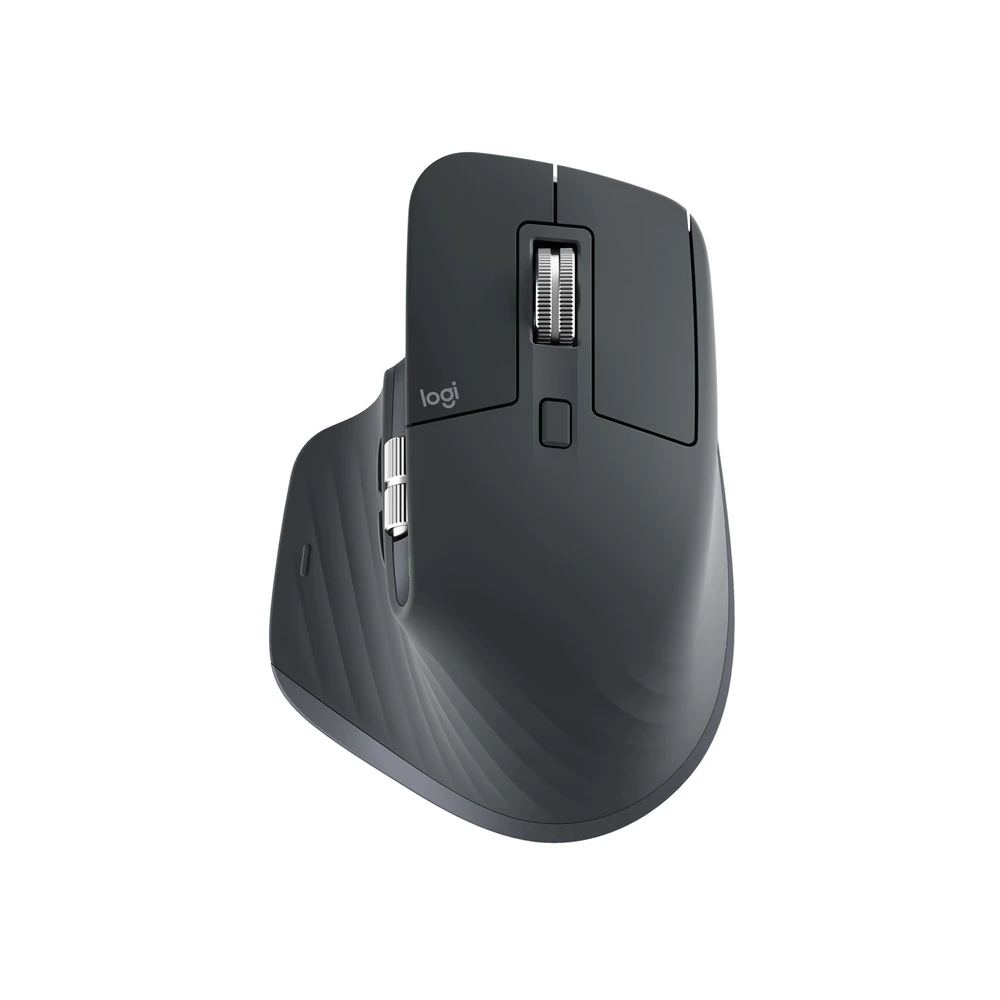
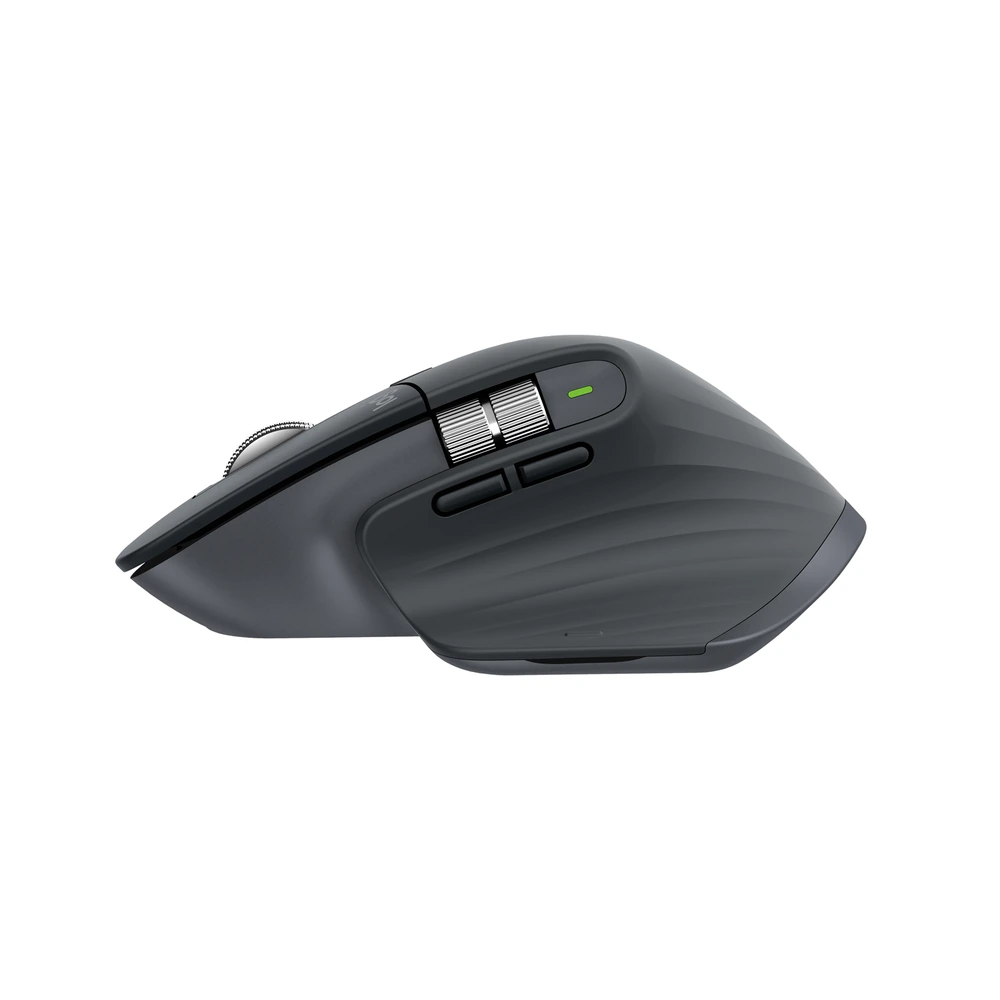
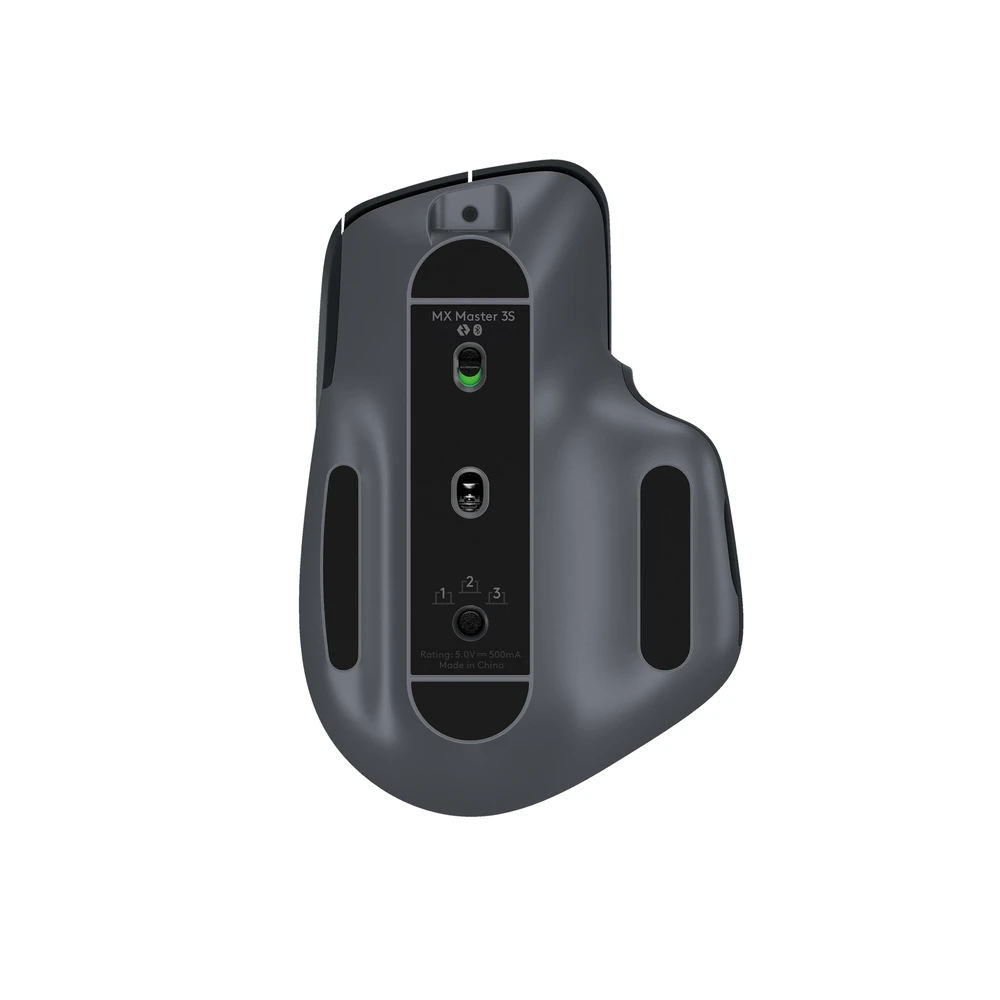
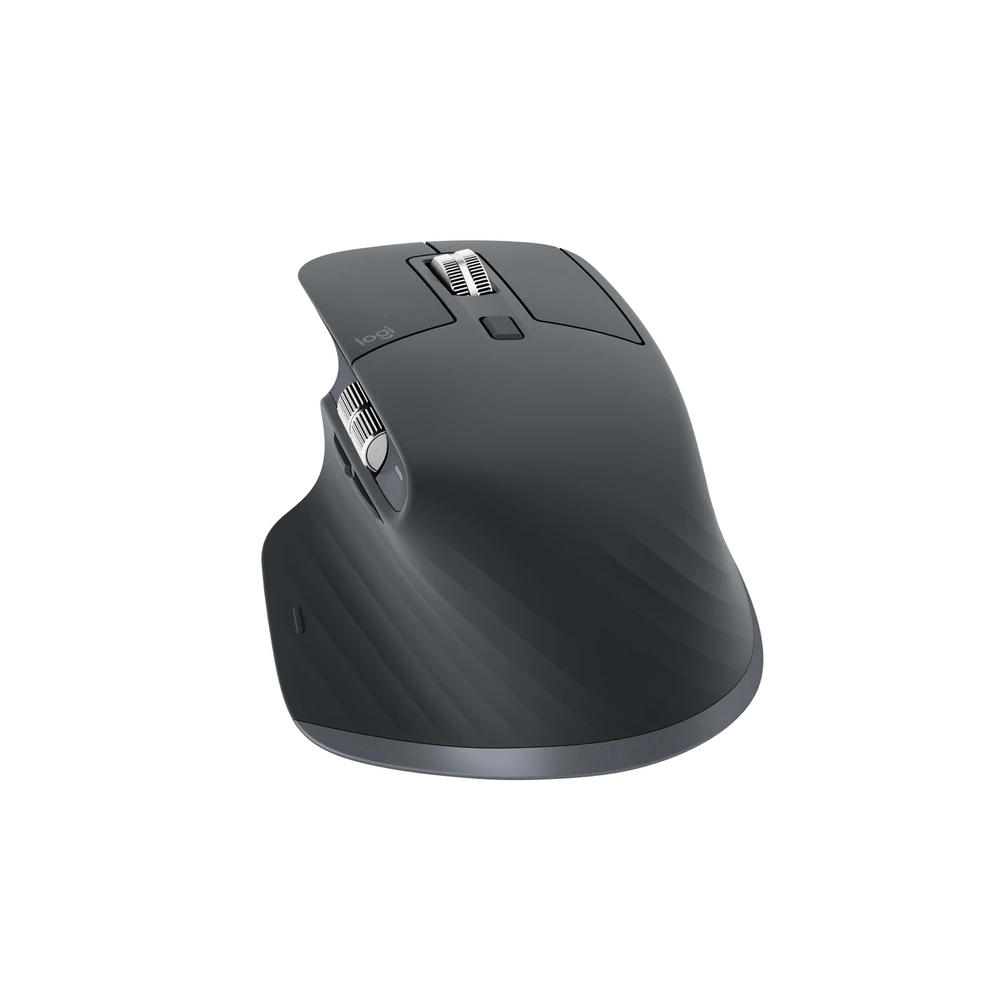
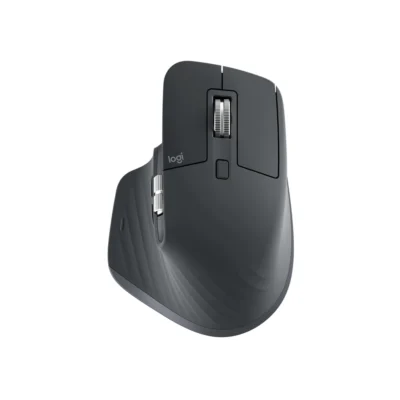
Logitech MX Master 3S
KSh 16,500
The Logitech MX Master 3S in Graphite brings logi bolt usb receiver or bluetooth low energy to your setup.
- Logi Bolt USB receiver or Bluetooth Low Energy
- 200–8,000 DPI in 50-DPI increments tracking
- 7 buttons
- 124.9 mm × 84.3 mm × 51 mm body dimensions
- 141 g mouse weight
- MagSpeed wheel and separate horizontal thumb wheel
Complete Your Setup
View all
Logitech MX Master 3S Highlights
- 8,000 DPI sensor
- 500 mAh battery
- 10 m wireless range
- Darkfield high precision sensor technology
- Rechargeable Li-Po battery type
- Bluetooth Low Energy Bluetooth
Compare Logitech MX Master 3S with Similar Products
Compare Logitech MX Master 3S specs, features and price with similar computer mice and alternatives.
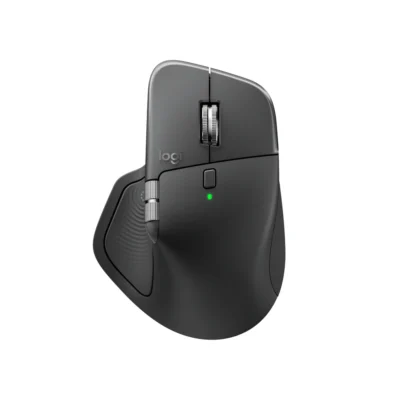
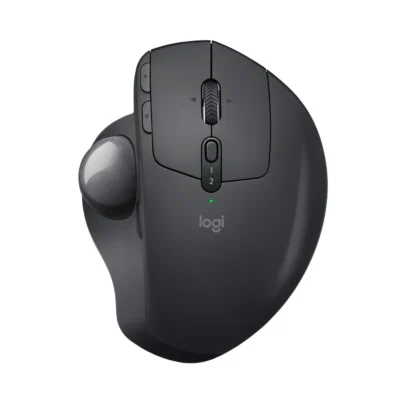
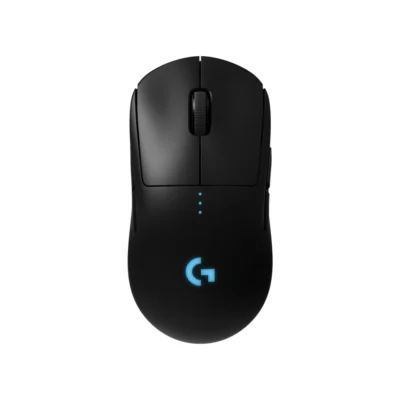
Comparison full
0 spaces availableGeneral
| Specification | Logitech MX Master 3S | Logitech MX Master 4 | Logitech MX ERGO | Logitech PRO Wireless |
|---|---|---|---|---|
| Brand | Logitech | Logitech | Logitech | Logitech |
| Model | MX Master 3S (910-006559) | MX Master 4 (910-007562) | MX ERGO (910-005179) | PRO Wireless (910-005273) |
| Type | Productivity mouse | Ergonomic productivity mouse | Trackball mouse | Gaming Mouse |
| Color | Graphite | Graphite | Graphite | Black |
| Announced | Not specified | September 30, 2025 | Not specified | Not specified |
Sensor & Tracking
| Specification | Logitech MX Master 3S | Logitech MX Master 4 | Logitech MX ERGO | Logitech PRO Wireless |
|---|---|---|---|---|
| Sensor Technology | Darkfield high precision | Darkfield high precision | Advanced Optical Tracking | HERO 25K |
| DPI | 200–8,000 DPI in 50-DPI increments | 200-8000 (can be set in increments of 50 DPI) | 512–2,048 DPI | 100–25,600 DPI |
| DPI Adjustment | Not specified | 200–8,000 DPI in 50-DPI increments | Not specified | Not specified |
| Tracking Speed | Not specified | Not specified | Not specified | >400 IPS |
| Acceleration | Not specified | Not specified | Not specified | >40 G |
| Polling Rate | Not specified | Not specified | Not specified | 1,000 Hz / 1 ms |
Buttons & Scrolling
| Specification | Logitech MX Master 3S | Logitech MX Master 4 | Logitech MX ERGO | Logitech PRO Wireless |
|---|---|---|---|---|
| Number of Buttons | 7 | 8 | 8 | Four to eight, depending on optional side-button configuration |
| Gesture Button | Yes | Yes | Not specified | Not specified |
| Scroll Wheel | MagSpeed electromagnetic scrolling with SmartShift | Yes, MagSpeed wheel with smart shift | Tilt wheel with middle click | Not specified |
| Horizontal Scroll | Yes | Yes | Not specified | Not specified |
| Thumb Wheel | Yes | Yes, same as horizontal scroll | Not specified | Not specified |
| Programmable Buttons | Not specified | Not specified | 6 customizable buttons | Programmable through Logitech G HUB |
| Button / Switch Type | Not specified | Not specified | Not specified | Mechanical button tensioning |
Connectivity
| Specification | Logitech MX Master 3S | Logitech MX Master 4 | Logitech MX ERGO | Logitech PRO Wireless |
|---|---|---|---|---|
| Connection Type | Logi Bolt USB receiver or Bluetooth Low Energy | Bluetooth Low Energy or Logi Bolt wireless receiver | Bluetooth Low Energy 4.1 or Unifying USB receiver | LIGHTSPEED wireless; wired USB charging/data |
| Bluetooth | Bluetooth Low Energy | Bluetooth Low Energy 5.1 | 4.1 Low Energy | No Bluetooth |
| Wireless Receiver | Logi Bolt USB receiver included; incompatible with Unifying | USB-C Logi Bolt receiver included; also compatible with USB-A Logi Bolt receivers | Unifying receiver included | LIGHTSPEED USB receiver included |
| Wireless Range | Up to 10 m | 10 m | Up to 10 m | Not specified |
| Multi-Device Connection | Up to three paired devices with Easy-Switch | Up to three devices with Easy-Switch | Two devices with Easy-Switch | Not specified |
| Wireless Technology | Not specified | Bluetooth Low Energy | Not specified | LIGHTSPEED |
| Cable / Connector | Not specified | Not specified | Not specified | Micro-USB charging/data port |
| Cable Length | Not specified | Not specified | Not specified | 1.8 m |
Battery & Power
| Specification | Logitech MX Master 3S | Logitech MX Master 4 | Logitech MX ERGO | Logitech PRO Wireless |
|---|---|---|---|---|
| Battery Type | Rechargeable Li-Po | Rechargeable battery | Rechargeable Li-Po 500 mAh | Rechargeable battery |
| Battery Capacity | 500 mAh | 650 mAh | Not specified | Not specified |
| Battery Life | Up to 70 days; one-minute charge provides up to three hours of use | Up to 70 days | Up to four months | Up to 48 hours with default lighting; 60 hours with lighting off |
| Charging Port | USB-C | USB-C | Micro-USB | Micro-USB |
| Wireless Charging | Not specified | Not specified | Not specified | Compatible with POWERPLAY system, sold separately |
Features
| Specification | Logitech MX Master 3S | Logitech MX Master 4 | Logitech MX ERGO | Logitech PRO Wireless |
|---|---|---|---|---|
| Customization Software | Logi Options+ on Windows and macOS | Logi Options+ on Windows and macOS | Logi Options+ | Logitech G HUB |
| Silent Clicks | Quiet Clicks | Not specified | Not specified | Not specified |
| Haptic Feedback | Not specified | Customizable Haptic Sense Panel through Logi Options+ | Not specified | Not specified |
| Special Features | Not specified | Actions Ring shortcuts; MagSpeed scrolling; customizable haptic feedback | Adjustable hinge for 0° or 20° tilt; precision-mode button; thumb-operated trackball | Not specified |
| Onboard Memory | Not specified | Not specified | Not specified | Yes |
| Profiles | Not specified | Not specified | Not specified | Five onboard memory profiles |
| RGB Lighting | Not specified | Not specified | Not specified | One-zone LIGHTSYNC RGB |
Design
| Specification | Logitech MX Master 3S | Logitech MX Master 4 | Logitech MX ERGO | Logitech PRO Wireless |
|---|---|---|---|---|
| Dimensions | 124.9 mm × 84.3 mm × 51 mm | 128.15 mm × 88.35 mm × 50.8 mm | Not specified | 125 × 63.5 × 40 mm |
| Weight | 141 g | 150 g | 164 g without metal plate; 259 g with metal plate | 80 g |
| Hand Orientation | Right-handed | Not specified | Not specified | Ambidextrous with optional side buttons |
System Requirements
| Specification | Logitech MX Master 3S | Logitech MX Master 4 | Logitech MX ERGO | Logitech PRO Wireless |
|---|---|---|---|---|
| Windows | Windows 10/11 or later | Windows 11 or later over Bluetooth; Windows 10 or later using Logi Bolt | Not specified | Windows 7 or later |
| macOS | macOS 10.15 or later | macOS 13 or later | Not specified | macOS 10.11 or later |
| Other Operating Systems | ipados: iPadOS 14 or later via Bluetooth; android: Android 8.0 or later via Bluetooth; linux: Basic functions supported; chromeos: Basic functions supported | Basic functions: Linux, ChromeOS, iPadOS 15 or later and Android 12 or later | Not specified | ChromeOS |
| Required Port / Connection | Not specified | Bluetooth Low Energy or a suitable USB port for the Logi Bolt receiver | Not specified | USB port |
| Software | Not specified | Logi Options+ is required for haptics, Actions Ring and advanced customization | Not specified | Not specified |
What's in the Box
| Specification | Logitech MX Master 3S | Logitech MX Master 4 | Logitech MX ERGO | Logitech PRO Wireless |
|---|---|---|---|---|
| In the Box | Mouse; Logi Bolt USB receiver; USB-A to USB-C charging cable; user documentation | Mouse; USB-C Bolt receiver; User documentation | MX ERGO Advanced Wireless Trackball; Unifying USB Receiver; Micro-USB cable for recharging; Quick Start Guide | PRO Wireless mouse; LIGHTSPEED USB receiver; USB charging/data cable; receiver extension adapter; optional side buttons and covers; user documentation |
Specs
General
| Brand | Logitech |
|---|---|
| Model | MX Master 3S (910-006559) |
| Type | Productivity mouse |
| Color | Graphite |
| Dimensions | 124.9 mm × 84.3 mm × 51 mm |
| Weight | 141 g |
Sensor & Tracking
| Sensor Technology | Darkfield high precision |
|---|---|
| DPI | 200–8,000 DPI in 50-DPI increments |
Buttons & Scrolling
| Number of Buttons | 7 |
|---|---|
| Gesture Button | Yes |
| Scroll Wheel | MagSpeed electromagnetic scrolling with SmartShift |
| Horizontal Scroll | Yes |
| Thumb Wheel | Yes |
Connectivity
| Connection Type | Logi Bolt USB receiver or Bluetooth Low Energy |
|---|---|
| Bluetooth | Bluetooth Low Energy |
| Wireless Receiver | Logi Bolt USB receiver included; incompatible with Unifying |
| Wireless Range | Up to 10 m |
| Multi-Device Connection | Up to three paired devices with Easy-Switch |
Battery & Power
| Battery Type | Rechargeable Li-Po |
|---|---|
| Battery Capacity | 500 mAh |
| Battery Life | Up to 70 days; one-minute charge provides up to three hours of use |
| Charging Port | USB-C |
Features
| Customization Software | Logi Options+ on Windows and macOS |
|---|---|
| Silent Clicks | Quiet Clicks |
Design
| Hand Orientation | Right-handed |
|---|
System Requirements
| Windows | Windows 10/11 or later |
|---|---|
| macOS | macOS 10.15 or later |
| Other Operating Systems | ipados: iPadOS 14 or later via Bluetooth; android: Android 8.0 or later via Bluetooth; linux: Basic functions supported; chromeos: Basic functions supported |
What's in the Box
| In the Box | Mouse; Logi Bolt USB receiver; USB-A to USB-C charging cable; user documentation |
|---|