Product details
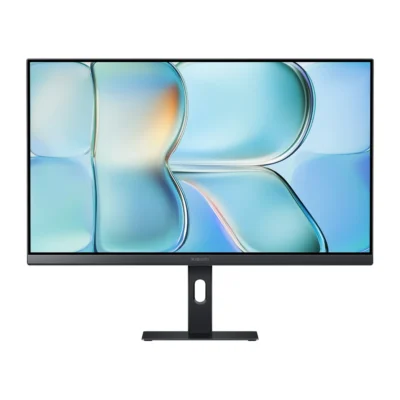
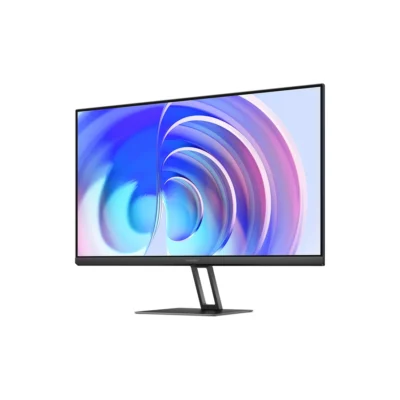
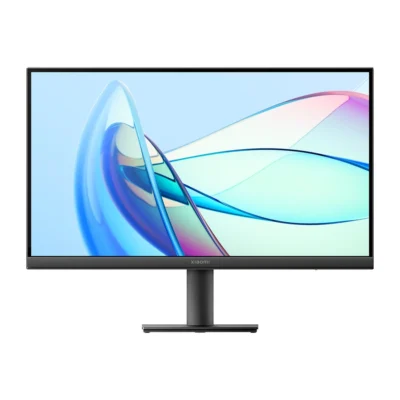
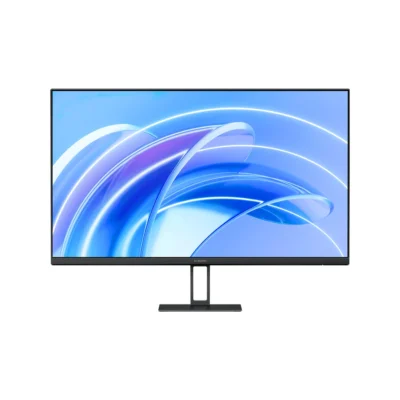
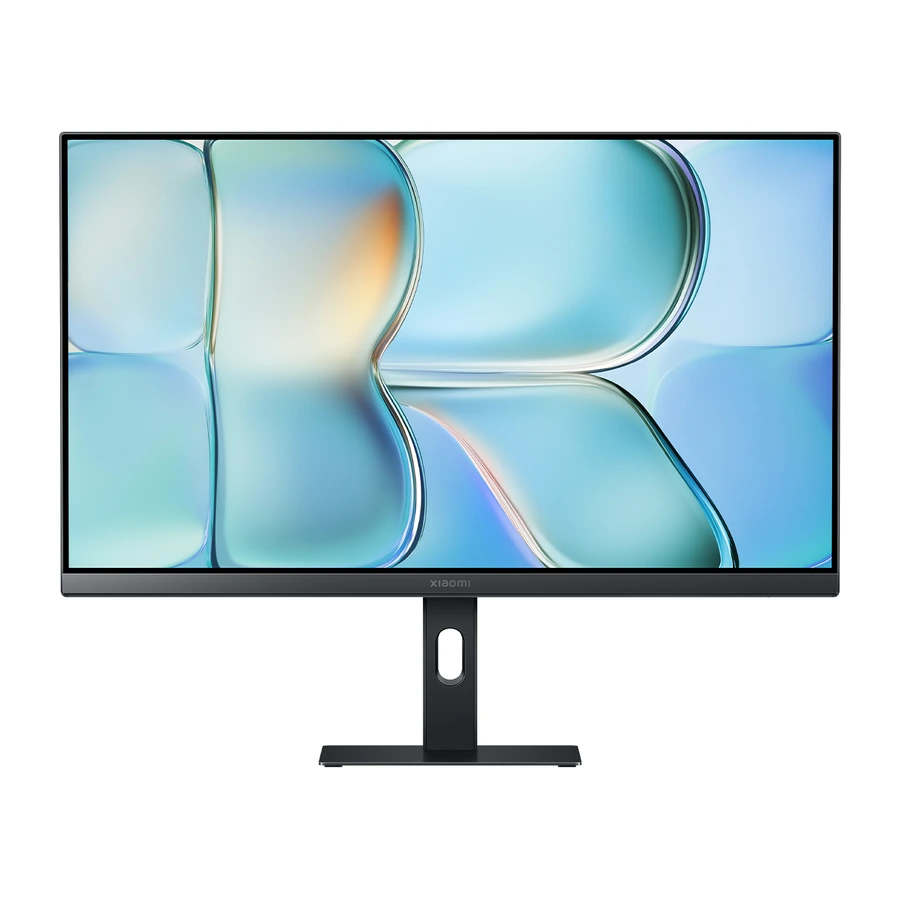
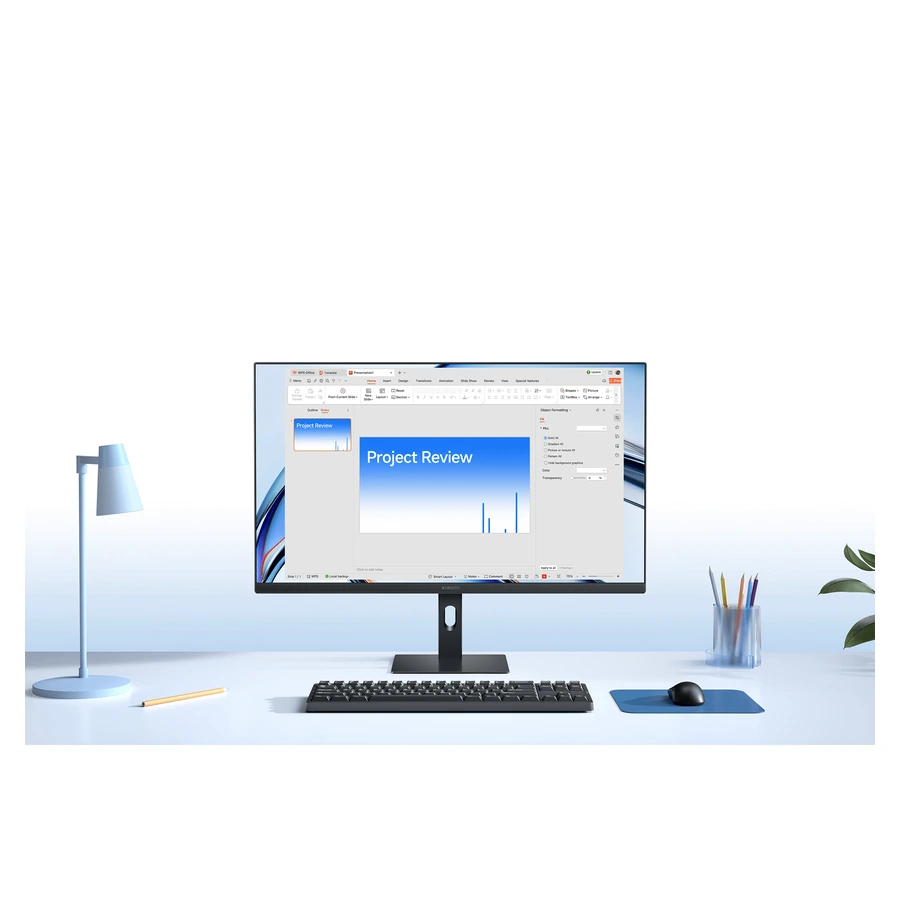
The Xiaomi Monitor A24i 2026 provides a 23.8-inch IPS display for documents, everyday entertainment and a connected computer workspace. This 2026 version combines its published resolution with a higher-refresh display, while the slim stand and narrow bezels keep the desk setup straightforward.
The display resolution is 1920 × 1080 with a 16:9 aspect ratio. Refresh rate is 144Hz, and the published response time is 6ms. To obtain the maximum resolution and refresh rate, use a compatible computer output, cable and port setting. Performance depends on the complete connection rather than the screen alone.
Colour specifications include 99% sRGB coverage and 8-bit (6-bit + FRC); 16.7 million colours. Xiaomi states Average ΔE < 1 in sRGB mode. Published brightness is 300nits and static contrast is 1500:1. These figures describe the manufacturer’s specified display performance; lighting, settings and content affect how the picture appears in use.
The IPS panel has published viewing angles of 178° horizontally and vertically. Individual factory calibration provides the stated colour accuracy. Where a colour or low blue light mode requires activation, select it through the on-screen display rather than assuming every picture mode uses the same settings.
The monitor supports TÜV Rheinland low blue light mode and DC dimming. Stand adjustment provides 5° forward and 15° backward tilt. A compatible 75 × 75mm VESA wall-mount arrangement offers another placement option, with the mounting bracket purchased separately. Check the mount instructions and load support before installation.
Connections comprise DisplayPort 1.4 × 1; HDMI 2.0 × 1; DC power input × 1. The product measures 539.2 × 170.0 × 433.7mm including base and weighs 3kg including base. Its rated power specification is 24W. Allow space for the stand, cable connections and your intended viewing position when planning the desk.
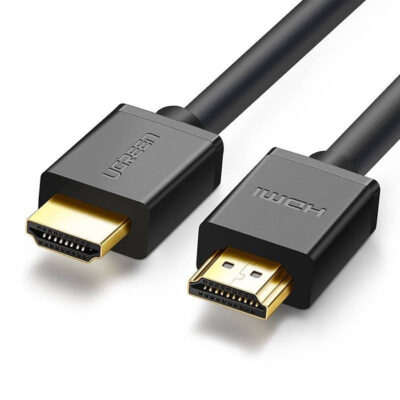
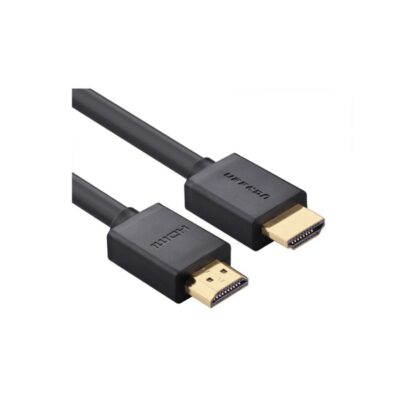
The package contains the monitor, screw kit, stand and base, power adapter, HDMI 2.0 cable and user manual. Assemble the stand using the supplied instructions, connect the power adapter and signal cable, then choose the preferred display settings. Screen artwork in the official photographs illustrates the display and does not represent supplied software or content.