Product details
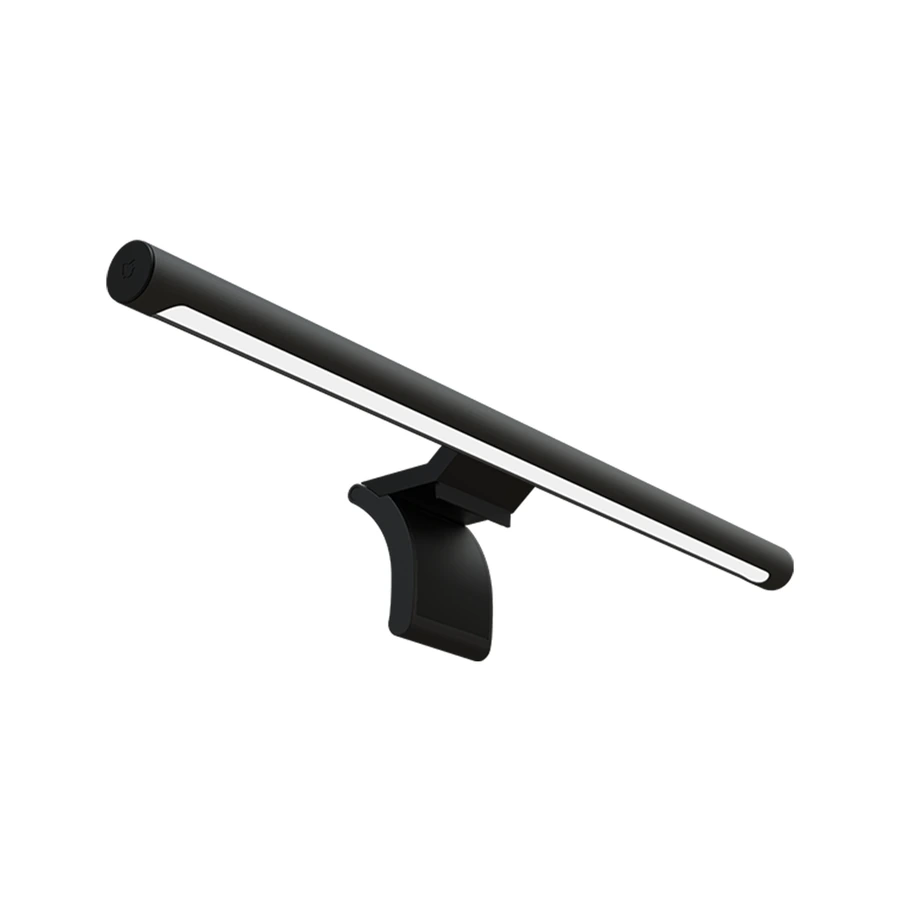
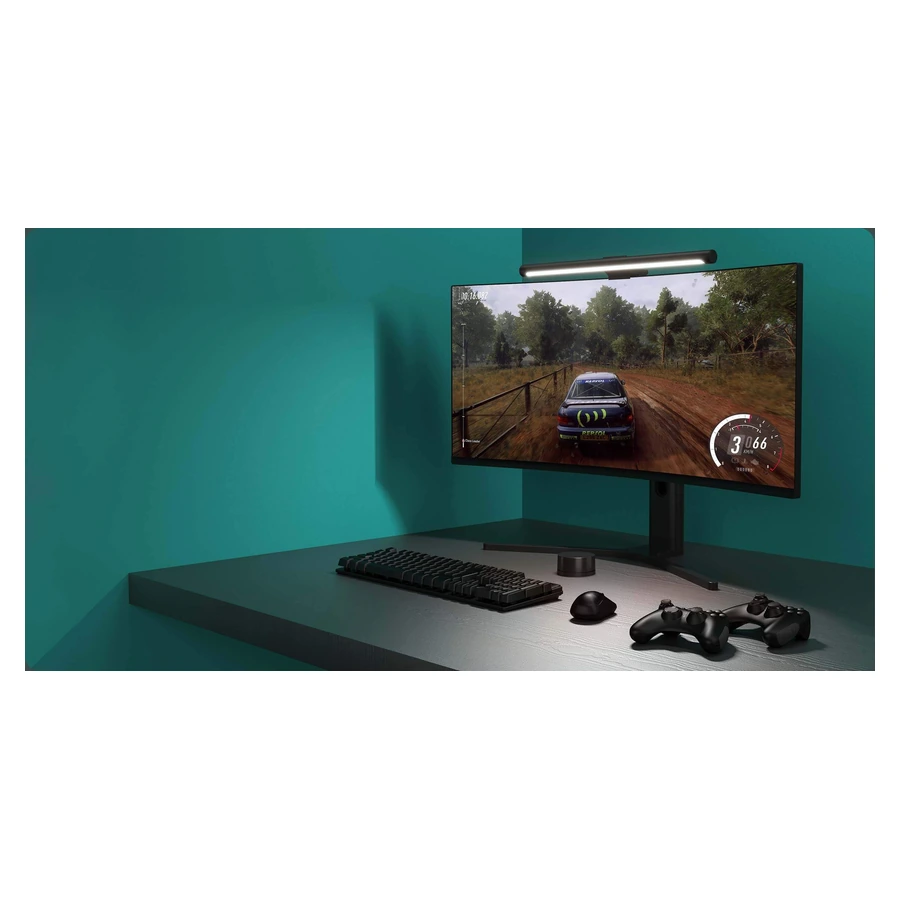
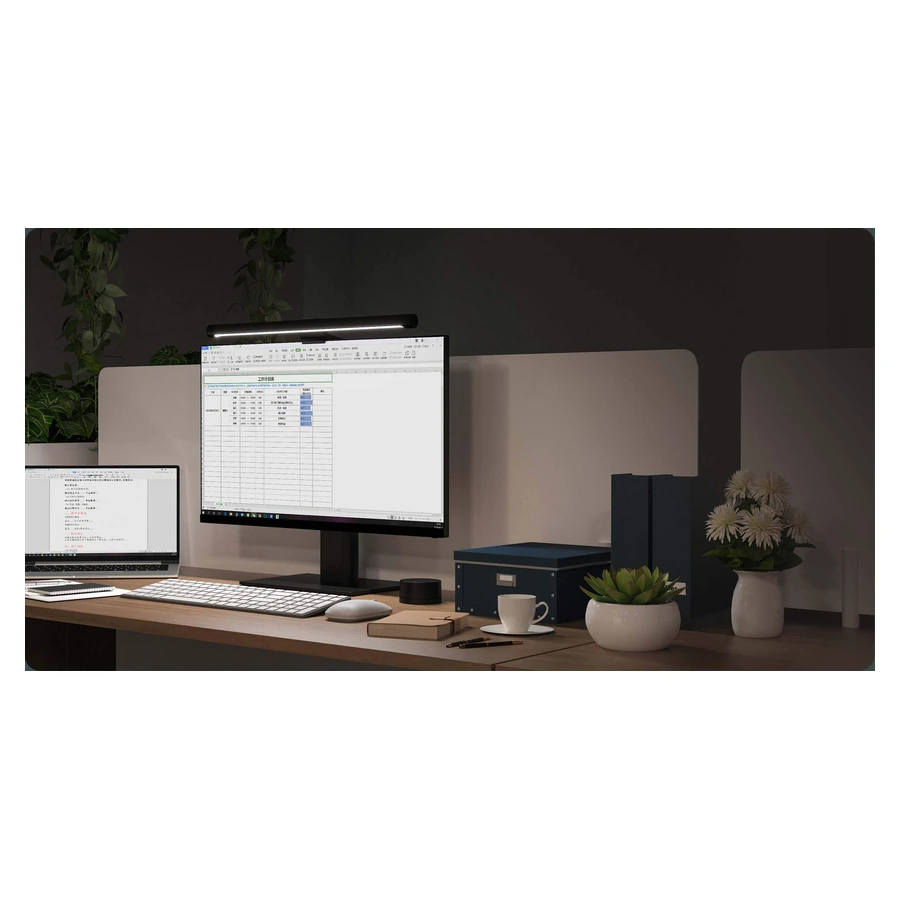
The Mi Computer Monitor Light Bar adds adjustable illumination above a compatible desktop monitor while keeping the main lamp off the desk surface. Its black aluminium body sits on a magnetic mounting base, creating a compact lighting arrangement for a work or gaming setup. The asymmetrical optical design directs light towards the desk, while adjustment lets you position the bar to suit your monitor and working area.
Colour temperature can be adjusted from 2700K to 6500K, giving a choice between warmer and cooler white light. Xiaomi’s support guidance specifies a brightness adjustment range of 10–100%. These controls help you choose a comfortable setting for the room and task without changing the lamp. Use the supplied wireless remote to switch the light and adjust its output from an accessible position on the desk.
The remote uses a local 2.4GHz wireless connection. This is not Wi-Fi networking, and the light bar does not connect to the Xiaomi Home app. It offers direct remote control rather than internet-based automation or remote access. The lamp body receives power through USB-C and is rated at 5W with a 5V, 1A input. A suitable computer USB connection, power bank or USB power supply can provide that input.
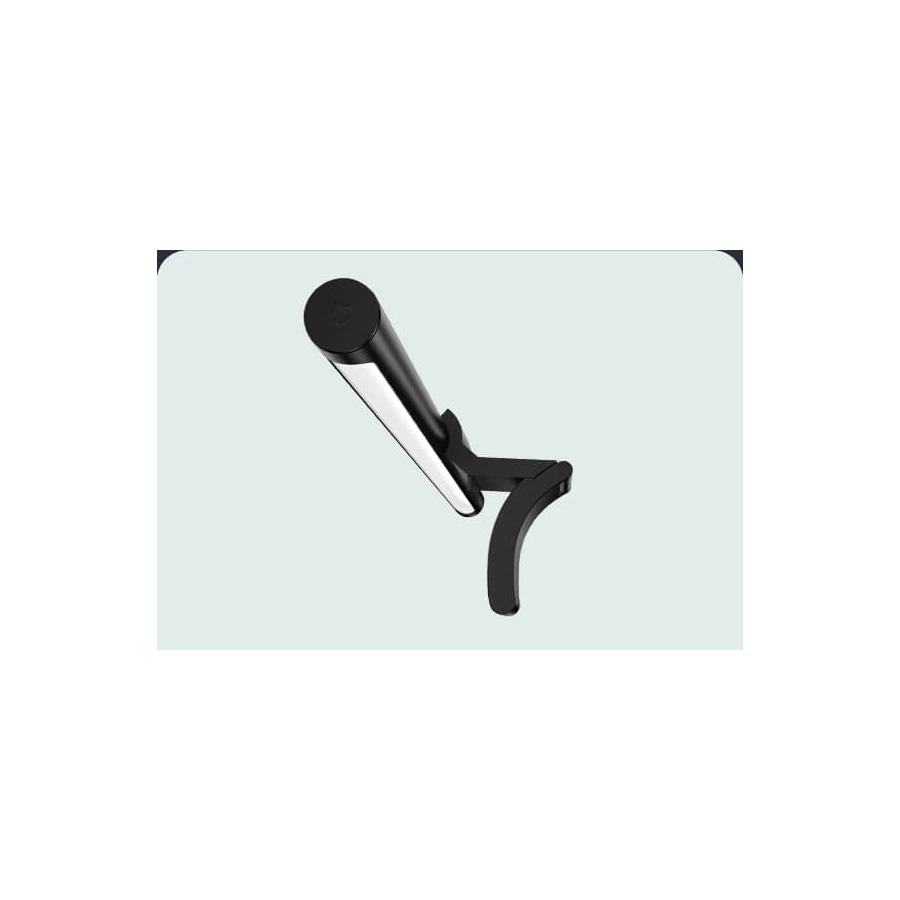
The light bar measures 23mm in diameter and 448mm long. Its circular remote measures 66.5mm in diameter and 34mm high. The bar can be angled through 25 degrees, while the mounting base allows 40 degrees of rotation. Xiaomi specifies compatibility with desktop monitors up to 32mm thick. When the monitor is thinner than 10mm, support the base manually during angle adjustment as described in the official guidance. This mounting arrangement is not intended for laptop screens.
The aluminium body provides a solid housing for everyday desktop use. Xiaomi specifies an operating temperature range of −10°C to 40°C. Keep the lamp indoors and clean it with a soft cloth according to the supplied instructions. The package includes the light bar, mounting base, wireless remote, Type-C cable and user manual. A separate USB power adapter is not listed among the supplied items. Check the monitor thickness and suitable power connection before installation, then position the bar and remote for convenient daily use.