Weight
- Microsoft Surface Slim Pen 2
- 13 g
- Apple Pencil
- 18.2 g

Stylu comparison
Compare key specifications, features and design side by side.
01Selected 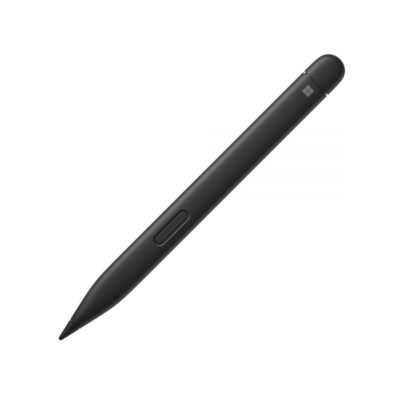 Surface Slim Pen 2
KSh 18,500In Stock | 02 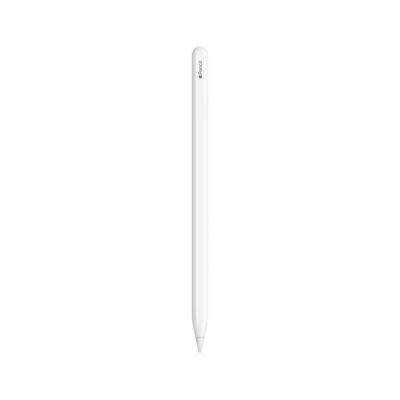 Apple Pencil (2nd Generation)
KSh 13,500In Stock |
|---|
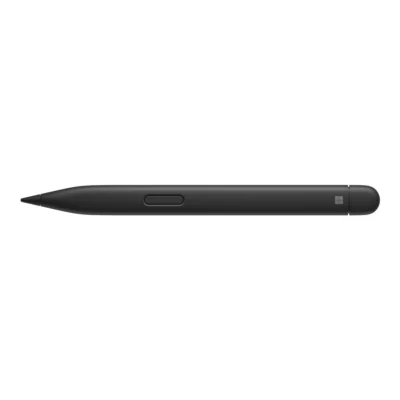
The Microsoft Surface Slim Pen 2 is lighter (13 g), while the Apple Pencil costs KSh 5,000 less.
The main differences to help you choose.
| Priority | Microsoft Surface Slim Pen 2 | Apple Pencil |
|---|---|---|
| Weight | 13 g | 18.2 g |
| Charging | Charges through compatible Surface pen-storage/charging accessories or the separate Surface Slim Pen Charger | Magnetic attachment, pairing and charging on a compatible iPad |
| Connections | Bluetooth Wireless 5.0 | Bluetooth |
| Buttons | Side button and top button with eraser functionality | Double-tap touch control to switch tools |
| Pressure sensitivity | 4,096 pressure levels, zero-force inking on supported devices | Pressure-sensitive input |
Tick a topic above to see how each product answers it.
Explore the full specifications, section by section.
| Specification | Surface Slim Pen 2 | Apple Pencil (2nd Generation) |
|---|---|---|
| Brand | Microsoft | Apple |
| Model | Surface Slim Pen 2 / Surface Slim Pen (2nd edition) | Apple Pencil (2nd generation) |
| Color | Matte Black | — |
| Specification | Surface Slim Pen 2 | Apple Pencil (2nd Generation) |
|---|---|---|
| Dimensions | 136.8 × 11.3 × 6.3 mm | 166 mm length; 8.9 mm diameter |
| Weight | 13 g | 18.2 g |
| Specification | Surface Slim Pen 2 | Apple Pencil (2nd Generation) |
|---|---|---|
| Battery | Preinstalled rechargeable lithium-ion battery | — |
| Charging | Charges through compatible Surface pen-storage/charging accessories or the separate Surface Slim Pen Charger; accessories sold separately | Magnetic attachment, pairing and charging on a compatible iPad |
| Specification | Surface Slim Pen 2 | Apple Pencil (2nd Generation) |
|---|---|---|
| Compatibility | Compatible Surface devices in Microsoft’s Slim Pen list, including Surface Pro 8/9/10/11th/12th Edition and Pro X, Surface Laptop Studio/Studio 2, Surface Duo 2 and Surface Hub 2S/3. Inking, tilt, magnetic storage, charging and tactile feedback vary by device. Other Windows PCs must support a matching Microsoft Pen Protocol. | iPad Pro 11-inch (1st–4th generation) and 12.9-inch (3rd–6th generation); iPad Air (4th/5th generation); iPad mini (6th generation). Hover requires iPad Pro 11-inch (4th generation) or 12.9-inch (6th generation). |
| Pen Protocol | Microsoft Pen Protocol (MPP) v2.6 | — |
| Pressure Sensitivity | 4,096 pressure levels; zero-force inking on supported devices | Pressure-sensitive input |
| Tilt Support | — | Tilt-sensitive input for shading |
| Buttons | Side button and top button with eraser functionality | Double-tap touch control to switch tools |
| Wireless | Bluetooth Wireless 5.0 | Bluetooth; Apple does not specify a Bluetooth version |
| Haptics | Tactile feedback in supported apps on compatible devices running Windows 11 | — |
These products have the same published specifications.
For most buyers the Microsoft Surface Slim Pen 2 is the better buy; the Apple Pencil makes sense if price matters most, as it costs less.
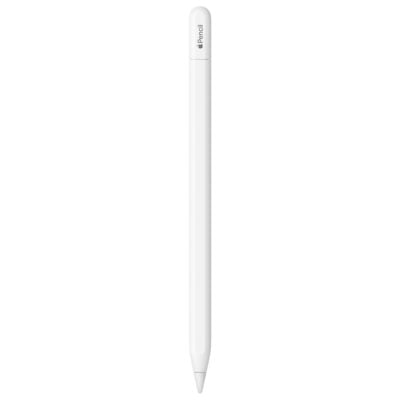
Back to compared products ↑Surface Slim Pen 2VSreMarkable Marker Surface Slim Pen 2VSMicrosoft Surface Pen (Stylet)Surface Slim Pen 2VSMicrosoft Surface Slim Pen 2Surface Slim Pen 2VSLogitech Crayon Digital PencilSurface Slim Pen 2VSOppo AI PenSurface Slim Pen 2VSHP Rechargeable MPP 2.0 Tilt PenApple Pencil (USB-C)VSSurface Slim Pen 2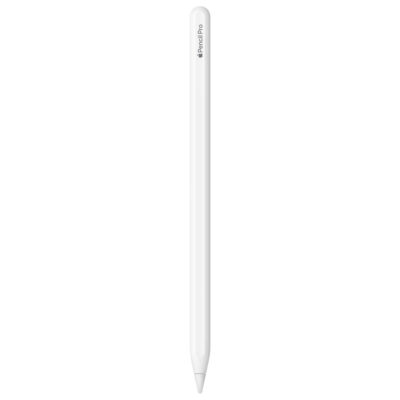 Apple Pencil ProVSSurface Slim Pen 2
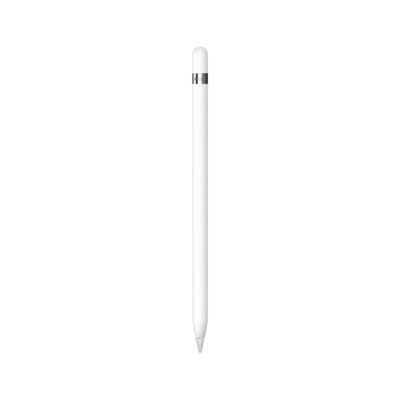 Apple Pencil (1st Generation)VSSurface Slim Pen 2
We are here to serve you
Keep a link to this cart, or ask us to send it to you. Reminders are optional.
You may send me reminders about this cart on the channels I select. I can opt out at any time.
Only the details you provide here or in checkout are used. Reminders are optional. Privacy notice