Weight
- Logitech MK345 Keyboard and Mouse Combo
- 603 g
- Logitech K375s
- 475 g

Keyboard comparison
Compare layout, connection, battery and typing feel.
01Selected 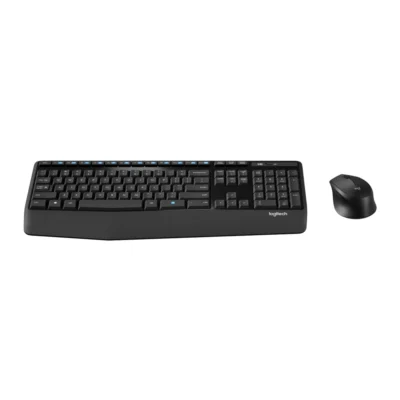 Logitech MK345 Keyboard and Mouse Combo
KSh 6,000In Stock | 02 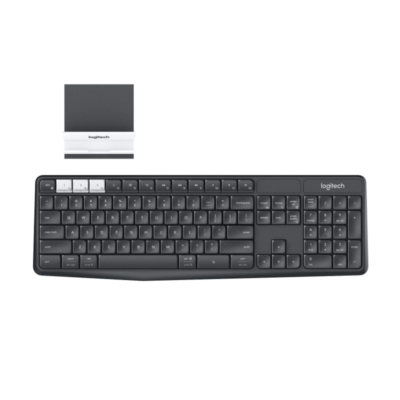 Logitech K375s
KSh 7,500Out of Stock |
|---|
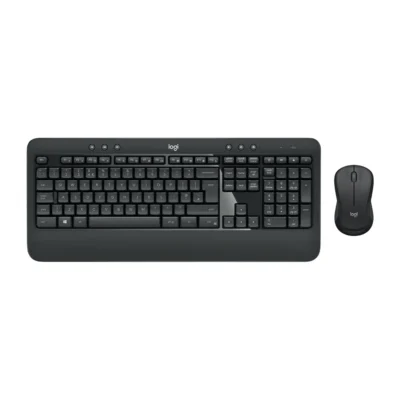
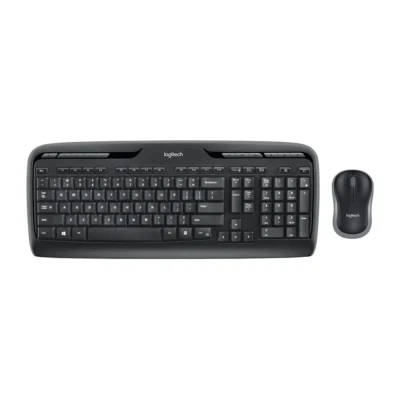
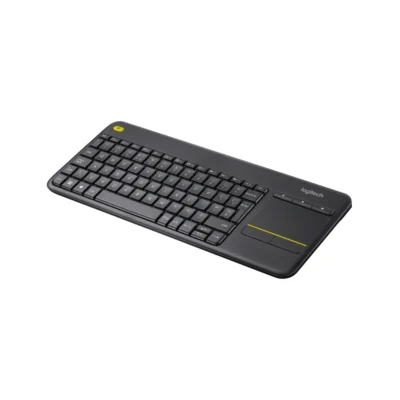
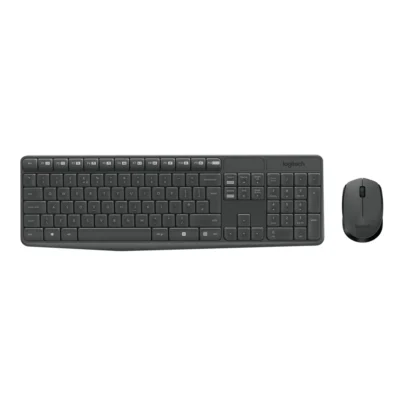
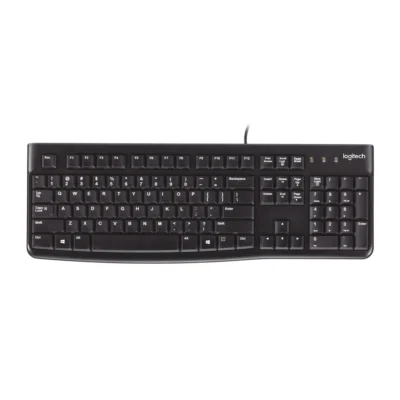
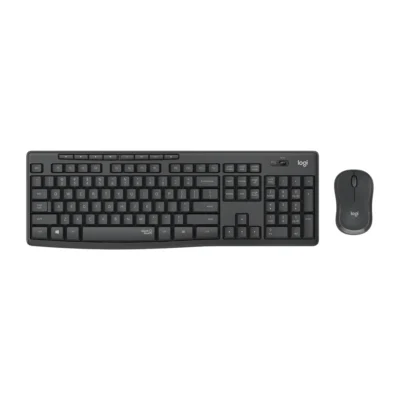
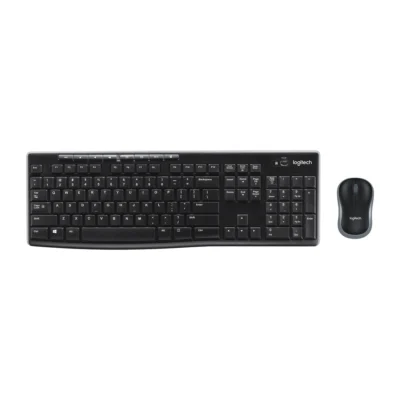
Choose the Logitech MK345 Keyboard and Mouse Combo if you want an integrated palm rest and up to 36 months of battery life. Choose the Logitech K375s if you want a lighter build (475 g).
The main differences to help you choose.
| Priority | Logitech MK345 Keyboard and Mouse Combo | Logitech K375s |
|---|---|---|
| Connections | 2.4 GHz wireless USB receiver | Bluetooth Smart |
| Battery life | Up to 36 months of battery life | Up to 24 months of battery life |
| Weight | 603 g | 475 g |
| Type | Keyboard and mouse combo | Wireless multi-device keyboard |
| Layout | English US (QWERTY) | Full-size |
| Switch type | Deep profile | Membrane |
| Wrist rest | Integrated palm rest | No |
Tick a topic above to see how each product answers it.
Explore the full specifications, section by section.
| Specification | Logitech MK345 Keyboard and Mouse Combo | Logitech K375s |
|---|---|---|
| Brand | Logitech | Logitech |
| Model | MK345 (920-006489) | K375s Multi-Device |
| Type | Keyboard and mouse combo | Wireless multi-device keyboard |
| Layout | English US (QWERTY) | Full-size |
| Color | Black | Graphite |
| Announced | — | 2016 |
| Material | — | Plastic |
| Specification | Logitech MK345 Keyboard and Mouse Combo | Logitech K375s |
|---|---|---|
| Dimensions | 186.7 mm × 447.2 mm × 21.4 mm | 435.5 × 137.5 × 20.5 mm |
| Weight | 603 g | 475 g with batteries |
| Specification | Logitech MK345 Keyboard and Mouse Combo | Logitech K375s |
|---|---|---|
| Connection Type | 2.4 GHz wireless USB receiver | Wireless |
| Wireless Technology | — | Bluetooth Smart; Logitech Unifying 2.4GHz |
| Bluetooth | — | Bluetooth Smart |
| Wireless Receiver | — | Logitech Unifying USB-A receiver |
| Multi-Device Connection | — | Yes — up to 3 devices |
| Wireless Range | — | Up to 10 m |
| Connector | — | Not applicable |
| Cable | — | — |
| Cable Length | — | — |
| Specification | Logitech MK345 Keyboard and Mouse Combo | Logitech K375s |
|---|---|---|
| Switch Type | Deep profile | Membrane |
| Numeric Keypad | Yes | Yes |
| Switches | — | Low-profile quiet keys |
| Switch Options | — | Not applicable |
| Dedicated Multimedia Keys | — | Yes — function-row shortcuts |
| Programmable Keys | — | No |
| Specification | Logitech MK345 Keyboard and Mouse Combo | Logitech K375s |
|---|---|---|
| Battery Life | Up to 36 months keyboard; up to 18 months mouse | Up to 24 months |
| Battery Type | — | 2 × AAA batteries |
| Battery Capacity | — | Not applicable |
| Charging Port | — | — |
| Charging Time | — | — |
| Power Switch | — | Yes |
| Battery Indicator | — | Yes |
| Specification | Logitech MK345 Keyboard and Mouse Combo | Logitech K375s |
|---|---|---|
| Wrist Rest | Integrated palm rest | No |
| Special Features | Integrated keyboard palm rest; Contoured right-handed mouse Included mouse: Dimensions: 105.4 mm × 67.9 mm × 38.4 mm Weight: 78 g Sensor technology: Smooth Optical Tracking Number of Buttons: 3 (Left/Right-click, Middle click) Scrolling: line-by-line Scroll Wheel: Yes, 2D, mechanical Connect/Power: On/Off power button Battery life: 18 months | Easy-Switch; included universal phone/tablet stand; spill-resistant design |
| Backlighting | — | None |
| Lighting Technology | — | Not applicable |
| Brightness Adjustment | — | — |
| Ambient Light Sensor | — | No |
| Proximity Sensor | — | No |
| Customization Software | — | None |
| Onboard Memory | — | No |
| Profiles / Macros | — | No |
| Specification | Logitech MK345 Keyboard and Mouse Combo | Logitech K375s |
|---|---|---|
| Windows | Windows 10, 11 or later | Windows 7 or later |
| macOS | — | macOS 10.10 or later |
| Other Operating Systems | — | ChromeOS; Android 5.0 or later; iOS 5 or later |
| Required Port / Connection | — | Bluetooth or USB-A port |
| Software | — | Logitech Options optional |
| Specification | Logitech MK345 Keyboard and Mouse Combo | Logitech K375s |
|---|---|---|
| In the Box | Keyboard with 2 AAA batteries; Mouse with 1 AA battery; USB receiver; User documentation | K375s keyboard, universal stand, Unifying receiver, 2 AAA batteries, documentation |
These products have the same published specifications.
Choose MK345 for a wrist rest and longer rated battery life; K375s offers a lighter build.
Back to compared products ↑Logitech MK345 Keyboard and Mouse ComboVSLogitech MK540 ADVANCEDLogitech MK345 Keyboard and Mouse ComboVSLogitech MK330Logitech MK345 Keyboard and Mouse ComboVSLogitech K400 PlusLogitech MK345 Keyboard and Mouse ComboVSLogitech MK235Logitech MK345 Keyboard and Mouse ComboVSLogitech K120Logitech MK345 Keyboard and Mouse ComboVSLogitech MK295Logitech MK270VSLogitech MK345 Keyboard and Mouse ComboLogitech MK345 Keyboard and Mouse ComboVS Logitech K480Logitech MK345 Keyboard and Mouse ComboVS
 Logitech K580
We are here to serve you