Weight
- Apple Magic Trackpad
- 230 g
- Logitech PRO X SUPERLIGHT 2
- 60 g

Mouse comparison
Compare sensor, connection, battery and comfort.
01Selected 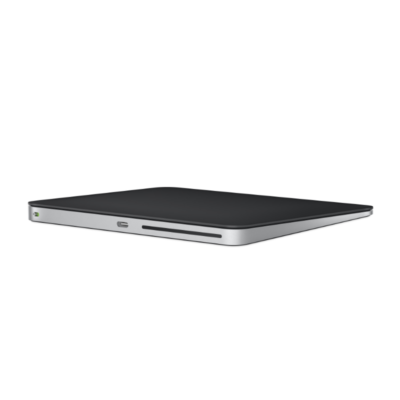 Apple Magic Trackpad (USB‑C)
KSh 21,000In Stock | 02 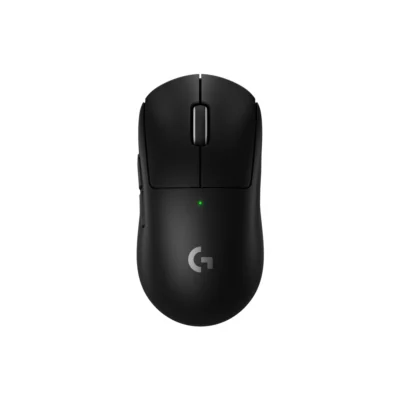 Logitech PRO X SUPERLIGHT 2
KSh 19,700In Stock |
|---|
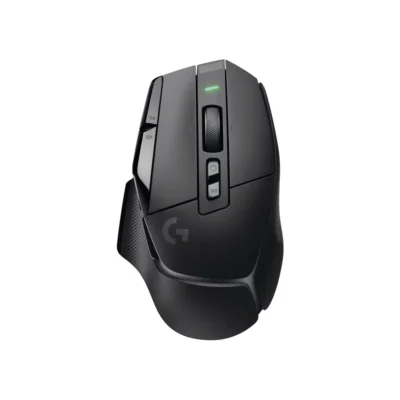
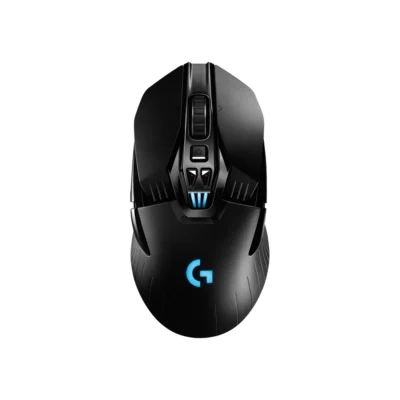
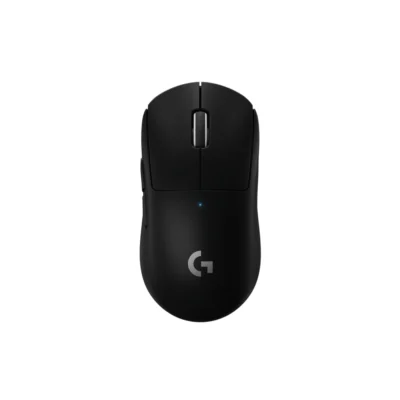
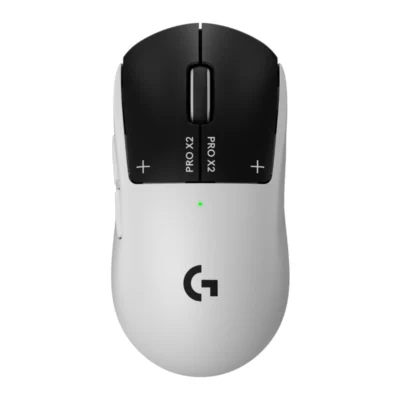
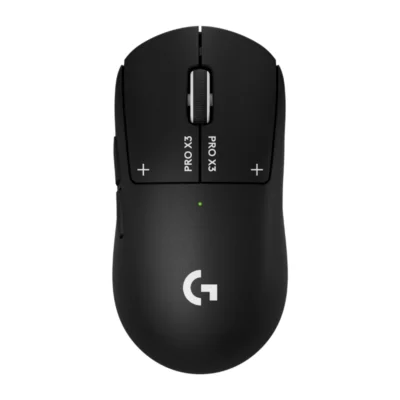
The Apple Magic Trackpad lasts much longer between charges (about 1 month vs up to 95 hours) and has a creative input dial for app controls, while the Logitech PRO X SUPERLIGHT 2 has a USB receiver for computers without Bluetooth and is lighter (60 g).
The main differences to help you choose.
| Priority | Apple Magic Trackpad | Logitech PRO X SUPERLIGHT 2 |
|---|---|---|
| Weight | 230 g | 60 g |
| Connections | Bluetooth | LIGHTSPEED wireless USB receiver |
| Controls | No | 5 buttons |
| Battery life | About 1 month or more between charges | Up to 95 hours per charge |
| Performance | Capacitive Multi-Touch surface with Force Touch | 44,000 DPI sensor |
| Sensor technology | Capacitive Multi-Touch surface with Force Touch | HERO 2 |
| Customization software | macOS and iPadOS system settings | Logitech G HUB |
| Type | Wireless Multi-Touch trackpad | Gaming mouse |
Tick a topic above to see how each product answers it.
Explore the full specifications, section by section.
| Specification | Apple Magic Trackpad (USB‑C) | Logitech PRO X SUPERLIGHT 2 |
|---|---|---|
| Brand | Apple | Logitech |
| Model | Magic Trackpad (USB-C) | PRO X SUPERLIGHT 2 (910-006631) |
| Announced | 2024 | — |
| Type | Wireless Multi-Touch trackpad | Gaming mouse |
| Color | White Multi-Touch Surface; Black Multi-Touch Surface | Black |
| Specification | Apple Magic Trackpad (USB‑C) | Logitech PRO X SUPERLIGHT 2 |
|---|---|---|
| Dimensions | 160 × 114.9 × 4.9–10.9 mm | 40 mm × 63.5 mm × 125 mm |
| Weight | 230 g | 60 g |
| Hand Orientation | Ambidextrous | — |
| Form Factor | Trackpad | — |
| Grip Style | Not applicable | — |
| Material | Glass Multi-Touch surface; aluminum enclosure | — |
| Specification | Apple Magic Trackpad (USB‑C) | Logitech PRO X SUPERLIGHT 2 |
|---|---|---|
| Connection Type | Wired & wireless | LIGHTSPEED wireless USB receiver |
| Wireless Technology | Bluetooth | — |
| Bluetooth | Yes | — |
| Wireless Receiver | Not applicable | — |
| Multi-Device Connection | No | — |
| Cable / Connector | USB-C charging and pairing cable | — |
| Specification | Apple Magic Trackpad (USB‑C) | Logitech PRO X SUPERLIGHT 2 |
|---|---|---|
| Customization Software | macOS and iPadOS system settings | Logitech G HUB |
| Onboard Memory | No | — |
| Profiles | Not applicable | — |
| RGB Lighting | No | — |
| Haptic Feedback | Yes — Force Touch haptic feedback | — |
| Silent Clicks | — | — |
| Special Features | Force Touch; Multi-Touch gestures; automatic pairing with Mac | — |
| Specification | Apple Magic Trackpad (USB‑C) | Logitech PRO X SUPERLIGHT 2 |
|---|---|---|
| Sensor Technology | Capacitive Multi-Touch surface with Force Touch | HERO 2 |
| DPI | Not applicable | Up to 44,000 DPI |
| DPI Adjustment | — | — |
| Tracking Speed | — | >888 IPS |
| Acceleration | — | >88 G |
| Polling Rate | — | Up to 8,000 Hz with Logitech G HUB |
| Specification | Apple Magic Trackpad (USB‑C) | Logitech PRO X SUPERLIGHT 2 |
|---|---|---|
| Number of Buttons | Not applicable | 5 |
| Programmable Buttons | No | — |
| Gesture Button | Yes — Multi-Touch gestures | — |
| Scroll Wheel | Multi-Touch surface | — |
| Horizontal Scroll | Yes — Multi-Touch gestures | — |
| Thumb Wheel | — | — |
| Button / Switch Type | Force Touch pressure sensors | LIGHTFORCE hybrid optical-mechanical |
| Specification | Apple Magic Trackpad (USB‑C) | Logitech PRO X SUPERLIGHT 2 |
|---|---|---|
| Battery Type | Rechargeable lithium-ion | — |
| Battery Life | About 1 month or more between charges | Up to 95 hours |
| Charging Port | USB-C | — |
| Wireless Charging | No | — |
| Specification | Apple Magic Trackpad (USB‑C) | Logitech PRO X SUPERLIGHT 2 |
|---|---|---|
| Windows | Not applicable | — |
| macOS | macOS 15.1 or later | — |
| Other Operating Systems | iPadOS 18.1 or later | — |
| Required Port / Connection | Bluetooth-enabled Mac or iPad; USB-C port for charging | — |
| Software | None required on supported Apple devices | — |
| Specification | Apple Magic Trackpad (USB‑C) | Logitech PRO X SUPERLIGHT 2 |
|---|---|---|
| In the Box | Magic Trackpad and woven USB-C charging cable | PRO X SUPERLIGHT 2 Wireless Gaming Mouse; USB LIGHTSPEED adapter; USB A to C charging/data cable; Adapter extension; Optional grip tape; Optional aperture door with PTFE foot; User documentation |
These products have the same published specifications.
For most buyers the Apple Magic Trackpad is the better buy; the Logitech PRO X SUPERLIGHT 2 makes sense if you want a USB receiver for computers without Bluetooth.
Back to compared products ↑Apple Magic Trackpad (USB‑C)VSLogitech G502 X LIGHTSPEEDApple Magic Trackpad (USB‑C)VSLogitech G903Apple Magic Trackpad (USB‑C)VSLogitech PRO X SUPERLIGHTApple Magic Trackpad (USB‑C)VSRazer Basilisk V3 Pro 35K Phantom Green EditonApple Magic Trackpad (USB‑C)VSRazer Deathadder V4 Pro Niko EditionApple Magic Trackpad (USB‑C)VSLogitech Pro X2 SUPERSTRIKEApple Magic Trackpad (USB‑C)VSLogitech Pro X3 SUPERSTRIKE Apple Magic TrackPadVSApple Magic Trackpad (USB‑C)
 Apple Magic Trackpad 2VSApple Magic Trackpad (USB‑C)
We are here to serve you
Keep a link to this cart, or ask us to send it to you. Reminders are optional.
You may send me reminders about this cart on the channels I select. I can opt out at any time.
Only the details you provide here or in checkout are used. Reminders are optional. Privacy notice