
Stylu comparison
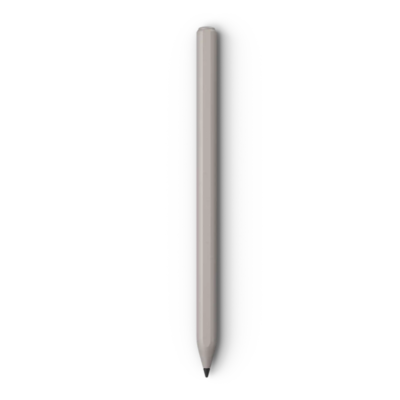
Galaxy S25 Ultra S Pen vs reMarkable Marker
Compare key specifications, features and design side by side.
01Selected 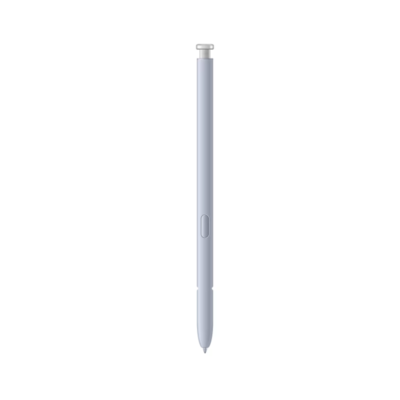 Galaxy S25 Ultra S Pen
KSh 6,500In Stock |
|---|
Add to comparison
2 spaces available
Galaxy S23 Ultra S PenKSh 6,500
Galaxy Tab S9 Series S PenKSh 10,500
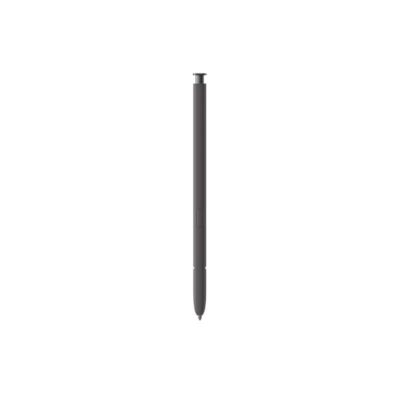
S Pen for Galaxy S24 UltraKSh 6,500
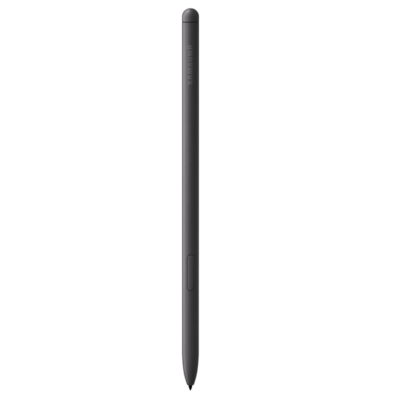
Galaxy Tab S6 Lite S PenKSh 8,500
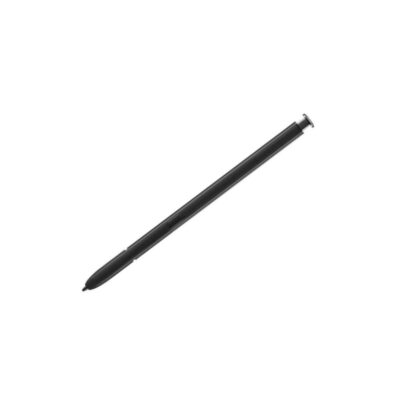
Galaxy S22 Ultra S-PenKSh 6,500
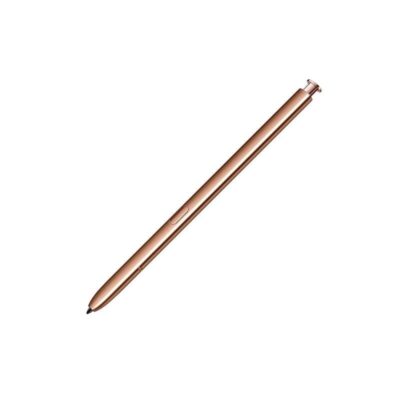
Galaxy Note 20 | 20 Ultra S-PenKSh 5,500
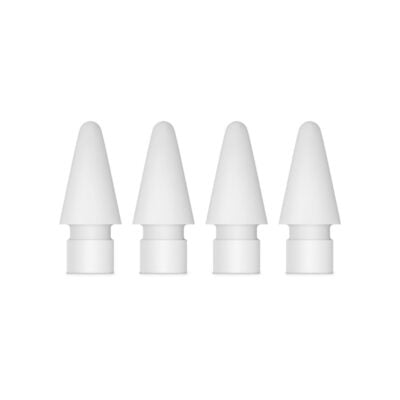
Apple Pencil TipsKSh 6,000
2 of 4 products
Our quick verdict
The Galaxy S25 Ultra S Pen is made for the Galaxy S25 Ultra, while the reMarkable Marker works only with the reMarkable 2 and Paper Pro, so buy the one that matches your device.
What matters most to you?
1 priority selected.
| Priority | Galaxy S25 Ultra S Pen | reMarkable Marker |
|---|---|---|
| Charging | No charging or Bluetooth pairing required | None required |
Tick a topic above to see how each product answers it.
Detailed comparison
Explore the full specifications, section by section.
These products have the same published specifications.
In summary
Buy the one made for your device: the Galaxy S25 Ultra S Pen for the Galaxy S25 Ultra, or the reMarkable Marker for the reMarkable 2 and Paper Pro.
Back to compared products ↑In-stock alternatives
Related comparisons
Galaxy S23 Ultra S PenGalaxy S25 Ultra S PenGalaxy S25 Ultra S PenGalaxy Tab S9 Series S PenS Pen for Galaxy S24 UltraGalaxy S25 Ultra S PenGalaxy Tab S6 Lite S PenGalaxy S25 Ultra S PenGalaxy S22 Ultra S-PenGalaxy S25 Ultra S PenGalaxy Note 20 | 20 Ultra S-PenGalaxy S25 Ultra S PenApple Pencil TipsGalaxy S25 Ultra S Pen