Weight
- Logitech MK250 Mouse and Keyboard Combo
- 380 g
- UGREEN Ultra Slim Wireless Keyboard
- 480 g

Keyboard comparison
Compare layout, connection, battery and typing feel.
01Selected 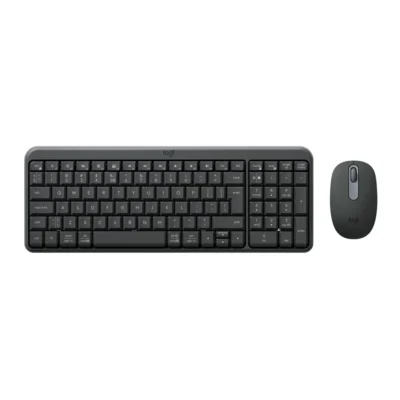 Logitech MK250 Mouse and Keyboard Combo
KSh 4,450In Stock | 02 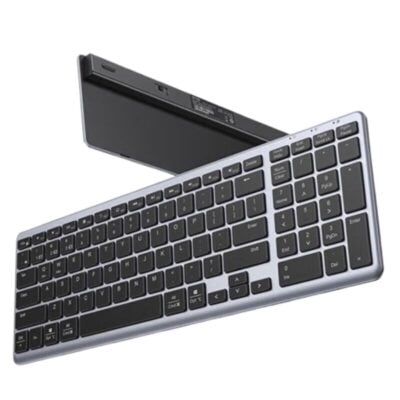 UGREEN Ultra Slim Wireless Keyboard
KSh 4,800Out of Stock |
|---|
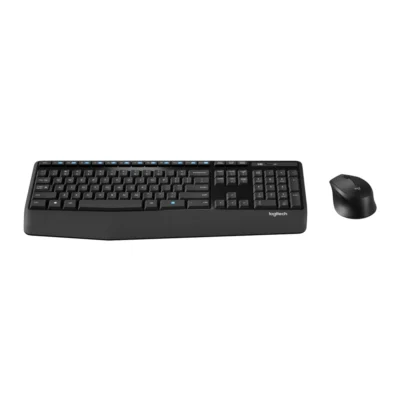
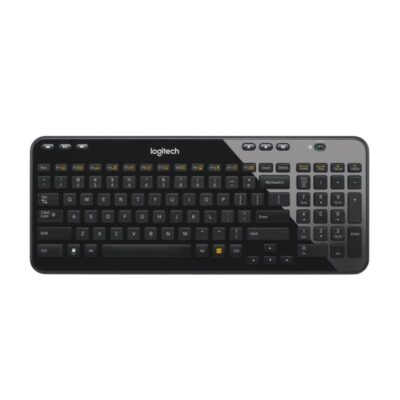
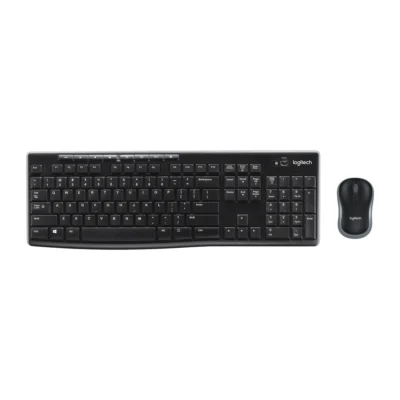
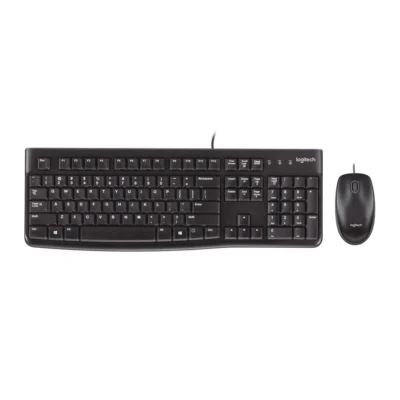
The Logitech MK250 Mouse and Keyboard Combo is the stronger choice: it lasts much longer between charges (up to 12 months vs up to 180 hours), has a creative input dial for app controls and is lighter (380 g), while the UGREEN Ultra Slim Wireless Keyboard only has a USB receiver for computers without Bluetooth.
The main differences to help you choose.
| Priority | Logitech MK250 Mouse and Keyboard Combo | UGREEN Ultra Slim Wireless Keyboard |
|---|---|---|
| Connections | Bluetooth Low Energy | Bluetooth 5.0 |
| Battery life | Up to 12 months of battery life | Up to 180 hours per charge |
| Weight | 380 g | 480 g |
| Battery capacity | Battery: Keyboard: 2 × AAA; mouse: 1 × AA | 400 mAh battery |
| Type | Keyboard and mouse combo | Wireless ultra-slim keyboard |
| Layout | English International (QWERTY) | Compact 96-key |
Tick a topic above to see how each product answers it.
Explore the full specifications, section by section.
| Specification | Logitech MK250 Mouse and Keyboard Combo | UGREEN Ultra Slim Wireless Keyboard |
|---|---|---|
| Brand | Logitech | UGREEN |
| Model | MK250 (920-013519) | KU005 (15258) |
| Type | Keyboard and mouse combo | Wireless ultra-slim keyboard |
| Layout | English International (QWERTY) | Compact 96-key |
| Color | Graphite | Black |
| Material | — | ABS plastic with metal-reinforced slim frame |
| Specification | Logitech MK250 Mouse and Keyboard Combo | UGREEN Ultra Slim Wireless Keyboard |
|---|---|---|
| Dimensions | 136.9 mm × 369.9 mm × 22.8 mm | 357 × 122 × 18 mm |
| Weight | 380 g | 480 g |
| Specification | Logitech MK250 Mouse and Keyboard Combo | UGREEN Ultra Slim Wireless Keyboard |
|---|---|---|
| Connection Type | Bluetooth Low Energy | Wireless |
| Bluetooth | Bluetooth Low Energy | Bluetooth 5.0 |
| Wireless Receiver | No receiver required | USB-A 2.4GHz receiver |
| Wireless Range | 10 m | Up to 10 m |
| Wireless Technology | — | Bluetooth; 2.4GHz wireless |
| Multi-Device Connection | — | Yes — up to 4 devices |
| Connector | — | USB-C |
| Cable | — | Charging cable |
| Specification | Logitech MK250 Mouse and Keyboard Combo | UGREEN Ultra Slim Wireless Keyboard |
|---|---|---|
| Numeric Keypad | Yes | Yes |
| Switch Type | — | Scissor |
| Switches | — | Low-profile scissor keys |
| Switch Options | — | Not applicable |
| Dedicated Multimedia Keys | — | Yes — function-row shortcuts |
| Programmable Keys | — | No |
| Specification | Logitech MK250 Mouse and Keyboard Combo | UGREEN Ultra Slim Wireless Keyboard |
|---|---|---|
| Battery Type | Keyboard: 2 × AAA; mouse: 1 × AA | Rechargeable lithium battery |
| Battery Life | Up to 12 months keyboard and mouse | Up to 180 hours |
| Battery Indicator | Connectivity LED | Yes |
| Battery Capacity | — | 400 mAh |
| Charging Port | — | USB-C |
| Charging Time | — | About 2.5 hours |
| Power Switch | — | Yes |
| Specification | Logitech MK250 Mouse and Keyboard Combo | UGREEN Ultra Slim Wireless Keyboard |
|---|---|---|
| Special Features | Three-button 1,000 DPI optical mouse; No USB receiver required Included mouse: Dimensions: 100 mm × 60 mm × 38 mm Weight: 76 g Sensor technology: Smooth optical tracking (1,000 DPI) Buttons: On/Off power buttons Scrolling: Line-by-line scrolling Scroll wheel: 2D, mechanical Connect/Power: Long press On/Off power buttons for pairing Battery type: Alkaline battery Battery life: 12 months Wireless technology: Bluetooth® Low Energy Technology Wireless operating distance: 10 m Number of Batteries: 1xAA (included) Indicator lights: Connectivity LED Number of buttons: 3 (Left/Right-click, Scroll-wheel with middle click) | Ultra-slim profile; automatic sleep; device switching |
| Backlighting | — | None |
| Lighting Technology | — | Not applicable |
| Brightness Adjustment | — | — |
| Ambient Light Sensor | — | No |
| Proximity Sensor | — | No |
| Wrist Rest | — | No |
| Customization Software | — | None |
| Onboard Memory | — | No |
| Profiles / Macros | — | No |
| Specification | Logitech MK250 Mouse and Keyboard Combo | UGREEN Ultra Slim Wireless Keyboard |
|---|---|---|
| Windows | Windows 10 or later | Windows 7 or later |
| macOS | macOS 12 or later | macOS 10.6 or later |
| Other Operating Systems | — | Android; iOS; iPadOS |
| Required Port / Connection | — | Bluetooth or USB-A port |
| Software | — | None |
| Specification | Logitech MK250 Mouse and Keyboard Combo | UGREEN Ultra Slim Wireless Keyboard |
|---|---|---|
| In the Box | 1x keyboard with 2x AAA batteries (pre-installed); 1x mouse with 1x AA battery (pre-installed); 1x User documentation; 1x QSG printed on packaging | KU005 keyboard, 2.4GHz USB receiver, USB-C charging cable, user manual |
These products have the same published specifications.
For most buyers the Logitech MK250 Mouse and Keyboard Combo is the better buy; the UGREEN Ultra Slim Wireless Keyboard makes sense if you want a USB receiver for computers without Bluetooth.
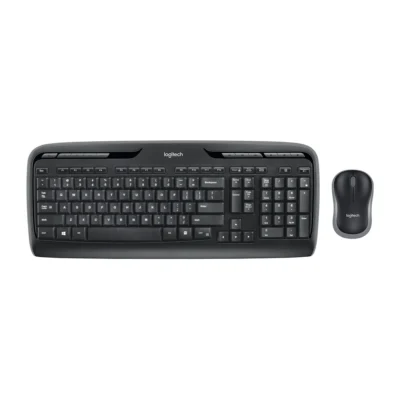
Back to compared products ↑For Logitech MK250 Mouse and Keyboard ComboLogitech MK270View product ↗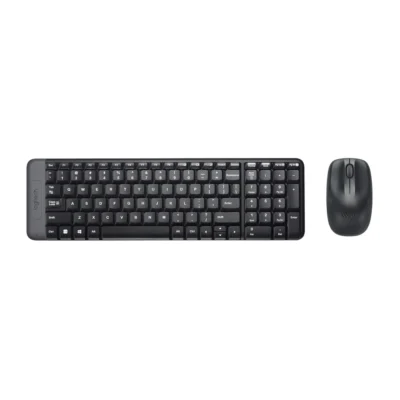 For Logitech MK250 Mouse and Keyboard ComboLogitech MK220View product ↗For UGREEN Ultra Slim Wireless KeyboardUGREEN Wireless Chocolate Membrane KeyboardView product ↗
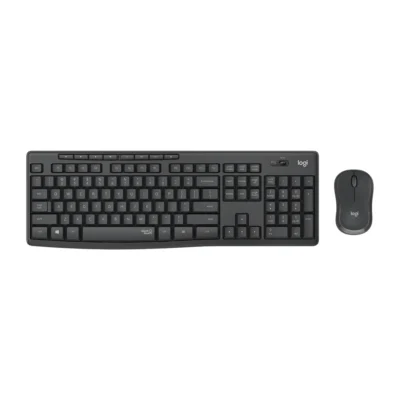 For UGREEN Ultra Slim Wireless KeyboardLogitech MK295View product ↗Logitech K400 PlusVSLogitech MK250 Mouse and Keyboard ComboLogitech MK250 Mouse and Keyboard ComboVSUGREEN Wireless Chocolate Membrane KeyboardLogitech MK345 Keyboard and Mouse ComboVSLogitech MK250 Mouse and Keyboard ComboLogitech K360VSLogitech MK250 Mouse and Keyboard ComboLogitech MK270VSLogitech MK250 Mouse and Keyboard ComboLogitech MK120 Keyboard and Mouse ComboVSLogitech MK250 Mouse and Keyboard ComboLogitech MK330VSLogitech MK250 Mouse and Keyboard ComboLogitech MK295VSLogitech MK250 Mouse and Keyboard Combo
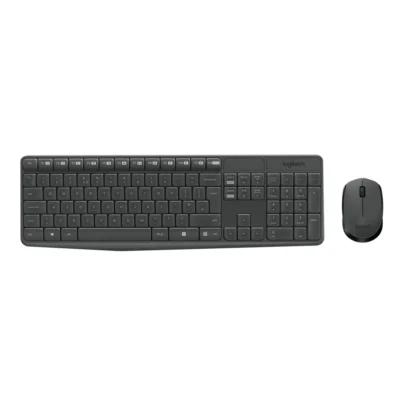 Logitech MK235VSLogitech MK250 Mouse and Keyboard ComboLogitech MK220VSLogitech MK250 Mouse and Keyboard Combo
We are here to serve you
Keep a link to this cart, or ask us to send it to you. Reminders are optional.
You may send me reminders about this cart on the channels I select. I can opt out at any time.
Only the details you provide here or in checkout are used. Reminders are optional. Privacy notice