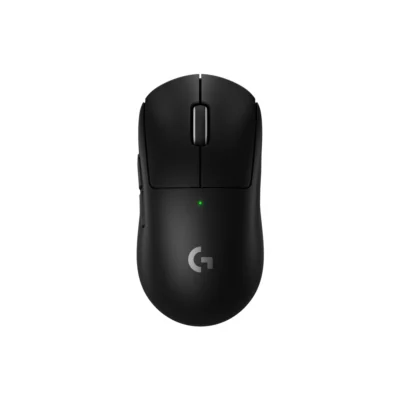
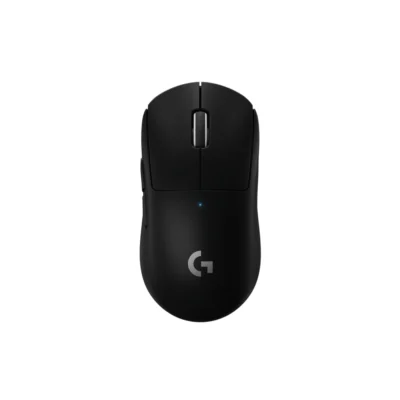
Connections
- Logitech MX Master 4S
- Bluetooth Low Energy
- Logitech Pro X3 SUPERSTRIKE
- LIGHTSPEED

Mouse comparison
Compare sensor, connection, battery and comfort.
01Selected 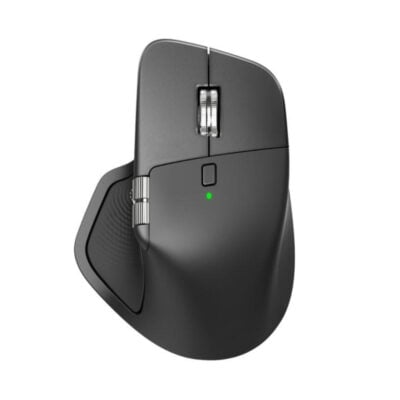 Logitech MX Master 4S
KSh 20,500Out of Stock | 02 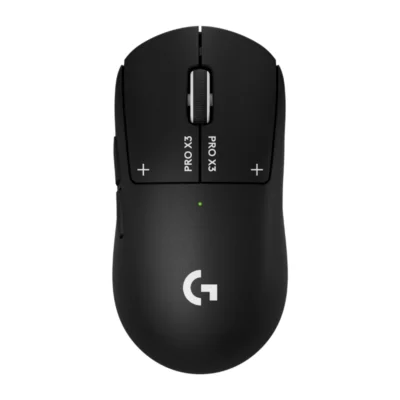 Logitech Pro X3 SUPERSTRIKE
KSh 28,500Out of Stock |
|---|
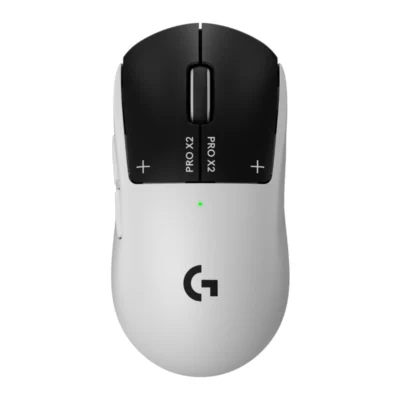
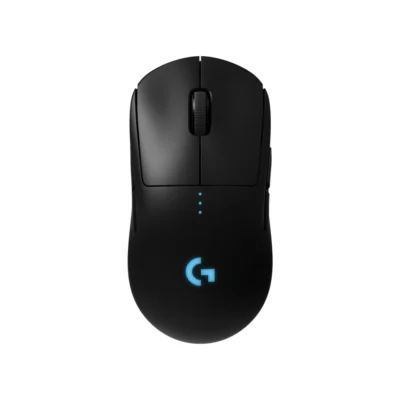
The Logitech MX Master 4S is the better buy: it has a creative input dial for app controls and switches between several devices.
The main differences to help you choose.
| Priority | Logitech MX Master 4S | Logitech Pro X3 SUPERSTRIKE |
|---|---|---|
| Connections | Bluetooth Low Energy | LIGHTSPEED |
| Controls | 7 programmable buttons, Actions Ring for shortcuts | 5 buttons |
| Performance | 8K DPI optical tracking, any-surface (including glass) | 48,000 DPI sensor |
| Sensor technology | 8K DPI optical tracking, any-surface (including glass) | HERO 2 optical |
Tick a topic above to see how each product answers it.
Explore the full specifications, section by section.
| Specification | Logitech MX Master 4S | Logitech Pro X3 SUPERSTRIKE |
|---|---|---|
| Brand | Logitech | Logitech |
| Model | Logitech MX Master 4S | PRO X3 SUPERSTRIKE |
| Color | Black, Grey | Midnight Black; Magenta Eclipse |
| Type | — | LIGHTSPEED wireless gaming mouse |
| Specification | Logitech MX Master 4S | Logitech Pro X3 SUPERSTRIKE |
|---|---|---|
| Dimensions | — | 125 × 63.5 × 40 mm |
| Weight | — | 59 g |
| Specification | Logitech MX Master 4S | Logitech Pro X3 SUPERSTRIKE |
|---|---|---|
| Connection Type | Bluetooth Low Energy, Logitech Unifying Receiver, multi-device pairing (up to 3) | USB-C wired; LIGHTSPEED wireless; POWERPLAY compatible |
| Wireless Technology | — | LIGHTSPEED |
| Cable / Connector | — | USB-C |
| Specification | Logitech MX Master 4S | Logitech Pro X3 SUPERSTRIKE |
|---|---|---|
| Customization Software | — | Logitech G HUB (advanced features) |
| Onboard Memory | — | Advanced features require Logitech G HUB software |
| Haptic Feedback | — | Haptic Inductive Trigger System (HITS) |
| Special Features | — | HITS, NxLOGI chipset, 8,000 Hz report rate |
| Specification | Logitech MX Master 4S | Logitech Pro X3 SUPERSTRIKE |
|---|---|---|
| Sensor Technology | 8K DPI optical tracking, any-surface (including glass) | HERO 2 optical |
| DPI | — | 100–48,000 DPI |
| Tracking Speed | — | >930 IPS |
| Acceleration | — | >90 G |
| Polling Rate | — | Up to 8,000 Hz (0.125 ms) wired and LIGHTSPEED |
| Specification | Logitech MX Master 4S | Logitech Pro X3 SUPERSTRIKE |
|---|---|---|
| Number of Buttons | 7 programmable buttons, Actions Ring for shortcuts | 5 |
| Scroll Wheel | MagSpeed electromagnetic, ratcheted/free-spin modes | — |
| Gesture Button | — | Not applicable |
| Horizontal Scroll | — | — |
| Thumb Wheel | — | — |
| Button / Switch Type | — | Haptic Inductive Trigger System (HITS) |
| Specification | Logitech MX Master 4S | Logitech Pro X3 SUPERSTRIKE |
|---|---|---|
| Battery Life | — | Up to 135 hours (constant motion) |
| Charging Port | — | USB-C |
| Wireless Charging | — | POWERPLAY compatible (sold separately) |
| Specification | Logitech MX Master 4S | Logitech Pro X3 SUPERSTRIKE |
|---|---|---|
| Windows | — | Supported with USB 2.0 or higher port |
| macOS | — | Supported with USB 2.0 or higher port |
| Required Port / Connection | — | USB 2.0 or higher |
| Software | — | Optional internet access for Logitech G HUB |
| Specification | Logitech MX Master 4S | Logitech Pro X3 SUPERSTRIKE |
|---|---|---|
| In the Box | — | PRO X3 SUPERSTRIKE Wireless Gaming Mouse LIGHTSPEED wireless receiver USB A to C Charging/data cable Receiver extension adapter POWERPLAY aperture door Optional grip tape Cleaning cloth User documentation |
These products have the same published specifications.
The Logitech MX Master 4S is the better buy for almost everyone, with a creative input dial for app controls and switching between several devices.
Back to compared products ↑We are here to serve you
Keep a link to this cart, or ask us to send it to you. Reminders are optional.
You may send me reminders about this cart on the channels I select. I can opt out at any time.
Only the details you provide here or in checkout are used. Reminders are optional. Privacy notice