Connections
- Microsoft Arc
- Bluetooth 4.1
- Logitech MX Master 4S
- Bluetooth Low Energy

Mouse comparison
Compare sensor, connection, battery and comfort.
01Selected 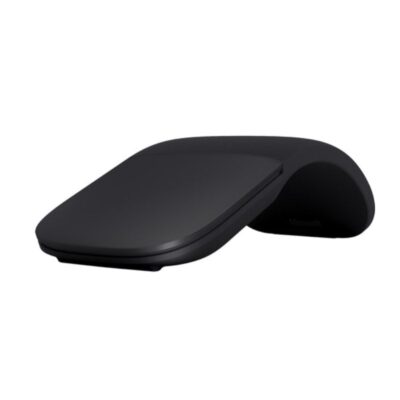 Microsoft Arc Wireless Mouse
KSh 16,500In Stock | 02 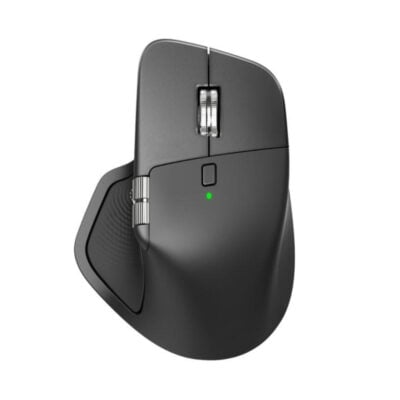 Logitech MX Master 4S
KSh 20,500Out of Stock |
|---|
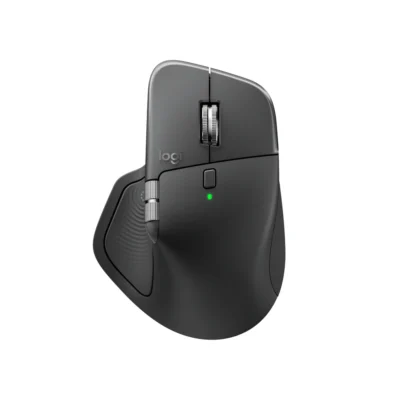
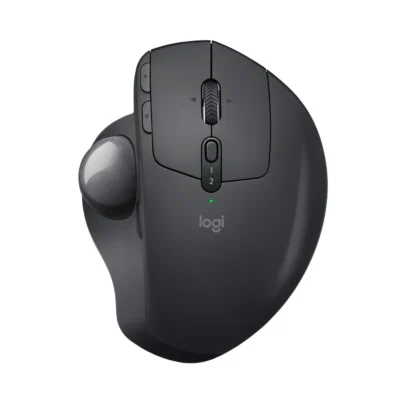
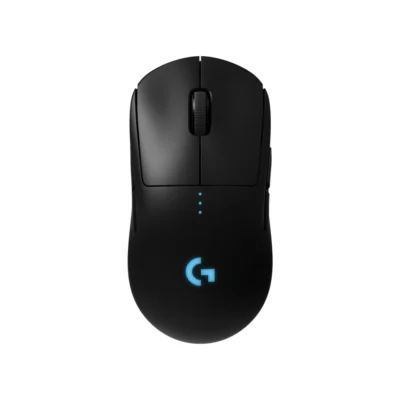
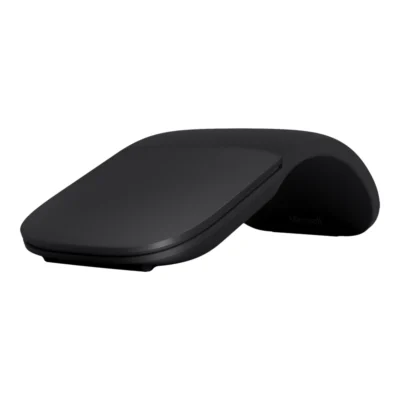
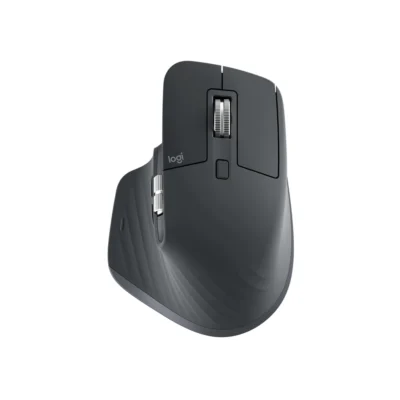
The Logitech MX Master 4S is the better buy: it switches between several devices.
The main differences to help you choose.
| Priority | Microsoft Arc | Logitech MX Master 4S |
|---|---|---|
| Connections | Bluetooth 4.1 | Bluetooth Low Energy |
| Controls | 2 buttons | 7 programmable buttons, Actions Ring for shortcuts |
| Performance | 1,000 DPI sensor | 8K DPI optical tracking, any-surface (including glass) |
| Sensor technology | Microsoft BlueTrack Technology | 8K DPI optical tracking, any-surface (including glass) |
| Scroll wheel | Full scroll plane touch surface | MagSpeed electromagnetic, ratcheted/free-spin modes |
Tick a topic above to see how each product answers it.
Explore the full specifications, section by section.
| Specification | Microsoft Arc Wireless Mouse | Logitech MX Master 4S |
|---|---|---|
| Brand | Microsoft | Logitech |
| Model | Surface Arc Mouse (ELG-00001) | Logitech MX Master 4S |
| Announced | 2017 | — |
| Type | Bluetooth snap-flat mouse | — |
| Color | Light Grey | Black, Grey |
| Specification | Microsoft Arc Wireless Mouse | Logitech MX Master 4S |
|---|---|---|
| Dimensions | 131 × 55 × 14 mm (flat) | — |
| Weight | 82.5 g (with batteries) | — |
| Form Factor | Snap-flat portable mouse | — |
| Grip Style | Fingertip | — |
| Material | Plastic with soft-touch surface | — |
| Specification | Microsoft Arc Wireless Mouse | Logitech MX Master 4S |
|---|---|---|
| Connection Type | Wireless | Bluetooth Low Energy, Logitech Unifying Receiver, multi-device pairing (up to 3) |
| Wireless Technology | Bluetooth Low Energy | — |
| Bluetooth | Bluetooth 4.1 | — |
| Wireless Receiver | Not applicable | — |
| Wireless Range | Up to 10 m in open air; up to 5 m in office environments | — |
| Multi-Device Connection | No | — |
| Cable / Connector | — | — |
| Cable Length | — | — |
| Specification | Microsoft Arc Wireless Mouse | Logitech MX Master 4S |
|---|---|---|
| Customization Software | Microsoft Mouse and Keyboard Center | — |
| Onboard Memory | No | — |
| Profiles | Not applicable | — |
| RGB Lighting | No | — |
| Haptic Feedback | No | — |
| Silent Clicks | No | — |
| Special Features | Snaps flat to power off; curves to power on; full vertical and horizontal touch scrolling | — |
| Specification | Microsoft Arc Wireless Mouse | Logitech MX Master 4S |
|---|---|---|
| Sensor Technology | Microsoft BlueTrack Technology | 8K DPI optical tracking, any-surface (including glass) |
| DPI | 1000 DPI | — |
| DPI Adjustment | No | — |
| Tracking Speed | 30 in/s | — |
| Specification | Microsoft Arc Wireless Mouse | Logitech MX Master 4S |
|---|---|---|
| Number of Buttons | 2 | 7 programmable buttons, Actions Ring for shortcuts |
| Programmable Buttons | No | — |
| Gesture Button | Not applicable | — |
| Scroll Wheel | Full scroll plane touch surface | MagSpeed electromagnetic, ratcheted/free-spin modes |
| Horizontal Scroll | Yes | — |
| Thumb Wheel | — | — |
| Button / Switch Type | Mechanical click with capacitive touch scrolling | — |
| Specification | Microsoft Arc Wireless Mouse | Logitech MX Master 4S |
|---|---|---|
| Battery Type | 2 × AAA batteries | — |
| Battery Capacity | Not applicable | — |
| Battery Life | Up to 6 months | — |
| Charging Port | — | — |
| Charging Time | — | — |
| Fast Charging | — | — |
| Wireless Charging | — | — |
| Specification | Microsoft Arc Wireless Mouse | Logitech MX Master 4S |
|---|---|---|
| Windows | Windows 8, Windows 8.1, Windows 10, Windows 11 | — |
| macOS | Not applicable | — |
| Required Port / Connection | Bluetooth 4.0 or later | — |
| Software | Microsoft Mouse and Keyboard Center (optional) | — |
| Specification | Microsoft Arc Wireless Mouse | Logitech MX Master 4S |
|---|---|---|
| In the Box | Surface Arc Mouse, 2 AAA batteries and user documentation | — |
These products have the same published specifications.
The Logitech MX Master 4S is the better buy for almost everyone, with switching between several devices.
Back to compared products ↑Logitech MX Master 4VSMicrosoft Arc Wireless MouseMicrosoft Arc Wireless MouseVSLogitech MX ERGOMicrosoft Arc Wireless MouseVSLogitech PRO WirelessMicrosoft Surface Arc MouseVSMicrosoft Arc Wireless MouseLogitech MX Master 3SVSMicrosoft Arc Wireless MouseMicrosoft Arc Wireless MouseVSLogitech MX Vertical MouseApple Magic Mouse 2VSMicrosoft Arc Wireless MouseWe are here to serve you
Keep a link to this cart, or ask us to send it to you. Reminders are optional.
You may send me reminders about this cart on the channels I select. I can opt out at any time.
Only the details you provide here or in checkout are used. Reminders are optional. Privacy notice