Weight
- Logitech MX Keys Mini for Mac
- 506.4 g
- Logitech Signature MK650 Combo for Business
- 700.23 g

Keyboard comparison
Compare layout, connection, battery and typing feel.
01Selected 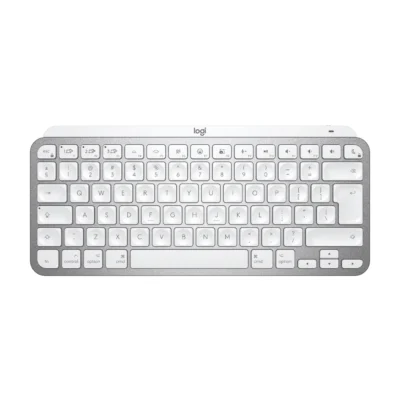 Logitech MX Keys Mini for Mac
KSh 16,500In Stock | 02 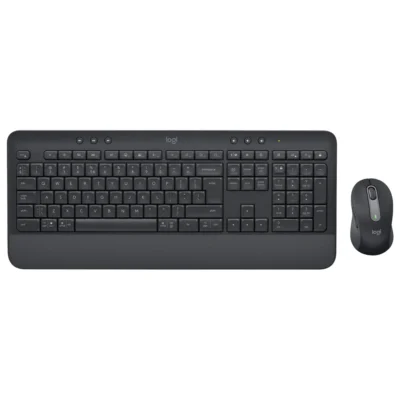 Logitech Signature MK650 Combo for Business
KSh 15,000In Stock |
|---|
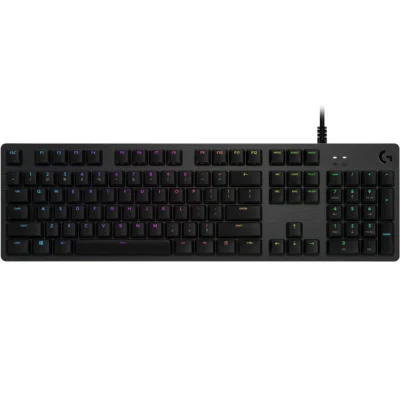
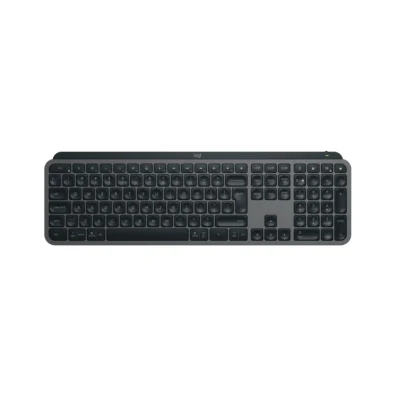
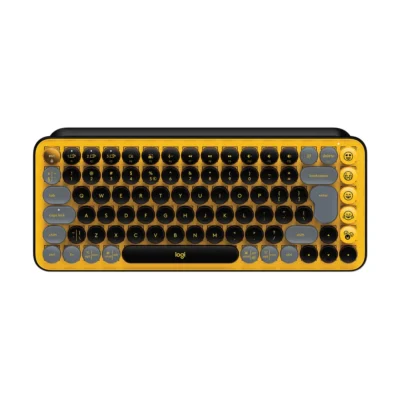
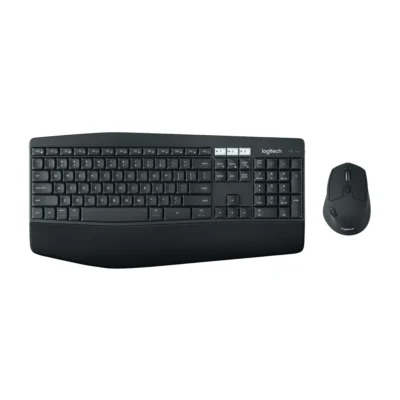
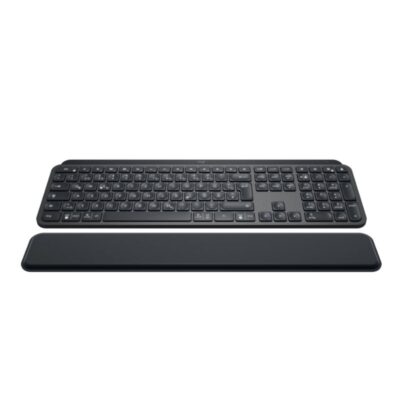
Choose the Logitech MX Keys Mini for Mac if you want a lighter build (506.4 g). Choose the Logitech Signature MK650 Combo for Business if you want a lower price (KSh 1,500 less).
This comparison is partial: only 9 of the 18 specifications are published for both products. The Logitech MX Keys Mini for Mac does not list Bluetooth, Wireless Range or Numeric Keypad; the Logitech Signature MK650 Combo for Business does not list Multi-Device Connection, Charging Port or backlighting.
The main differences to help you choose.
| Priority | Logitech MX Keys Mini for Mac | Logitech Signature MK650 Combo for Business |
|---|---|---|
| Connections | Bluetooth Low Energy | Logi Bolt USB receiver or Bluetooth Low Energy |
| Battery life | Up to 10 days with backlight | Up to 36 months of battery life |
| Weight | 506.4 g | 700.23 g |
| Battery capacity | Battery: Rechargeable Li-Po 1,500 mAh | Battery: Keyboard: two AA; mouse: one AA |
| Customization software | Supported by Logi Options+ on macOS | Logi Options+ on Windows and macOS |
| Type | Computer keyboard | Wireless keyboard and mouse combo |
| Layout | English International (QWERTY) | English, full-size with numeric keypad |
Tick a topic above to see how each product answers it.
Explore the full specifications, section by section.
| Specification | Logitech MX Keys Mini for Mac | Logitech Signature MK650 Combo for Business |
|---|---|---|
| Brand | Logitech | Logitech |
| Model | MX Keys Mini for Mac (920-010526) | Signature MK650 Combo for Business — English (920-011004) |
| Type | Computer keyboard | Wireless keyboard and mouse combo |
| Layout | English International (QWERTY) | English; full-size with numeric keypad |
| Color | Pale Gray | Graphite |
| Specification | Logitech MX Keys Mini for Mac | Logitech Signature MK650 Combo for Business |
|---|---|---|
| Dimensions | 131.95 × 295.99 × 20.97 mm | 193.5 mm × 457.3 mm × 24 mm |
| Weight | 506.4 g | 700.23 g |
| Specification | Logitech MX Keys Mini for Mac | Logitech Signature MK650 Combo for Business |
|---|---|---|
| Connection Type | Bluetooth Low Energy; optional Logi Bolt receiver | Logi Bolt USB receiver or Bluetooth Low Energy |
| Wireless Receiver | Compatible with Logi Bolt; receiver not included | Logi Bolt USB-A receiver included |
| Multi-Device Connection | Up to three devices with Easy-Switch | — |
| Bluetooth | — | Bluetooth Low Energy 5.0+ |
| Wireless Range | — | Up to 10 m |
| Specification | Logitech MX Keys Mini for Mac | Logitech Signature MK650 Combo for Business |
|---|---|---|
| Battery Type | Rechargeable Li-Po 1,500 mAh | Keyboard: two AA; mouse: one AA |
| Battery Life | Up to 10 days with backlight; up to five months without backlight | Keyboard: up to 36 months; mouse: up to 24 months |
| Charging Port | USB-C | — |
| Specification | Logitech MX Keys Mini for Mac | Logitech Signature MK650 Combo for Business |
|---|---|---|
| Backlighting | Smart backlighting with proximity and ambient light sensors | — |
| Customization Software | Supported by Logi Options+ on macOS. | Logi Options+ on Windows and macOS |
| Wrist Rest | — | Integrated soft-touch palm rest |
| Special Features | — | Included M650 for Business mouse: 108.2 × 61 × 38.8 mm, 101.4 g; 400–4,000 DPI; five buttons; SmartWheel precision and fast scrolling |
| Specification | Logitech MX Keys Mini for Mac | Logitech Signature MK650 Combo for Business |
|---|---|---|
| macOS | Supported | — |
| Specification | Logitech MX Keys Mini for Mac | Logitech Signature MK650 Combo for Business |
|---|---|---|
| In the Box | Keyboard; USB-C charging cable (USB-C to USB-C); User documentation | Signature M650 for Business mouse; Signature K650 for Business keyboard; Logi Bolt USB receiver (USB Type A); 1 AA battery for mouse; 2 AA batteries for keyboard; User documentation |
| Specification | Logitech MX Keys Mini for Mac | Logitech Signature MK650 Combo for Business |
|---|---|---|
| Numeric Keypad | — | Yes |
These products have the same published specifications.
Choose MX Keys Mini for a lighter build; Signature MK650 Business is the cheaper choice if you do not need a lighter build.
Back to compared products ↑Logitech MX Keys Mini for MacVSLogitech G515 TKLLogitech MX Keys Mini for MacVSLogitech MX Keys for BusinessLogitech G512VSLogitech MX Keys Mini for MacLogitech MX Keys SVSLogitech MX Keys Mini for MacLogitech POP KeysVSLogitech MX Keys Mini for MacLogitech MK850VSLogitech MX Keys Mini for MacLogitech MX Keys PlusVSLogitech MX Keys Mini for Mac Logitech MX Keys MiniVSLogitech MX Keys Mini for Mac
 iPad 10.2/10.5 inch Smart KeyboardVSLogitech MX Keys Mini for Mac
We are here to serve you