Type
- Microsoft Surface Pro 12-inch Keyboard with Slim Pen
- Detachable tablet keyboard with Slim Pen bundle
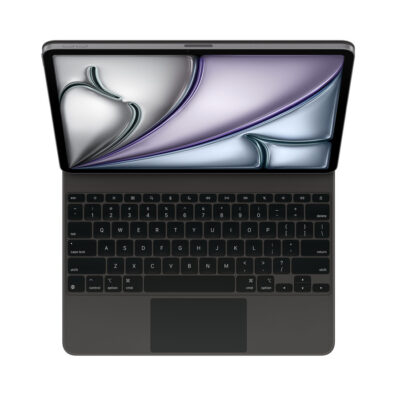
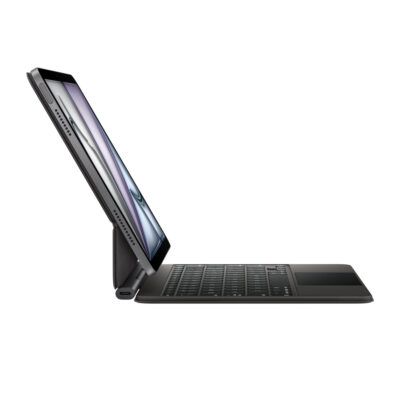
- Apple iPad Air Magic Keyboard 13-inch
- IPad keyboard case

Keyboard comparison
Compare layout, connection, battery and typing feel.
01Selected 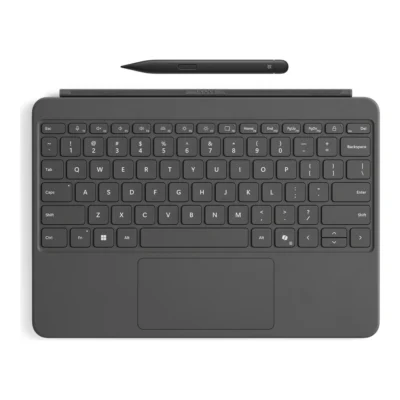 Microsoft Surface Pro 12-inch Keyboard with Slim Pen
KSh 48,000In Stock |
|---|
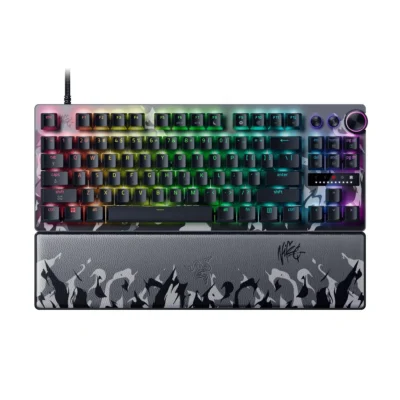
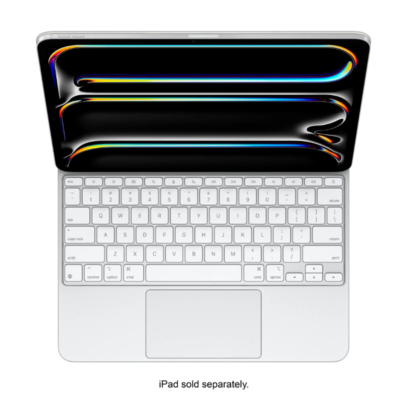
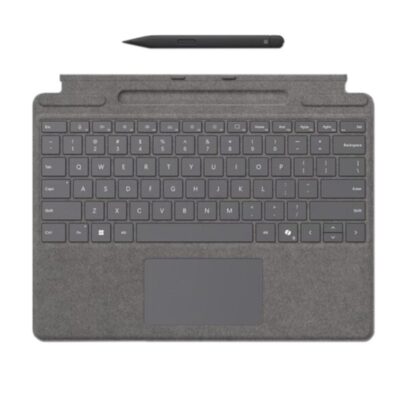
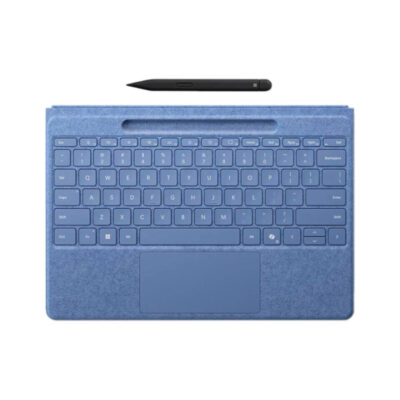
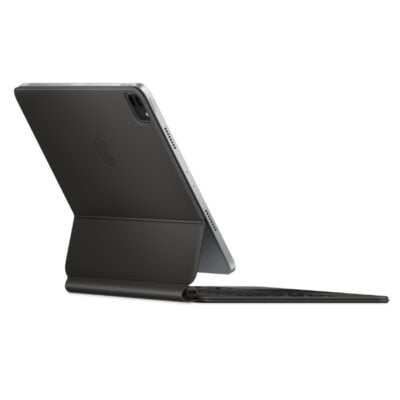
The Microsoft Surface Pro 12-inch Keyboard with Slim Pen is the better buy: it has mechanical key switches and backlit keys.
The main differences to help you choose.
| Priority | Microsoft Surface Pro 12-inch Keyboard with Slim Pen | Apple iPad Air Magic Keyboard 13-inch |
|---|---|---|
| Type | Detachable tablet keyboard with Slim Pen bundle | iPad keyboard case with trackpad |
| Switch type | Moving mechanical keys | Scissor mechanism |
Tick a topic above to see how each product answers it.
Explore the full specifications, section by section.
| Specification | Microsoft Surface Pro 12-inch Keyboard with Slim Pen | Apple iPad Air Magic Keyboard 13-inch |
|---|---|---|
| Brand | Microsoft | Apple |
| Model | Surface Pro 12-inch Keyboard with Slim Pen, EP2-33047 | Apple iPad Air Magic Keyboard 13-inch |
| Type | Detachable tablet keyboard with Slim Pen bundle | iPad keyboard case with trackpad |
| Layout | English; full row F1–F12 function keys | — |
| Color | Slate | — |
| Material | Smooth-matte palm rest; Alcantara back cover and hinge | — |
| Specification | Microsoft Surface Pro 12-inch Keyboard with Slim Pen | Apple iPad Air Magic Keyboard 13-inch |
|---|---|---|
| Dimensions | Keyboard: 276 × 192 × 6.80mm; Slim Pen: 136.8 × 11.3 × 6.3mm | — |
| Weight | Keyboard: 340g; Slim Pen: 13g | — |
| Specification | Microsoft Surface Pro 12-inch Keyboard with Slim Pen | Apple iPad Air Magic Keyboard 13-inch |
|---|---|---|
| Connection Type | Magnetic attachment to compatible Surface Pro 12-inch | — |
| Connector | Surface Pro 12-inch keyboard connector | — |
| Specification | Microsoft Surface Pro 12-inch Keyboard with Slim Pen | Apple iPad Air Magic Keyboard 13-inch |
|---|---|---|
| Switch Type | Moving mechanical keys | Scissor mechanism |
| Dedicated Multimedia Keys | Copilot, microphone mute, snipping, Windows shortcuts, media, brightness and lock keys | — |
| Numeric Keypad | No | — |
| Total Travel | — | 1 mm |
| Specification | Microsoft Surface Pro 12-inch Keyboard with Slim Pen | Apple iPad Air Magic Keyboard 13-inch |
|---|---|---|
| Backlighting | Yes | — |
| Wrist Rest | Smooth-matte palm rest | — |
| Special Features | Precision touchpad with adaptive touch mode; dynamic hinge flexes 360°; included Slim Pen with 4,096 pressure levels and haptic feedback | Adjustable floating cantilever design, Multi-Touch trackpad, front and back protection |
| Specification | Microsoft Surface Pro 12-inch Keyboard with Slim Pen | Apple iPad Air Magic Keyboard 13-inch |
|---|---|---|
| Windows | Surface Pro 12-inch (1st Edition) running Windows 11 | — |
| Required Port / Connection | Compatible only with Surface Pro 12-inch (1st Edition) | — |
| Specification | Microsoft Surface Pro 12-inch Keyboard with Slim Pen | Apple iPad Air Magic Keyboard 13-inch |
|---|---|---|
| In the Box | Surface Pro 12-inch Keyboard, Surface Slim Pen (2nd Edition), Quick Start Guide | — |
| Specification | Microsoft Surface Pro 12-inch Keyboard with Slim Pen | Apple iPad Air Magic Keyboard 13-inch |
|---|---|---|
| Charging Port | — | USB-C for pass-through iPad charging |
These products have the same published specifications.
The Microsoft Surface Pro 12-inch Keyboard with Slim Pen is the better buy for almost everyone, with mechanical key switches and backlit keys.
Back to compared products ↑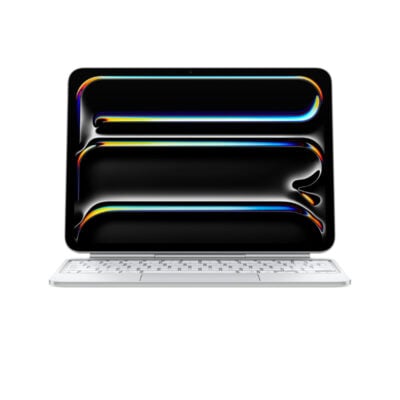 For Microsoft Surface Pro 12-inch Keyboard with Slim PenApple iPad Pro 11-inch M4 Magic KeyboardView product ↗For Microsoft Surface Pro 12-inch Keyboard with Slim PeniPad Air Magic Keyboard 11" M4View product ↗
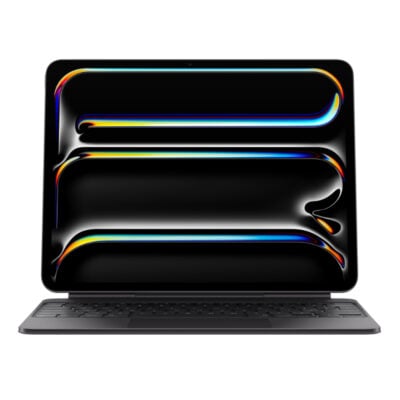 For Apple iPad Air Magic Keyboard 13-inchiPad Pro 13-inch (M4/M5) Magic KeyboardView product ↗For Apple iPad Air Magic Keyboard 13-inchMagic Keyboard for iPad Pro 13‑inch (M4)View product ↗Logitech G915 X LIGHTSPEED TKLVSMicrosoft Surface Pro 12-inch Keyboard with Slim PeniPad Air Magic Keyboard 11" M4VSMicrosoft Surface Pro 12-inch Keyboard with Slim PenRazer Huntsman V3 Pro Tenkeyless 8KHz Niko EditionVSMicrosoft Surface Pro 12-inch Keyboard with Slim PenMagic Keyboard for iPad Pro 13‑inch (M4)VSMicrosoft Surface Pro 12-inch Keyboard with Slim PenMicrosoft Surface Pro Signature KeyboardVSMicrosoft Surface Pro 12-inch Keyboard with Slim PenMicrosoft Surface Pro Flex keyboard with Slim PenVSMicrosoft Surface Pro 12-inch Keyboard with Slim PenMagic Keyboard for iPad Pro 11-inchVSMicrosoft Surface Pro 12-inch Keyboard with Slim PeniPad Pro 13-inch (M4/M5) Magic KeyboardVSMicrosoft Surface Pro 12-inch Keyboard with Slim PenApple iPad Pro 11-inch M4 Magic KeyboardVSMicrosoft Surface Pro 12-inch Keyboard with Slim Pen
We are here to serve you
Keep a link to this cart, or ask us to send it to you. Reminders are optional.
You may send me reminders about this cart on the channels I select. I can opt out at any time.
Only the details you provide here or in checkout are used. Reminders are optional. Privacy notice