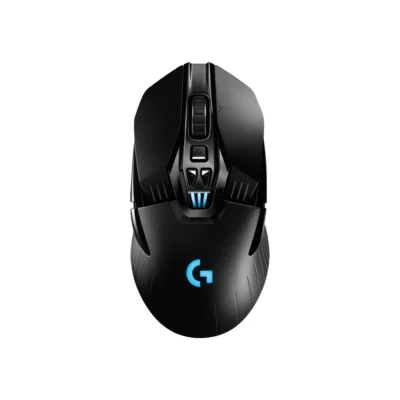
Weight
- Microsoft Arc
- 82.5 g
- Logitech G502 Lightspeed Mouse
- 114 g

Mouse comparison
Compare sensor, connection, battery and comfort.
01Selected 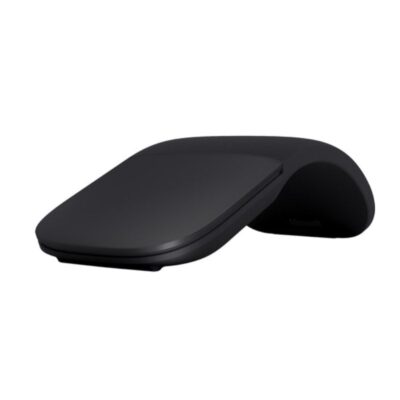 Microsoft Arc Wireless Mouse
KSh 16,500In Stock | 02 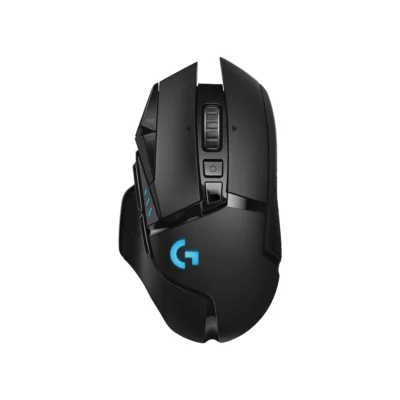 Logitech G502 Lightspeed Mouse
KSh 18,500In Stock |
|---|
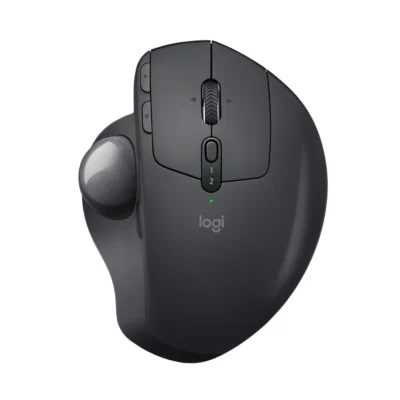
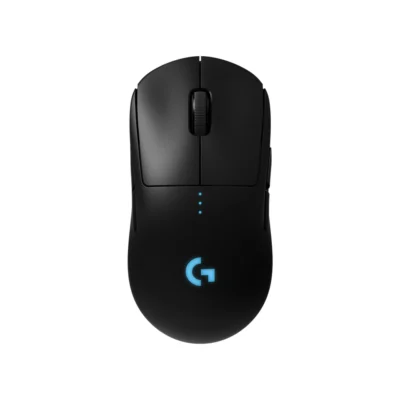
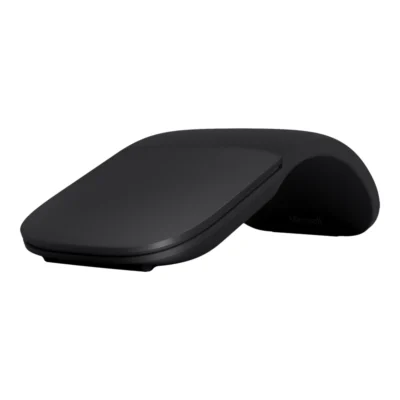
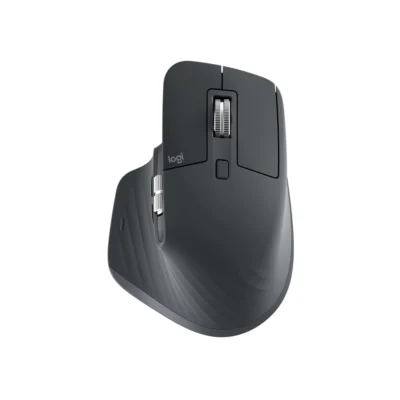
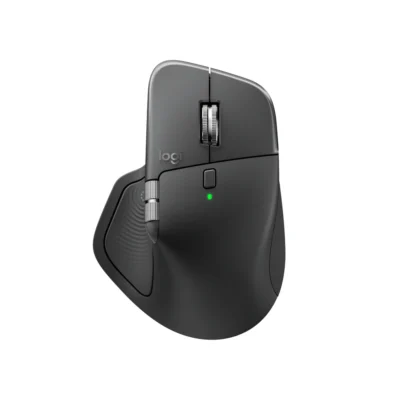
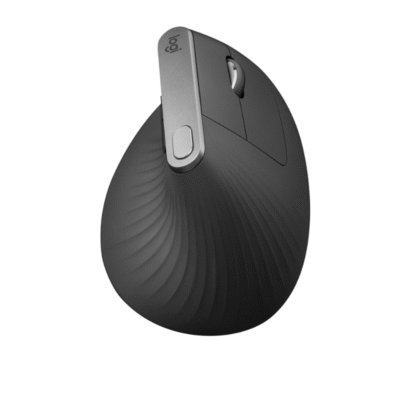
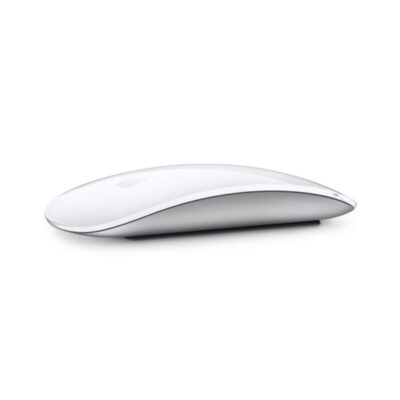
Choose the Microsoft Arc if you want Bluetooth 4.1, a lighter build (82.5 g) and a lower price (KSh 2,000 less). Choose the Logitech G502 Lightspeed Mouse if you want onboard memory and a 25,600 DPI sensor.
The main differences to help you choose.
| Priority | Microsoft Arc | Logitech G502 Lightspeed Mouse |
|---|---|---|
| Weight | 82.5 g | 114 g |
| Connections | Bluetooth 4.1 | LIGHTSPEED Wireless |
| Controls | 2 buttons | 11 buttons |
| Battery life | Up to 6 months of battery life | Up to 48 hours per charge |
| Performance | 1,000 DPI sensor | 25,600 DPI sensor |
| Sensor technology | Microsoft BlueTrack Technology | HERO 25K |
| Tracking speed | 30 in/s | >400 IPS |
| Onboard memory | No | Yes |
| Customization software | Microsoft Mouse and Keyboard Center | Logitech G HUB |
| Type | Bluetooth snap-flat mouse | Gaming mouse |
| RGB lighting | No | 2 zone |
| DPI | 1000 DPI | 100 – 25,600 DPI |
| Scroll wheel | Full scroll plane touch surface | Hyper-fast |
Tick a topic above to see how each product answers it.
Explore the full specifications, section by section.
| Specification | Microsoft Arc Wireless Mouse | Logitech G502 Lightspeed Mouse |
|---|---|---|
| Brand | Microsoft | Logitech |
| Model | Surface Arc Mouse (ELG-00001) | G502 LIGHTSPEED (910-005568) |
| Announced | 2017 | — |
| Type | Bluetooth snap-flat mouse | Gaming mouse |
| Color | Light Grey | Black |
| Specification | Microsoft Arc Wireless Mouse | Logitech G502 Lightspeed Mouse |
|---|---|---|
| Dimensions | 131 × 55 × 14 mm (flat) | 40 mm × 75.2 mm × 131.2 mm |
| Weight | 82.5 g (with batteries) | 114 g |
| Form Factor | Snap-flat portable mouse | — |
| Grip Style | Fingertip | — |
| Material | Plastic with soft-touch surface | — |
| Specification | Microsoft Arc Wireless Mouse | Logitech G502 Lightspeed Mouse |
|---|---|---|
| Connection Type | Wireless | LIGHTSPEED wireless USB receiver |
| Wireless Technology | Bluetooth Low Energy | LIGHTSPEED Wireless |
| Bluetooth | Bluetooth 4.1 | No |
| Wireless Receiver | Not applicable | LIGHTSPEED USB receiver included |
| Wireless Range | Up to 10 m in open air; up to 5 m in office environments | — |
| Multi-Device Connection | No | — |
| Cable / Connector | — | — |
| Cable Length | — | — |
| Specification | Microsoft Arc Wireless Mouse | Logitech G502 Lightspeed Mouse |
|---|---|---|
| Customization Software | Microsoft Mouse and Keyboard Center | Logitech G HUB |
| Onboard Memory | No | Yes |
| Profiles | Not applicable | — |
| RGB Lighting | No | 2 zone |
| Haptic Feedback | No | — |
| Silent Clicks | No | — |
| Special Features | Snaps flat to power off; curves to power on; full vertical and horizontal touch scrolling | — |
| Specification | Microsoft Arc Wireless Mouse | Logitech G502 Lightspeed Mouse |
|---|---|---|
| Sensor Technology | Microsoft BlueTrack Technology | HERO 25K |
| DPI | 1000 DPI | 100 – 25,600 DPI |
| DPI Adjustment | No | — |
| Tracking Speed | 30 in/s | >400 IPS |
| Acceleration | — | >40 G |
| Polling Rate | — | 1 ms (1000 Hz) |
| Specification | Microsoft Arc Wireless Mouse | Logitech G502 Lightspeed Mouse |
|---|---|---|
| Number of Buttons | 2 | 11 |
| Programmable Buttons | No | 11 |
| Gesture Button | Not applicable | — |
| Scroll Wheel | Full scroll plane touch surface | Hyper-fast |
| Horizontal Scroll | Yes | — |
| Thumb Wheel | — | — |
| Button / Switch Type | Mechanical click with capacitive touch scrolling | Mechanical Button Tensioning System |
| Specification | Microsoft Arc Wireless Mouse | Logitech G502 Lightspeed Mouse |
|---|---|---|
| Battery Type | 2 × AAA batteries | — |
| Battery Capacity | Not applicable | — |
| Battery Life | Up to 6 months | Up to 48 hours with default lighting; up to 60 hours without lighting |
| Charging Port | — | — |
| Charging Time | — | — |
| Fast Charging | — | — |
| Wireless Charging | — | POWERPLAY compatible; charging system sold separately |
| Specification | Microsoft Arc Wireless Mouse | Logitech G502 Lightspeed Mouse |
|---|---|---|
| Windows | Windows 8, Windows 8.1, Windows 10, Windows 11 | Windows |
| macOS | Not applicable | — |
| Required Port / Connection | Bluetooth 4.0 or later | — |
| Software | Microsoft Mouse and Keyboard Center (optional) | — |
| Specification | Microsoft Arc Wireless Mouse | Logitech G502 Lightspeed Mouse |
|---|---|---|
| In the Box | Surface Arc Mouse, 2 AAA batteries and user documentation | Gaming Mouse; LIGHTSPEED wireless receiver; Receiver extension adapter; Charging/data cable; Accessory box; 4x 2g Weights; 2x 4g Weights; User documentation |
These products have the same published specifications.
Choose Microsoft Arc for a Bluetooth connection and a lighter build; Logitech G502 Lightspeed offers onboard memory for profiles.
Back to compared products ↑