Weight
- Logitech MX Anywhere 3S for Business
- 99 g
- Logitech MX Master 3S
- 141 g

Mouse comparison
Compare sensor, connection, battery and comfort.
01Selected 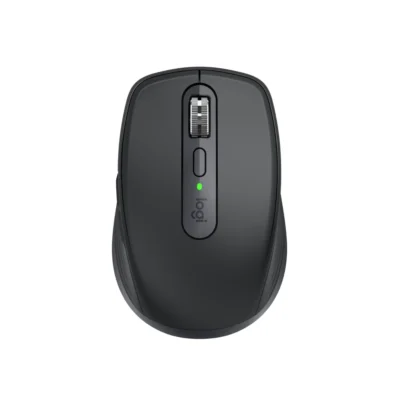 Logitech MX Anywhere 3S for Business
KSh 13,500In Stock | 02 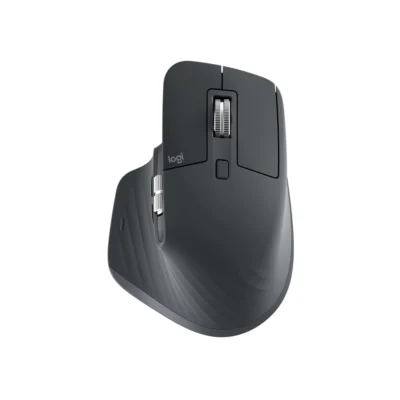 Logitech MX Master 3S
KSh 16,500In Stock |
|---|
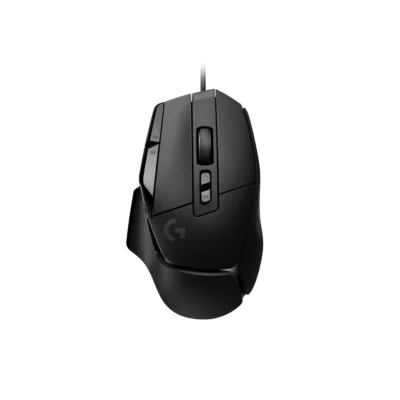
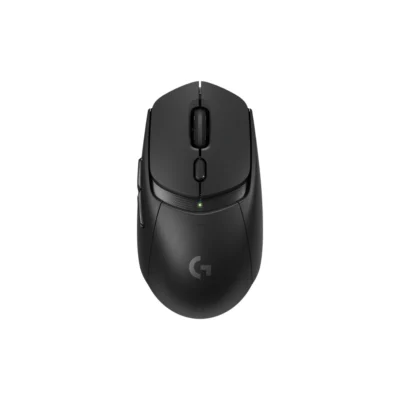
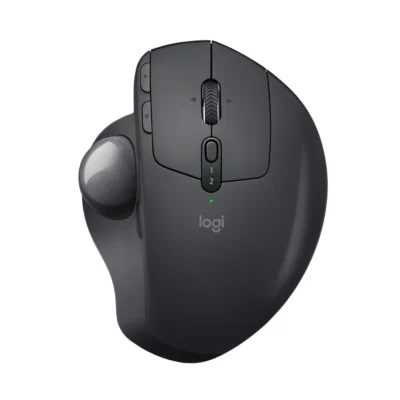
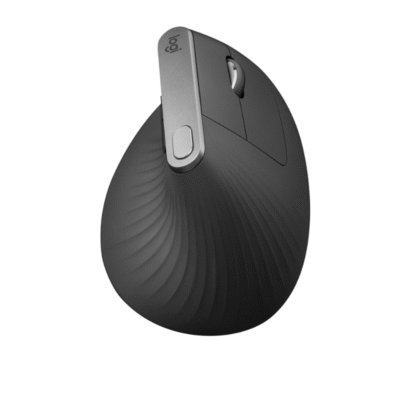
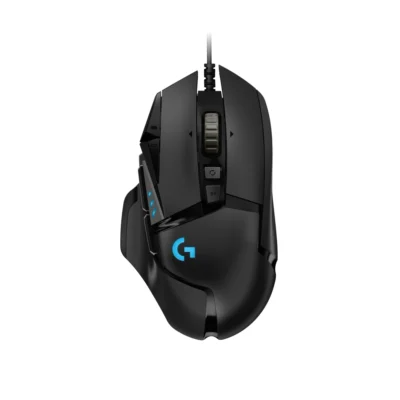
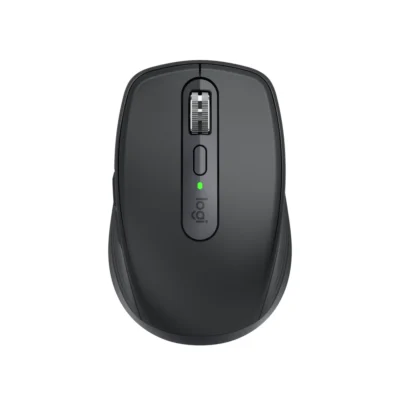
Choose the Logitech MX Anywhere 3S for Business if you want a lighter build (99 g) and a lower price (KSh 3,000 less). Choose the Logitech MX Master 3S if you prefer a mouse in the box.
The main differences to help you choose.
| Priority | Logitech MX Anywhere 3S for Business | Logitech MX Master 3S |
|---|---|---|
| Weight | 99 g | 141 g |
| Connections | Logi Bolt and Bluetooth Low Energy | Logi Bolt USB receiver or Bluetooth Low Energy |
| Two devices | Connects to two devices at once | Connects to two devices at once |
| Controls | 6 buttons | 7 buttons |
| Battery life | 500 mAh battery | 500 mAh battery |
| Performance | 8,000 DPI sensor | 8,000 DPI sensor |
| DPI | 200–8,000 DPI | 200–8,000 DPI in 50-DPI increments |
| Scroll wheel | MagSpeed electromagnetic scrolling | MagSpeed electromagnetic scrolling with SmartShift |
Tick a topic above to see how each product answers it.
Explore the full specifications, section by section.
| Specification | Logitech MX Anywhere 3S for Business | Logitech MX Master 3S |
|---|---|---|
| Brand | Logitech | Logitech |
| Model | MX Anywhere 3S for Business (910-006958) | MX Master 3S (910-006559) |
| Type | Wireless productivity mouse | Productivity mouse |
| Color | Graphite | Graphite |
| Specification | Logitech MX Anywhere 3S for Business | Logitech MX Master 3S |
|---|---|---|
| Dimensions | 100.5 mm × 65 mm × 34.4 mm | 124.9 mm × 84.3 mm × 51 mm |
| Weight | 99 g | 141 g |
| Hand Orientation | — | Right-handed |
| Specification | Logitech MX Anywhere 3S for Business | Logitech MX Master 3S |
|---|---|---|
| Connection Type | Logi Bolt USB receiver or Bluetooth Low Energy | Logi Bolt USB receiver or Bluetooth Low Energy |
| Wireless Technology | Logi Bolt and Bluetooth Low Energy | — |
| Wireless Receiver | Logi Bolt USB-A receiver included | Logi Bolt USB receiver included; incompatible with Unifying |
| Wireless Range | Up to 10 m | Up to 10 m |
| Multi-Device Connection | Easy-Switch for up to three devices | Up to three paired devices with Easy-Switch |
| Bluetooth | — | Bluetooth Low Energy |
| Specification | Logitech MX Anywhere 3S for Business | Logitech MX Master 3S |
|---|---|---|
| Customization Software | Logi Options+ on Windows and macOS | Logi Options+ on Windows and macOS |
| Silent Clicks | Quiet Clicks | Quiet Clicks |
| Specification | Logitech MX Anywhere 3S for Business | Logitech MX Master 3S |
|---|---|---|
| Sensor Technology | Darkfield high precision | Darkfield high precision |
| DPI | 200–8,000 DPI | 200–8,000 DPI in 50-DPI increments |
| DPI Adjustment | 50 DPI increments with Logi Options+ | — |
| Specification | Logitech MX Anywhere 3S for Business | Logitech MX Master 3S |
|---|---|---|
| Number of Buttons | 6 | 7 |
| Scroll Wheel | MagSpeed electromagnetic scrolling | MagSpeed electromagnetic scrolling with SmartShift |
| Gesture Button | — | Yes |
| Horizontal Scroll | — | Yes |
| Thumb Wheel | — | Yes |
| Specification | Logitech MX Anywhere 3S for Business | Logitech MX Master 3S |
|---|---|---|
| Battery Type | Rechargeable Li-Po | Rechargeable Li-Po |
| Battery Capacity | 500 mAh | 500 mAh |
| Charging Port | USB-C | USB-C |
| Battery Life | — | Up to 70 days; one-minute charge provides up to three hours of use |
| Specification | Logitech MX Anywhere 3S for Business | Logitech MX Master 3S |
|---|---|---|
| Windows | Windows 10/11 or later | Windows 10/11 or later |
| macOS | macOS 11 or later | macOS 10.15 or later |
| Other Operating Systems | Linux and ChromeOS basic functionality; supported Bluetooth mobile systems | ipados: iPadOS 14 or later via Bluetooth; android: Android 8.0 or later via Bluetooth; linux: Basic functions supported; chromeos: Basic functions supported |
| Specification | Logitech MX Anywhere 3S for Business | Logitech MX Master 3S |
|---|---|---|
| In the Box | MX Anywhere 3S for Business Mouse; Logi Bolt USB Receiver; Charging Cable; Documentation | Mouse; Logi Bolt USB receiver; USB-A to USB-C charging cable; user documentation |
These products have the same published specifications.
Choose MX Anywhere 3S for a lighter build.
Back to compared products ↑