Battery capacity
- Promate Uniglide Mouse
- 1× AA battery
- Logitech M170/M171
- 1 × AA battery

Mouse comparison
Compare sensor, connection, battery and comfort.
01Selected 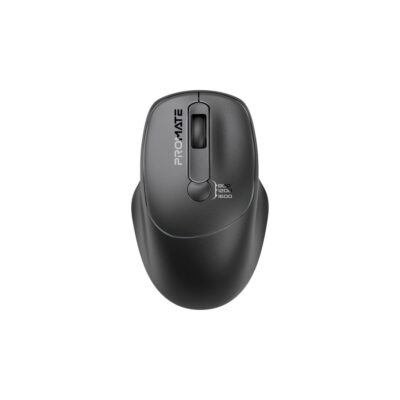 Promate Uniglide Mouse
KSh 2,500In Stock | 02 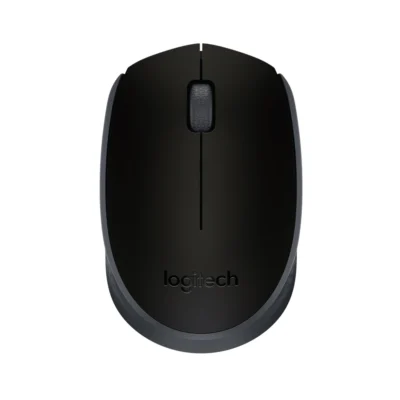 Logitech M170/M171 Wireless Mouse
KSh 2,900In Stock |
|---|
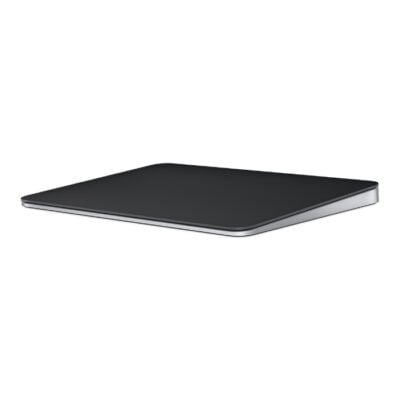
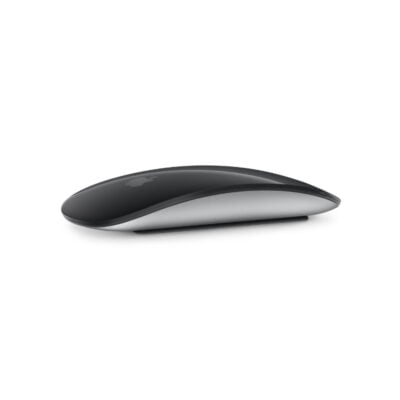
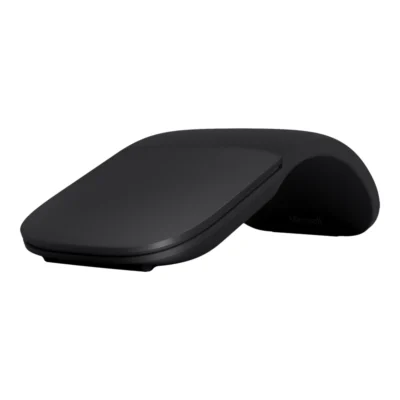
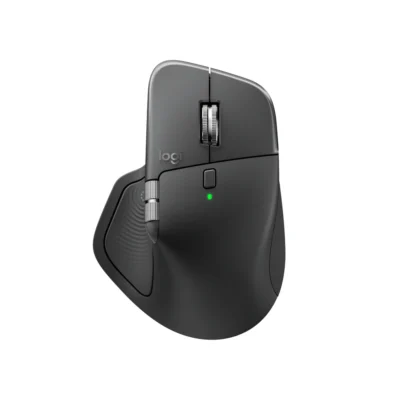
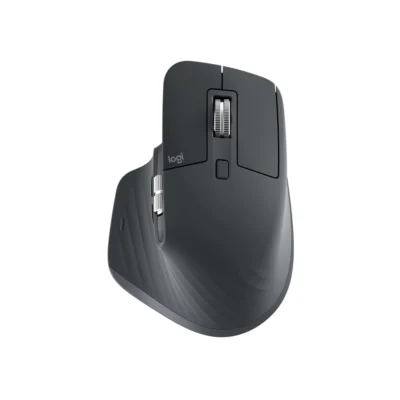
Choose the Promate Uniglide Mouse if you want a 1,600 DPI sensor. Choose the Logitech M170/M171 if you prefer Optical tracking and 1 × AA battery.
This comparison is partial: only 7 of the 19 specifications are published for both products. The Promate Uniglide Mouse does not list Connection Type, Wireless Technology or Bluetooth; the Logitech M170/M171 does not list DPI Adjustment.
The main differences to help you choose.
| Priority | Promate Uniglide Mouse | Logitech M170/M171 |
|---|---|---|
| Fit | Ambidextrous | Ambidextrous |
| Connections | 7–10 m | 2.4 GHz wireless |
| Battery life | Listed playback: 120 hours per charge | Up to 12 months of battery life |
| Performance | 1,600 DPI sensor | 1,000 DPI sensor |
| Battery capacity | Battery: 1× AA battery | Battery: 1 × AA battery |
| Sensor technology | Optical | Optical tracking |
| DPI | 800 / 1200 / 1600 DPI | Nominal 1,000 DPI |
Tick a topic above to see how each product answers it.
Explore the full specifications, section by section.
| Specification | Promate Uniglide Mouse | Logitech M170/M171 Wireless Mouse |
|---|---|---|
| Brand | Promate | Logitech |
| Model | Promate Uniglide Mouse | M170/M171 — Black/Grey: 910-004424; Grey: 910-004642; Off-White: 910-006867; Red/Black: 910-004641; Blue/Black: 910-004640; Blue Gray: 910-006866 |
| Type | Wireless ergonomic mouse | Wireless mouse |
| Color | — | Black/Grey; Grey; Off-White; Red/Black; Blue/Black; Blue Gray |
| Specification | Promate Uniglide Mouse | Logitech M170/M171 Wireless Mouse |
|---|---|---|
| Hand Orientation | Ambidextrous | Ambidextrous |
| Dimensions | — | 97.7 mm × 61.5 mm × 35.2 mm |
| Weight | — | 69.3 g |
| Specification | Promate Uniglide Mouse | Logitech M170/M171 Wireless Mouse |
|---|---|---|
| Wireless Range | 7–10 m | Up to 10 m |
| Connection Type | — | 2.4 GHz wireless via USB receiver |
| Wireless Technology | — | 2.4 GHz wireless |
| Bluetooth | — | No |
| Wireless Receiver | — | USB nano receiver included |
| Multi-Device Connection | — | One receiver-connected computer |
| Specification | Promate Uniglide Mouse | Logitech M170/M171 Wireless Mouse |
|---|---|---|
| Sensor Technology | Optical | Optical tracking |
| DPI | 800 / 1200 / 1600 DPI | Nominal 1,000 DPI |
| DPI Adjustment | Three adjustable sensitivity levels | — |
| Specification | Promate Uniglide Mouse | Logitech M170/M171 Wireless Mouse |
|---|---|---|
| Battery Type | 1× AA battery | 1 × AA battery |
| Battery Life | 120 hours advertised working time | Up to 12 months |
| Specification | Promate Uniglide Mouse | Logitech M170/M171 Wireless Mouse |
|---|---|---|
| Number of Buttons | — | 3 |
| Scroll Wheel | — | Yes, 2D, optical |
| Specification | Promate Uniglide Mouse | Logitech M170/M171 Wireless Mouse |
|---|---|---|
| macOS | — | macOS 10.8 or later |
| Required Port / Connection | — | Available USB-A port |
| Specification | Promate Uniglide Mouse | Logitech M170/M171 Wireless Mouse |
|---|---|---|
| In the Box | — | Wireless Mouse; USB receiver; 1 AA battery (pre-installed); User documentation |
These products have the same published specifications.
Promate Uniglide and Logitech M170/M171 are closely matched on the features compared here.
Back to compared products ↑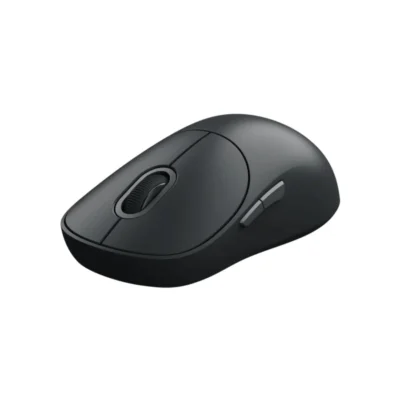 For Promate Uniglide MouseXiaomi Wireless Mouse 3View product ↗
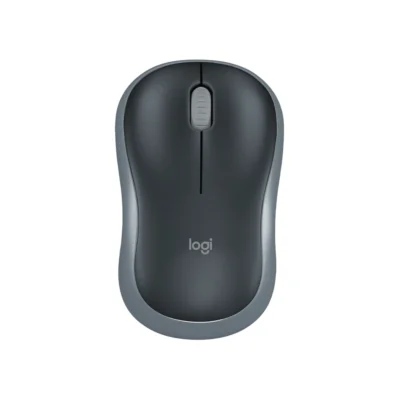 For Promate Uniglide MouseLogitech M185 Wireless MouseView product ↗
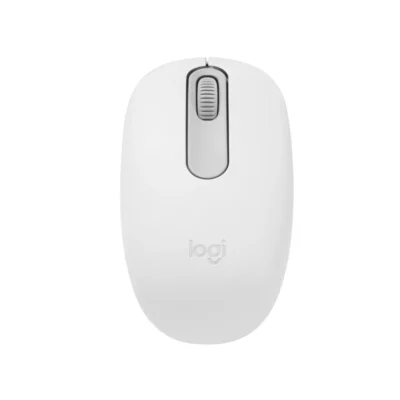 For Logitech M170/M171 Wireless MouseLogitech M196 Bluetooth MouseView product ↗
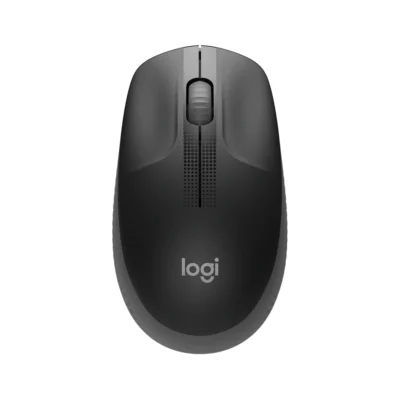 For Logitech M170/M171 Wireless MouseLogitech M190 Full-Size Wireless MouseView product ↗