Audio / hub features
- Promate Gigahub-C
- Plug
- Anker 332 USB-C Hub 5-in-1
- Plug and play, HDMI digital audio

USB hub comparison
Compare ports, video output, pass-through charging and data speed.
01Selected 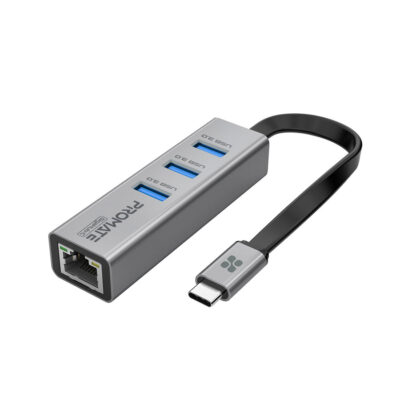 Promate Gigahub-C
KSh 5,600In Stock | 02 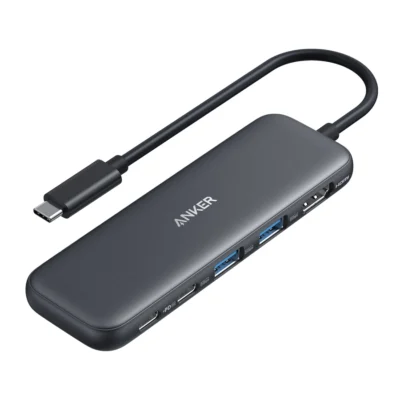 Anker 332 USB-C Hub 5-in-1
KSh 5,500In Stock |
|---|
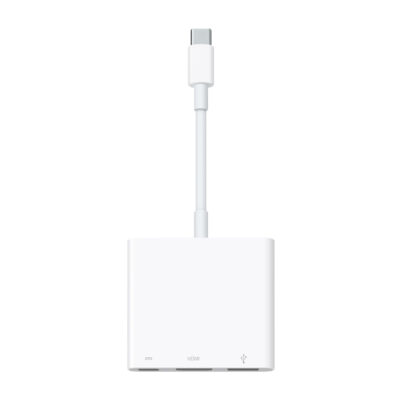
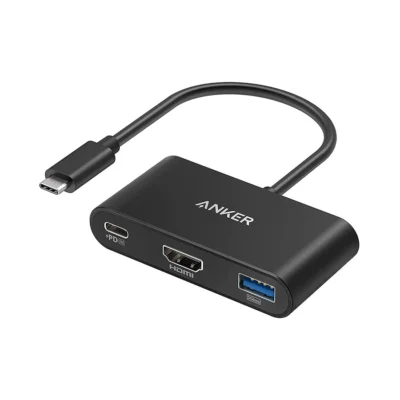


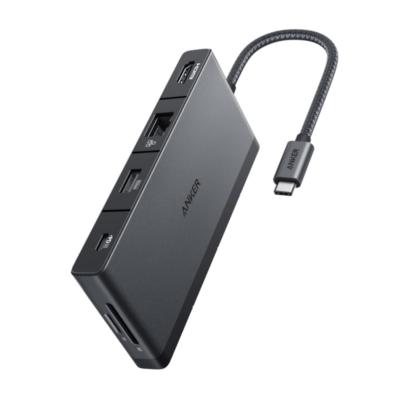
The main differences to help you choose.
| Priority | Promate Gigahub-C | Anker 332 USB-C Hub 5-in-1 |
|---|---|---|
| Video outputs | None | 1 × HDMI 1.4 |
| USB-C PD charging | None | Up to 85W with compatible 100W PD charger and cable |
| Audio / hub features | Plug and play | Plug and play, HDMI digital audio |
| Host connection | USB-C | Attached USB-C cable |
| Port configuration | 3 × USB-A 3.0, 1 × Gigabit Ethernet | HDMI, two USB-A data ports, USB-C data and USB-C PD-IN |
| USB data | Up to 5 Gbps | USB 3.2 Gen 1, up to 5Gbps |
| Hub type | USB-C hub with Gigabit Ethernet | 5-in-1 USB-C hub |
| Ethernet | RJ45, 10 / 100 / 1000Mbps | None |
Tick a topic above to see how each product answers it.
Explore the full specifications, section by section.
| Specification | Promate Gigahub-C | Anker 332 USB-C Hub 5-in-1 |
|---|---|---|
| Brand | Promate | Anker |
| Input Interface | USB-C | — |
| Output Interface | Ethernet Port, USB 3.0 Ports | — |
| USB 3.0 | 5V,900mA | — |
| Transfer Rate | 5Gbps | — |
| Ethernet Bandwidth | 1000Mbps | — |
| OS Support | Windows 10 / 8 / 7, Mac OS X 10.2 (and above) | — |
| Model | — | A8355H11 |
| Specification | Promate Gigahub-C | Anker 332 USB-C Hub 5-in-1 |
|---|---|---|
| Video Outputs | None | 1 × HDMI 1.4 |
| Maximum Display Output | — | HDMI 1.4; up to 4K (3840 × 2160) at 30Hz |
| Multi-Monitor Support | — | 1 external display |
| Specification | Promate Gigahub-C | Anker 332 USB-C Hub 5-in-1 |
|---|---|---|
| Brand / Model | Promate Gigahub-C | Anker; A8355H11 |
| Hub Type | USB-C hub with Gigabit Ethernet | 5-in-1 USB-C hub |
| Host Connection | USB-C | Attached USB-C cable |
| Port Configuration | 3 × USB-A 3.0; 1 × Gigabit Ethernet | HDMI, two USB-A data ports, USB-C data and USB-C PD-IN |
| Specification | Promate Gigahub-C | Anker 332 USB-C Hub 5-in-1 |
|---|---|---|
| USB Data | Up to 5 Gbps | USB 3.2 Gen 1; up to 5Gbps |
| Card Reader | None | None |
| Ethernet | RJ45; 10 / 100 / 1000Mbps | None |
| Specification | Promate Gigahub-C | Anker 332 USB-C Hub 5-in-1 |
|---|---|---|
| USB-C PD Charging | None | Up to 85W with compatible 100W PD charger and cable; charger separate |
| Power Requirements / Notes | USB 3.0: 5V, 900mA | Separate USB-C PD charger required for host charging; USB-A ports share 4.5W (5V / 0.9A); USB-C data port provides up to 7.5W (5V / 1.5A) |
| Specification | Promate Gigahub-C | Anker 332 USB-C Hub 5-in-1 |
|---|---|---|
| Audio / Hub Features | Plug and play | Plug and play; HDMI digital audio |
| Specification | Promate Gigahub-C | Anker 332 USB-C Hub 5-in-1 |
|---|---|---|
| Compatibility / Notes | Windows 10/8/7; Mac OS X 10.2 and later | Supported USB-C hosts including MacBook Pro/Air, Dell XPS, Lenovo ThinkPad and HP; exact host must support requested display and Power Delivery functions |
| In the Box | GigaHub-C hub | Anker 332 hub and user documentation; charger, HDMI cable and storage devices not included |
| Specification | Promate Gigahub-C | Anker 332 USB-C Hub 5-in-1 |
|---|---|---|
| Colour | — | Black |
| Connector | — | Attached USB-C host cable; HDMI1.4 output; two USB-A data ports; USB-C data port; USB-C PD-IN |
| Power | — | PD-IN up to 100W; laptop pass-through up to 85W with compatible100W charger; USB-A ports combined4.5W(5V0.9A); USB-C data7.5W(5V1.5A) |
| Specification | Promate Gigahub-C | Anker 332 USB-C Hub 5-in-1 |
|---|---|---|
| USB-A peripheral power | — | Combined 4.5W; 5V at 0.9A |
| USB-C data-port power | — | 7.5W; 5V at 1.5A |
| Samsung T7 connection | — | Use a USB-A port for stable Samsung T7 SSD transfer |
| External-power recommendation | — | Surface Go, ASUS CM3 Tablet, Galaxy S23 Ultra, Galaxy Tab S7+ and LG V60 |
| Separate equipment | — | Display, wall charger, storage devices and loose connection cables |
These products have the same published specifications.
Promate Gigahub-C and Anker 332 USB-C Hub 5-in-1 are closely matched on the features compared here.
Back to compared products ↑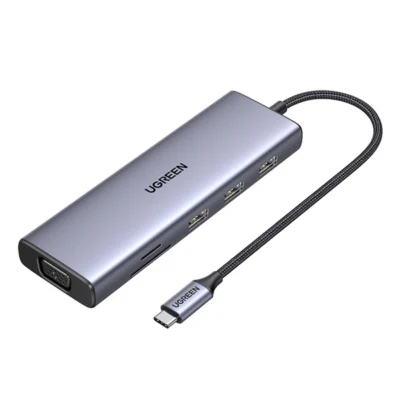 For Promate Gigahub-CUGREEN 9-in-1 USB-C Multifunction AdapterView product ↗
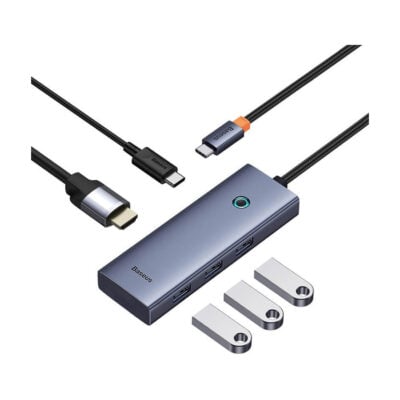 For Promate Gigahub-CBaseus UltraJoy Series 5-Port USB-C HubView product ↗
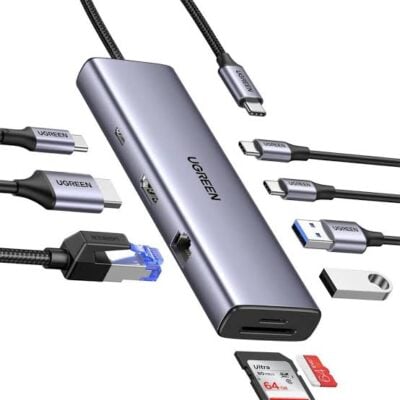 For Anker 332 USB-C Hub 5-in-1UGREEN 9-in-1 USB-C Multifunction AdapterView product ↗
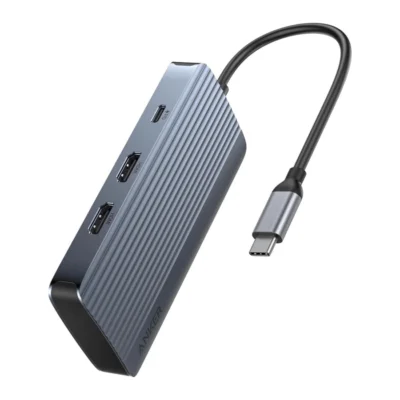 For Anker 332 USB-C Hub 5-in-1Anker USB-C Hub (7-in-1, Dual Display)View product ↗