Product details
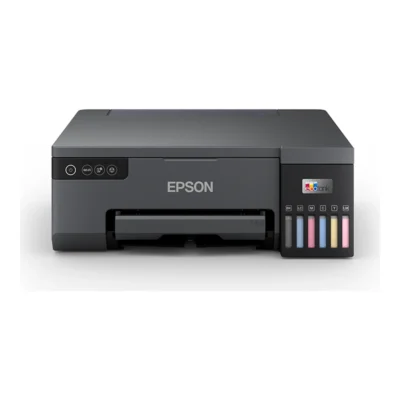
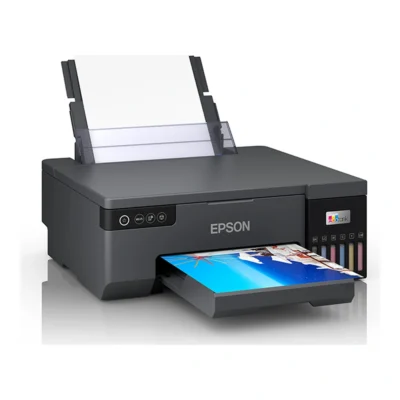
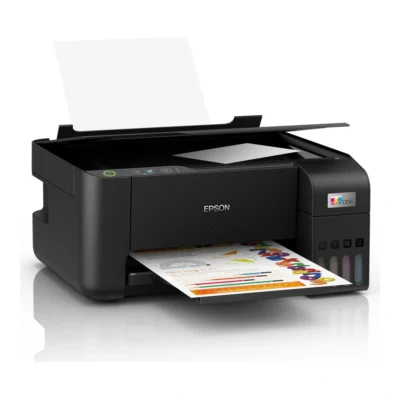
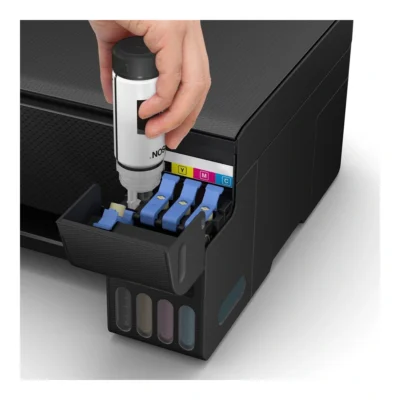
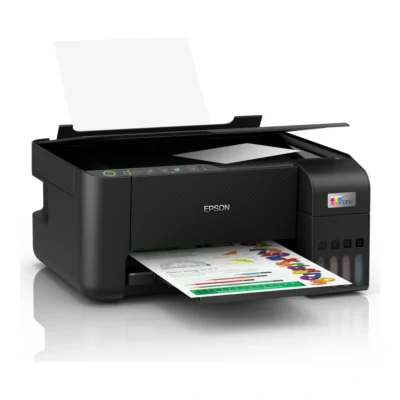
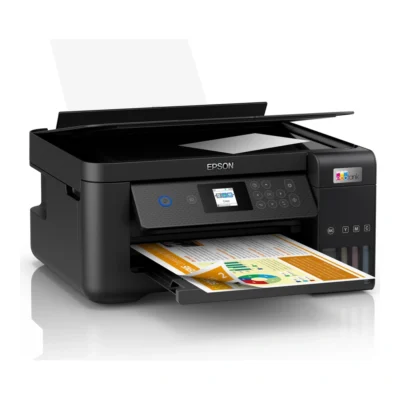
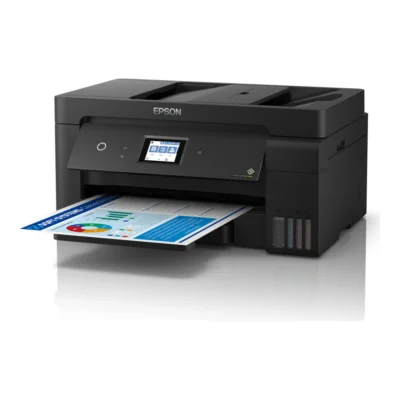
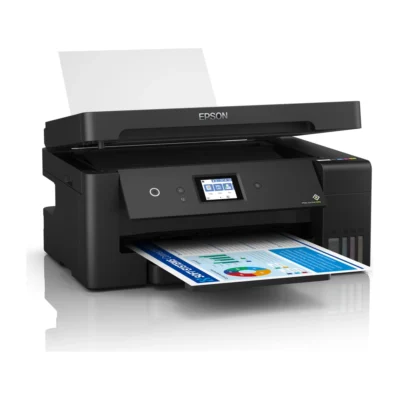
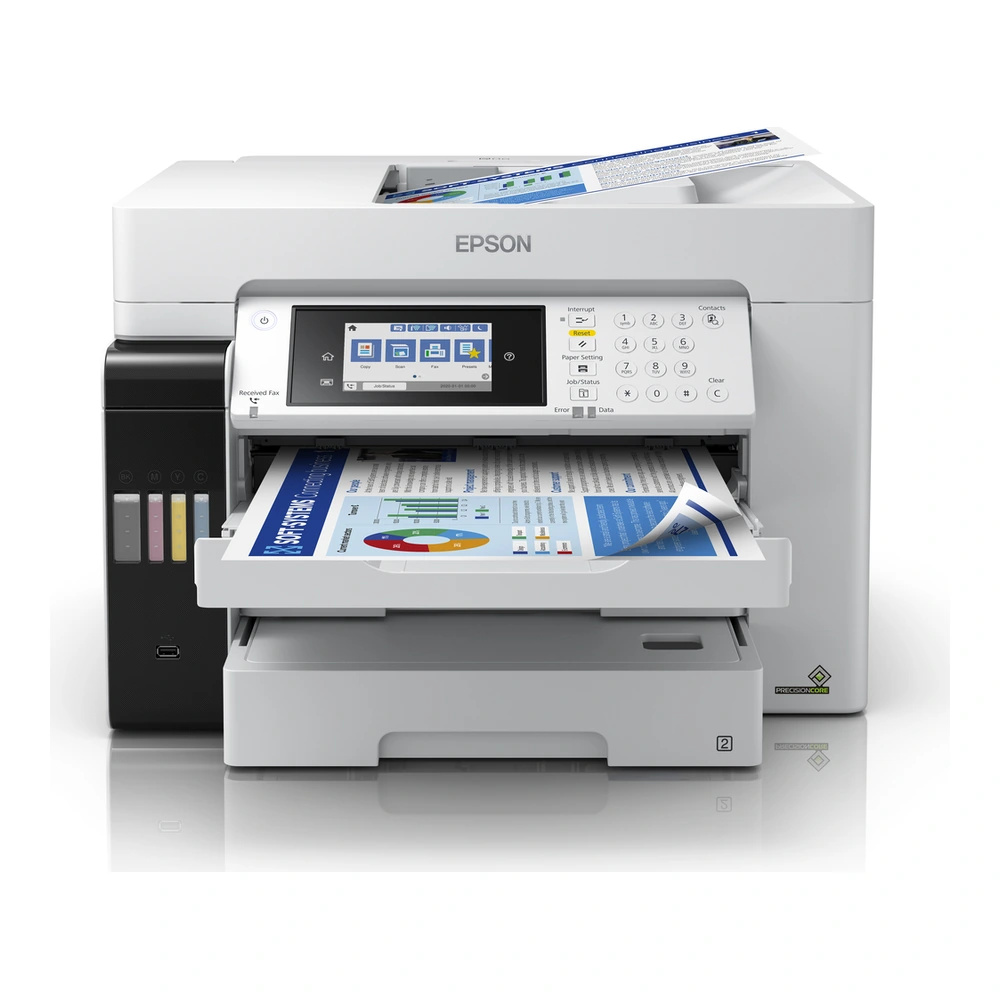
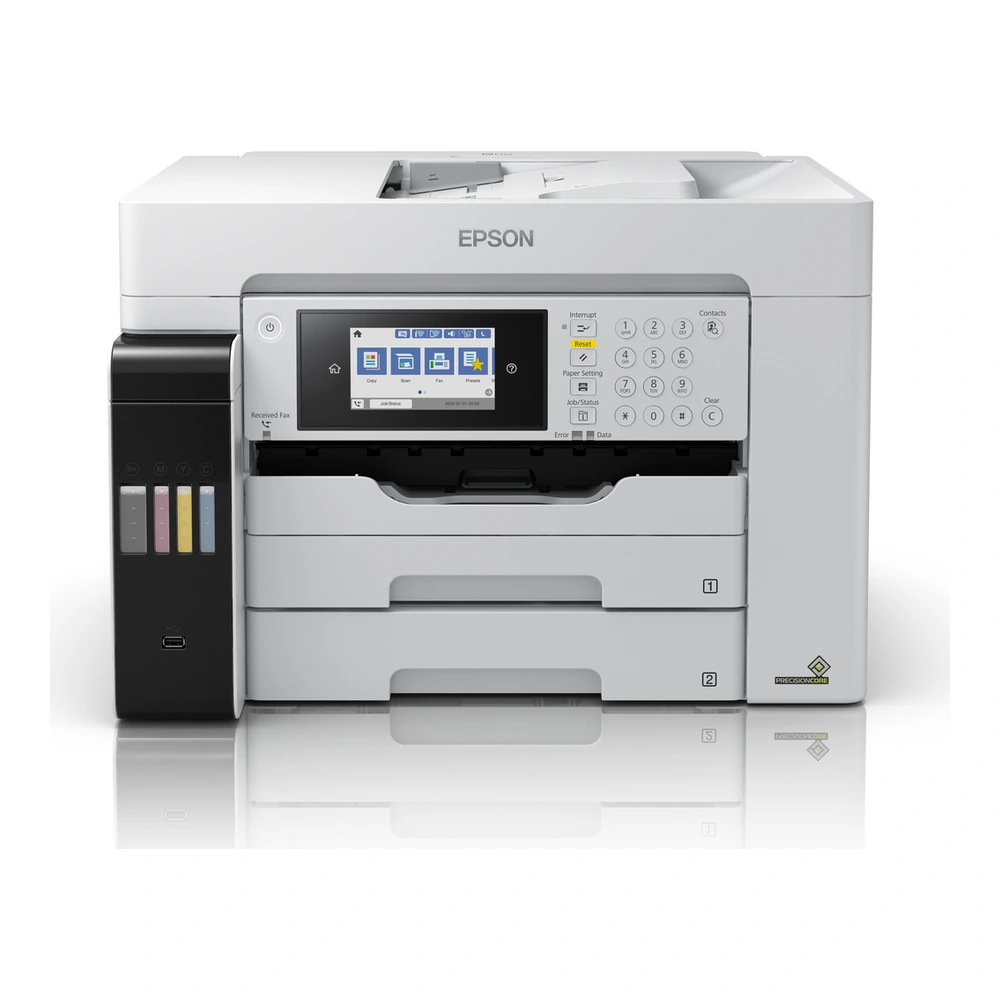
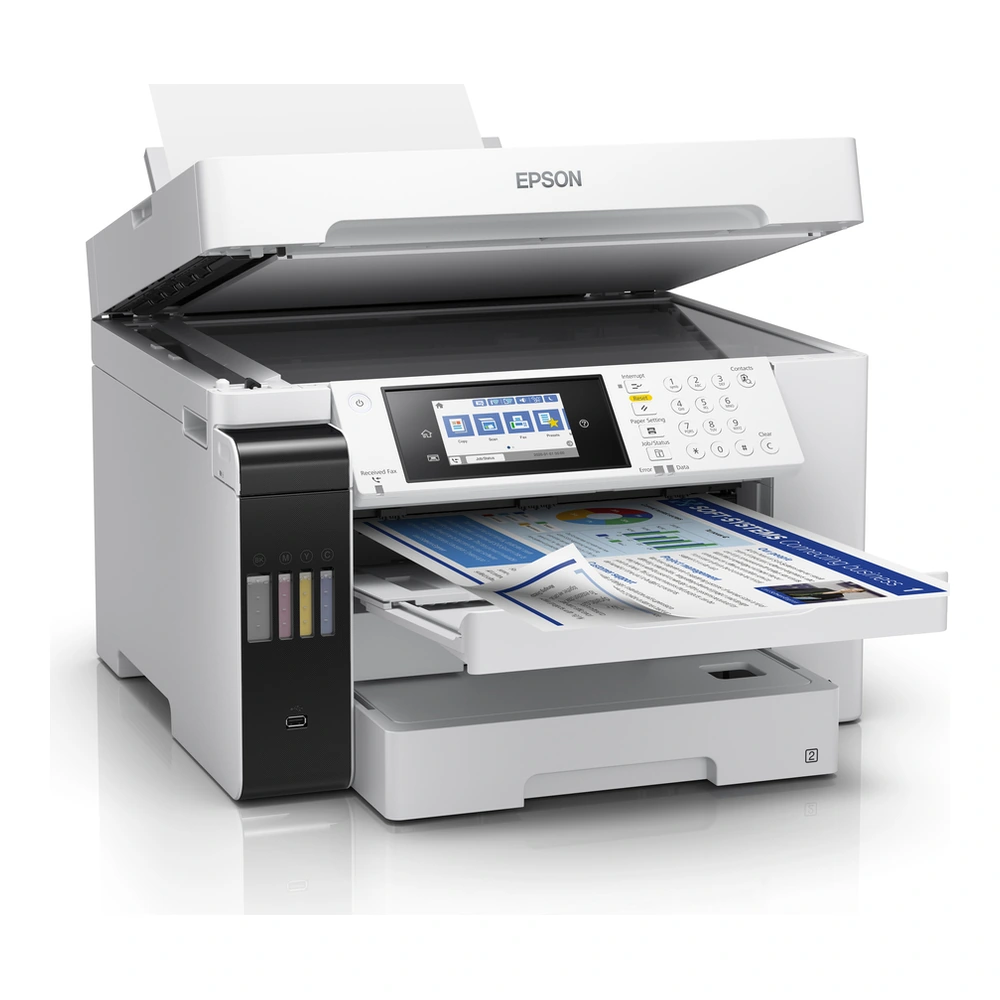
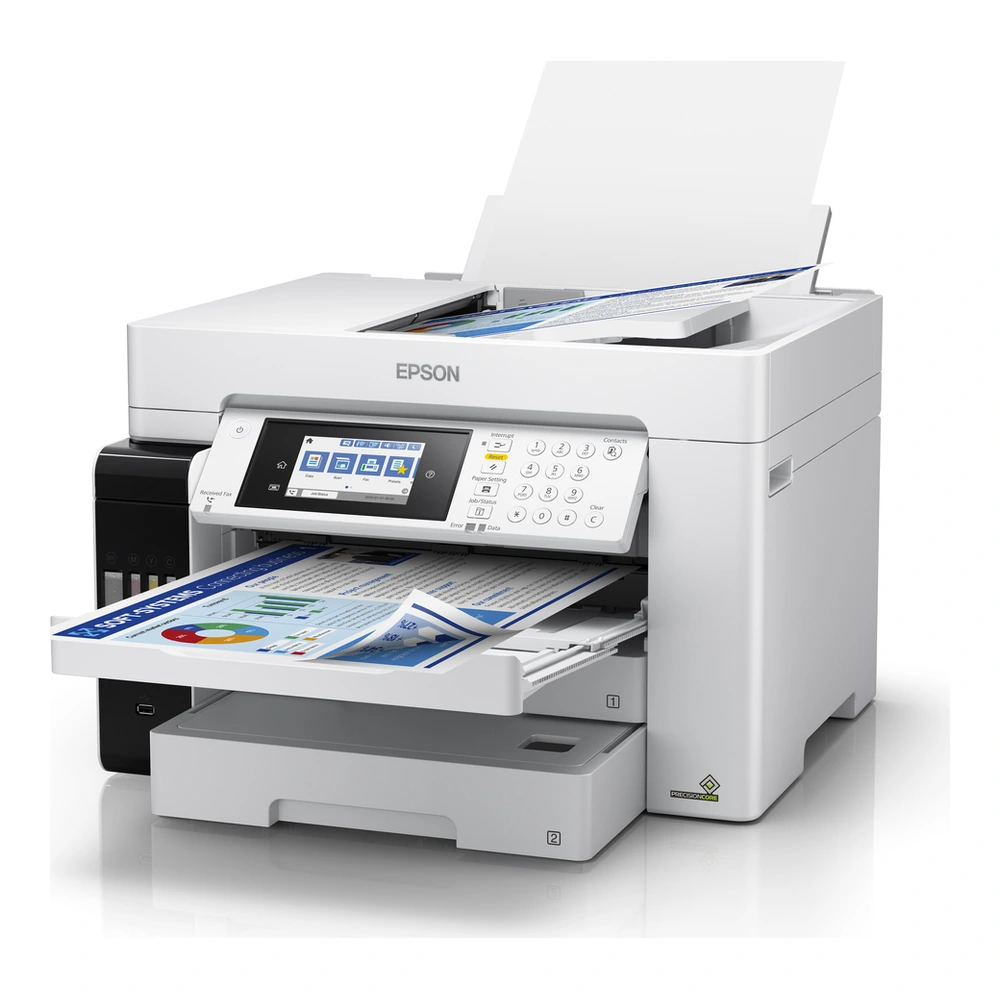
The Epson EcoTank L15160 brings print, scan, copy, fax functions to a business A3+ printing setup. Its refillable ink tanks suit users who want to top up ink from bottles while retaining a compact, integrated printer design.
Printing and paper handling
PrecisionCore™ Print Head technology produces prints at 4.800 x 1.200 DPI. The ISO/IEC 24734 print speeds are 25 pages/min Monochrome, 25 pages/min Colour. These standard-mode figures help compare document printing separately from the faster draft-mode ratings. Duplex printing is yes (a4/a3, plain paper). The input paper capacity is 250 Sheets Standard.
Supported media handling includes ADF 2-sided copy (A4/A3, plain paper), ADF 2-sided fax (A4/A3, plain paper), ADF 2-sided scan (A4/A3, plain paper), Automatic duplex (A4/A3, plain paper), Borderless Print. Supported formats include A3+, A3 (29.7×42.0 cm), A4 (21.0×29.7 cm), A5 (14.8×21.0 cm), A6 (10.5×14.8 cm), B6, DL (Envelope), No. 10 (Envelope). Choose the paper setting that matches the loaded media, especially when switching between plain paper and photographic sheets.
Document capture
A Contact image sensor (CIS) scanner provides an optical resolution of 1.200 DPI x 1.200 DPI (Horizontal x Vertical). The automatic document feeder holds 50 pages. Copying is available directly on the multifunction device. Fax capability is included for offices that use fax-based document workflows.
Connectivity and installation
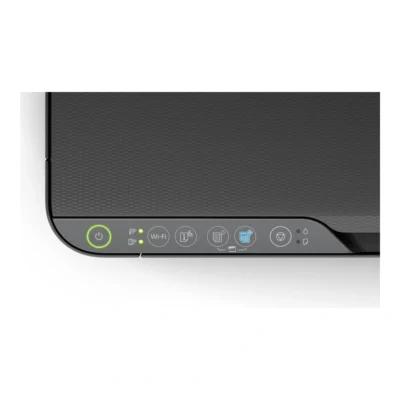
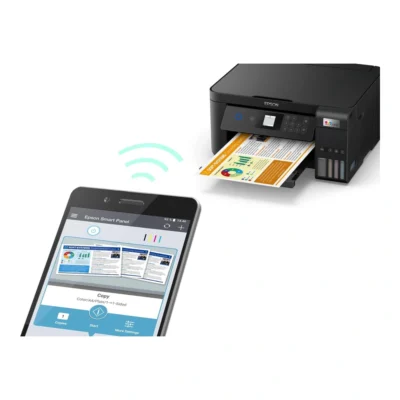
Connection options include USB, Ethernet, WiFi, Wi-Fi Direct, USB host. Epson Connect (iPrint, Email Print, Remote Print Driver, Scan-to-Cloud), Apple AirPrint, Mopria Print Service, Epson Smart Panel App. Select a wired computer connection or a supported wireless workflow to suit the workspace. Configure the printer on the intended network and install the appropriate Epson software for the computer or mobile device before printing.
Workspace fit
The printer measures 515 x 500 x 350 mm (Width x Depth x Height) and weighs 20,9 kg. Power requirements are AC 100 V – 240 V, 50 Hz – 60 Hz. Leave room for opened trays and access to the ink-tank area, and place the device on a stable surface with enough space for loading paper and collecting finished prints.