Product details
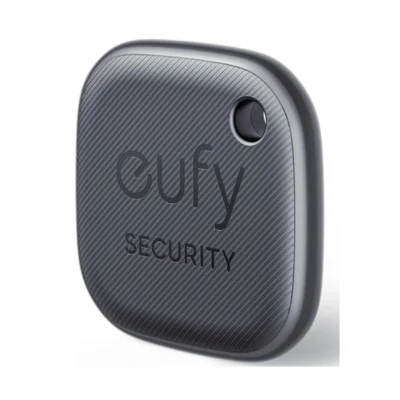
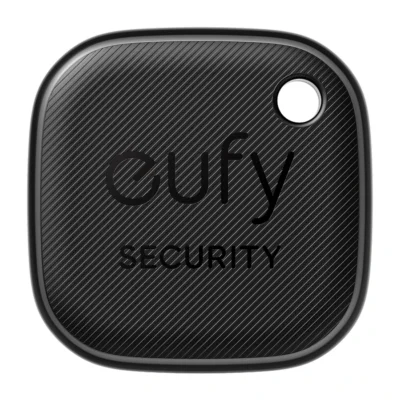
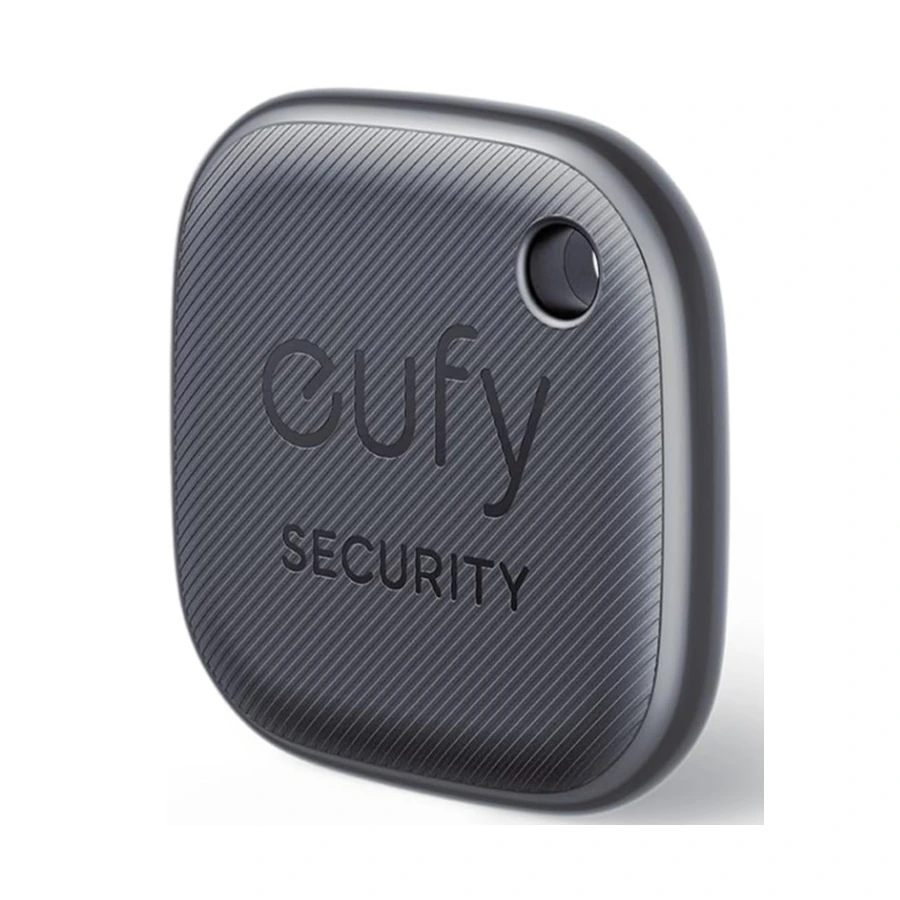
Eufy SmartTrack Link for Android helps you locate keys, bags and other belongings through Google’s Find Hub network, previously called Find My Device. This compact tag is the Android Link model, separate from the original Apple Find My Link. Its hanging hole provides a way to attach it to a suitable ring or strap, which is supplied separately.
Pair the tracker with a compatible Android phone and follow the Find Hub setup instructions. The manufacturer’s regional guide specifies Android 9 or later for this network setup. Your phone may still display the earlier Find My Device name. Network location updates rely on nearby participating Android devices and their connectivity, rather than guaranteeing an uninterrupted location stream everywhere you travel.
Use the phone to sound the tracker when you are looking for a nearby item. The official support page rates the audible alarm at up to 80dB. Position, distance, surrounding noise and any bag or fabric covering the tag affect how easily you can hear it. Check pairing and test the sound before attaching the tracker to an important everyday item.
The eufy app provides supported additional tools, including ringing a nearby paired phone and enabling the QR-code contact function. Phone finding requires the relevant app settings and permissions, including the location access described in the guide. The manufacturer describes phone ringing on Android 9 or later. If someone finds your item, the registered QR-code lost-item setting can display the contact details you chose to share.
The T87B4-family specification gives dimensions of approximately 37 × 37 × 6.5mm and a weight of approximately 10g. Bluetooth reach is quoted as up to 80 metres in favourable conditions, with substantially shorter range indoors or through obstacles. The tag is intended to help recover belongings, and placement and network coverage influence the reported location and alert timing.
A replaceable CR2032 coin cell powers the tracker for up to one year, depending on activation and use. IPX4 protection covers light rain and splashes, rather than immersion. Check the battery and app connection regularly, keep the app and tracker firmware current, and follow the included instructions when replacing the battery. This model’s network compatibility should be matched to your Android setup before use.