

Product details
Logitech Crayon Digital Pencil Price in Kenya
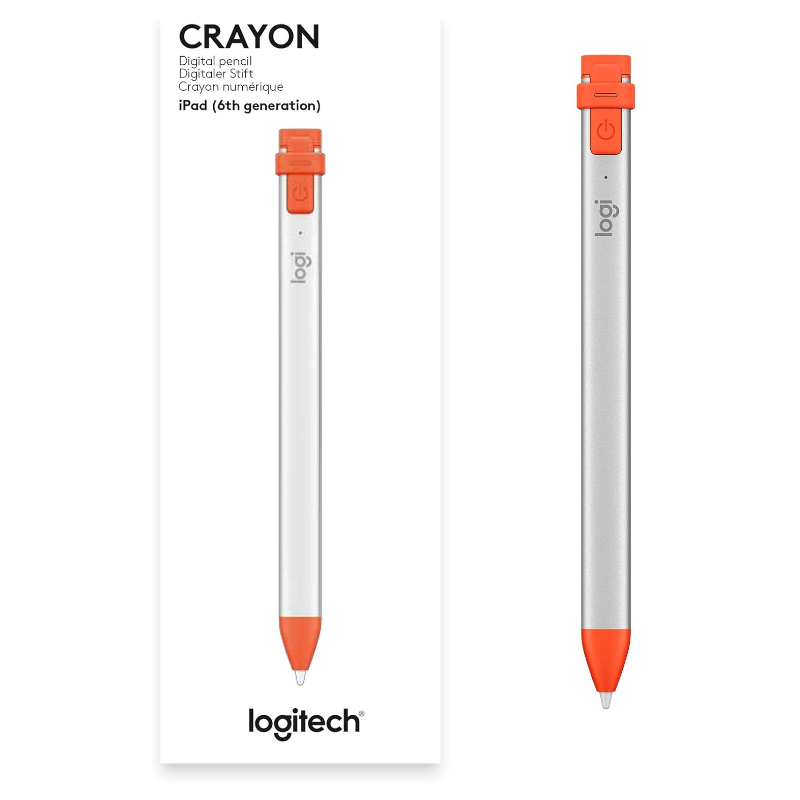
The Logitech Crayon Digital Pencil price in Kenya is Ksh 12,500 at Exelic Gadgets. While the Apple Pencil is often seen as the only option, the Logitech Crayon offers the exact same sub-millimeter precision and Apple-certified technology at a much more accessible price point. It’s the perfect tool for students at USIU or Strathmore who need to annotate digital handouts without the “luxury” markup.
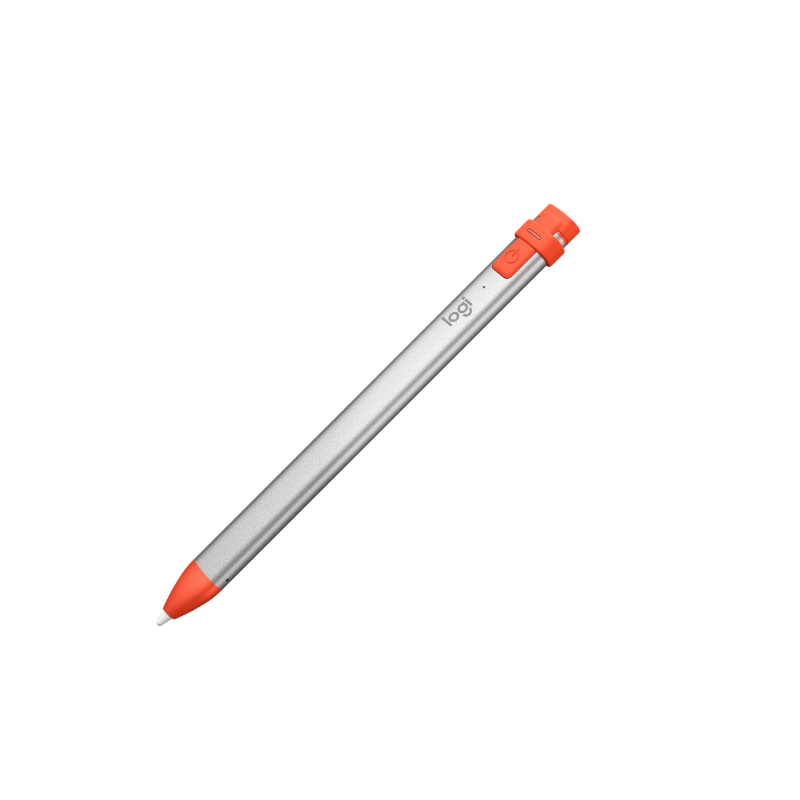
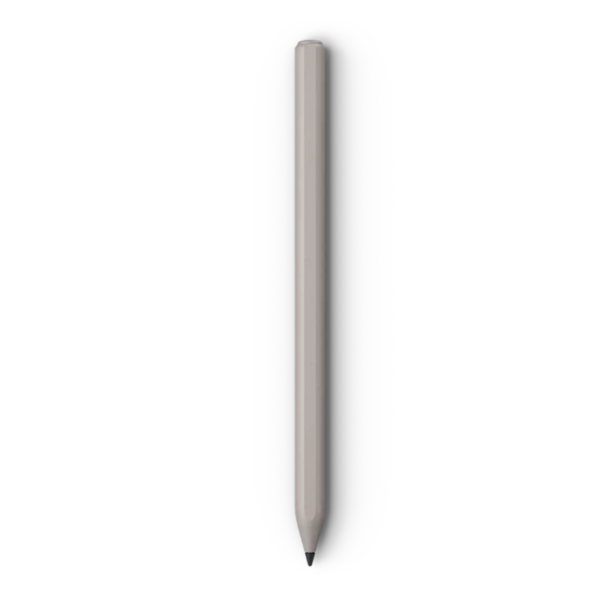
Built with a unique, flat aluminum body, the Crayon is designed to survive the realities of Kenyan life. It won’t roll off a sloped lecture hall desk, and its 4-foot drop protection means a tumble onto a tiled floor in a Nairobi CBD office won’t end its life. It’s rugged, reliable, and ready to work the moment you turn it on—no complex Bluetooth pairing required.
The #1 lifestyle upgrade here is “Instant Immersion.” Unlike other third-party styluses that lag or skip, the Crayon uses Apple Pencil tech to deliver zero perceptible lag. Whether you are signing an e-contract or sketching a quick floor plan, the digital ink flows exactly where you want it, giving you the confidence of a physical pen on paper.
Buy the Logitech Crayon today at Exelic Gadgets. We offer lightning-fast delivery within 2 hours in Nairobi and 24-hour shipping via Wells Fargo or G4S countrywide. Grab yours now and transform your iPad into a high-powered digital notebook via M-Pesa.
Why You’ll Love It (The Lifestyle Upgrade)
- Apple-Powered Precision: Uses official Apple Pencil technology, so that you get pixel-perfect accuracy and zero lag in every app you use.
- Anti-Roll Design: The flat, rectangular shape ensures it stays exactly where you put it, so that it won’t roll off the table during a busy meeting or lecture.
- Palm Rejection Tech: The iPad ignores your hand resting on the screen, so that you can write naturally and comfortably just like you would on a physical foolscap.
- Smart Tilt Sensitivity: Need a thicker line for shading or emphasis? Just tilt the tip, so that you can vary line weight dynamically without changing settings.
- Instant Start: No Bluetooth pairing or menus to navigate; just press the power button, so that you can start taking notes the second inspiration strikes.
- Tough-Built Durability: Rated for 1.2m (4ft) drops, so that you don’t have to worry about “accidental kills” when it slips from your bag or desk.
Logitech Crayon Specifications
| Feature | Details |
| Price | Ksh 12,500 |
| Connectivity | Instant (No Bluetooth pairing needed) |
| Battery Life | 7.5 Hours |
| Charging Type | USB-C (Matches modern iPads) |
| Drop Protection | 1.2 Meters (4 Feet) |
| Auto-Off | After 30 minutes of inactivity |
| Line Variation | Via Tilt Sensitivity |
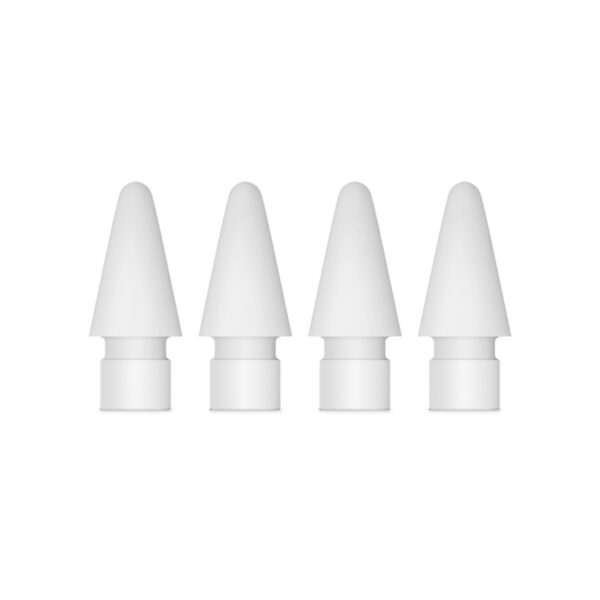
| Replaceable Tip | Yes (Available at Exelic) |
| Hand Orientation | Ambidextrous (Leftie friendly!) |
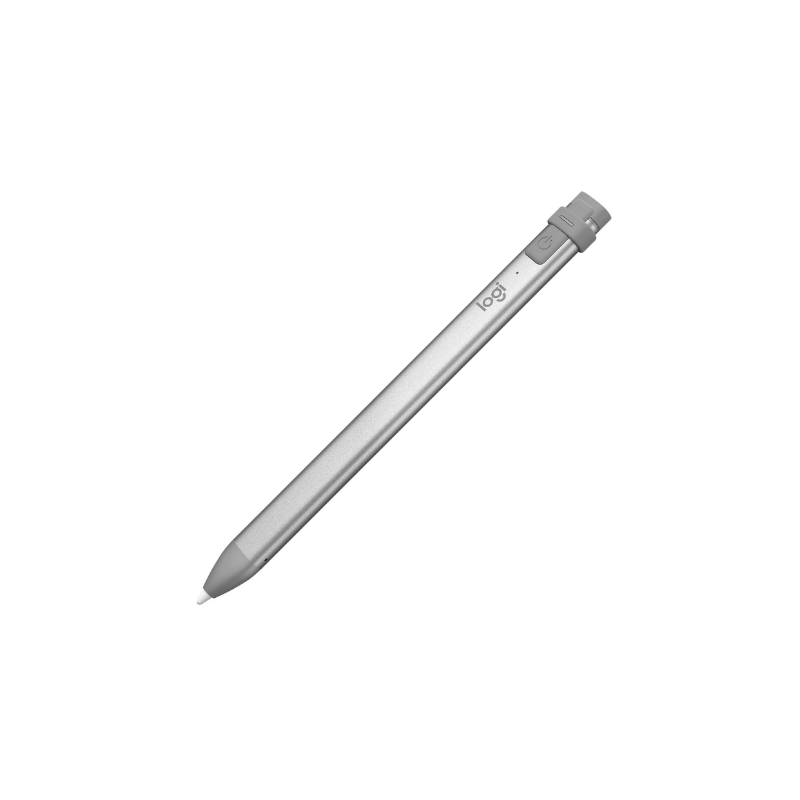
| Color | Silver with Gray/Orange accents |
| Dimensions | 163mm x 12mm x 8mm |
| Warranty | 1 Year Limited Hardware |
Powered by Apple Pencil Technology
The magic of the Logitech Crayon is that it isn’t a “fake” stylus. Logitech collaborated directly with Apple to use the same internal tech found in the original Apple Pencil. This means your iPad treats it as a first-party device. You get the same low-latency experience that makes digital writing feel “real,” which is crucial for students taking rapid-fire notes during a 2-hour lecture.
Smart Tip & Tilt Sensitivity
While the Crayon doesn’t have pressure sensitivity (used by pro artists for heavy shading), it features advanced tilt sensitivity. Think of it like a real highlighter or a carpenter’s pencil. If you hold it upright, you get a fine, thin line. If you tilt it at an angle, the line becomes thicker. This is perfect for underlining key points in a PDF or adding emphasis to a digital sketch.
The Power of “No Pairing”
We’ve all been there—trying to connect a Bluetooth device while the meeting has already started. The Crayon bypasses this entirely. Because it uses a proprietary frequency, any Crayon can work on any compatible iPad instantly. In a Kenyan classroom or office setting, this means you can pick up a colleague’s Crayon and start writing on your screen without ever opening the “Settings” menu.
Ruggedized for Life
Apple Pencils are elegant but fragile. The Crayon is built for the “hustle.” Its aluminum body is sturdy, and the charging port is protected by a tethered rubber cap that you won’t lose. It’s designed to be tossed into a backpack alongside keys and chargers without getting scratched or broken. If you’re commuting via Matatu or working in a busy café, this is the stylus that survives.
Intelligent Power Management
Battery anxiety is real. The Crayon provides a clear 3-level LED battery indicator so you aren’t guessing if it will last the day. If you do run out, a quick 2-minute “boost” charge via the same USB-C cable you use for your iPad (or Samsung S24/iPhone 15) gives you 30 minutes of writing time—just enough to finish that last email or exam.
Palm Rejection Perfection
Many cheap styluses cause “ghost touches” where your hand hits the screen. Because the Crayon uses Apple’s native tech, the iPad knows to ignore your palm entirely. You can rest your hand firmly on the glass, allowing for the precise, steady control needed for signing documents or drawing intricate diagrams in apps like Notability or Freeform.
Who Is This Perfect For?
- The University Student (UoN/JKUAT): You need to annotate thousands of pages of PDFs. The Crayon is more durable than the Apple Pencil and fits perfectly in a student budget.
- The Field Engineer: Whether you’re on a construction site or a remote installation, the rugged aluminum body and anti-roll design mean the Crayon won’t break if dropped in the dirt.
- The Digital Marketer in Westlands: Perfect for marking up design proofs, signing NDAs, and sketching out campaign ideas on the go without the fuss of pairing.
Alternatives & Competitors
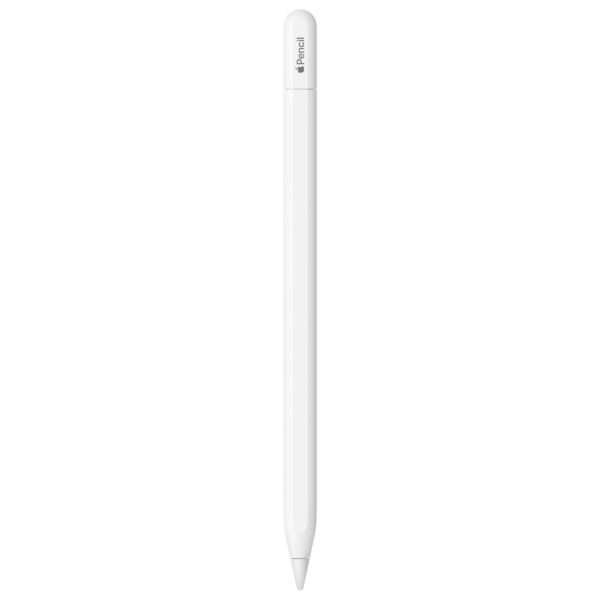
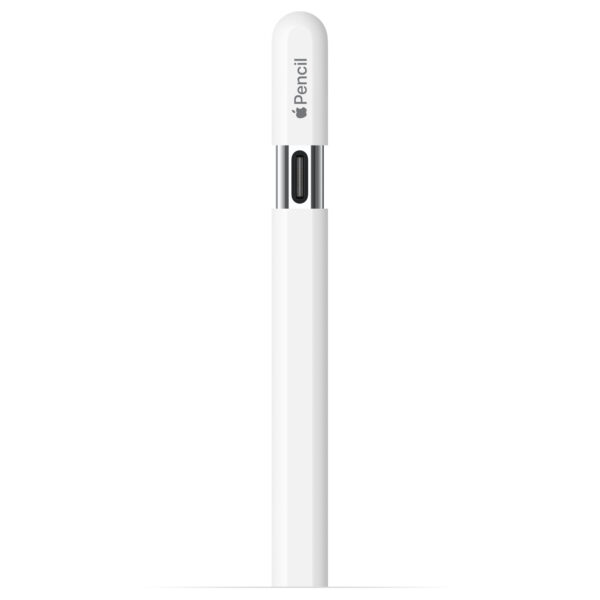
- Apple Pencil (USB-C): Sleeker design, magnetic attachment, but more expensive.
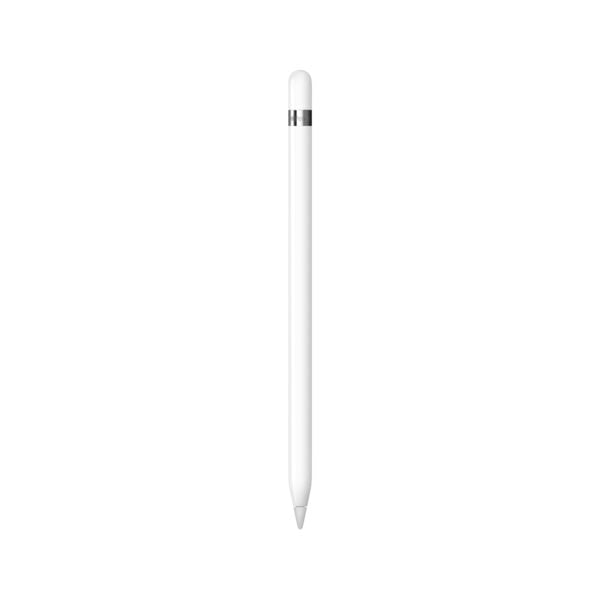
- Apple Pencil (2nd Gen): Includes pressure sensitivity for pro-level artists.
- Baseus Stylus: Budget alternative, but lacks Apple-certified precision.
- Adonit Note: Similar price, but lacks the ruggedized “drop-proof” build.
Frequently Asked Questions (FAQs)
1. Does it work with my iPad Pro?
Yes! It works with all iPad models released from 2018 onwards, including the iPad Pro, Air, and Mini.
2. How do I charge it?
This model uses a standard USB-C cable—the same one you likely use to charge your modern iPad or smartphone.
3. Can I use it for professional digital art?
It is excellent for sketching and graphic design, but please note it lacks pressure sensitivity. For professional-grade shading, an Apple Pencil 2 may be better.
4. What is the delivery time to Nakuru or Kisumu?
We ship via Wells Fargo/G4S. You will typically receive your Logitech Crayon within 24 hours of your order.
5. Do I need to install any app to make it work?
No app is required. Just turn it on and start writing in any app that supports the Apple Pencil.

There are no reviews yet.