
Galaxy Z Fold8
The all-new Galaxy Z Fold8
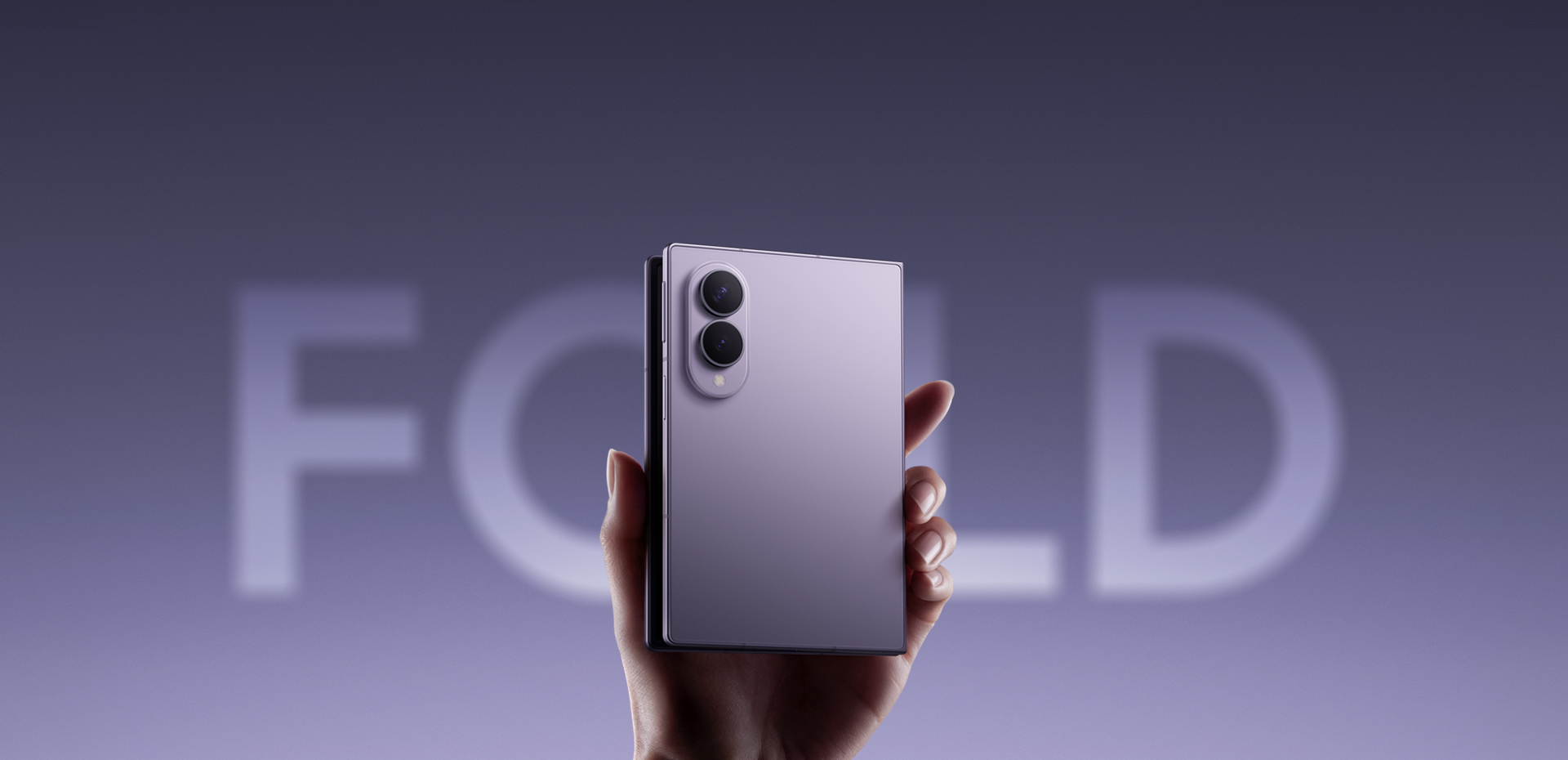
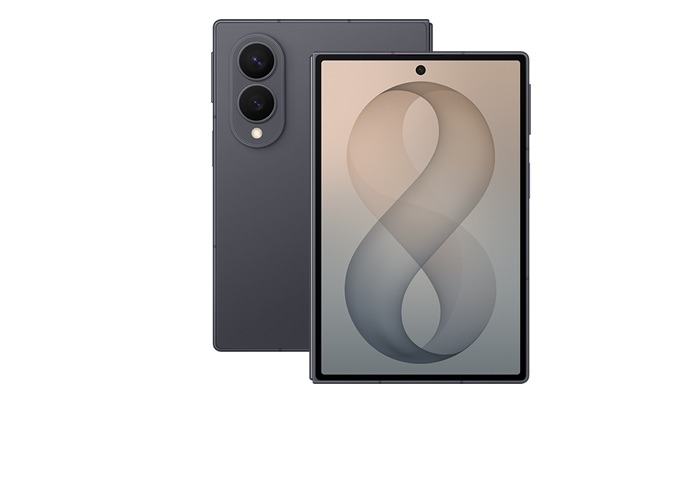
The next evolution of inspiration. Our all-new Foldable, Galaxy Z Fold8. A fluidly shapeshifting device for digital explorers that seamlessly matches the ways you enjoy content.
MEET YOUR ALL-NEW FOLD
- Brand new, innovative shape
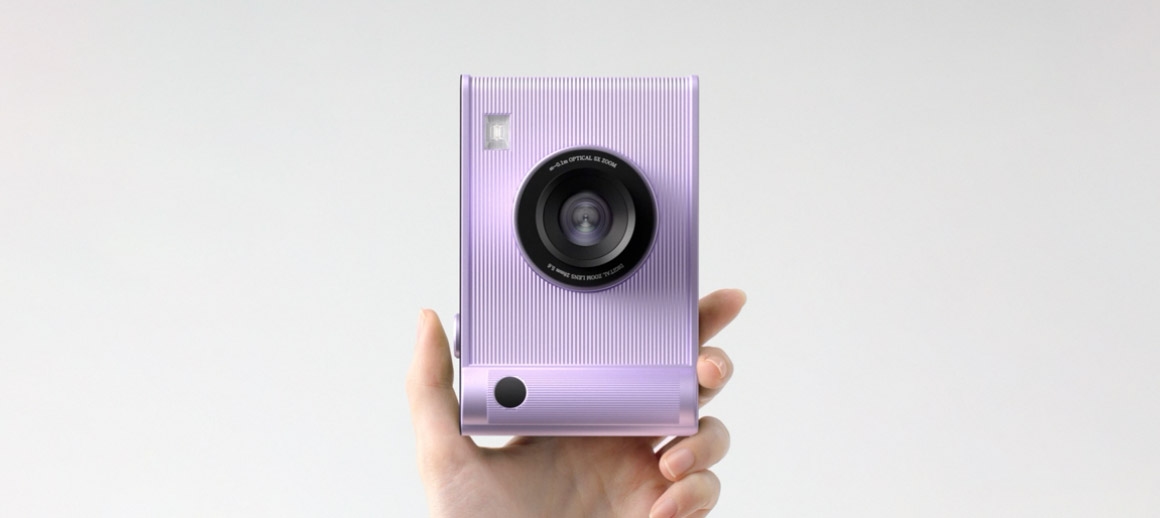
Various lavender objects in a 10 by 16 ratio are seen being held one-by-one in someone’s hand. The last object then transforms to become Galaxy Z Fold8.
- World's lightest fold
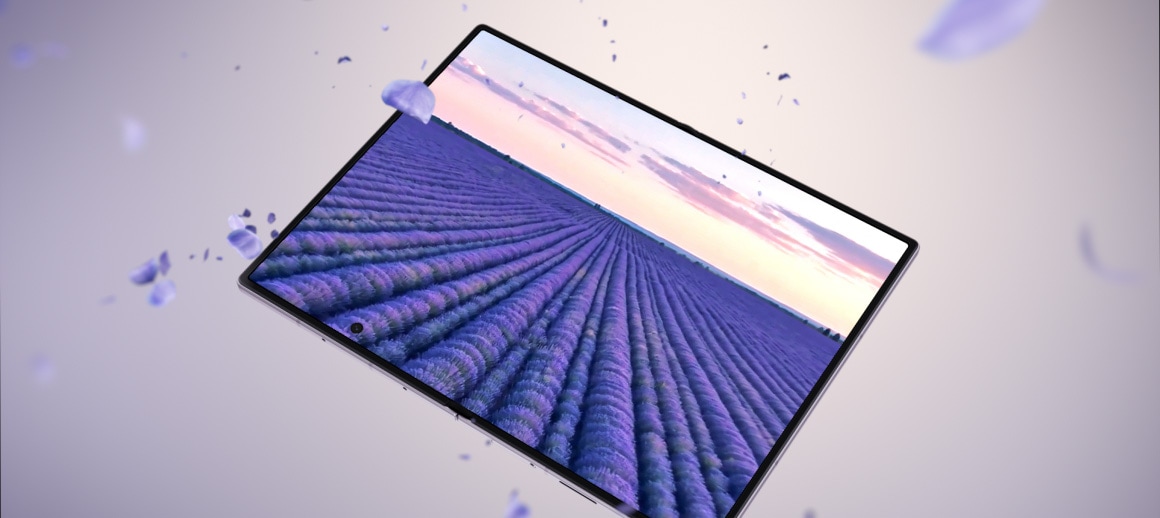
A field of flowers is displayed clearly on the seamless main screen of an unfolded Galaxy Z Fold8. The device turns to the side to show its thin profile and sways back and forth as the text 201 g appears near the device, followed by the text 4.5 mm.
- A battery built for a big screen
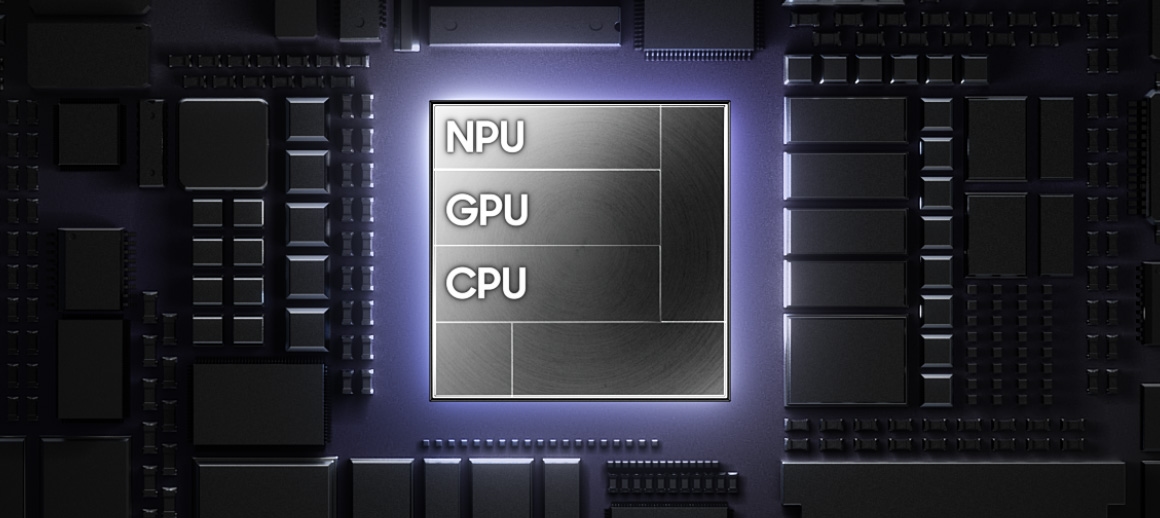
Galaxy Z Fold8's chip is seen on a chipboard with NPU, GPU, CPU. The chip then transforms to say AI. Then, the chip enters the back of a folded Galaxy Z Fold8. Powered by Snapdragon 8 Elite Gen 5 for Galaxy.
- Immersive edge-to-edge photography
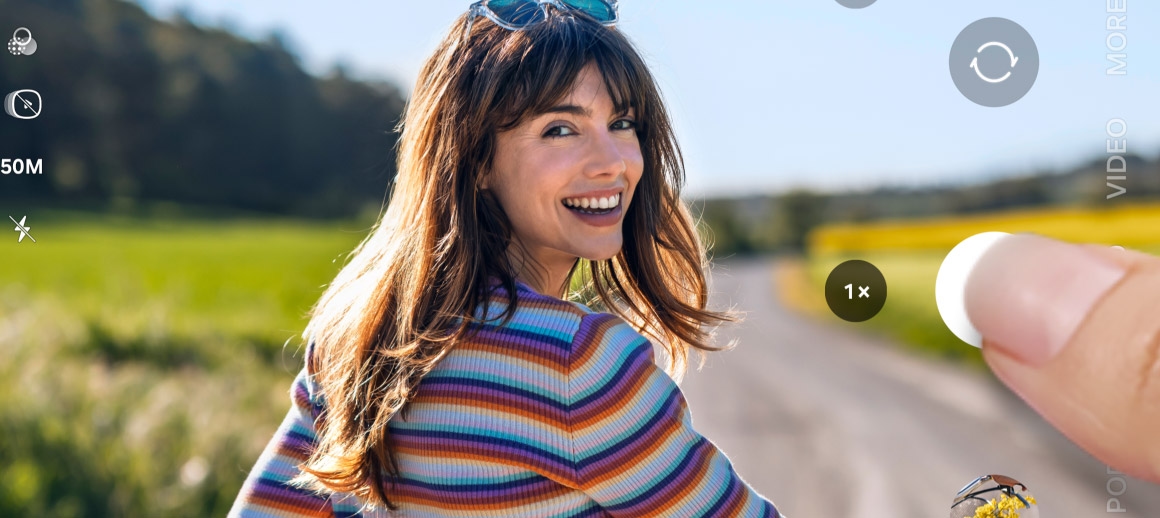
Photo of someone is being taken in front of a scenic background on Galaxy Z Fold8. The device is folded and being held horizontally. The photo can be seen on the cover screen.
- Film it all. Frame perfectly later.
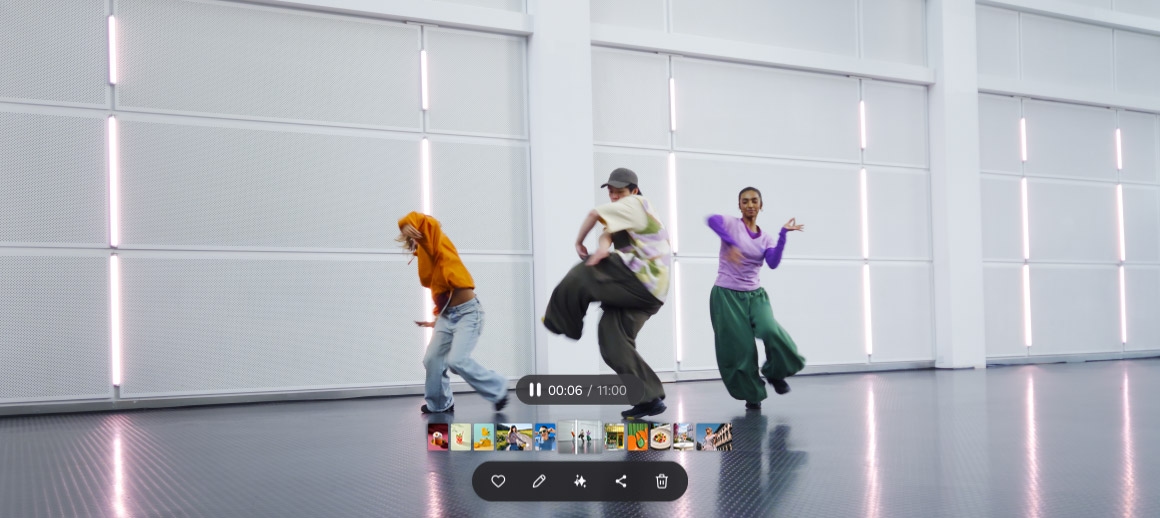
A video of people dancing. When editing, the My FanCam button can be pressed after selecting the AI icon. Galaxy AI detects the subjects in the video. The user then taps on someone to track them. A 9 by 16 ratio is selected from the cropping options and the Follow button is pressed. Galaxy AI creates a new video with the selected person as the main subject.
What does Durability mean
on Galaxy Z Series?
Galaxy devices are built with premium materials so that durability is the default.
Drop resistance
With an Armor Aluminum frame, Galaxy Z devices are built to withstand everyday accidents and wear.
Hinge durability
Galaxy FlexHinge is built to last, now backed by eight generations of releases and fine-tuning.
Screen longevity
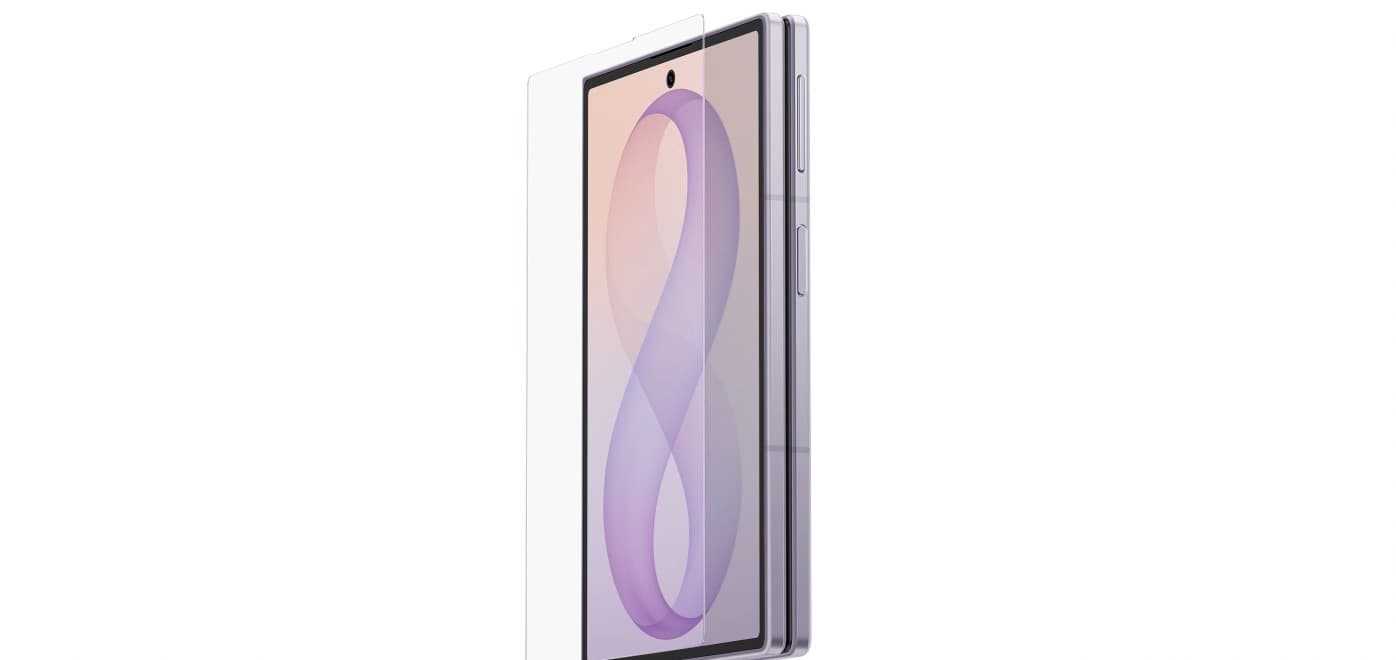
Corning® Gorilla® Glass Victus 2 makes the screen on your Z Series device clear, bright, and durable for years to come.
DESIGN
A screen for your
social feed
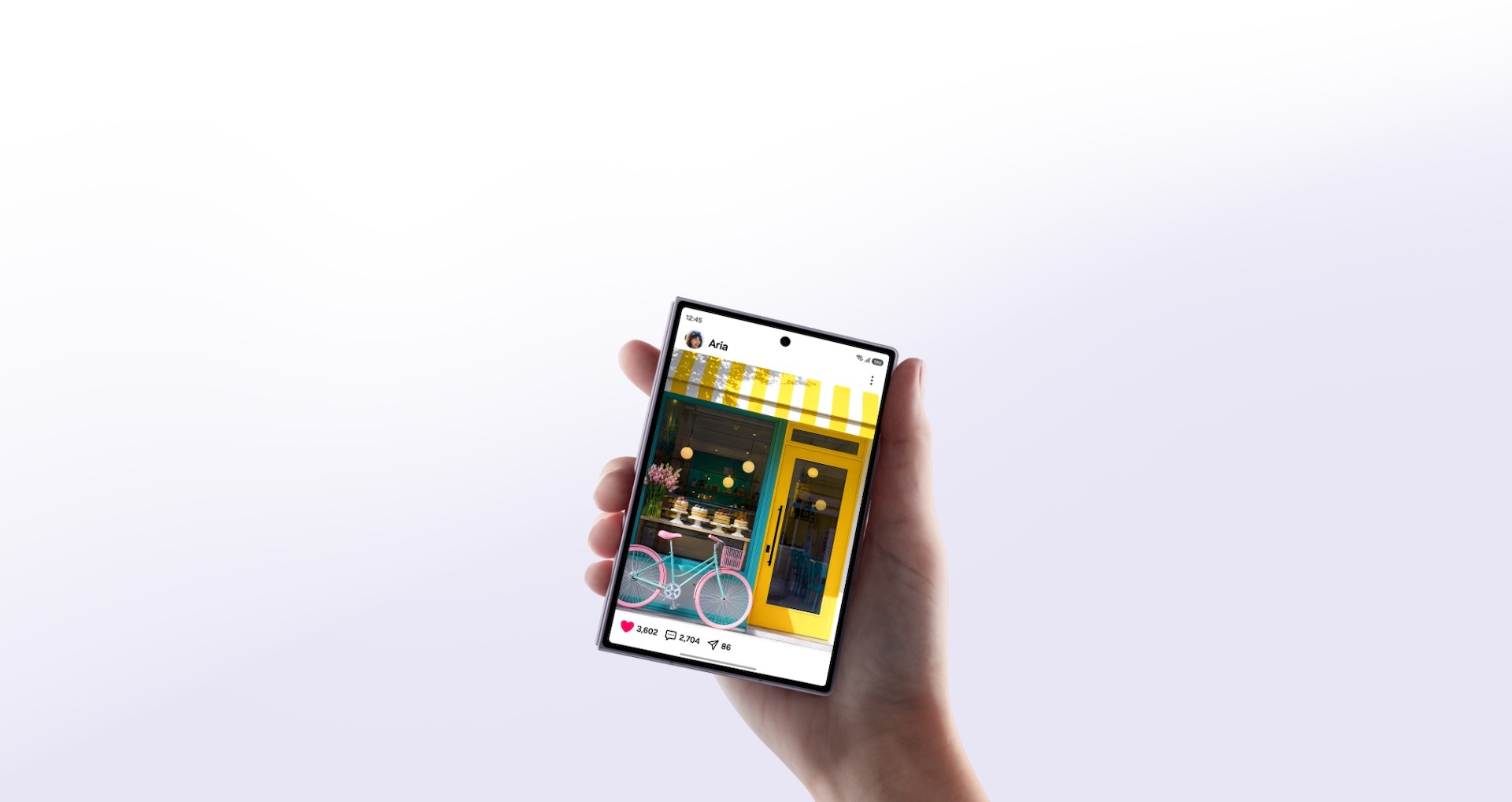
Galaxy Z Fold8 is being held comfortably in one hand. Social media content is then seen on the cover screen. The device then unfolds to show long-form content being watched on the main screen.
Stunning design from every angle
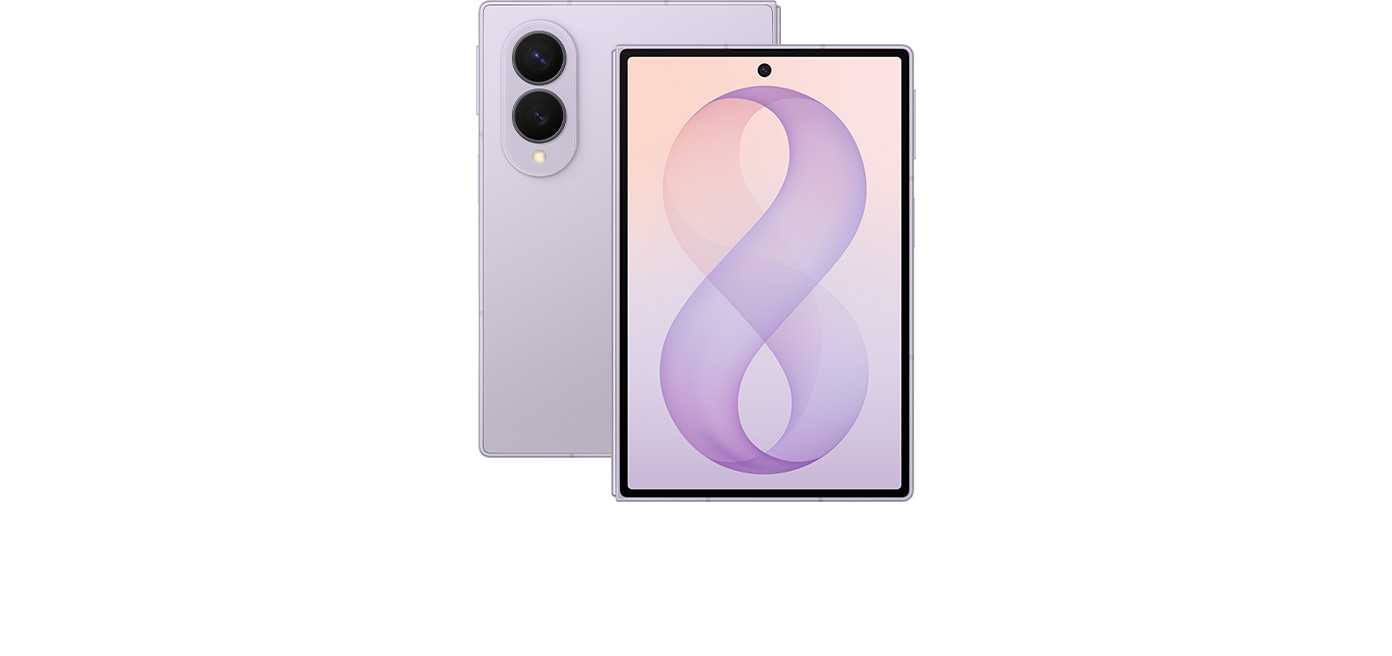
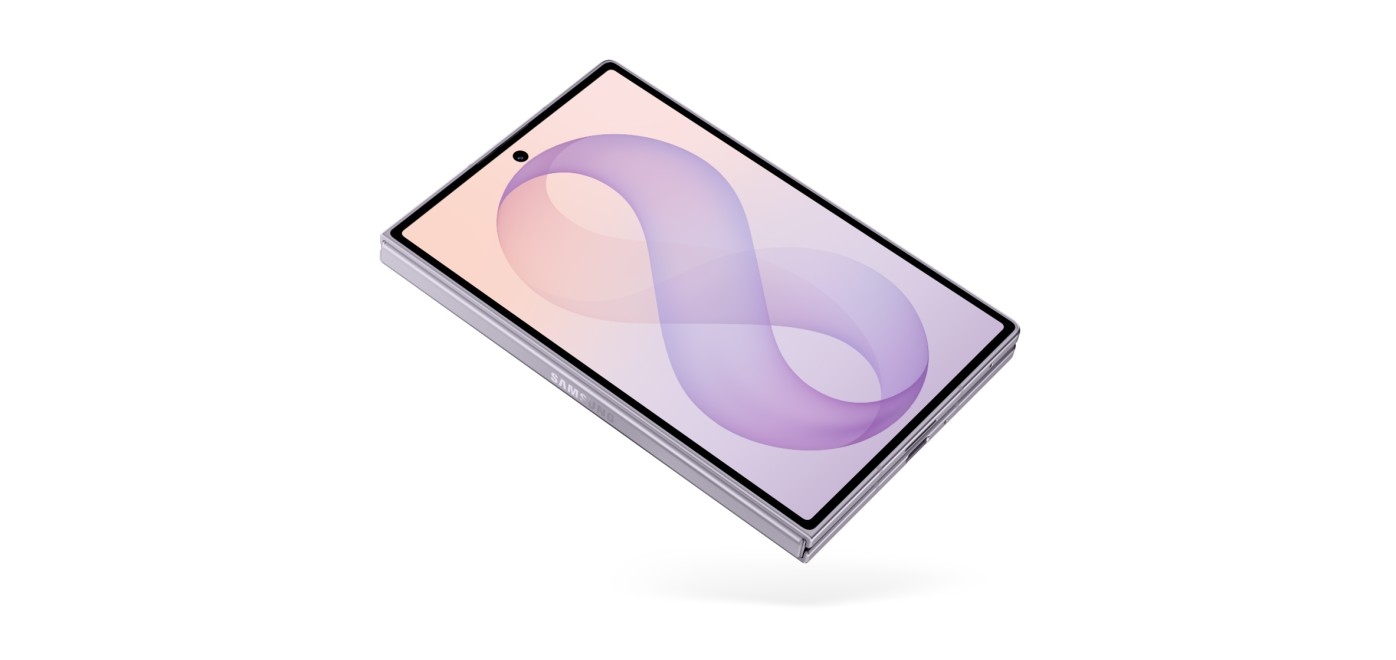
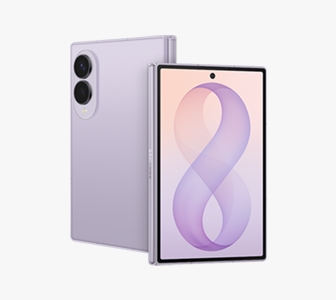
Lavender
Colors
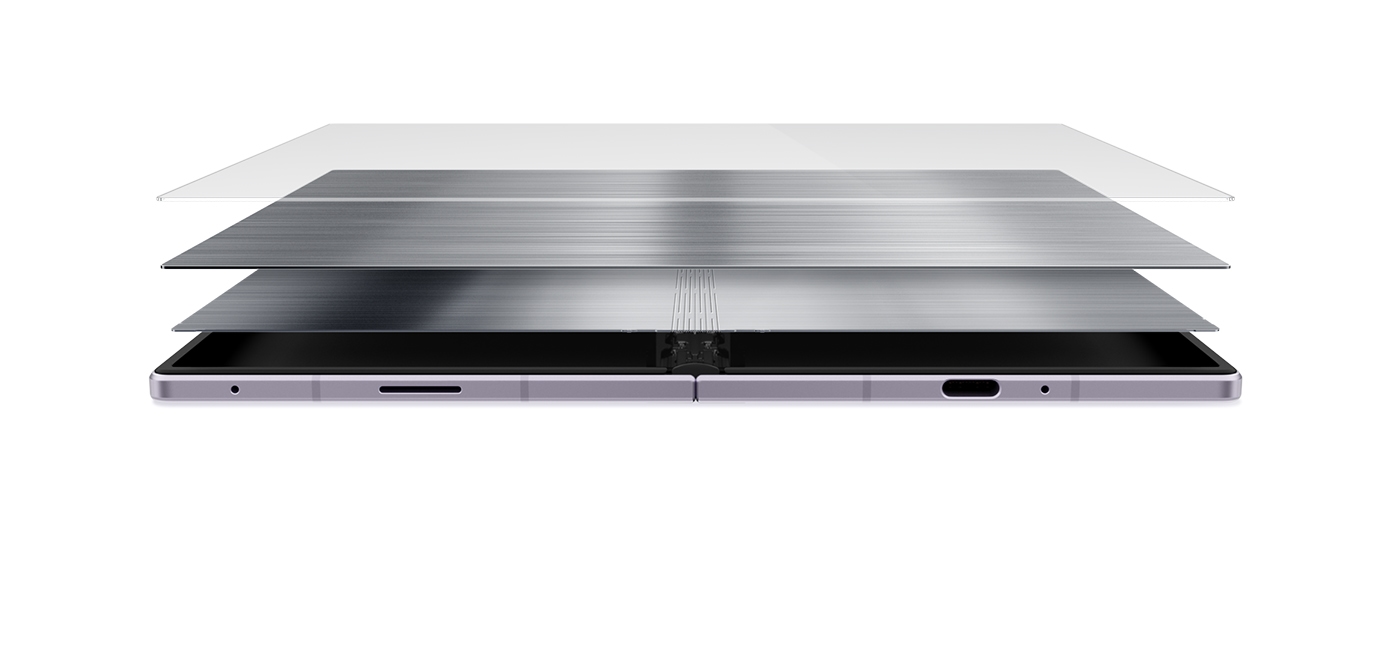
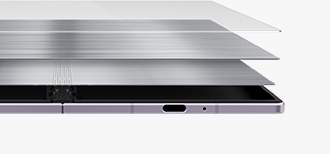
A dual layer of titanium has been applied to the shock-absorbing layer underneath the display, strengthening the screen.
Flex Titanium
A brand-new design delivers our lightest Fold yet. At just 201 grams, it fits comfortably in your hands.
Lightweight Design
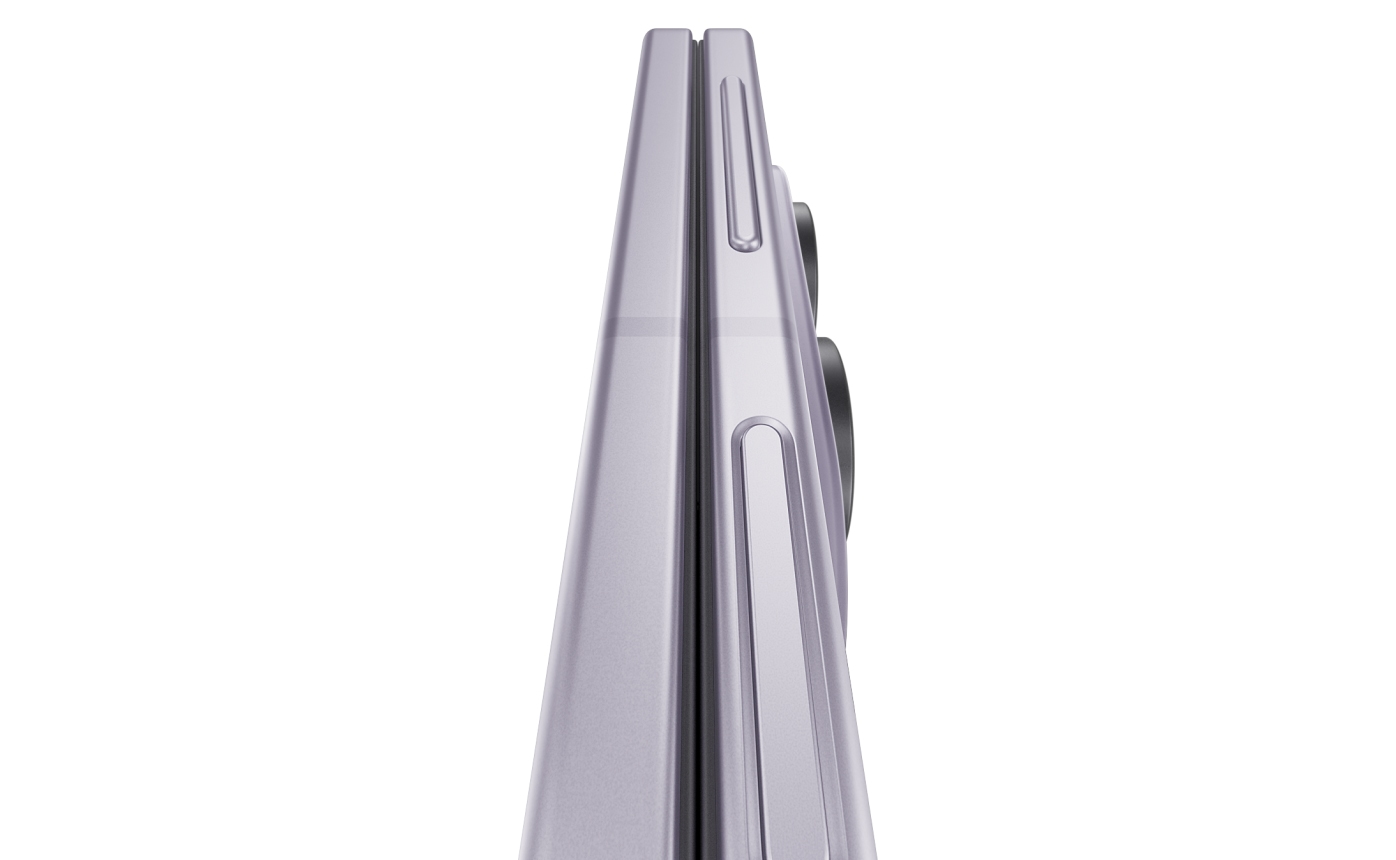
Built with a smoother Armor FlexHinge and a widened gap of the inner bezel for effortless opening.
Smooth Unfolding
This Fold is engineered to last, encased in Armor Aluminum and fitted with Corning® Gorilla® Glass.
Lasting Durability
Colour availability varies by country and carrier. Screen images are simulated.
DISPLAY
Created for
your content
From discovering a new brand on social media to getting caught up in your friends' short-form videos, Galaxy Z Fold8 is made for scrolling. Samsung users can get their daily dose of music, food and travel on both the 10:16 cover screen and the immersive 4:3 main screen.
Aspect Ratio
Get immersed in social media
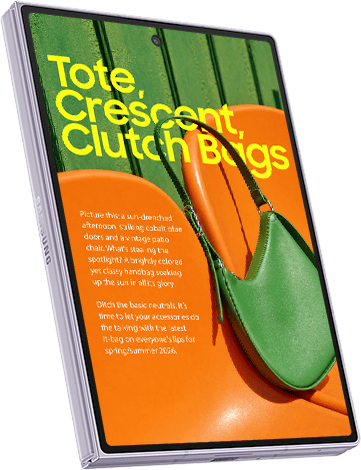
- Aspect Ratio
Then unfold to enjoy movies and e-books
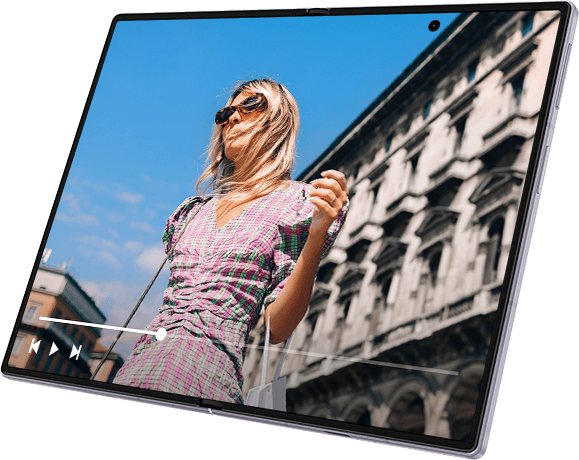
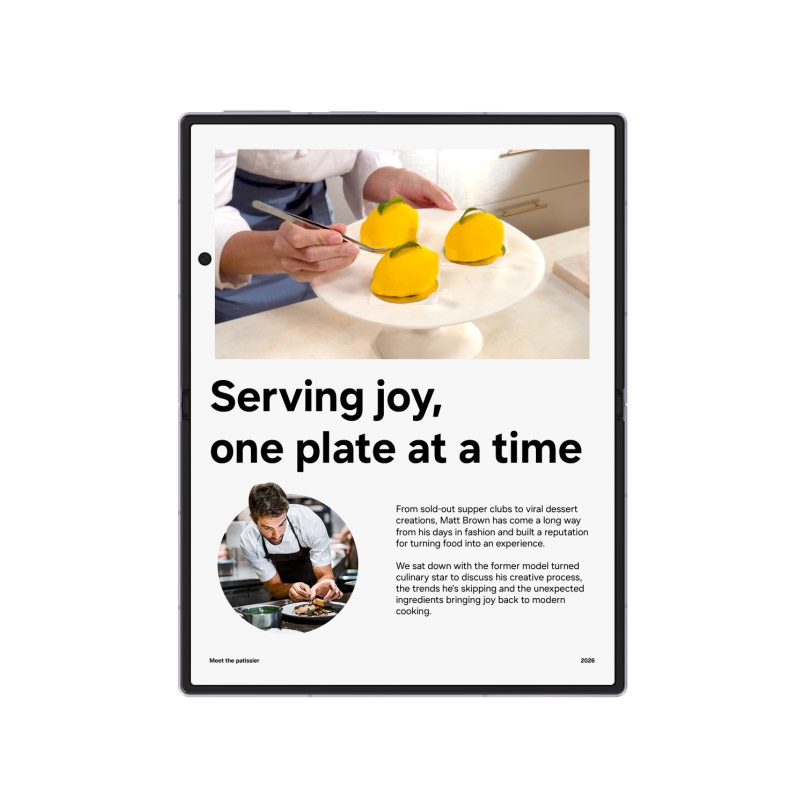
Unfolded Galaxy Z Fold8 is seen in a portrait position. A magazine article is seen on the main screen. As the device rotates to a landscape position, the content transforms to a full-screen video.
With optimized aspect ratios on both screens, watch content the way you want, including that memorable meal you can't wait to post about. Plus, anti-reflection on the main screen and 3000 nits of brightness provide better clarity indoors or outdoors.
Screen sizes and aspect ratios are measured approximately. Actual viewable area is smaller due to rounded corners and the camera hole.
PERFORMANCE
Powerful performance.
Customized for Galaxy.
Galaxy Z Fold8 delivers powerful performance fueled by Snapdragon® 8 Elite Gen 5 for Galaxy. Bringing together a next-gen CPU, GPU and NPU, the processor handles seamless streaming without breaking your flow. The advanced NPU powers AI tools, while the GPU keeps visuals smooth.

Galaxy Z Fold8's chip is seen on a chipboard with NPU, GPU, CPU. The chip then transforms to say AI. Then, the chip enters the back of a folded Galaxy Z Fold8. Powered by Snapdragon 8 Elite Gen 5 for Galaxy.
Stay immersed throughout the day with a 4800 mAh battery for continuous playback up to 26 hours. Mighty power is built into a compact design so you can stay charged up, even after hours.
Battery life for long-form viewing
Up to 26 hrs of streaming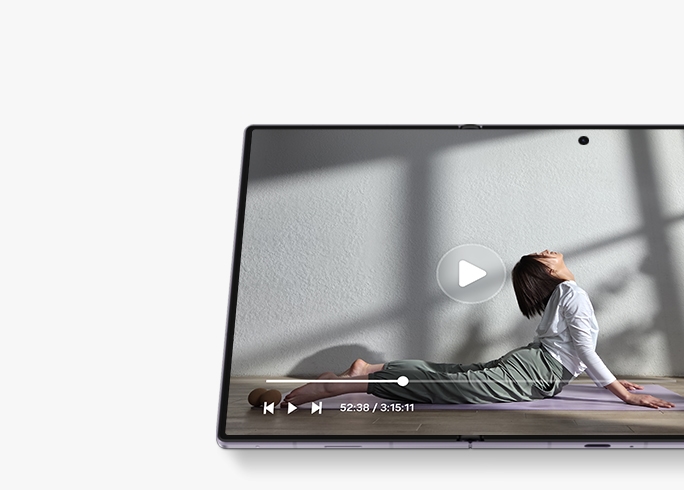
4800 mAh is typical capacity; rated capacity is 4660 mAh. Up to 26 hours is based on Samsung laboratory video-playback tests. Actual life varies with network, settings, brightness, content and battery condition.
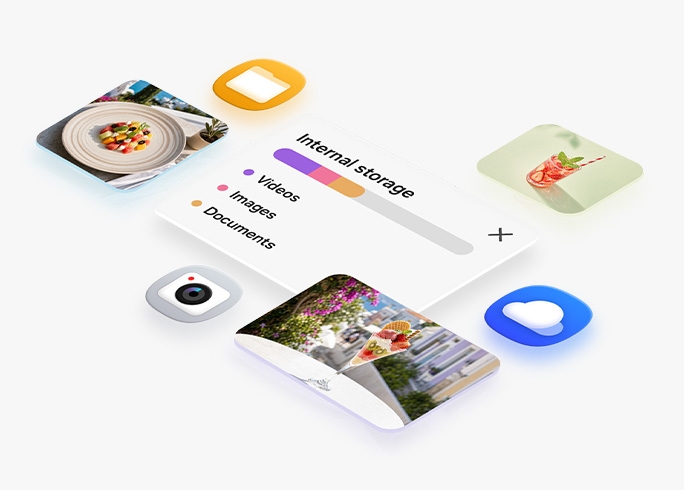
Galaxy Z Fold8 offers three storage options that are designed for everything you want close at hand, from photos and videos to favorite apps — choose from 256 GB, 512 GB and 1 TB.
Up to 1 TB for what matters
Galaxy Z Fold8
for business
CAMERA
Focus on the moment.
Dual 50 MP cameras do
the rest.
Capture and share the best parts of your adventures in full detail. Perfect for content creators, the powerful 50 MP front Wide and Ultra Wide cameras let you document any part of your day just like a point and shoot camera.
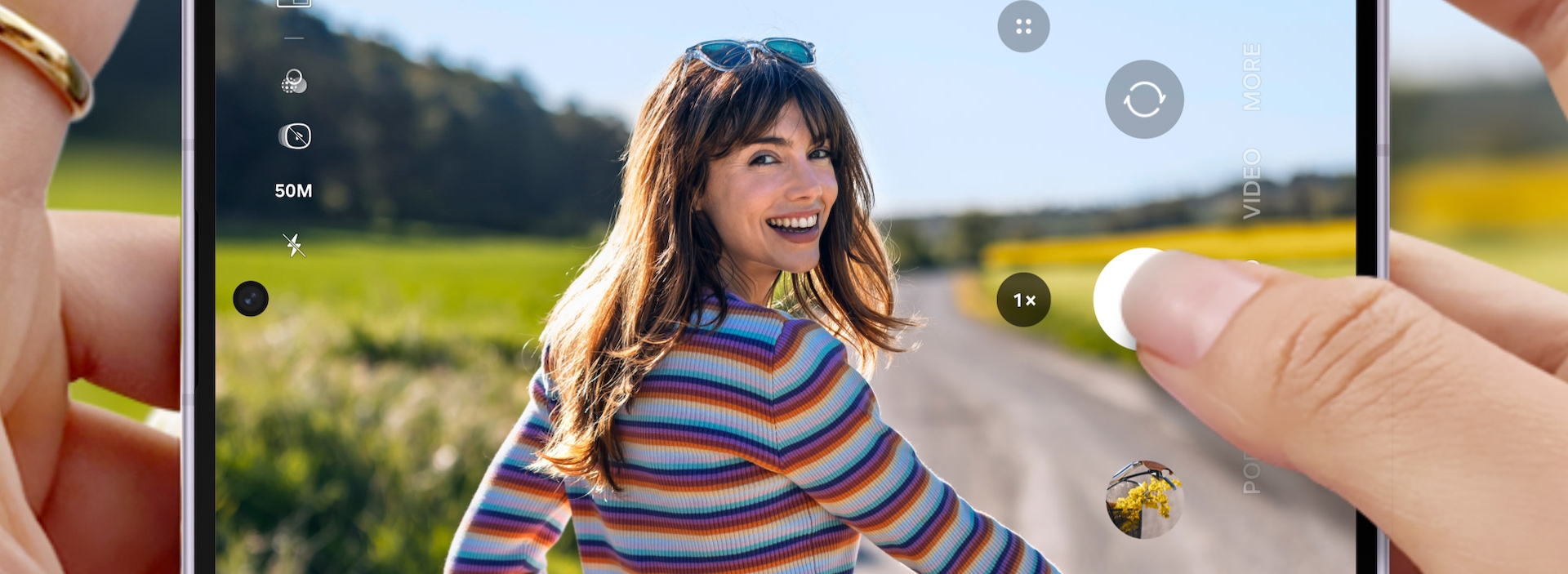
Photo of someone is being taken in front of a scenic background on Galaxy Z Fold8. The device is folded and being held horizontally. The photo can be seen on the cover screen.
Make everything you capture worth sharing with Nightography. The 50 MP camera delivers rich details even in low light, while ProVisual Engine refines each shot with real-time visual noise reduction. Powered by the advanced processor, ProVisual Engine intelligently analyzes sensor-specific patterns to deliver sharper, more vibrant videos — from Wide to Ultra Wide in 8K.
ProVisual excellence on video
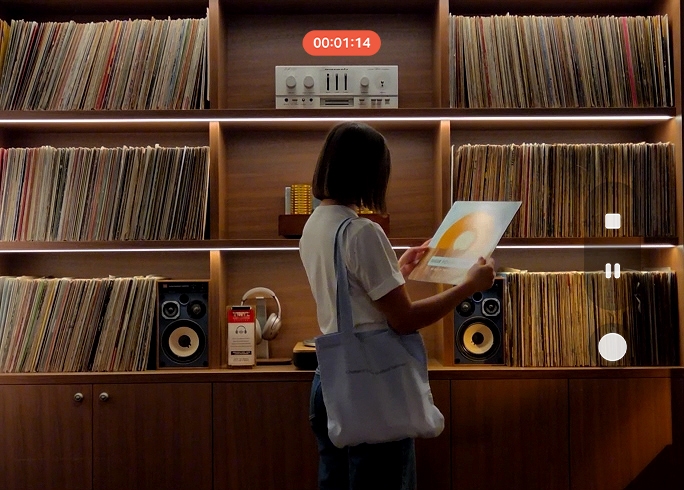
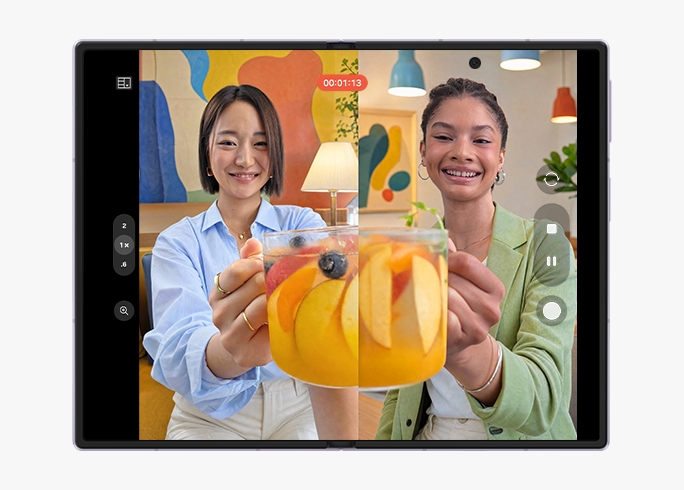
Use the Front Camera and the Main Camera simultaneously to record interviews and streams. Show both sides of the story in a single take without editing using Dual Recording. Open a vertical split view that can appear on both the cover screen and the main screen.
The full story from left to right
Get lost in the details
- 50 MP Ultra Wide
- 50 MP Wide 2x Optical Quality Zoom
- 10 MP Cover Screen
- 10 MP Main Screen
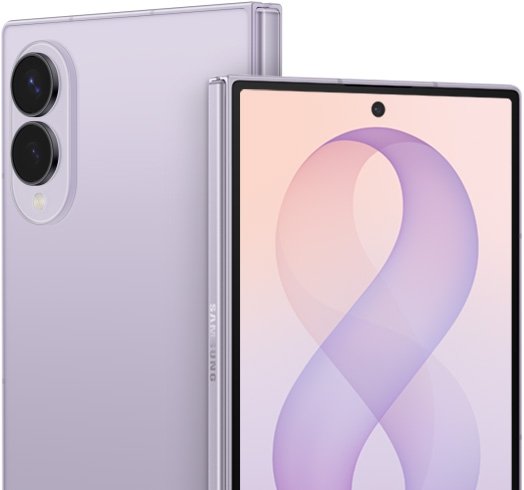
Galaxy AI.



NOW NUDGE
Never lose track of
your day
Now Nudge keeps things moving without pulling you out of the moment with helpful prompts. Shift seamlessly from the Cover Screen to the Main Screen to share photos, pin to maps and view locations, all without a single manual app switch.
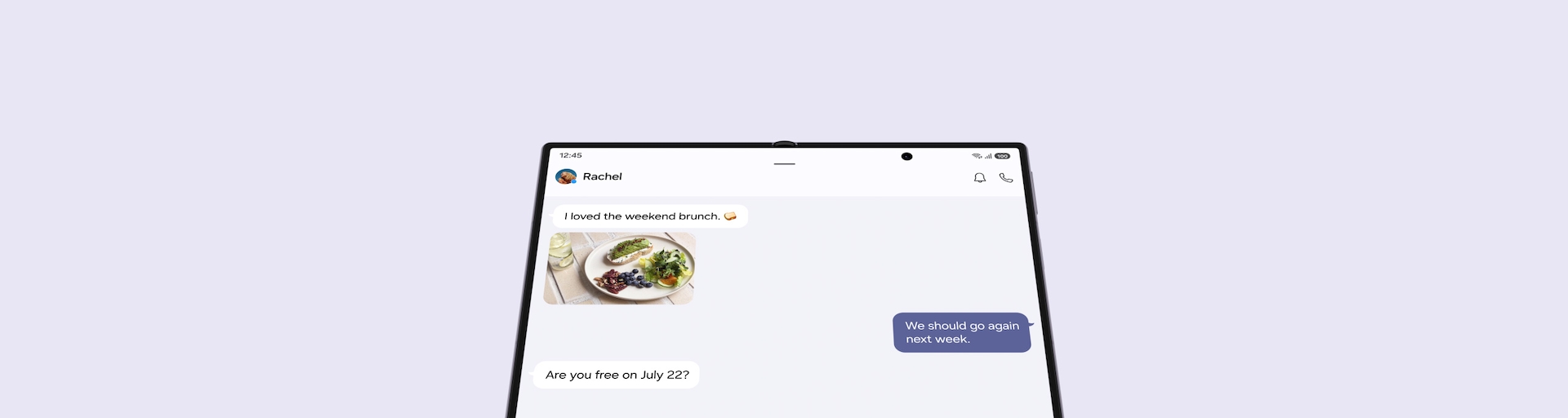
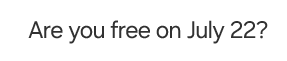
Main screen of Galaxy Z Fold8 is seen. A text conversation is seen discussing details for an upcoming plan. A friend has asked if the user is free on July 22. A Now Nudge prompt is seen above the device suggesting the user to View Calendar. When the split view icon in the nudge is pressed, the Calendar app opens alongside the messaging app in a multi-window view.
Now Nudge requires a Samsung Account and supported apps. Functions vary by region and language; results are not guaranteed.
MY FANCAM
Film the moment.
Frame perfectly later.
Get everyone in the shot, then put the spotlight on one person later with Galaxy AI. On the main screen of Galaxy Z Fold8, change wide-angle shots into subject-centered tracking shots cropped to your choice of aspect ratio for easier, more precise edits right from your Gallery.
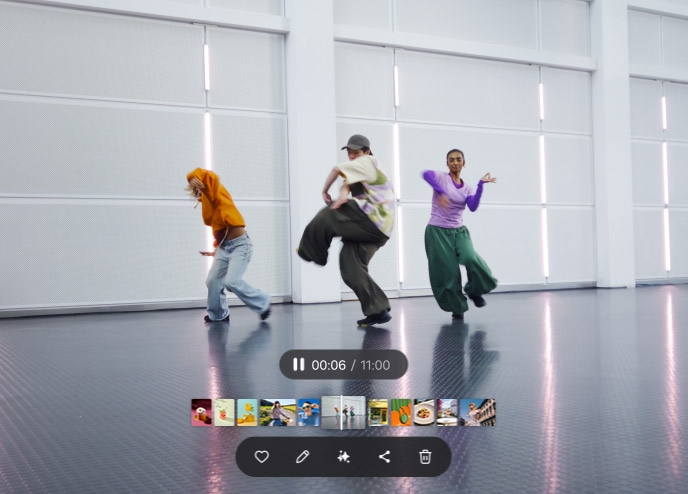
A video of people dancing. When editing, the My FanCam button can be pressed after selecting the AI icon. Galaxy AI detects the subjects in the video. The user then taps on someone to track them. A 9 by 16 ratio is selected from the cropping options and the Follow button is pressed. Galaxy AI creates a new video with the selected person as the main subject.
How to use My FanCam
Learn how to edit your videos using Galaxy AI to create subject-focused shots.
My FanCam requires a Samsung Account. Availability varies by video; a detectable subject is required. Tracking results are not guaranteed.
PHOTO ASSIST
Studio-level edits with Galaxy AI
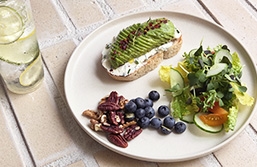
Get effortless AI photo editing with just a few words. Describe the edits you want to make, and Galaxy AI will enhance the image for you. Watch it come to life in minutes, then easily compare the original and edited image side by side on the large Main Screen.
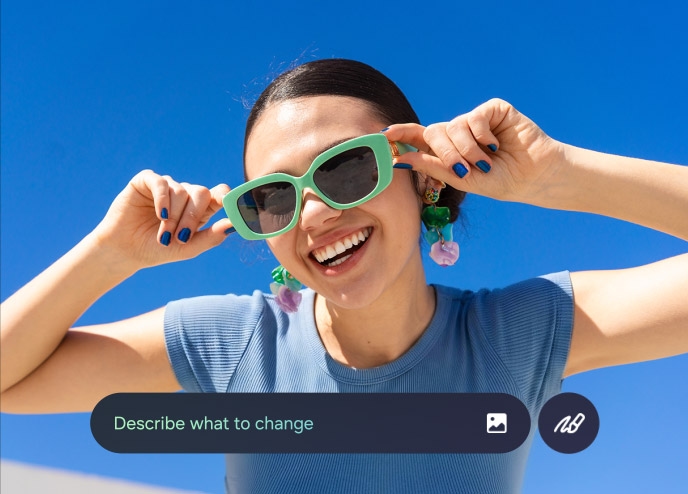
A photo is seen in Photo Assist. The user describes what they want to change and the Generate button is pressed. Galaxy AI edits the photo. The show previous button is pressed. The original and the edited version can be viewed side by side on the main screen of Galaxy Z Fold8.
How to use Photo Assist
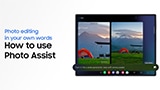
Learn how Galaxy AI edits photos quickly with prompts written by you.
Photo Assist may require a network connection and Samsung Account. Availability varies by country, language and model. AI output may be resized and includes a visible watermark; accuracy is not guaranteed.
ONE UI 9
One UI fits all
Optimized for Galaxy Z Fold8, One UI 9 helps everything flow smoothly with a customizable home screen and multi-window views. On the uniquely-sized Main Screen, run multiple apps side by side for a boost in productivity. The supporting two-way and three-way split view allows you to freely shift between windows with just a tap.
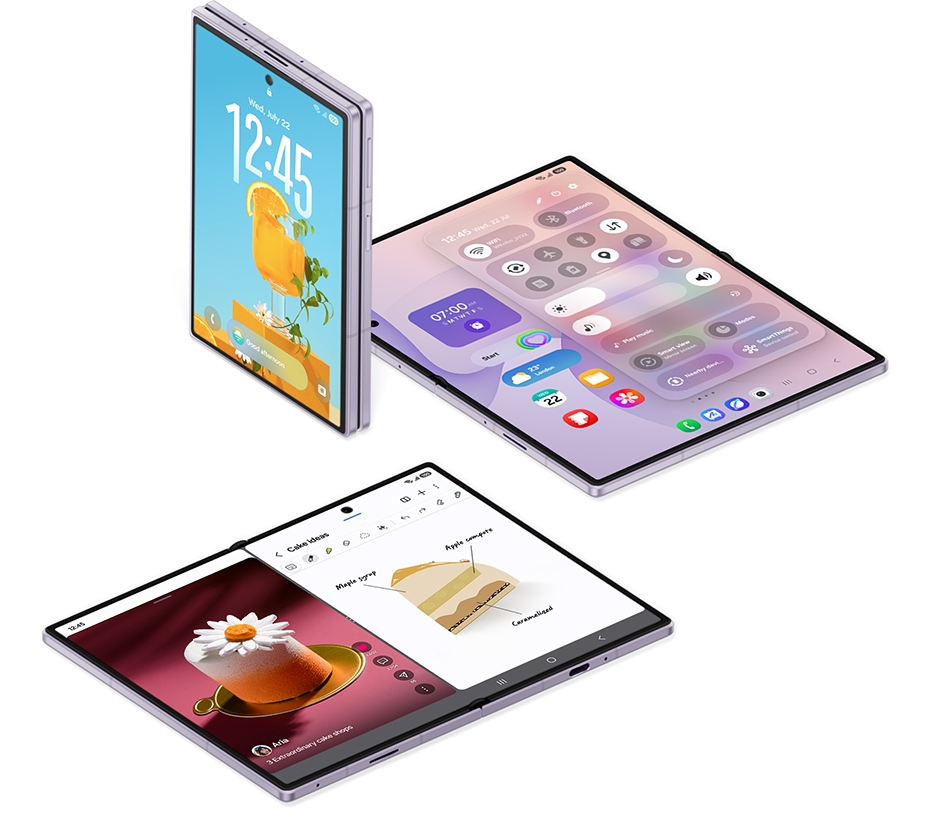
Multi Window works with select applications.
GEMINI NOTEBOOK
Your sources. Your insights
Meet your research and thinking partner, Gemini Notebook. Bring together photos, documents and more to create tailored content like Infographics, Audio Overviews and more. Easily drag and drop new materials in split view to keep your notebook up to date and add your relevant insights whenever inspiration strikes.
Gemini Notebook app is shown and tapped on the screen. Several sources are shown being dragged and dropped from the Gallery into a notebook. Infographic bar is highlighted. Several sources are shown gathering into the Infographic bar. Gemini Intelligence activates. An infographic related to the sources is generated and shown on the main screen of an unfolded Galaxy Z Fold8.
Gemini features and availability vary by region and age. Demonstrations are shortened and simulated. Check generated responses for accuracy.
WHY SWITCH TO GALAXY
Thinking of switching to Galaxy? It's easy.
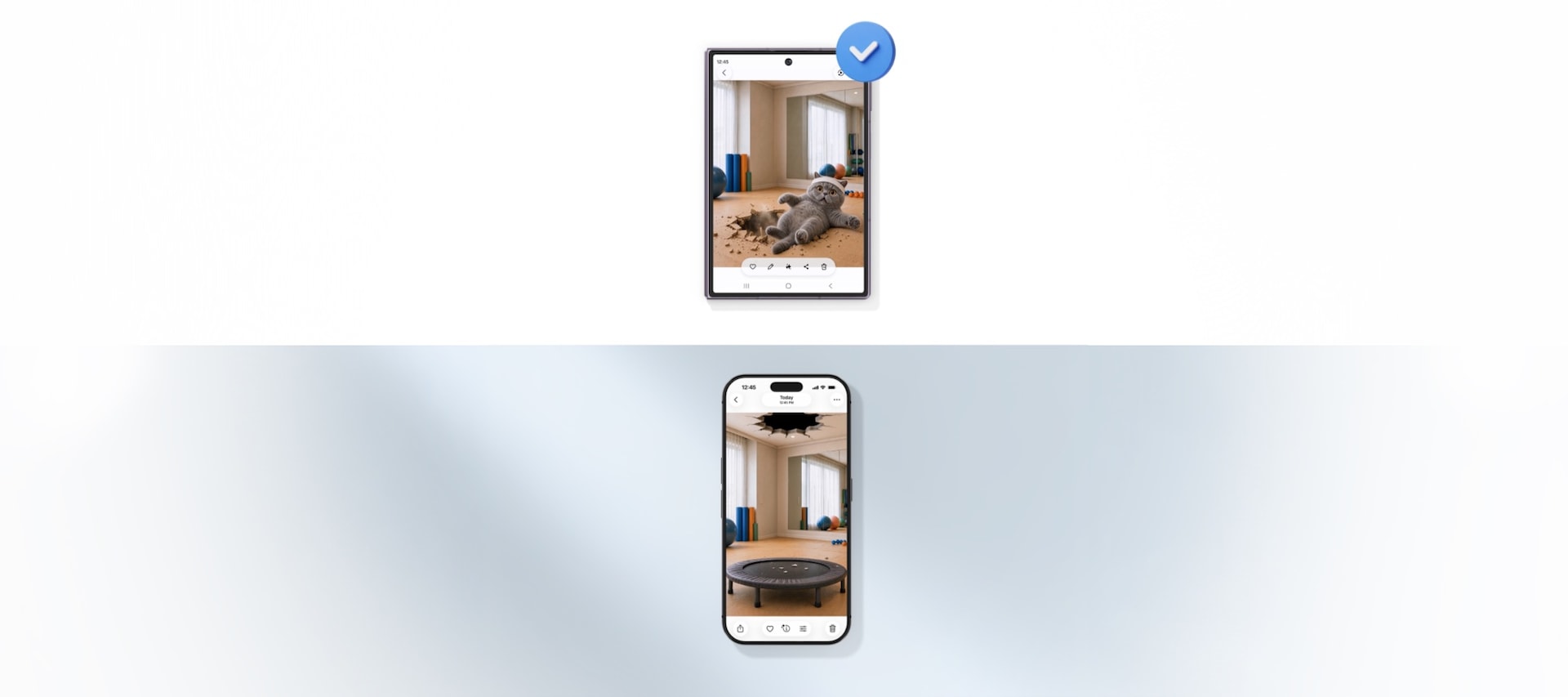
Yes, you can bring your memories with you. Transfer your data in minutes over WiFi, and continue to easily share files with iOS users after the switch using QuickShare with AirDrop® compatibility. Do it all on a compact foldable designed for hours of immersive entertainment.
Main screen of Galaxy Z Fold8 is seen. A text conversation is seen discussing details for an upcoming plan. A friend has asked if the user is free on July 22. A Now Nudge prompt is seen above the device suggesting the user to View Calendar. When the split view icon in the nudge is pressed, the Calendar app opens alongside the messaging app in a multi-window view.
Switching made simple
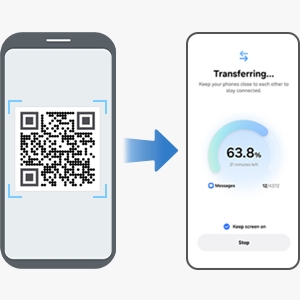
Transfer your data, including contacts, photos and videos, from your old device to your new Galaxy by simply scanning a QR code.
Quick Share
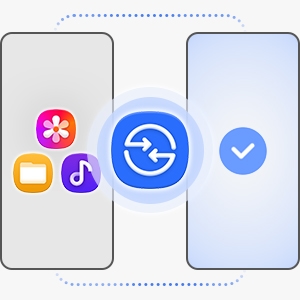
Easily move files between devices with Quick Share, whether you're sending to another Galaxy or another kind of phone.
Try Galaxy
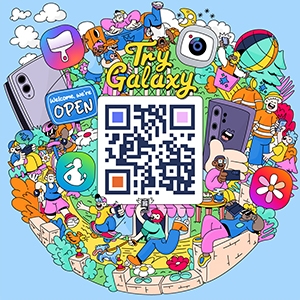
Use the Try Galaxy app or trygalaxy.com to give Galaxy a test run before you commit.
KNOX PRIVACY
Privacy by design. Protected by Knox.

On-device protection
Store sensitive details with peace of mind. Our Personal Data Engine ensures safe processing of your data, which is then encrypted and saved on-device with Knox Vault and KEEP for extra-powerful protection.
Tailored controls
You decide how Galaxy AI interacts with your personal data. Choose whether your information gets processed on-device or in the cloud.
Connected security
Our security doesn't just stop at your phone. Knox Matrix Trust Chain technology helps ensure protection for all your connected Galaxy devices, even allowing them to check on one another and isolate potential threats.
ACCESSORIES
Cases to match
your style
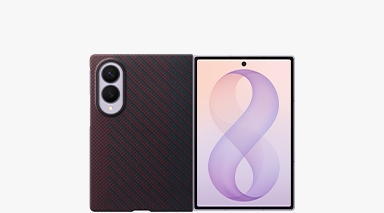
A sleek design that supports wireless charging.
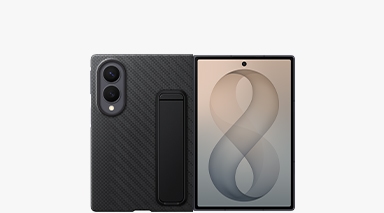
A built-in 90° adjustable stand offers a variety of viewing angles.
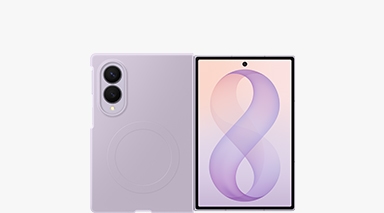
A natural grip with a comfortable feel and wireless charging.
Key takeaways at a glance
All-new shape
10:16 Cover Screen
4:3 Main Screen
Included on Galaxy Z Fold8
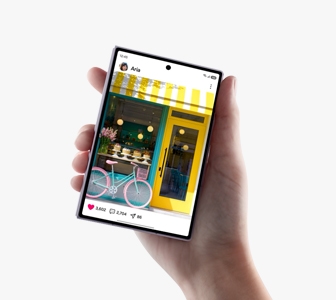
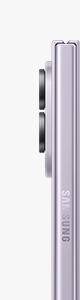
201 g
Weight
4.5 mm
Thickness (Unfolded)
Flex Titanium
for a lasting display
Customized Processor
with powerful NPU, GPU and CPU
Up to
of video playback
Iconic capturing
with dual 50 MP camera
Experience the benefits of joining Galaxy
Software Support
Get up to 7x OS upgrades and security updates for a better Galaxy experience.
The connected power of Galaxy
Productivity
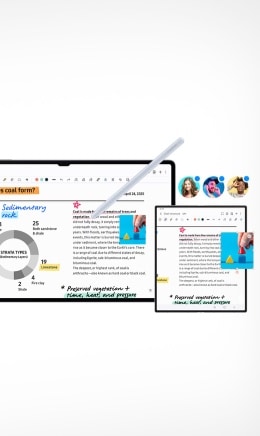
Get more done with Galaxy Book and Galaxy Tab, designed to sync effortlessly with your Galaxy smartphone.
Health
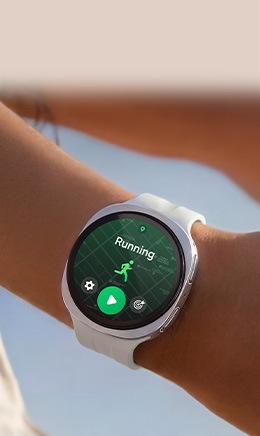
Pair your Galaxy foldable with Buds and Watch to optimize your health with Galaxy Health.
FREQUENTLY ASKED QUESTIONS
Got questions? We've got answers.
What are the key features of Galaxy Z Fold8?
Galaxy Z Fold8 offers a unique foldable design with long-lasting performance, advanced photography and AI features.
- Designed with an all-new shape, the cover screen’s 10:16 aspect ratio is perfect for scrolling while you get your daily dose of inspiration from social media.
- Unfolded, the 4:3 wide screen is best for when you want to engage deeper and watch your favorite movie or get immersed in a TV series.
- At just 201 grams in weight, Galaxy Z Fold8 is our lightest Fold yet.
- The camera system features a dual 50 MP Wide and Ultra Wide camera for seamless shots from wide to ultra-wide without losing quality.
- The powerful Snapdragon® 8 Elite Gen 5 for Galaxy processor is customized especially for Galaxy with advanced NPU, GPU and CPU for powerful performance whether streaming, multitasking or gaming.
I'm switching to Galaxy for the first time. Do I need to worry about a complicated setup process?
Not at all. Switching to Galaxy is easier than ever — even when moving from a different operating system like iOS.
- Start your switch in just a few steps. Simply scan the QR code displayed on your Galaxy device with your iPhone camera to get started — no Smart Switch app installation needed on your current phone.
- Bring your content with you, wirelessly. Enjoy the convenience of cable-free transfer with the same supported data as a wired connection.
What's the difference between Galaxy Z Fold8 Ultra and Galaxy Z Fold8?
As our Z Fold lineup evolves, the original Z Fold experience advances into Galaxy Z Fold8 Ultra, bringing Galaxy Ultra performance to an expansive big-screen experience. Galaxy Z Fold8 takes a new direction with an all-new shape designed for content in a lighter, more compact form.
- More screen or more compact — choose what fits you. Galaxy Z Fold8 Ultra pairs a 6.5-inch cover screen with an expansive 8-inch main screen for maximum productivity. Galaxy Z Fold8 features a 5.5-inch cover screen and 7.6-inch main screen, with an all-new shape optimized for everything from quick scrolling to immersive content.
- Ultra camera versatility or everyday flexibility. Both feature a 50 MP Ultra Wide camera, while Galaxy Z Fold8 Ultra adds a 200 MP Wide camera and 10 MP Telephoto camera with 3x optical zoom for greater shooting versatility. Galaxy Z Fold8 pairs 50 MP Wide and Ultra Wide cameras for seamless everyday shooting in a lighter design.
- Exceptionally thin, remarkably light. Both deliver a slim foldable experience, with Galaxy Z Fold8 weighing just 201 grams and Galaxy Z Fold8 Ultra weighing 215 grams.
- Power built for your experience. Galaxy Z Fold8 Ultra features a 5000 mAh battery, while Galaxy Z Fold8 comes with a 4800 mAh battery to keep you powered throughout the day.
How durable is Galaxy Z Fold8?
Galaxy Z Fold8 is fortified with materials that strengthen the device for long-lasting durability.
- The Armor Aluminum frame provides enhanced protection for the device’s internal components and exterior edges without adding excessive bulk.
- Engineered using a chemically strengthened glass formula, Corning® Gorilla® Glass Ceramic 3 and Corning® Gorilla® Glass Victus® 2 have been applied to the front and back of the device, respectively, for impact protection without compromising visual clarity.
- Two layers of titanium have been applied to the shock-absorbing layer underneath the display.
- The Armor FlexHinge is designed to be thin but very rigid, thanks to a highly durable material.
- The IP48 rating provides enough water resistance to protect your device against accidental spills and everyday mishaps.
Is it easy to open and close Galaxy Z Fold8?
Yes, Galaxy Z Fold8 has been specifically designed for easy opening.
- A beveled slope is included in the design of the inner bezel and the edge of the phone.
- This ensures there’s enough of a gap for comfort at your fingertips.
- Additionally, hinge and magnetic power optimization help complete an effortless experience when opening.
What colors does Galaxy Z Fold8 come in?
Galaxy Z Fold8 comes in a set of premium color options for you to choose from, depending on your taste.
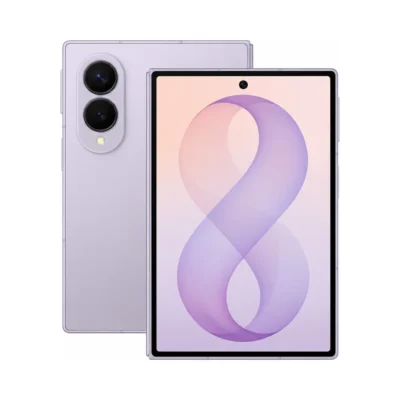
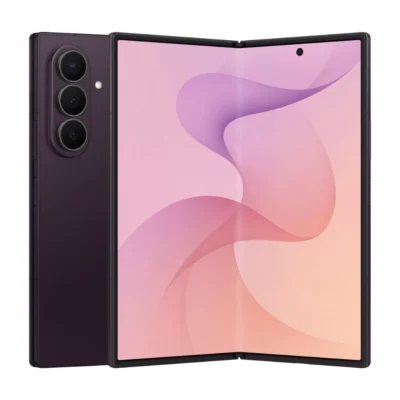
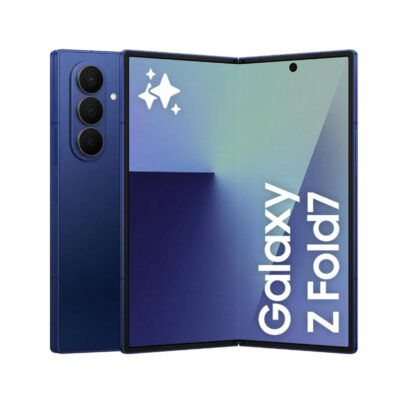
- These include Lavender, Graphite and Cream.
- We also offer a Samsung.com only color in Pistachio, which is exclusively for customers who purchase on our site.
Does Galaxy Z Fold8 support S Pen?
No, Galaxy Z Fold8 does not support S Pen.
What is the best case for Galaxy Z Fold8?
Galaxy Z Fold8 works best with official Samsung accessories, such as our range of magnet cases, if you want convenience and everyday protection.
- The case has a built-in magnetic ring that helps your phone align perfectly with compatible wireless chargers and magnetic accessories.
- This makes charging easier and more reliable and allows you to attach accessories securely.
- It also offers protection, combining charging convenience and durability in one simple solution.
Does Galaxy Z Fold8 support FlexMode?
Galaxy Z Fold8 features a newly engineered hinge designed to create a flatter, more immersive main screen experience when fully unfolded, though as a result, it does not support FlexMode.
- Built on eight generations of Samsung foldable expertise, the Armor FlexHinge moves smoothly between fully open and fully closed positions. This purposeful design helps the fold area appear noticeably flatter for a more seamless, immersive viewing experience.
- Optimized for the best fully unfolded experience, the hinge is designed for fully open and fully closed use rather than partially folded positions. As part of this design approach, Galaxy Z Fold8 does not support FlexMode.
Is Galaxy Z Fold8 one of the lightest foldable phones available?
Yes, Galaxy Z Fold8 is the world's lightest book-style foldable smartphone, combining the portability of a traditional smartphone with an expansive screen when you want more.
- Light enough for every day. At just 201 grams, Galaxy Z Fold8 is lighter than any previous Galaxy Z Fold, making it effortless to carry throughout your day.
- Slim and comfortable in your hand. At just 4.5 mm thin when unfolded, its slim profile makes extended viewing feel more comfortable while giving you the benefits of a large-screen foldable.
- Pocketable when folded, expansive when opened. At just 9.7 mm thin when folded, Galaxy Z Fold8 slips comfortably into your pocket. Unfold it whenever you want more room to watch, read, work or play on the spacious 7.6-inch main screen.
What processor does Galaxy Z Fold8 have?
Galaxy Z Fold8 is equipped with the latest Snapdragon® 8 Elite Gen 5 for Galaxy processor, which is customized especially for Galaxy and designed to deliver superior CPU, GPU, NPU and AI performance.
- The customized processor is designed to enhance your streaming experience, camera performance and overall energy efficiency.
- This power-efficient chipset enhances our built-in mDNIe technology to deliver vibrant and high-quality screen visuals. At the same time, it optimizes power consumption, preserving battery life.
- Advanced GPU and Vulkan integration unlock real-time ray tracing for realistic lighting and shadows while gaming.
How long does the battery last on Galaxy Z Fold8?
Galaxy Z Fold8’s battery is optimized to provide a long battery life for lasting use.
- A typical battery capacity of 4800 mAh allows you to comfortably work, play and browse throughout the day without needing to recharge.
- With substantial video playback endurance, you can watch your favorites for up to 26 hours.
What storage options are available for Galaxy Z Fold8?
Galaxy Z Fold8 has three storage options available: 1 TB, 512 GB and 256 GB.
- 1 TB comes with 16 GB of memory.
- 512 GB and 256 GB come with 12 GB of memory.
How much storage is right for me?
Galaxy Z Fold8 has three storage options available and 12 GB or 16 GB of memory, depending on how you use your phone.
- 1 TB comes with 16 GB of memory and is best for power users who record high-resolution videos, play graphics-heavy games or download large apps.
- 512 GB comes with 12 GB of memory and gives you more space for regular photo taking, file downloads and multiple app use.
- 256 GB comes with 12 GB of memory and is ideal if you mostly stream content and occasionally take photos or videos.
Can I add an SD card to Galaxy Z Fold8?
Galaxy Z Fold8 does not include SD card support but offers storage options up to 1TB.
Go to StorageDoes Galaxy Z Fold8 support Dual SIM?
Yes, Galaxy Z Fold8 supports Dual SIM in the form of a nanoSIM and an eSIM.
What is a dual 50 MP camera and how does it work?
Dual 50 MP camera refers to the Wide and Ultra Wide rear camera sensors.
- The rear Wide camera uses a 50 MP sensor and has an aperture of F1.8. This lens opening allows more light to reach the sensor, helping take brighter, sharper photos in low light.
- The rear Ultra Wide camera uses a 50 MP sensor with an F1.9 lens opening.
- The two sensors are paired for versatile shooting.
How many megapixels are the cameras on Galaxy Z Fold8?
Galaxy Z Fold8 has four different camera sensors that each play an important role depending on your needs.
- 50 MP Wide is perfect for high-resolution photos and advanced detail.
- 50 MP Ultra Wide is good for capturing expansive landscapes and group photos.
- The 10 MP cover screen camera allows you to take sharp, natural-looking selfies.
- The 10 MP main screen camera's 100-degree field of view allows you to get more people in the shot when taking group selfies.
Is Galaxy Z Fold8 good for taking videos at night?
Yes, Galaxy Z Fold8 is equipped with a powerful camera system that combines advanced hardware with intelligent software, making it good for taking videos at night.
- The ProVisual Engine automatically enhances Nightography video quality, so no special settings are required.
- It applies noise reduction, stability and image processing to further enhance the color and details in videos that are shot in low light.
What AI features are available on Galaxy Z Fold8?
Galaxy Z Fold8 comes with a set of intelligent AI features that are easy and simple to use.
- You can enjoy fast photo editing with your own personalized prompts in Photo Assist. Simply describe the edit you want to make, and Galaxy AI will enhance it.
- Now Nudge is a new feature that intelligently understands what's on your screen and will provide suggestions, such as viewing your Calendar to add an event. If a suggestion from Now Nudge appears on the main screen, you will be taken to the next action in split view once pressed.
Does Galaxy Z Fold8 have AI photo editing?
Yes, you can use Photo Assist on Galaxy Z Fold8, which is boosted by AI.
- In Photo Assist, you can move, resize or remove objects or fill in backgrounds for effortless photo touch-ups.
- You can also use written prompts in the Create section for personalized editing.
- You can also view the original and edited photo side by side, making it easier to see the changes you made.
What languages does Galaxy AI support?
As of July 2026, Galaxy AI's Now Nudge supports 16 languages and Photo Assist supports 41 languages. Full list of languages is below.
- Now Nudge supported languages: Korean, English, French, Spanish, Italian, German, Polish, Portuguese, Japanese, Chinese (Simplified), Thai, Vietnamese, Hindi, Arabic, Indonesian and Russian.
- Photo Assist supported languages: Korean, Arabic, Bengali, Bulgarian, Simplified Chinese, Traditional Chinese, Croatian, Czech, Danish, Dutch, English, Estonian, Finnish, French, German, Greek, Hebrew, Hindi, Hungarian, Indonesian, Italian, Japanese, Latvian, Lithuanian, Norwegian, Polish, Portuguese, Romanian, Russian, Serbian, Slovak, Slovenian, Spanish, Swahili, Swedish, Thai, Turkish, Ukrainian, Vietnamese, Filipino and Gujarati.
How does Galaxy AI protect my privacy?
Using AI on Galaxy Z Fold8 is designed to be safe for privacy-minded users with privacy built in, from how data is processed to how it’s stored and controlled.
- Galaxy AI processes data on your device through the Personal Data Engine and is then encrypted and saved on your device with KEEP and Knox Vault. So personal information stays on your phone instead of being sent to external servers.
- With clear, AI-secure privacy settings in Controls, you have the power to choose which AI features can access personal data. You can decide where it gets processed, either on your device or on the cloud.
- Connected security powered by Knox Matrix Trust Chain technology protects your entire ecosystem of Samsung devices, which you can control from your Galaxy smartphone.
Which Galaxy Z Fold8 model is an upgrade to my current Galaxy Z Fold?
Galaxy Z Fold8 Ultra is the latest iteration of what we previously called Galaxy Z Fold.
- The original name finds new life in the innovative new form factor that is Galaxy Z Fold8.
- If you want to compare your current Z Fold device with the newest model, use the compare sections on the Galaxy Z Fold8 Ultra page to see how it differs.
Who is Galaxy Z Fold8 best suited for?
Galaxy Z Fold8 is made for people who move naturally between short content and deeper immersion — and want a large-screen experience without the extra weight.
- Scroll comfortably when folded. The 10:16 cover screen is shaped for social feeds and everyday inspiration.
- Dive deeper when unfolded. The wide main screen is ideal for movies, TV series, e-books, articles and magazines.
- Capture inspiration as it happens. With dual 50 MP Wide and Ultra Wide cameras, effortlessly capture everyday moments.
- Keep ideas moving with Galaxy AI. Use features such as Now Nudge, Photo Assist and My FanCam for AI tools that will assist you throughout the day.
Is Galaxy Z Fold8 good for watching videos and scrolling social media?
Galaxy Z Fold8’s new content-native design is fit for a wide range of content, including social media, movies, magazines and e-books.
- Folded, the new shape with a 10:16 aspect ratio sits comfortably in your hand when getting in your daily scroll on social media for inspiration.
- Unfolded, the wide screen offers a natural feel when watching long-form content. Use it in landscape to comfortably enjoy your favorite movie or TV series. Or, rotate to portrait to get immersed in your latest book read, articles, magazines and more.
Is Galaxy Z Fold8 good for creating social media content?
Galaxy Z Fold8 has video features that help you effortlessly capture the moment from different perspectives.
- My FanCam is an all-new video editing feature within the Gallery. It automatically centers the video on a specific person, creating a subject-focused clip. This makes it easier to share without having to manually crop or adjust the frame.
- Dual Recording allows you to record two videos side by side. This gives you a new way to capture moments with a wider perspective. It keeps the full 18:16 aspect ratio without cropping by merging two 9:16 videos without any loss of frame. This ensures your footage remains true to the original composition.
How can I use Galaxy AI to streamline my calendar?
Now Nudge is a tool powered by Galaxy AI that helps provide proactive task completion.
- Throughout the day, Now Nudge will be there to guide you for any assistance you may need.
- Seamlessly transition from the cover screen to the main screen by simply unfolding and pressing the prompt to continue working in multi-window mode. Perform several actions, such as setting a reminder, saving or viewing locations to a map and viewing or adding calendar events.
- These actionable nudges appear contextually while you use apps such as messaging apps and then allow you to perform the next action in a split view. This lets you manage tasks and access information without switching windows.
Will I lose my data when switching from iPhone to Galaxy?
Switching from iPhone to Galaxy is now easier with the upgraded Smart Switch experience on Galaxy Z Fold8 Ultra, Galaxy Z Fold8 and Galaxy Z Flip8.
- No extra app needed on your iPhone. Smart Switch lets you start transferring your data wirelessly without having to install the Smart Switch app on your iPhone, making the move to Galaxy even simpler.
- Bring more of your digital life with you. The types of data you can migrate include: accessibility, accounts, alarms, apps, app data, calendars, call history, contacts (along with photos of your contacts), eSIMs, files and folders, home screen, music, notes, messages, passwords and passkeys, photos (taken/downloaded photos or photos in your gallery), videos (DRM-free content), voice memos, wallpapers, Wi-Fi and saved networks.
- Spend less time rebuilding your setup. Smart Switch also helps reduce setup time by identifying compatible apps and guiding you to install Android versions of your existing iPhone apps, minimizing the need for manual searching.
Write a Review