

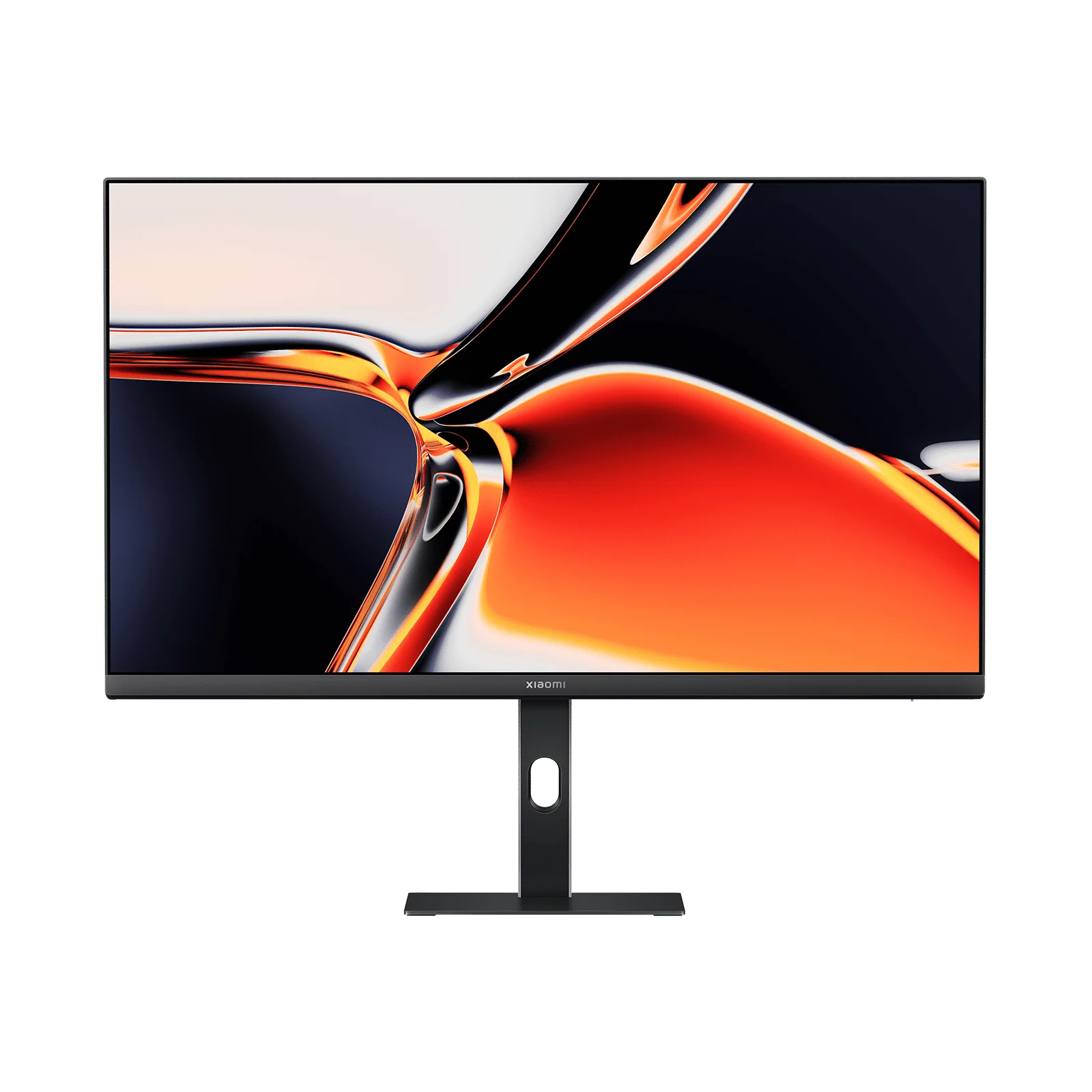
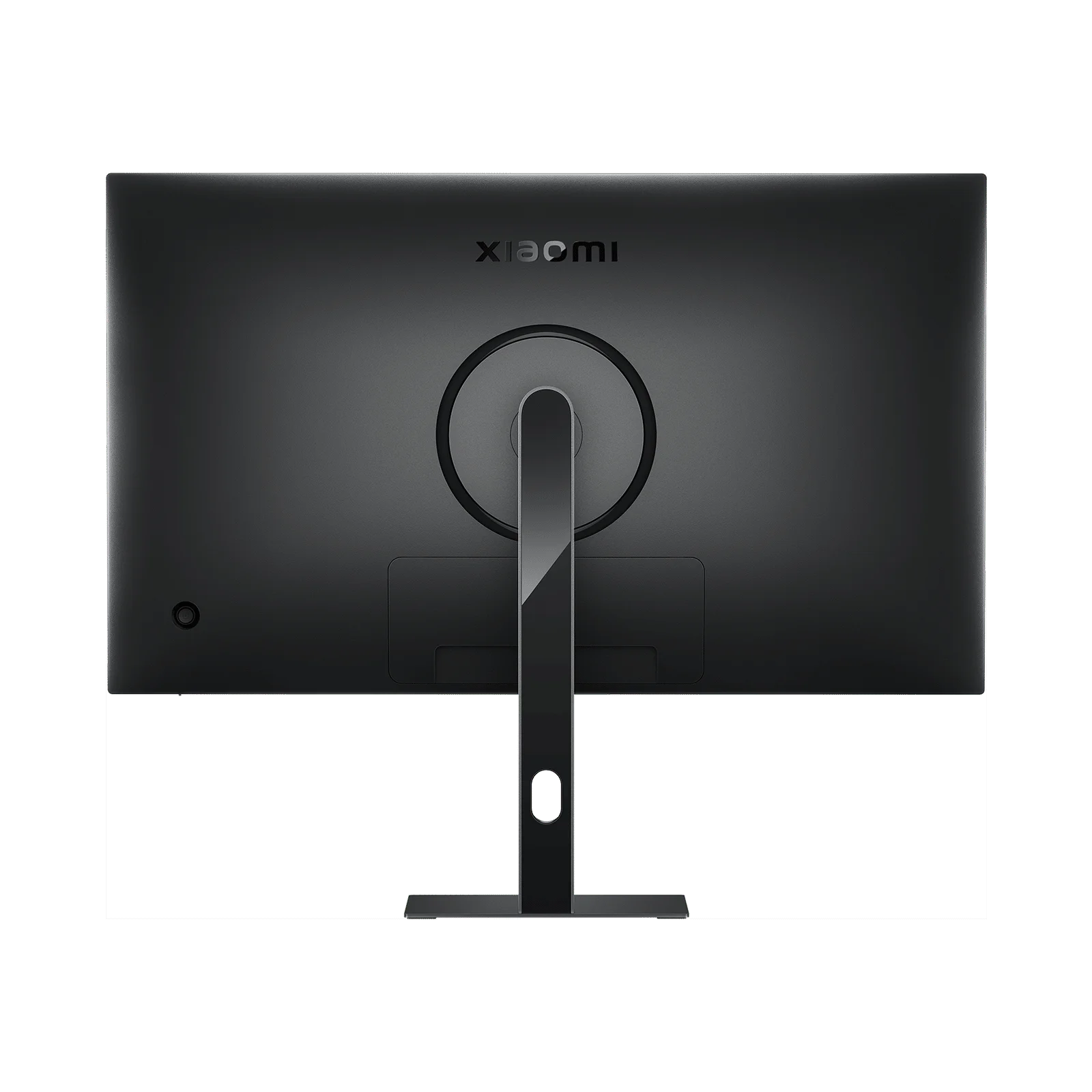
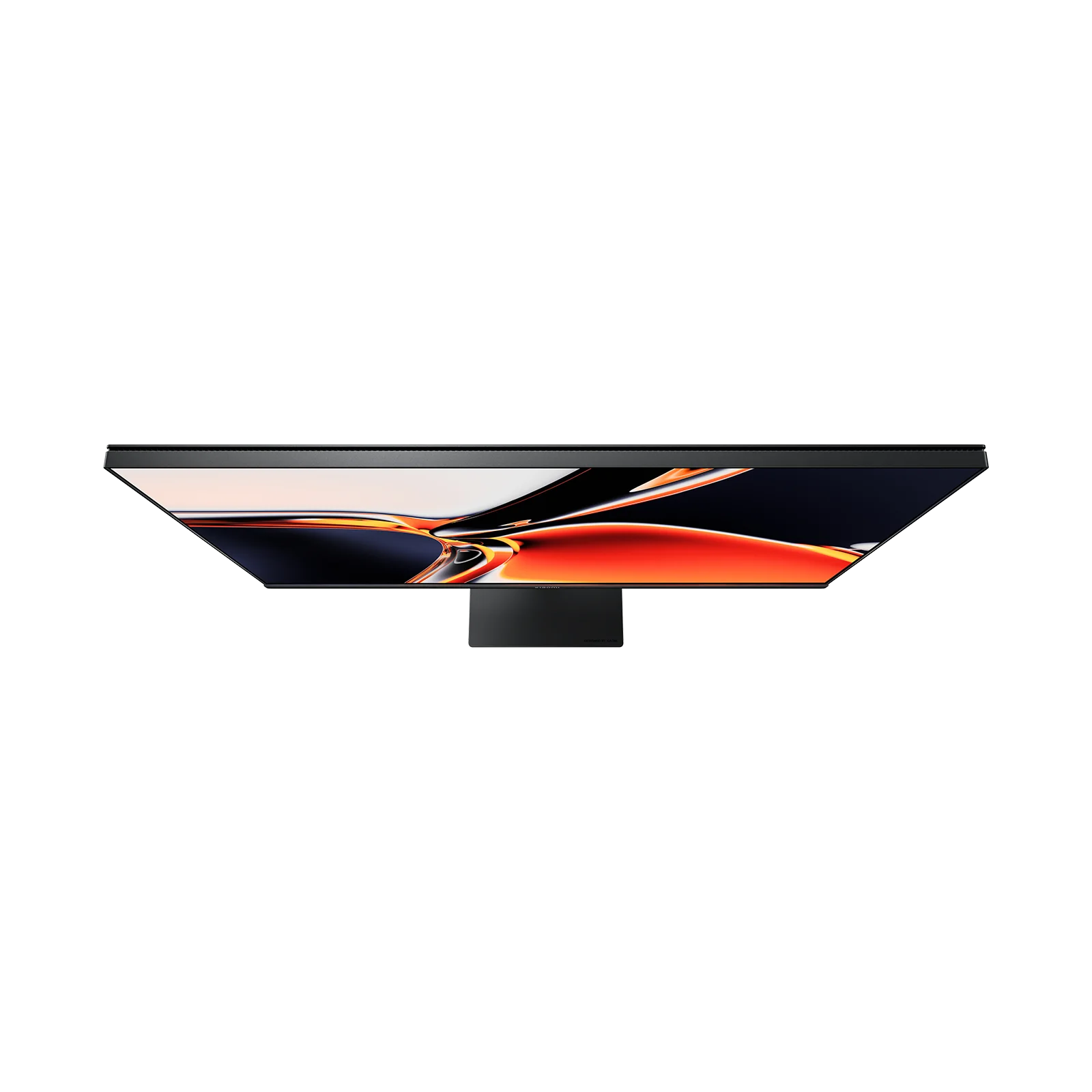
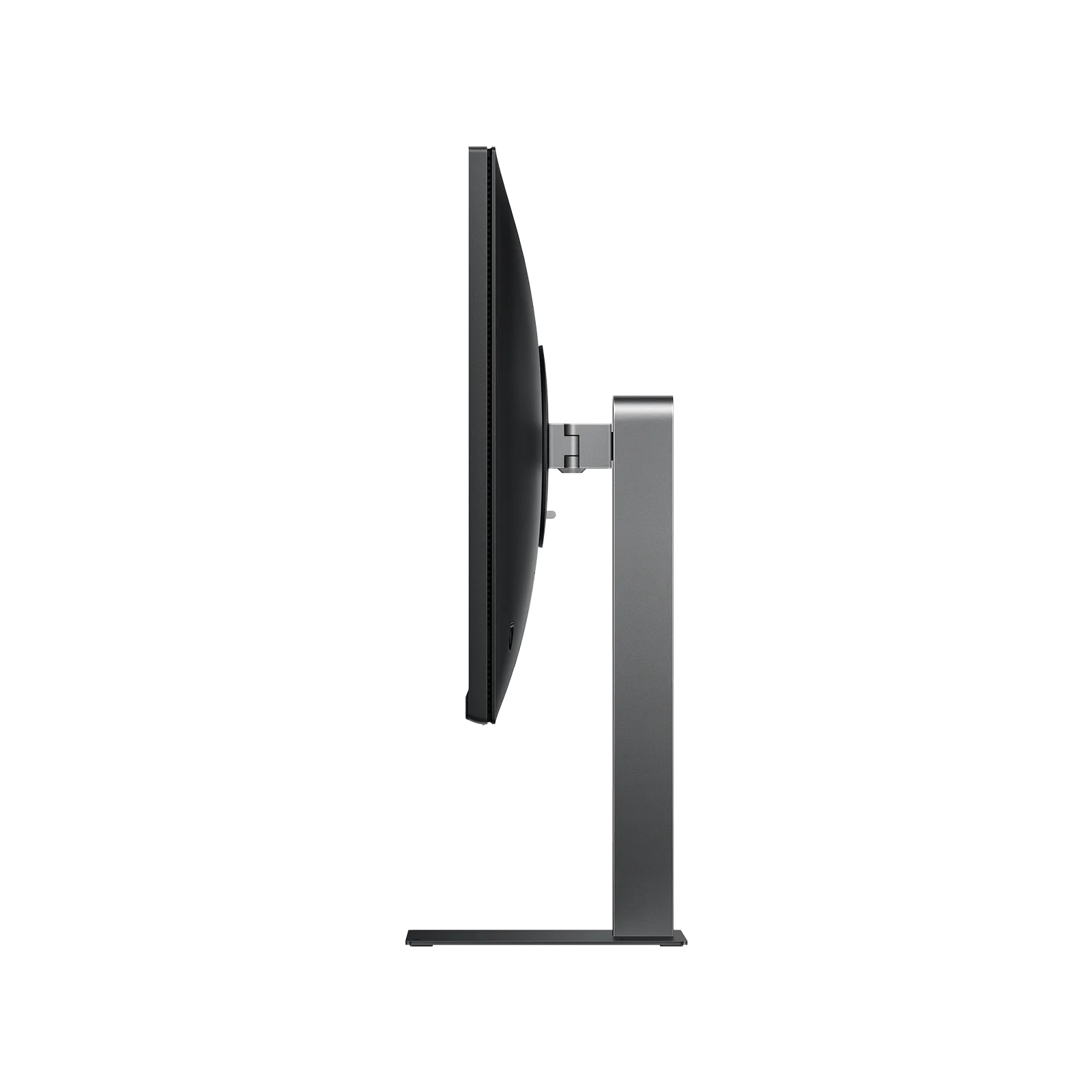
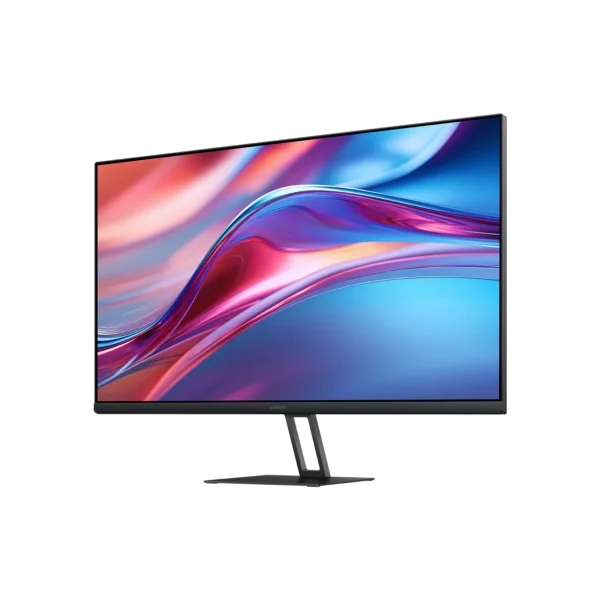
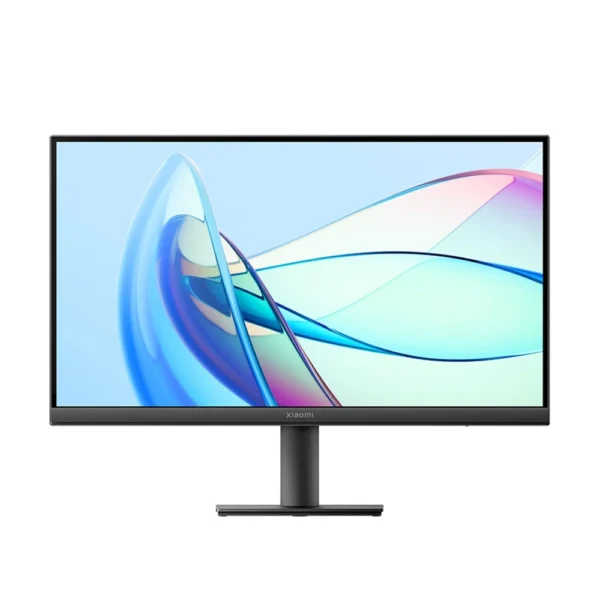
Xiaomi 4K Monitor A27Ui
KSh 46,000.00
- Resolution: 4K UHD (3840 x 2160)
- Panel Type: IPS (Hard Screen)
- Color Accuracy: ∆E < 1 (Factory Calibrated)
- Color Gamut: 100% sRGB / 95% DCI-P3
- USB-C Output: 90W Power Delivery (Reverse Charging)
- Refresh Rate: 60Hz
- Brightness: 360 nits (Typical)
- Ports: HDMI x2, DP x1, USB-C x1, USB-A 2.0 x2, Audio Out
- Stand: Height Adjustable, Tilt, Swivel, Pivot (Portrait)
- Mounting: VESA 75 x 75 mm Support
- Prices and offers are subject to change without notice.
- Fast Delivery in Nairobi – Within 2 Hours.
- Reliable Nationwide Delivery – Within 24 Hours.
Recommended Accessories
View All

Soundcore V40i Open-Ear Earbuds
Original price was: KSh 7,200.00.KSh 6,700.00Current price is: KSh 6,700.00.
Add to Cart
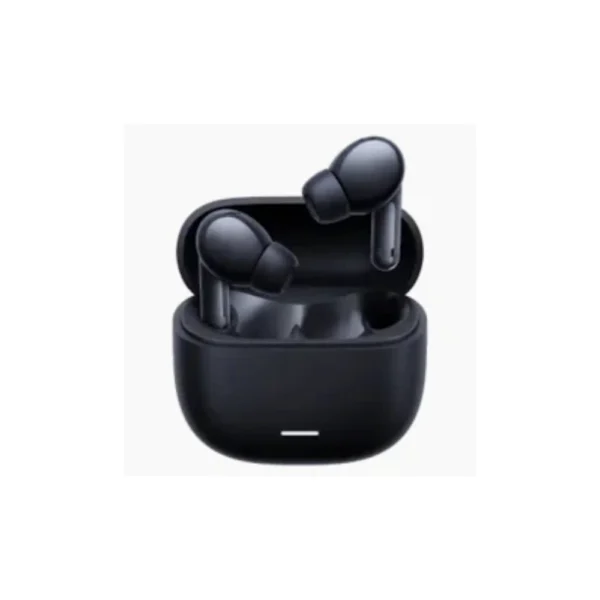
Redmi Buds 6 Lite
Original price was: KSh 4,500.00.KSh 3,500.00Current price is: KSh 3,500.00.
Add to Cart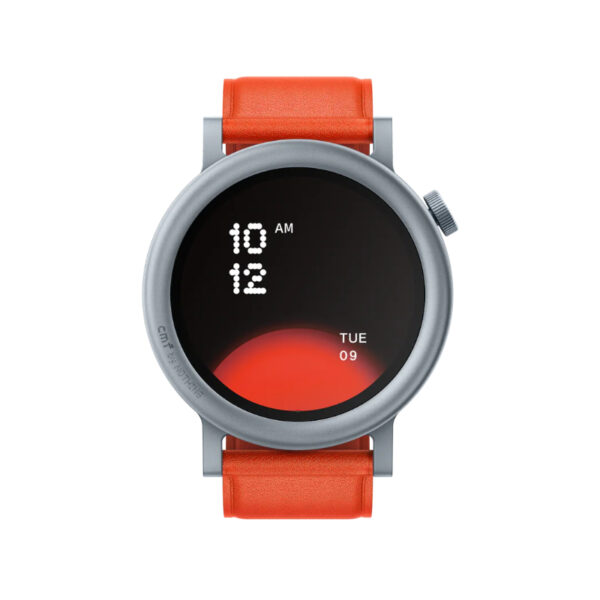
CMF Watch Pro 2
Original price was: KSh 12,000.00.KSh 9,200.00Current price is: KSh 9,200.00.
Add to Cart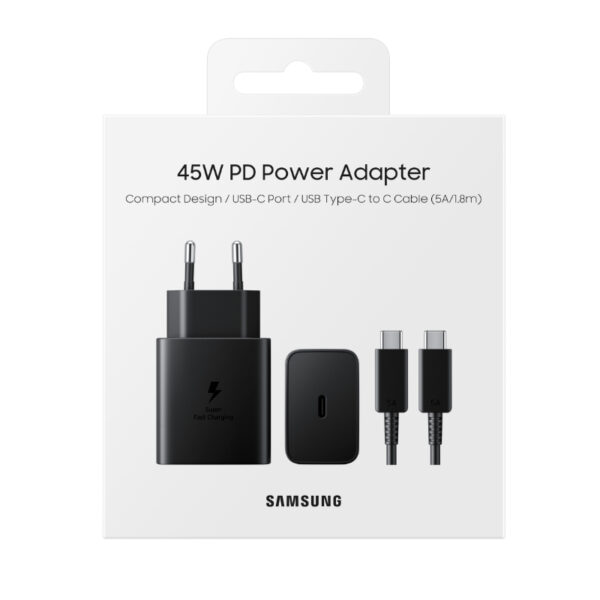
Samsung 45W Fast Charger
Original price was: KSh 6,500.00.KSh 4,000.00Current price is: KSh 4,000.00.
Add to CartProduct details
Xiaomi 4K Monitor A27Ui Price in Kenya
The Xiaomi 4K Monitor A27Ui price in Kenya is KSh 46,000. This is arguably the best value professional monitor currently available in Nairobi. For the price of a standard mid-range 1080p screen, you are getting a factory-calibrated 4K UHD (3840 x 2160) panel with professional-grade color accuracy. If you are a graphic designer, photographer, or just someone who stares at text all day, the difference in sharpness is night and day compared to a standard FHD monitor. The killer feature, however, is the 90W USB-C Reverse Charging port. If you use a modern laptop (like a MacBook Air/Pro, Dell XPS, or HP Spectre), this monitor acts as your docking station. You connect one single cable to your laptop, and the monitor sends 4K video to the screen while simultaneously sending 90W of power to your laptop. No more hunting for your laptop charger under the desk. It comes with a fully ergonomic Multifunctional Stand that allows you to tilt, swivel, adjust height, and even rotate the screen 90 degrees into Portrait Mode for coding or reading long documents. Buy it today at Exelic Gadgets. Stock is limited for this specific model. Order now for same-day delivery within Nairobi or reliable next-day shipping via Wells Fargo/G4S to Mombasa, Kisumu, Eldoret, and countrywide.
Why You’ll Love It (The Lifestyle Upgrade)
- The “One-Cable” Setup: Connect your USB-C laptop with a single cable to display 4K video, transfer data, and charge your laptop at 90W, so that your desk remains clutter-free and you never need to unpack your bulky laptop charger.
- Retina-Level Sharpness: With 4K resolution on a 27-inch screen, pixels are invisible to the naked eye, so that text looks as crisp as a printed page and spreadsheets show 4x more data than a standard screen.
- Professional Color Accuracy: Factory calibrated to ∆E < 1, so that the red you see on the screen is exactly the red that will print or appear on your client’s phone.
- Vertical “Coding” Mode: Rotate the screen 90 degrees to portrait orientation, so that you can view hundreds of lines of code or read long PDF contracts without constant scrolling.
- Eye-Care Certified: TUV Rhineland Low Blue Light certification and DC Dimming ensure zero flicker, so that you can work those late-night deadlines without waking up with a migraine.
- Built-in USB Hub: Plug your mouse and keyboard directly into the back of the monitor, so that when you plug in your laptop, your accessories work instantly without needing a dongle.
Xiaomi A27Ui Monitor Specifications
| Feature | Details |
| Price in Kenya | Ksh 46,000 |
| Model | P27UCB-RAGL |
| Screen Size | 27 Inches |
| Resolution | 3840 x 2160 (4K UHD) |
| Panel | IPS (178° Viewing Angle) |
| Color Depth | 1.07 Billion Colors (10-bit) |
| Color Accuracy | ∆E < 1 (Average in sRGB) |
| Connectivity | 1x USB-C (90W PD), 2x HDMI 2.1, 1x DP 1.4 |
| USB Hub | 2x USB Type-A 2.0 |
| Ergonomics | Height, Tilt, Swivel, Pivot (Portrait) |
| VESA Mount | Yes (75 x 75 mm) |
| Cables Included | HDMI Cable, USB-C Cable, Power Adapter |
| Weight | 5.5 kg (with stand) |
Deep Dive: The Tech Explained
90W USB-C Reverse Charging
This is the feature that transforms your workflow. Most “USB-C monitors” only offer 15W or 65W charging, which struggles to keep a powerful MacBook Pro charged under load. The Xiaomi A27Ui pushes 90W. This is enough to fast-charge a 14-inch MacBook Pro or keep a 16-inch laptop running at full performance. It creates a seamless “docking station” experience: sit down, plug in one cable, and get to work.
∆E < 1 Professional Color Calibration
“Delta E” measures the difference between the true color and the color displayed on the screen. Most consumer monitors have a Delta E of 3-5 (visible distortion). A Delta E of < 2 is considered professional. This monitor achieves ∆E < 1. Every unit is calibrated at the factory. Whether you are editing wedding photos in Lightroom or grading video in DaVinci Resolve, you can trust that your colors are accurate.
4K UHD Clarity
Moving from a 1080p monitor to 4K is like putting on glasses for the first time. You get 4x the pixel count of a Full HD screen. On a 27-inch panel, this results in a high PPI (Pixels Per Inch) where individual pixels disappear. Text is razor-sharp. You can fit four full-sized 1080p windows on this single screen, making it a multitasking beast for data analysts and developers.
Full Ergonomic Freedom
Cheaper monitors come with wobbly, fixed stands. The A27Ui comes with a professional-grade stand. You can slide it up and down to match your eye level (saving your neck), tilt it back, swivel it left/right to show a colleague your work, or rotate it a full 90 degrees into portrait mode. If you prefer a monitor arm, it supports the standard VESA 75×75 mount.
Integrated USB Hub
The back of the monitor features two USB-A ports. When you connect your laptop via the USB-C cable, these ports become active. You can leave your wireless mouse dongle and mechanical keyboard plugged permanently into the monitor. When you arrive at your desk and plug in your laptop, your peripherals connect automatically. It saves you from buying an external USB dongle.
Who Is This Perfect For?
- The “MacBook Pro” User: You want an external display that charges your Mac and matches its color accuracy without paying Apple Studio Display prices.
- The Graphic Designer: You need 100% sRGB coverage and reliable color accuracy for print and web work.
- The Coder: You want a vertical monitor setup to view long scripts, and the 4K resolution makes code text incredibly sharp and easy to read.
Alternatives & Competitors
- Dell U2723QE: The “Gold Standard” (Better contrast with IPS Black, but costs 2x the price of the Xiaomi).
- Samsung ViewFinity S8: The Rival (Similar specs, often slightly more expensive, stand is less versatile).
- LG 27UP850: The Veteran (Great color, but the plastic build feels cheaper than Xiaomi’s finish).
Frequently Asked Questions (FAQs)
- Q: Does it work with Windows laptops via USB-C? A: Yes. As long as your Windows laptop supports “DisplayPort Alt Mode” over USB-C (most modern laptops do), it will handle video, data, and charging simultaneously.
- Q: Is it good for gaming (PS5/Xbox)? A: It is excellent for visuals (4K looks stunning), but it is limited to 60Hz.15 It does not support 120Hz gaming. For story-driven games (like God of War), it’s beautiful. For competitive shooters (Call of Duty), a 144Hz monitor is better.
- Q: Can I mount it on a wall or arm? A: Yes. It supports the VESA 75 x 75mm standard.16 Note that you may need a VESA bracket adapter if your arm uses a large 100×100 plate, but standard arms usually support both.
- Q: Does it come with the USB-C cable? A: Yes! Xiaomi includes a high-speed USB-C cable in the box, along with an HDMI cable, so you are ready to go immediately.17
- Q: What is “Reverse Charging”? A: It means the monitor sends power back to the device that is sending it video. Instead of the laptop powering the screen, the screen powers the laptop.
Buy the latest Monitors in Kenya at Exelic Gadgets.
Customers Reviews
Related products

There are no reviews yet.