Product details
Logitech K360 Wireless Keyboard Price in Kenya
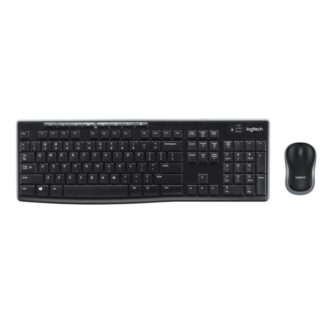
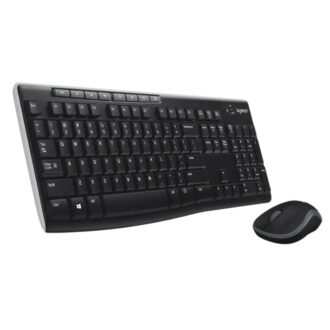
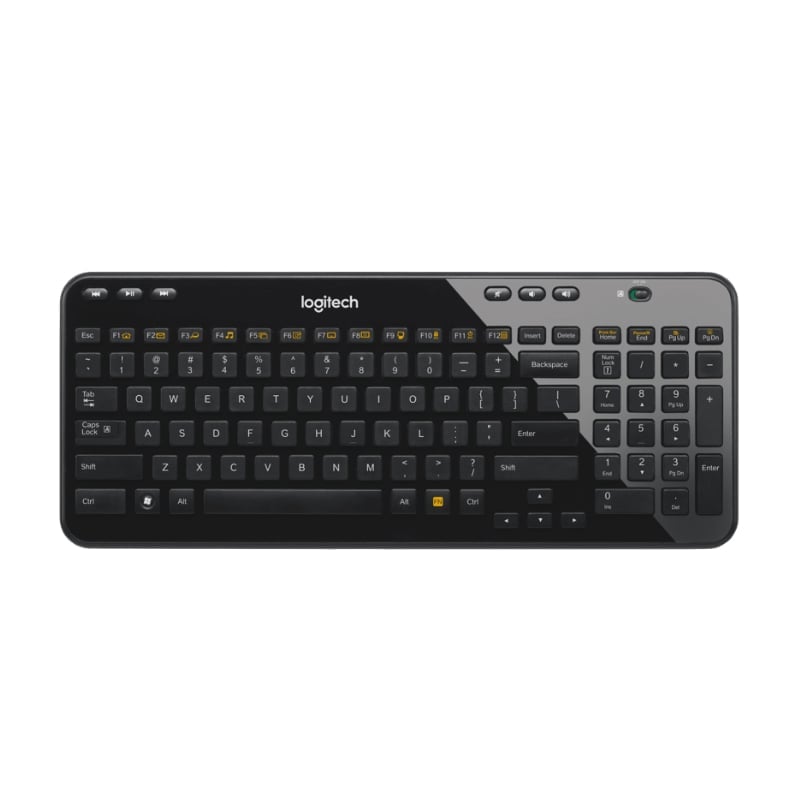
The Logitech K360 price in Kenya is Ksh 4,500. While modern keyboards are getting slimmer, the K360 remains a “cult classic” for those who want a compact footprint without losing the dedicated physical buttons they rely on. It is 20% smaller than a standard full-size keyboard, making it the perfect middle ground: it’s small enough to fit on a cluttered dorm desk or a small office workstation, yet it still includes a full numeric keypad.
What makes the K360 a standout in the Kenyan market is its dedicated media and internet hotkeys. Unlike newer “minimalist” keyboards that hide these functions behind an “Fn” key, the K360 gives you six standalone buttons for play, pause, volume, and skipping tracks. It’s a “set-it-and-forget-it” device with a legendary 3-year battery life, meaning you could go through an entire degree or a job contract without ever changing the batteries.
Using the Logitech Unifying Receiver, you can pair this keyboard plus five other compatible devices (like an M330 or M720 mouse) to a single USB port. It’s a space-saving, time-saving, and port-saving powerhouse.
Compact size. Full-size power. Don’t sacrifice your numpad for desk space. Buy the Logitech K360 at Exelic Gadgets for same-day delivery in Nairobi or secure countrywide shipping via Wells Fargo/G4S.
Why You’ll Love It
- 20% Smaller Footprint: Saves valuable desk real estate so that you can keep your mouse closer to your body, improving your ergonomic posture.
- 6 Dedicated Hotkeys: Instant access to volume, mute, and media playback, so that you don’t have to break your workflow to change a song or answer a call.
- 12 Programmable F-Keys: Customize your most-used apps or folders via software, so that you can open your email or browser with a single tap.
- 36-Month Battery Life: One of the longest-lasting wireless keyboards in existence, so that you never have to worry about mid-project battery failures.
- Framed “Chiclet” Keys: The keys are quiet and have a slight border around them, so that you have a precise typing experience with fewer typos.
- Unifying Receiver Technology: Connects up to 6 devices to one tiny USB dongle, so that you leave your other USB ports free for flash drives or chargers.
Logitech K360 Specifications
| Feature | Details |
| Product Name | Logitech K360 Wireless Keyboard |
| Price in Kenya | Ksh 4,500 |
| Layout | Compact (20% smaller than standard) |
| Hot Keys | 18 Total (6 Media + 12 Programmable) |
| Receiver | Logitech Unifying (USB-A) |
| Battery Life | 3 Years (Up to 36 months) |
| Tilt Legs | Yes (8-degree adjustable) |
| Indicators | Caps Lock light included |
| Finish | Glossy black with framed keys |
| Software Support | Logi Options+ / Logitech Unifying Software |
The Unifying Ecosystem
The K360 comes with the Logitech Unifying Receiver. This is a specific type of USB dongle marked with an orange “sun” logo. If you lose the receiver, you don’t have to throw the keyboard away—you can buy a replacement. More importantly, if you have a Logitech mouse that also has that orange logo, you can pair both to the same receiver using the Unifying software, saving you from “dongle clutter.”
Framed Key Design
Unlike “island-style” keyboards where keys are completely flat, the K360 features framed keys. There is a small physical border around each key. This is designed to help your fingers “find” the center of the key more easily, which reduces the chance of accidental double-presses. It provides a tactile, “bouncy” feedback that many typists find more satisfying than the ultra-flat keys on modern tablets.
Extreme Energy Efficiency
The K360 is engineered to be a low-power device. It doesn’t have power-hungry backlighting or Bluetooth, which allows it to sip power from its two AA batteries. It features an on/off switch on the top right, but even if you leave it on, its advanced sleep mode ensures it stays powered for up to 3 years under normal office usage.
Programmable Productivity
While the top row has default functions, the Logi Options+ software allows you to “re-program” the 12 F-keys. You can set F1 to open a specific Excel file you use every day, or F12 to trigger a screenshot. This turns a standard keyboard into a customized macro station for your specific job.
Who Is This Perfect For?
- The Finance/Admin Professional: You need a number pad for data entry but don’t want a massive, 19-inch keyboard taking up your whole desk.
- The Media Junkie: You use your PC to watch Netflix or listen to Spotify. The dedicated media keys (Play/Pause/Skip) are far more convenient than clicking with a mouse.
- The Laptop User: If you use a laptop stand to save your neck, the K360 is the perfect wireless companion to keep your desk tidy and your posture correct.
Alternatives & Competitors
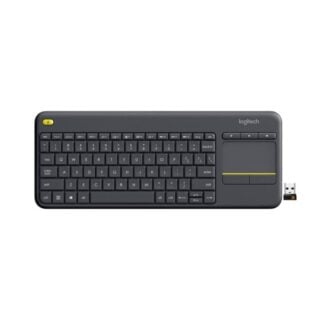
- Logitech K400 Plus: Roughly the same price (Ksh 4,800), but replaces the number pad with a touchpad, making it better for Smart TVs but worse for office work.
- Logitech K380: More portable (Bluetooth), but lacks a number pad and dedicated media keys.
Frequently Asked Questions
- Does it work with a Smart TV?
- Yes, if your TV has a USB port and supports external keyboards, the K360 is a great choice. However, for TV use, the Logitech K400 Plus (with the built-in touchpad) is usually preferred.
- Is it quiet?
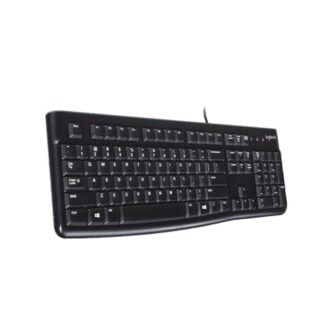
- Yes, the framed keys are significantly quieter than the “clacky” keys of the K120 or mechanical keyboards.
- Does it have a Caps Lock light?
- Yes, a rare feature in compact wireless keyboards—it has a dedicated LED indicator for Caps Lock.
- Can I use it with a Mac?
- Yes, it is plug-and-play. Note that the specialized “Hotkeys” are optimized for Windows, but the standard keys will work perfectly.
- Is it rechargeable?
- No, it uses 2 AA batteries. But since they last 3 years, it’s actually more convenient for most people than having to recharge every month.
Buy the latest keyboards in Kenya at Exelic Gadgets.