Product details
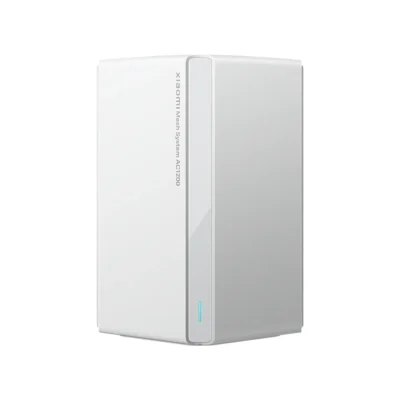
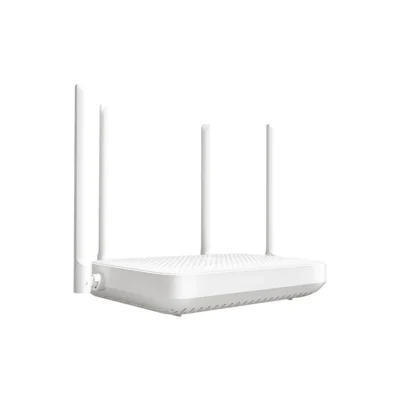
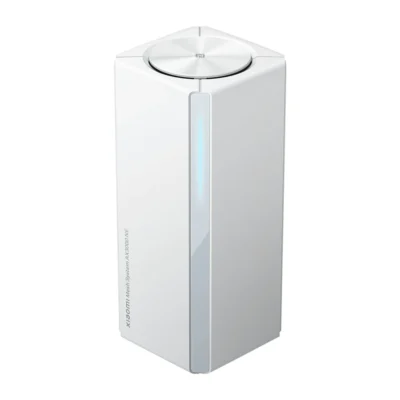
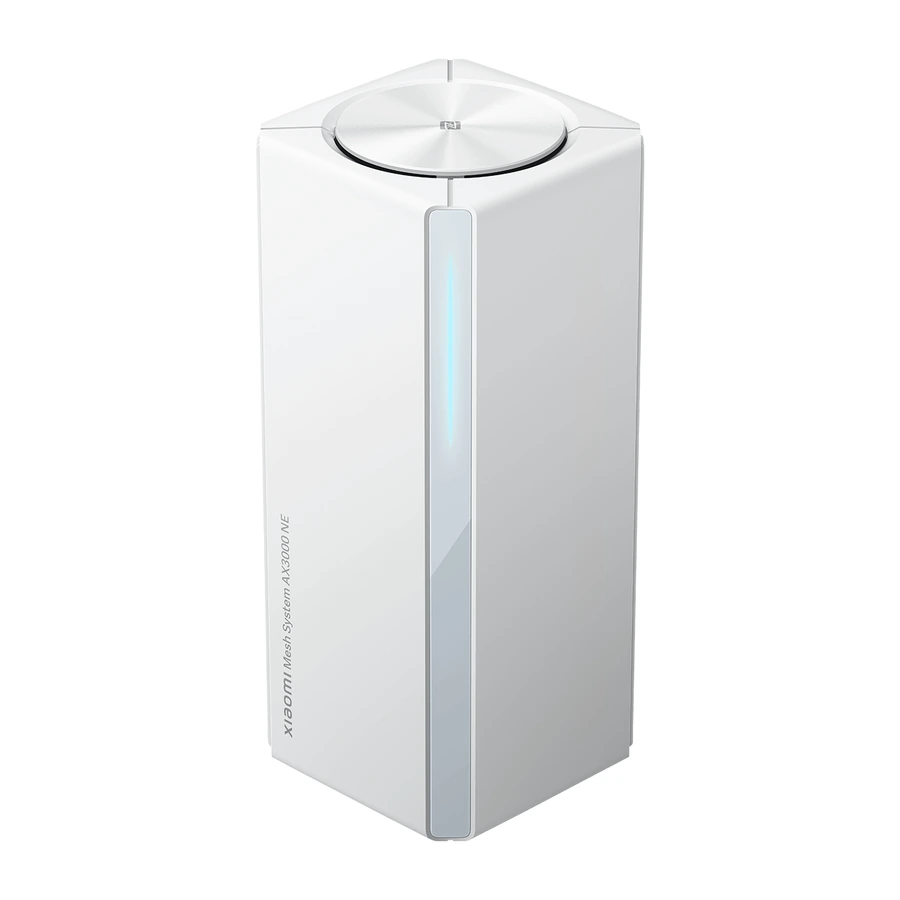
The Xiaomi Mesh System AX3000 NE 3-pack provides 3 White Wi-Fi 6 routers for a home network. This UK version includes the matching regional power adapters. The pack size identifies the number of router units included. It should not be confused with the number of connected devices, or treated as a fixed coverage guarantee for every building.
The router supports 2.4GHz and 5GHz wireless bands. Its theoretical rates are 574Mbps on 2.4GHz and 2,402Mbps on 5GHz, giving a combined figure of 2,976Mbps. Actual throughput depends on the internet connection, receiving devices, interference and layout. Wi-Fi 6 features include OFDMA, beamforming and BSS colouring, while the 5GHz band supports 160MHz channel bandwidth with compatible equipment. Each router has four 10/100/1000Mbps Ethernet ports with automatic WAN/LAN sensing.
The routers in this two- or three-pack are paired before leaving the factory. Choose one as the main router and configure its network, then power on the other supplied units to establish mesh networking. Additional compatible nodes are purchased separately. Compatible Xiaomi Mesh routers can form wired, wireless or hybrid networks under a unified Wi-Fi name. The main unit can connect with up to ten satellite routers according to the manufacturer’s stated conditions; further satellites are purchased separately. Roaming behaviour depends on compatible terminal support, including 802.11k/v.
Management is available through the web interface and Xiaomi Home or Mi Home on Android and iOS. NFC connection support requires an NFC-enabled Android phone with its screen unlocked. The stated encryption options are WPA-PSK, WPA2-PSK and WPA3-SAE, with wireless access controls and SSID hiding. The router runs MiWiFi ROM and contains 256MB memory.
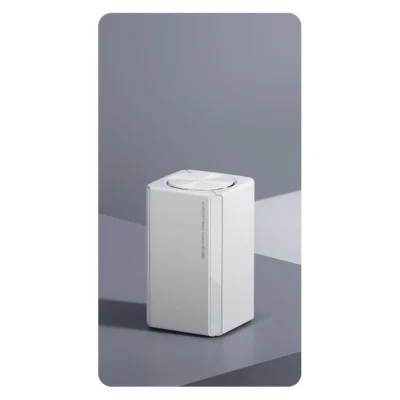
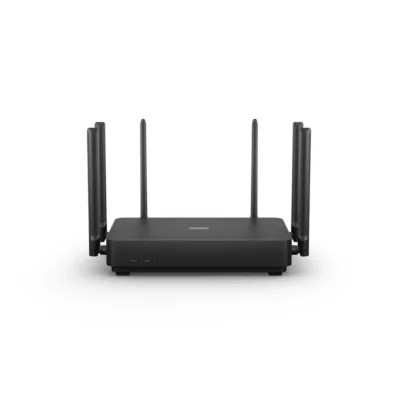
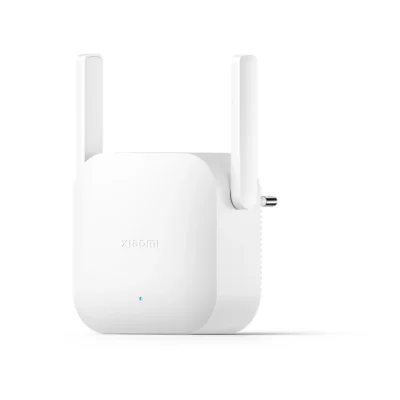
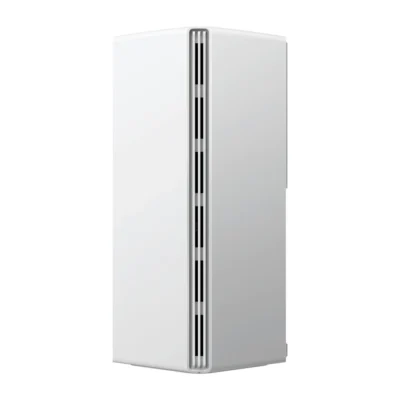
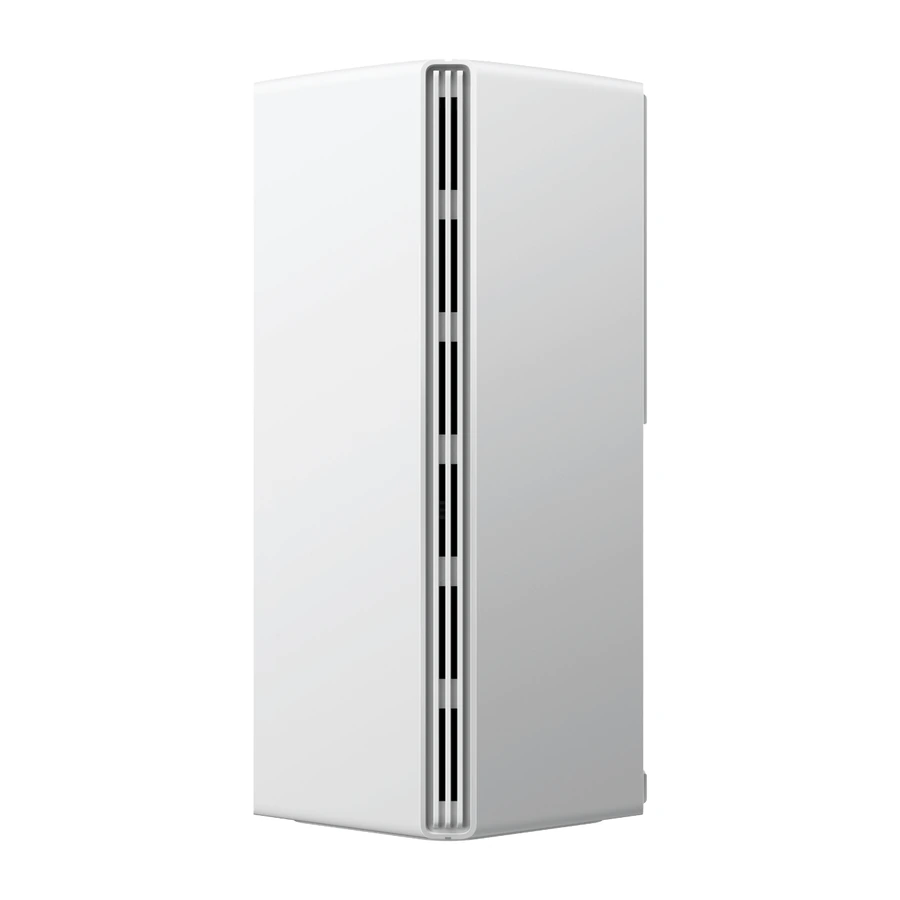
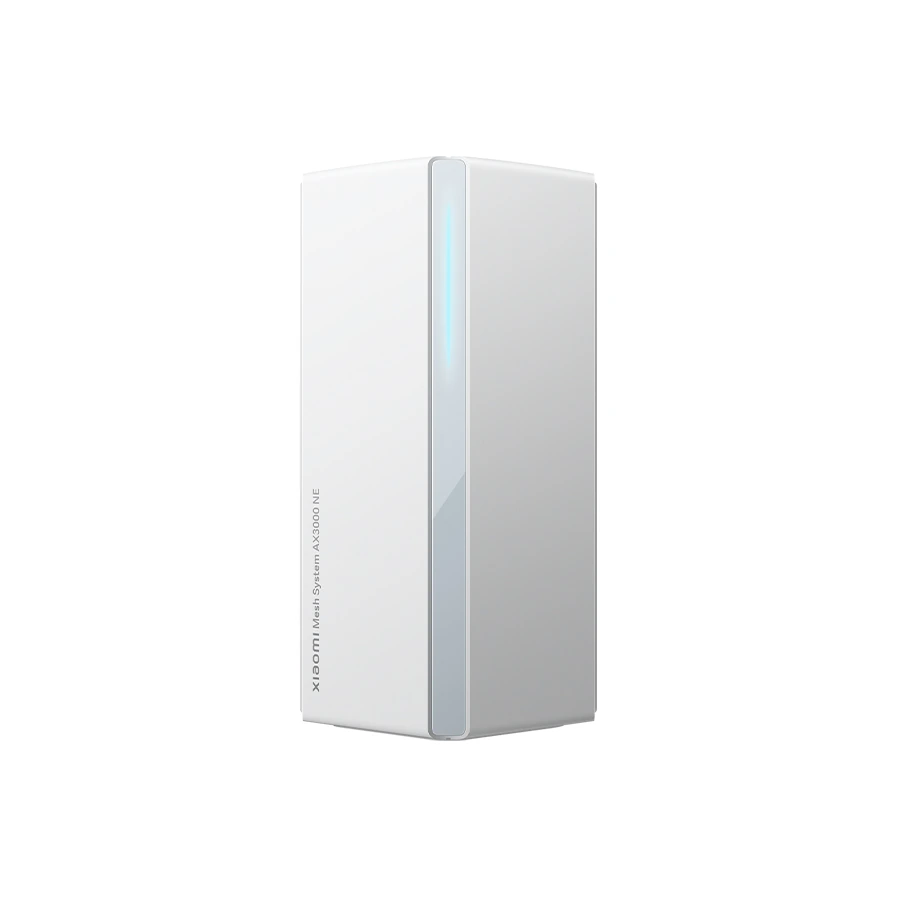
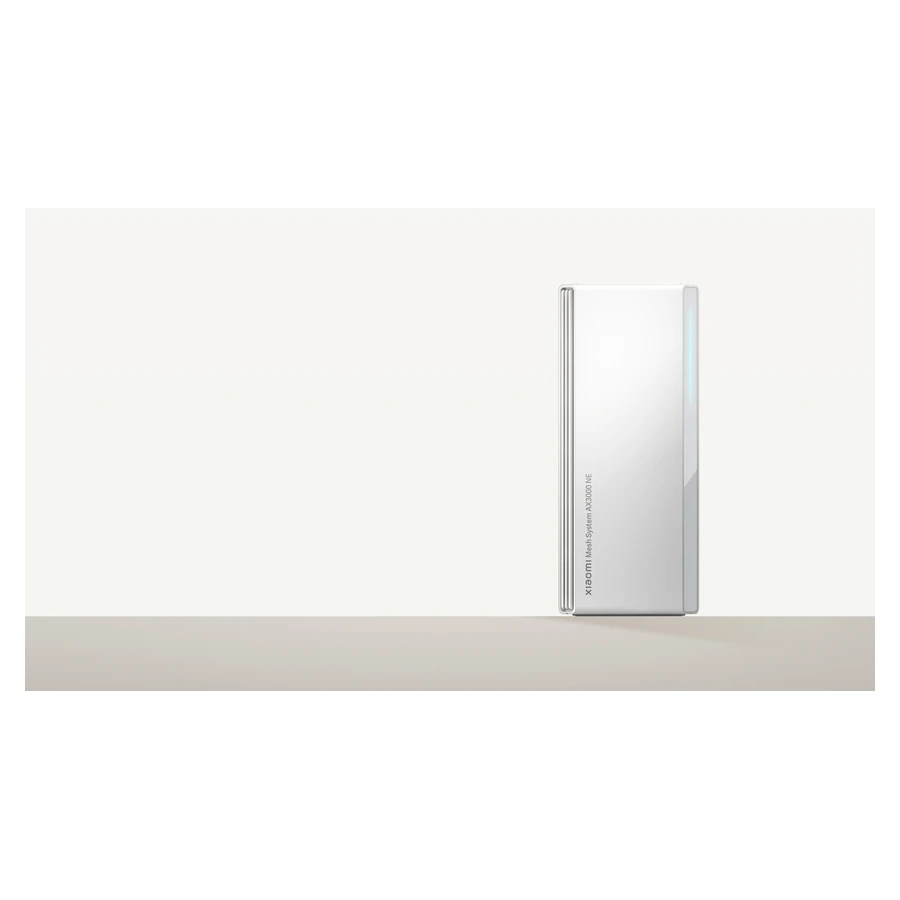
Each unit measures 89.5 × 89.5 × 213.5mm. Operate it at 0–40°C and 10–90% non-condensing relative humidity, keeping it suitably ventilated. The package includes 3 routers; 3 power adapters; one network cable; user manual; warranty notice. Complete manufacturer photos show the router hardware; the stated pack size determines the quantity supplied. Follow the guide for initial configuration, software updates, suitable node placement and later mesh expansion.