Product details
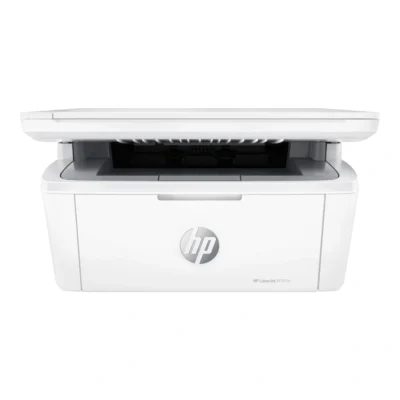
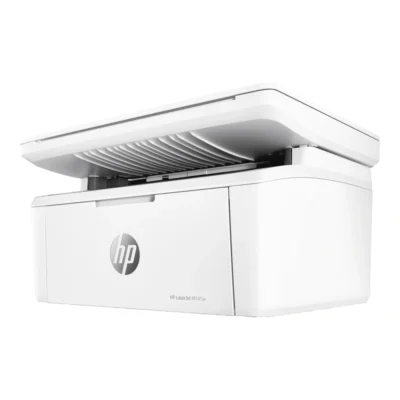
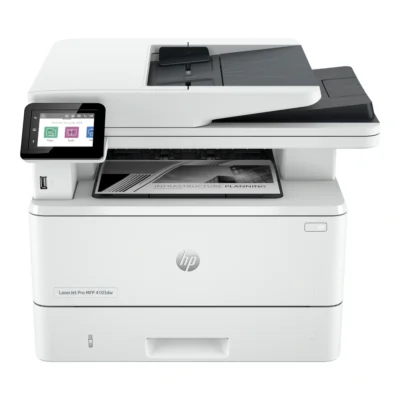
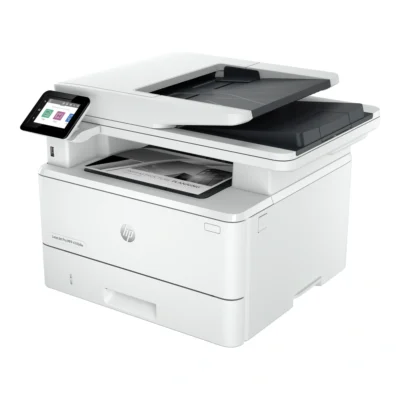
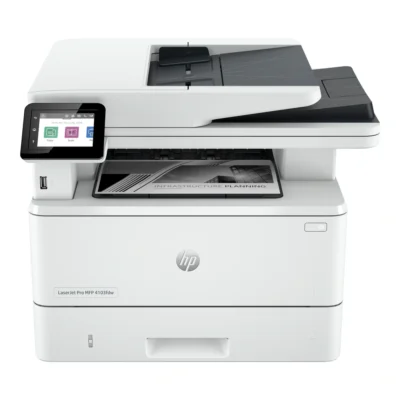
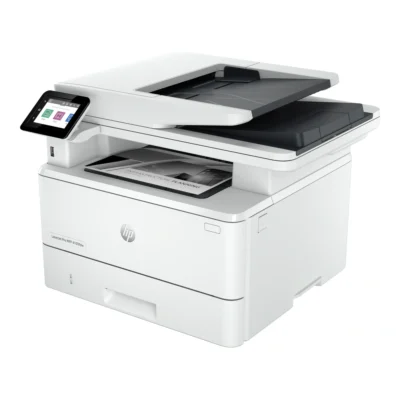
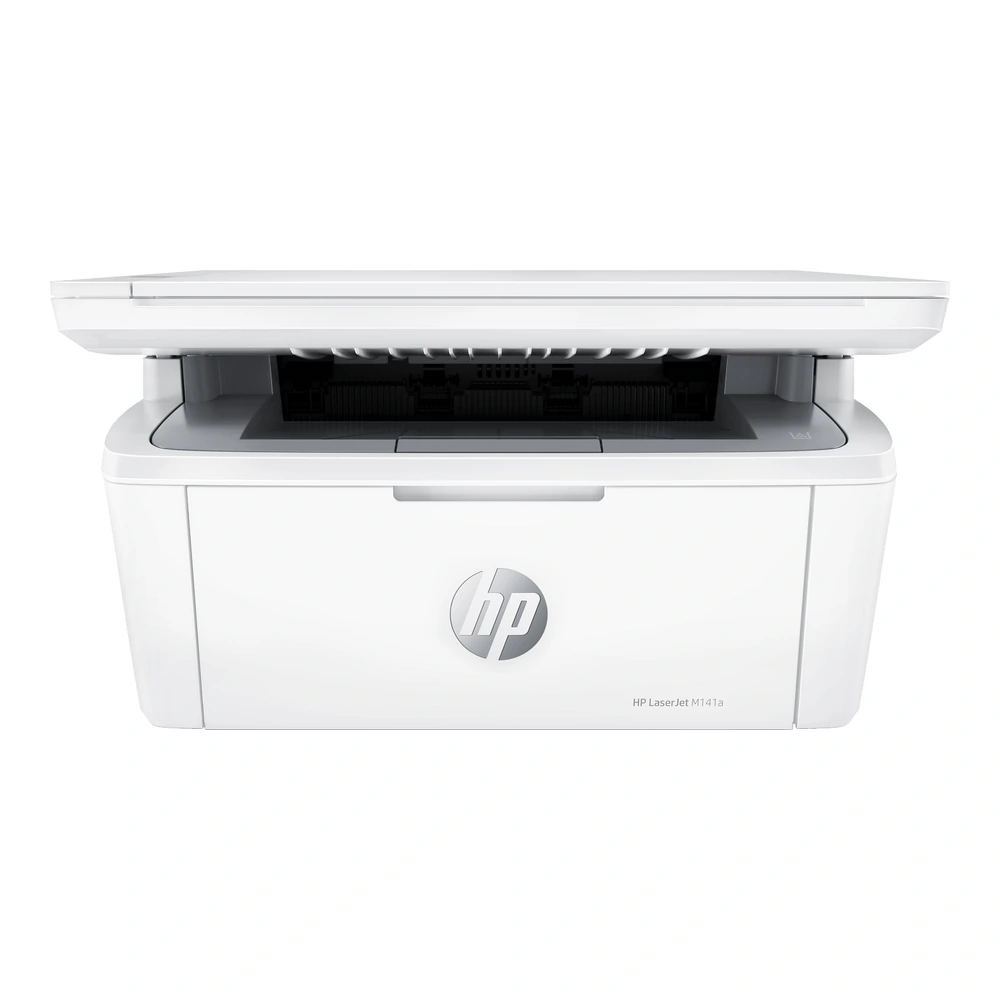
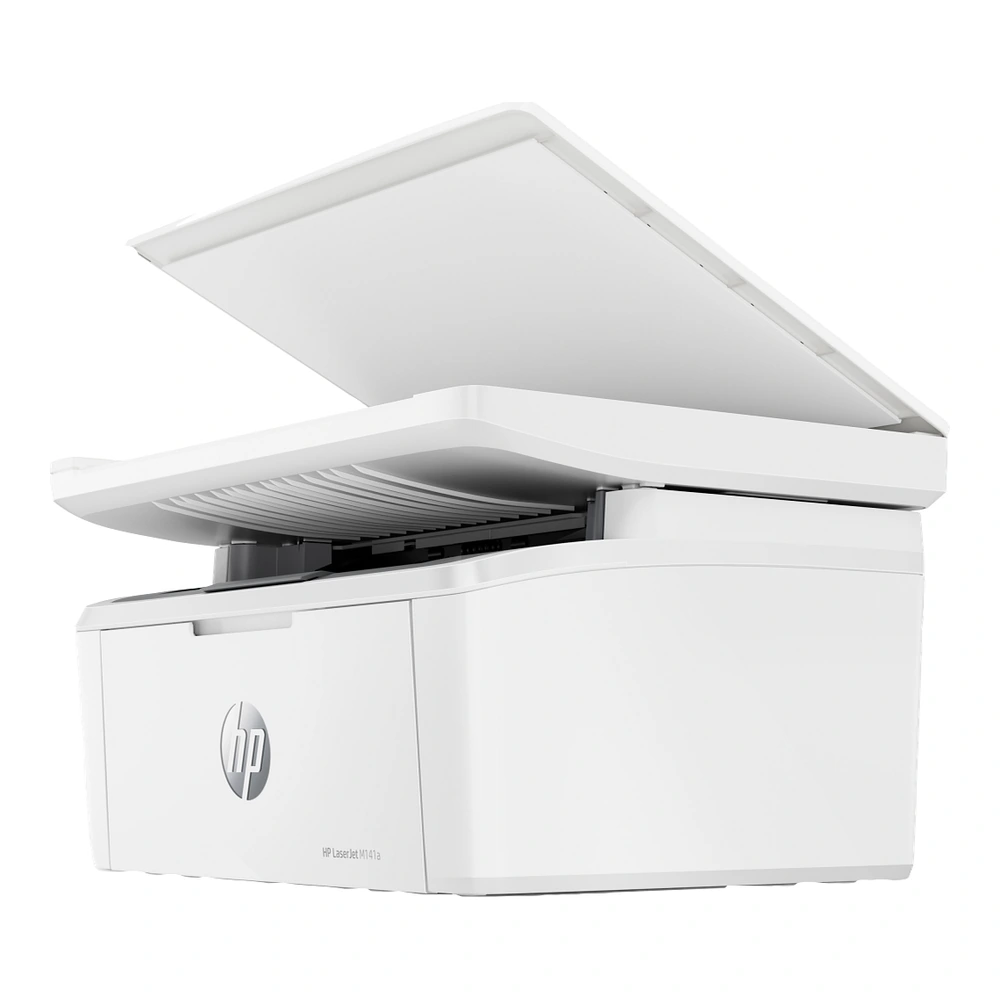
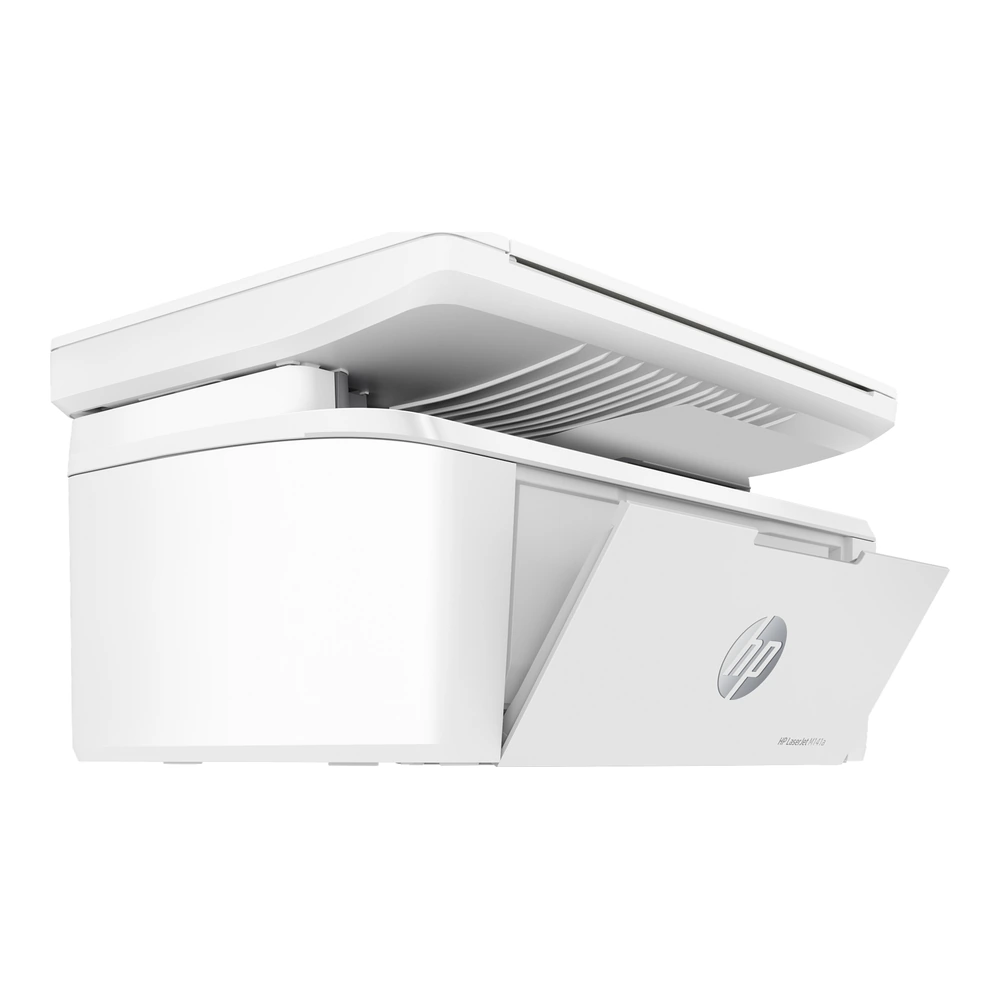
The HP LaserJet MFP M141a combines print, copy, scan in an A4 desktop device. Its monochrome laser engine is designed for black-and-white documents and everyday office paperwork. The combination of printing, scanning and copying reduces the need for separate desktop devices and keeps document handling in one place.
Printing and paper handling
ISO A4 print speeds are up to 20 ppm black (iso a4). The print system supports up to 600 x 600 dpi black. Use the appropriate paper type and print-quality setting when changing between document layouts, photographs or graphics.
Two-sided printing uses manual paper handling through the printer driver. Turn and reload the sheets when prompted to complete the second side. The standard paper arrangement is 150-sheet input tray; 100-sheet output bin. Keep the paper guides aligned to the selected format, and leave clear space around the input and output areas for loading and collecting sheets.
Scanning and copying
The scanning system uses flatbed; up to 600 ppi; maximum flatbed size 216 to 297 mm. Copy specifications include 600 x 400 dpi; reduction/enlargement 25 to 400%. The flatbed lets you position individual sheets, photos and small documents directly on the glass for a scan or copy.
Connections and workspace
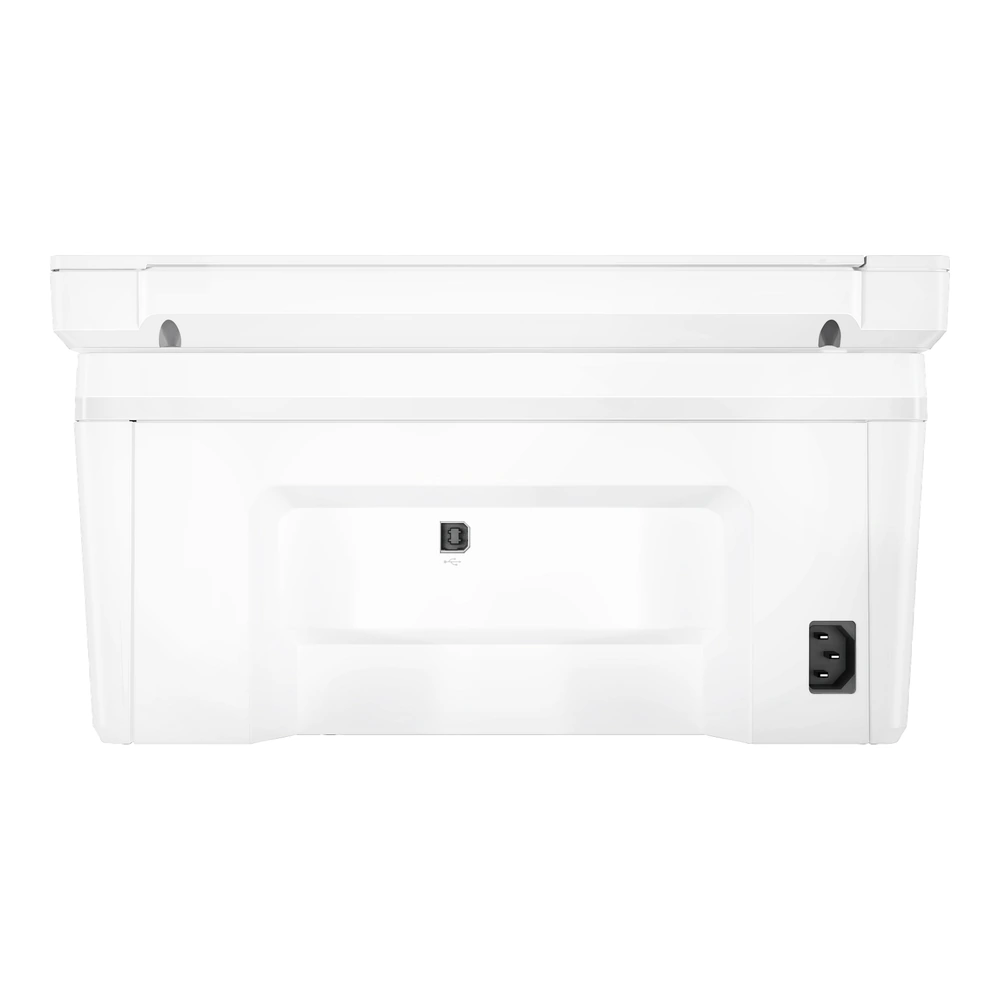
Available connections are USB 2.0. Install the HP driver or supported printing software for the intended computer or mobile device. A USB connection serves a directly attached computer.
The printer measures 360 x 264 x 197 mm and weighs 5.39 kg (Includes Starter Cartridge). Set it on a stable desk or shelf, with enough room to open the scanner lid and reach the supplies area. The one black toner cartridge system supports routine replenishment as supplies are used.