Product details
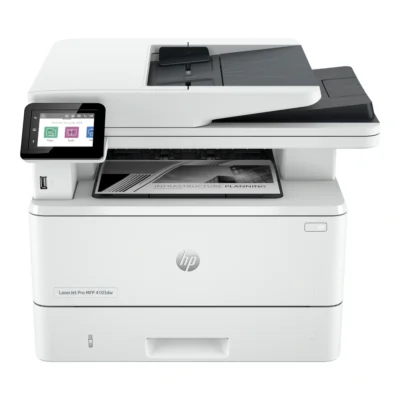
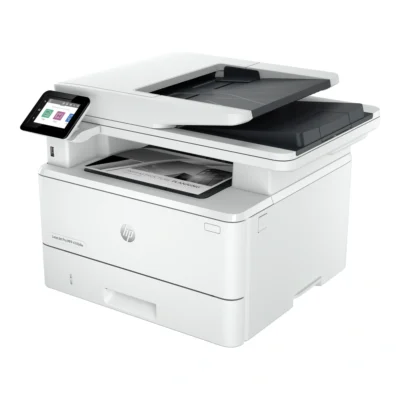
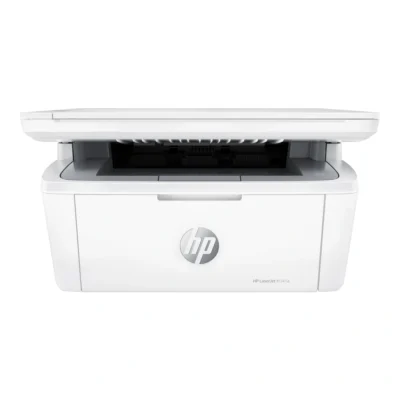
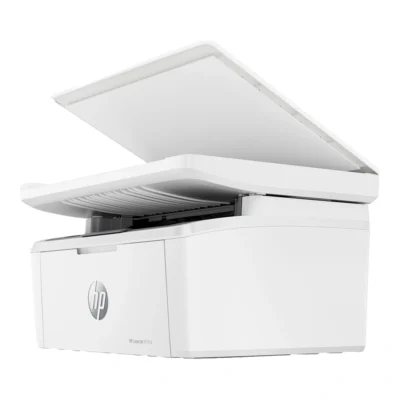
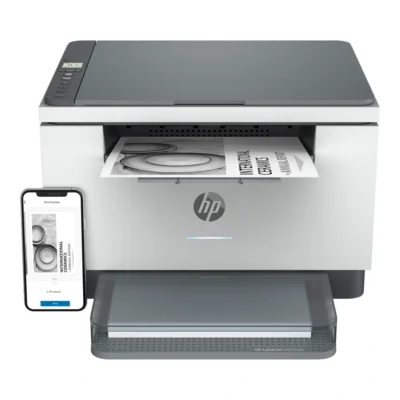
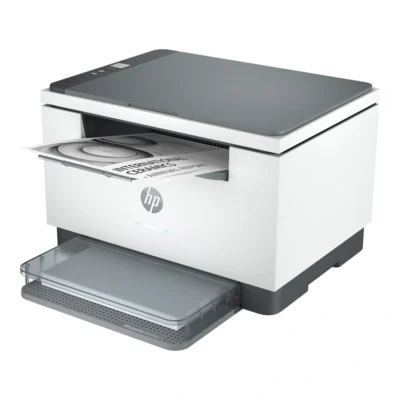
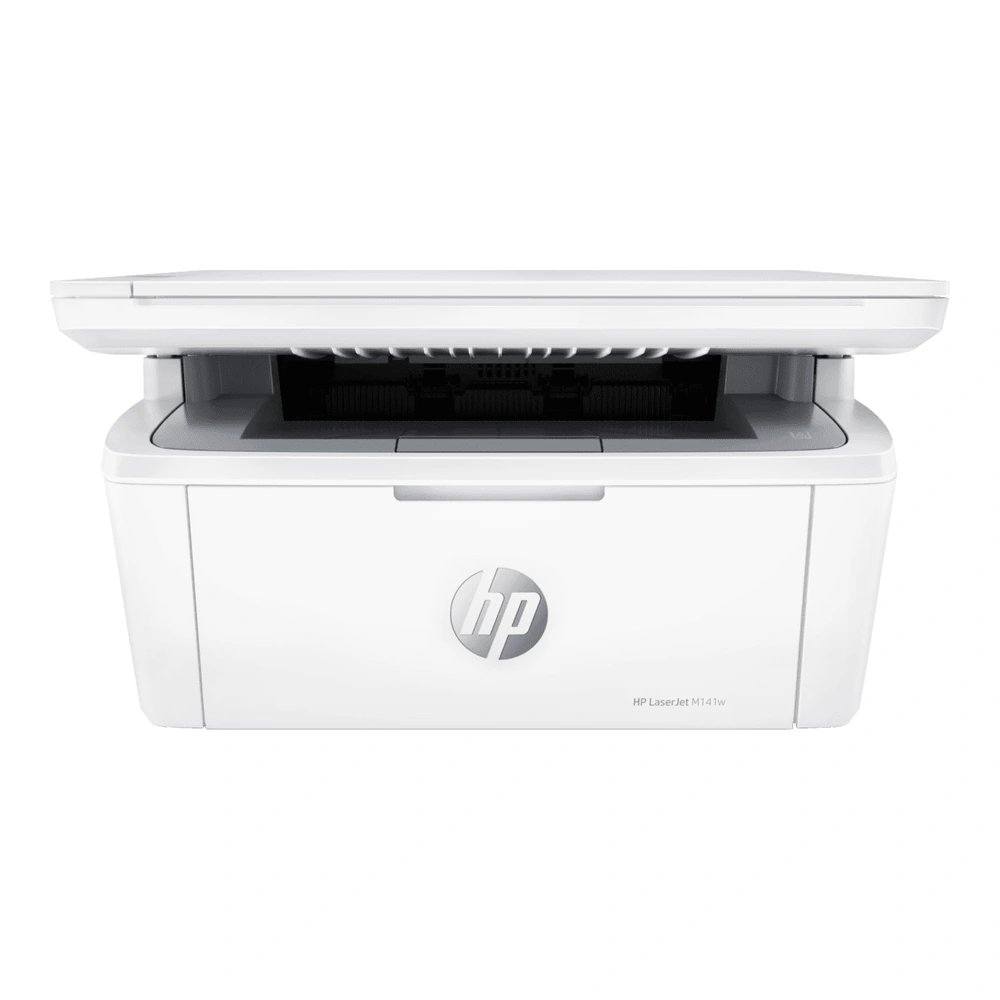
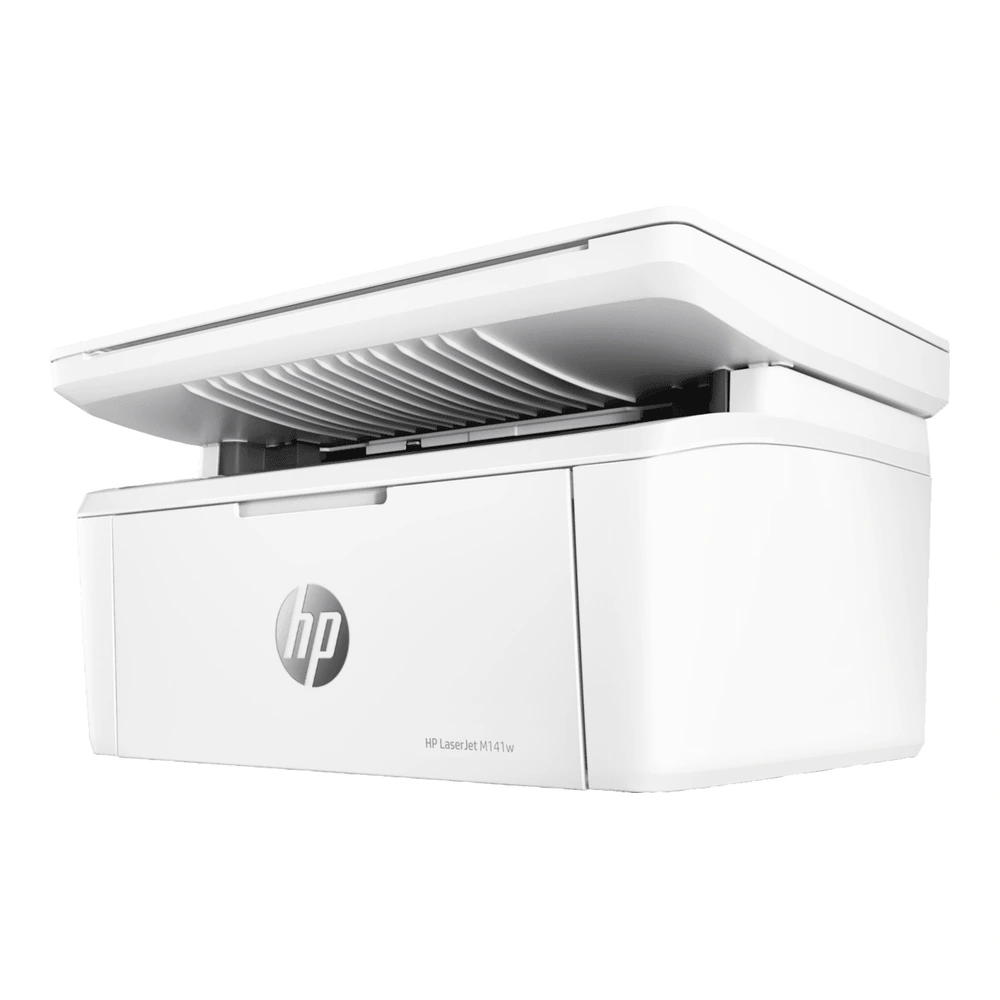
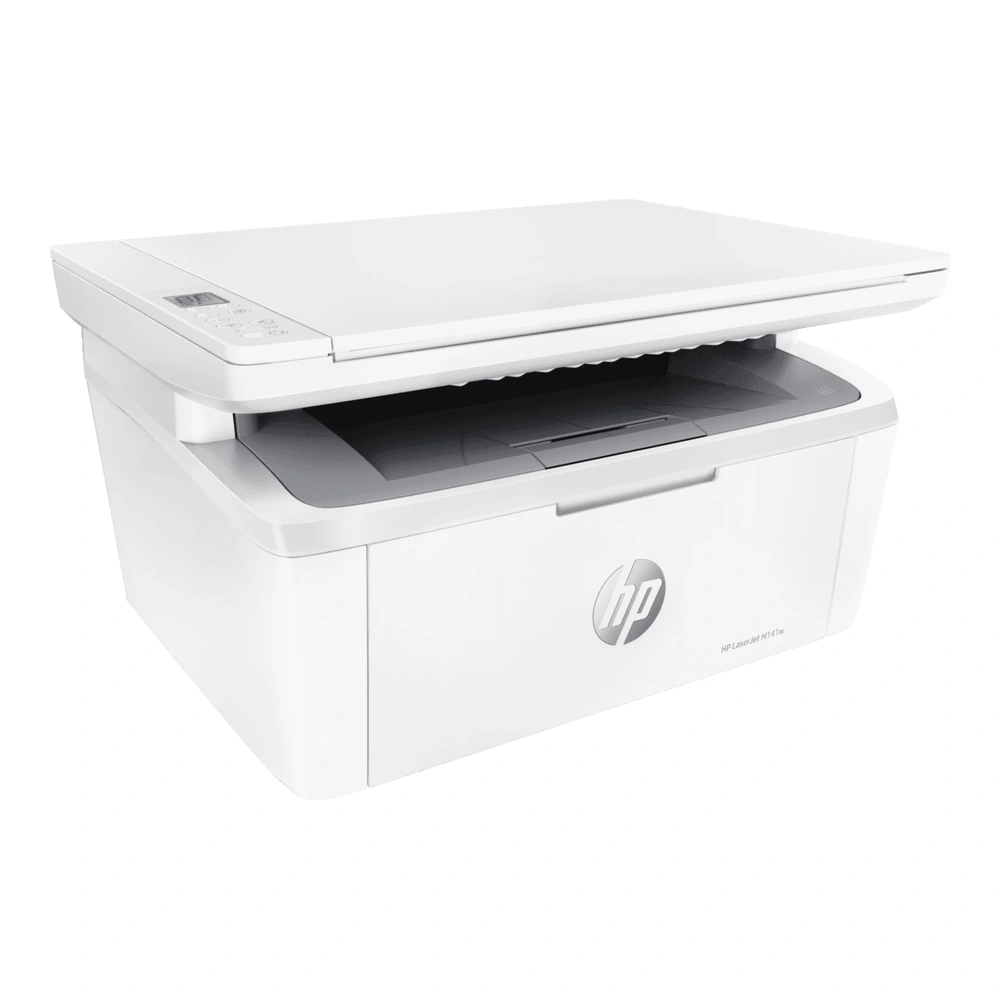
The HP LaserJet MFP M141w brings print, copy, scan together in an A4 desktop printer. Its monochrome laser engine handles black-and-white documents, while the flatbed supports scanning and copying individual originals. The multifunction design places the main document tasks in one device and reduces the need for a separate printer and scanner on the desk.
Print performance and paper handling
Print speeds are up to 20 ppm (a4); up to 21 ppm (letter). Maximum print resolution is up to 600 x 600 dpi black. Use suitable paper and the appropriate quality setting for the document being prepared. The standard paper arrangement is 150-sheet input tray; 100-sheet output bin.
The printer does not have an automatic duplex mechanism. Keep the paper guides aligned and leave the output area clear so completed pages can be collected easily. The recommended monthly print volume is 100 to 1,000 pages.
Scanning and copying
The scanning system is flatbed; up to 600 ppi optical; jpg, bmp, png, tiff and pdf output. Copying supports 600 x 400 dpi; 25 to 400% reduction/enlargement; up to 99 copies. Place individual originals on the glass when working with documents, photographs or small items that need careful positioning.
Connections and everyday use
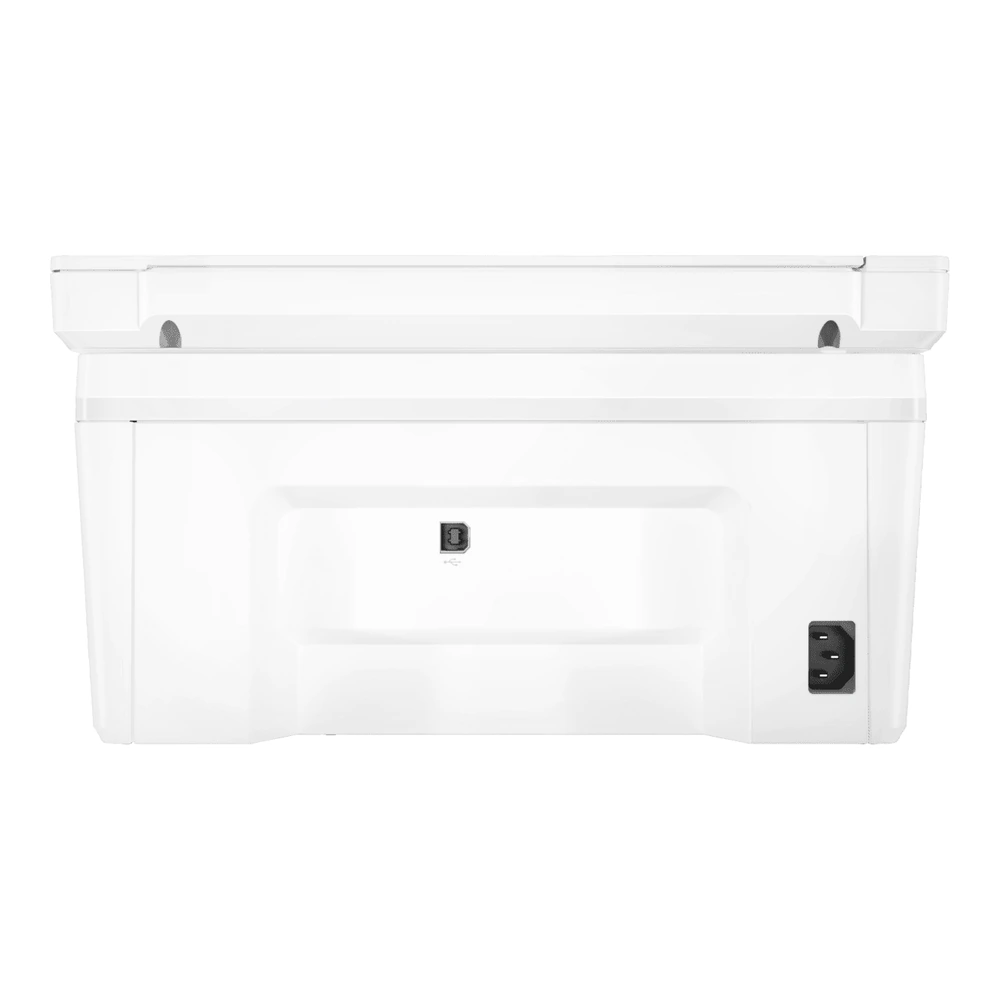
Connectivity includes USB 2.0; Wi-Fi. Use USB for a directly attached computer, or configure wireless printing on the intended Wi-Fi network. Install the HP driver or compatible printing software for the operating system you plan to use. The Icon LCD provides local status and control.
The printer uses one black toner cartridge. Keep access to the supplies area clear for replenishment, and leave enough room to open the scanner lid. A stable surface with accessible power, paper storage and network coverage makes the device easier to use throughout the working day.