Skip to content
SKU: KYOCERA-ECOSYS-MA4000CIX Category: Brand:

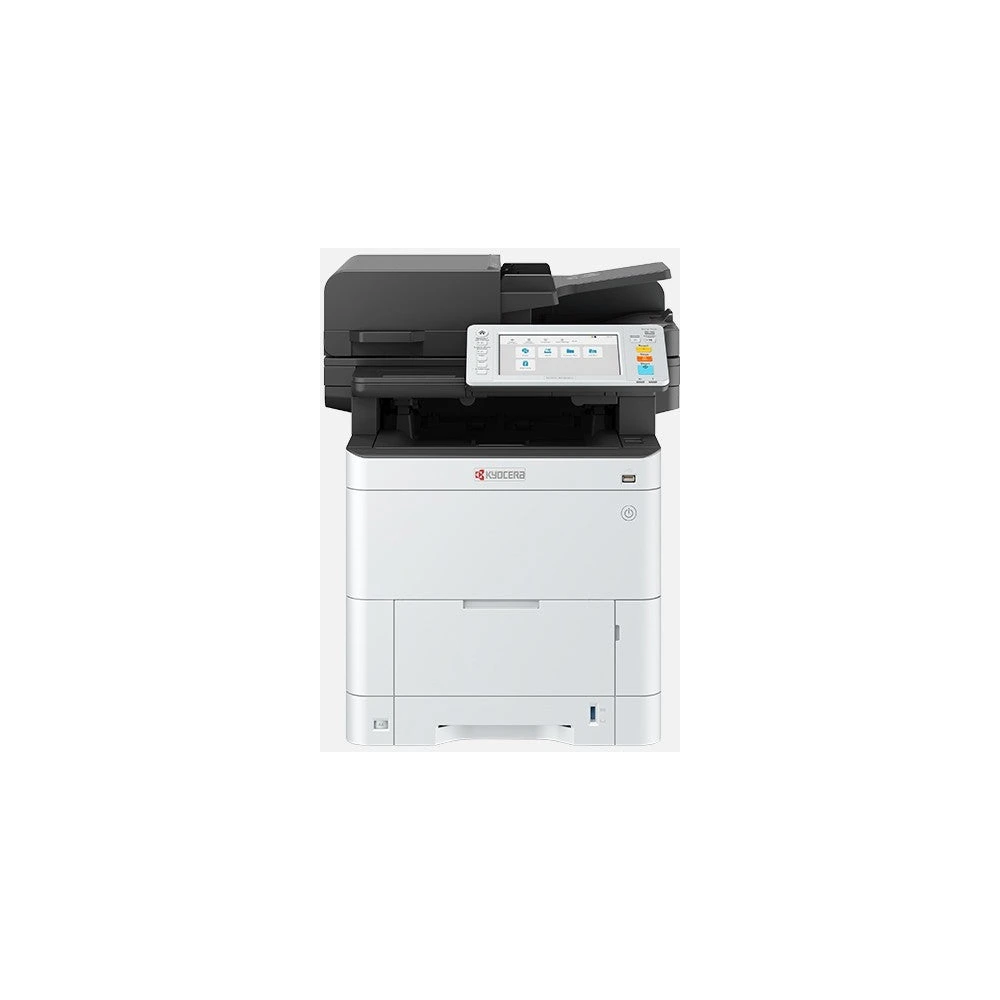
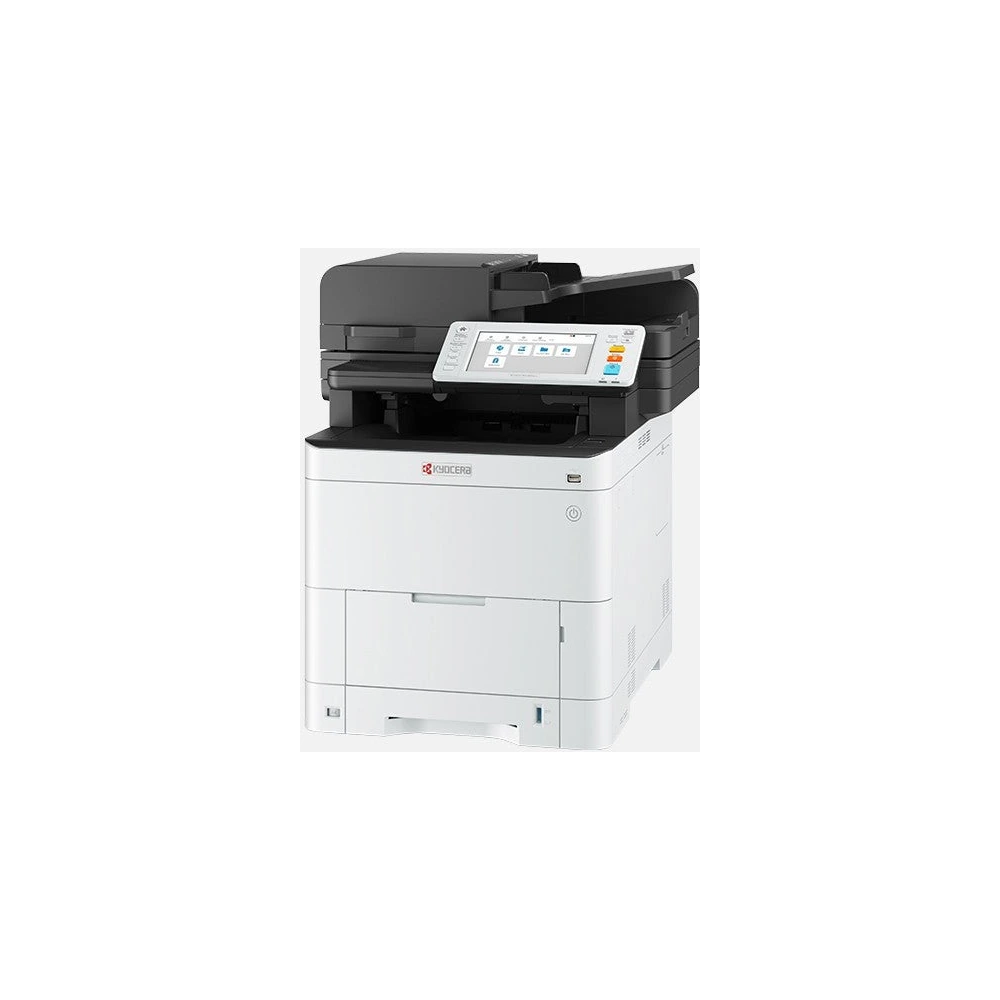
Kyocera ECOSYS MA4000cix Colour Multifunction Printer

0 Reviews
In stock

KSh 168,000

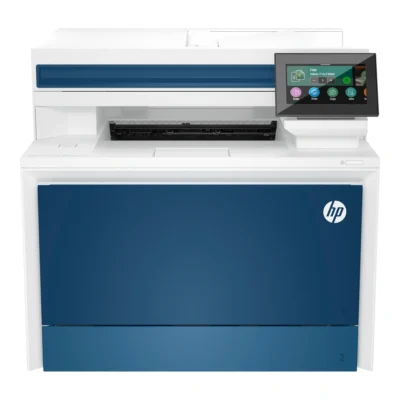
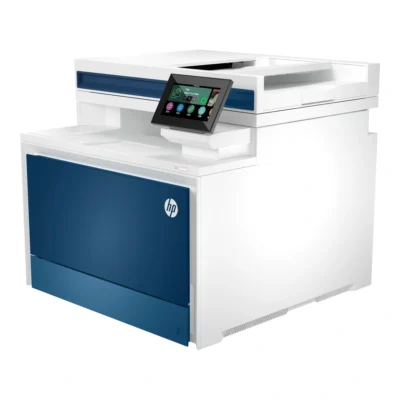
The Kyocera ECOSYS MA4000cix combines colour laser printing, copying and scanning for shared office document work. Its 40-page-per-minute A4 engine and single-pass document feeder support routine reports, presentations and document capture.

  • Up to 40 A4 pages per minute
  • Colour laser print, copy and scan
  • 1200 × 1200 dpi printing
  • 100-sheet single-pass duplex feeder
  • 7-inch colour touchscreen
  • USB and Gigabit Ethernet
GENUINE 100% Original
M-PESA Secure Pay
DELIVERY Fast Dispatch
SUPPORT Expert Help
Brand:

Product details

The Kyocera ECOSYS MA4000cix combines colour laser printing, copying and scanning for shared office document work. Its 40-page-per-minute A4 engine and single-pass document feeder support routine reports, presentations and document capture.

Printing and media

The printer produces colour and monochrome documents at up to 40 A4 pages per minute. Its 1200 × 1200 dpi print resolution supports detailed text and graphics. Automatic duplex printing handles both sides of compatible paper without manually turning the stack. Standard input capacity is 350 sheets, split between a 250-sheet cassette and a 100-sheet multipurpose tray. The output area holds up to 250 sheets. Additional paper feeders are optional accessories.

Document capture

A 100-sheet single-pass document feeder captures both sides of an original without reversing the sheet. At 300 dpi, duplex scanning reaches up to 120 monochrome or 100 colour images per minute. The flatbed is useful for individual documents and originals that should not pass through the feeder. Optical scanning reaches 600 dpi, and copying uses 600 × 600 dpi with enlargement and reduction from 25% to 400%.

Office connections

Connect a computer through USB 2.0 or share the unit over its Gigabit Ethernet interface. The USB host connection supports compatible removable-storage workflows. A 7-inch colour touchscreen provides access to the print, copy and scan settings. Wireless LAN requires an optional module. This MA4000cix configuration provides printing, copying and scanning without an integrated fax function.

Workspace setup

The unit measures 480 × 577.5 × 575 mm and weighs approximately 39 kg. Place it on a stable surface and allow room for paper loading, the document feeder and maintenance access. Standard memory is 2GB with optional expansion to 3GB. Use the driver and network configuration appropriate to your computers before starting shared printing.
Specs

Kyocera ECOSYS MA4000cix Colour Multifunction Printer specifications

General

Kyocera ECOSYS MA4000cix Colour Multifunction Printer — General
BrandKyocera
ModelECOSYS MA4000cix
ConditionNew
Memory2GB standard; up to 3GB with optional memory

Design

Kyocera ECOSYS MA4000cix Colour Multifunction Printer — Design
Dimensions480 × 577.5 × 575 mm (W × D × H)
WeightApproximately 39 kg

Printing

Kyocera ECOSYS MA4000cix Colour Multifunction Printer — Printing
Print TechnologyColour laser
FunctionsPrint, copy and scan
Print SpeedUp to 40 A4 pages/minute, colour and monochrome
Print Resolution1200 × 1200 dpi printing
Duplex PrintingAutomatic two-sided printing

Paper and Supplies

Kyocera ECOSYS MA4000cix Colour Multifunction Printer — Paper and Supplies
Supported Paper SizesA4, A5, A6, B5, B6, Letter, Legal and supported custom sizes
Paper Capacity350 sheets standard: 250-sheet cassette and 100-sheet multipurpose tray; 250-sheet output

Scanning and Connectivity

Kyocera ECOSYS MA4000cix Colour Multifunction Printer — Scanning and Connectivity
Scanning600 dpi optical; up to 120 mono / 100 colour images/minute duplex at 300 dpi
Copying600 × 600 dpi; 25–400% zoom
FaxNo fax
Document Feeder100-sheet single-pass duplex document feeder
ConnectivityUSB 2.0, USB host and Gigabit Ethernet
WirelessOptional wireless LAN module
Control Panel7-inch colour touchscreen

0 Reviews

No reviews yet

Be the first to review Kyocera ECOSYS MA4000cix Colour Multifunction Printer.

Write a review
Back to Top

My Cart