


SaleDeal
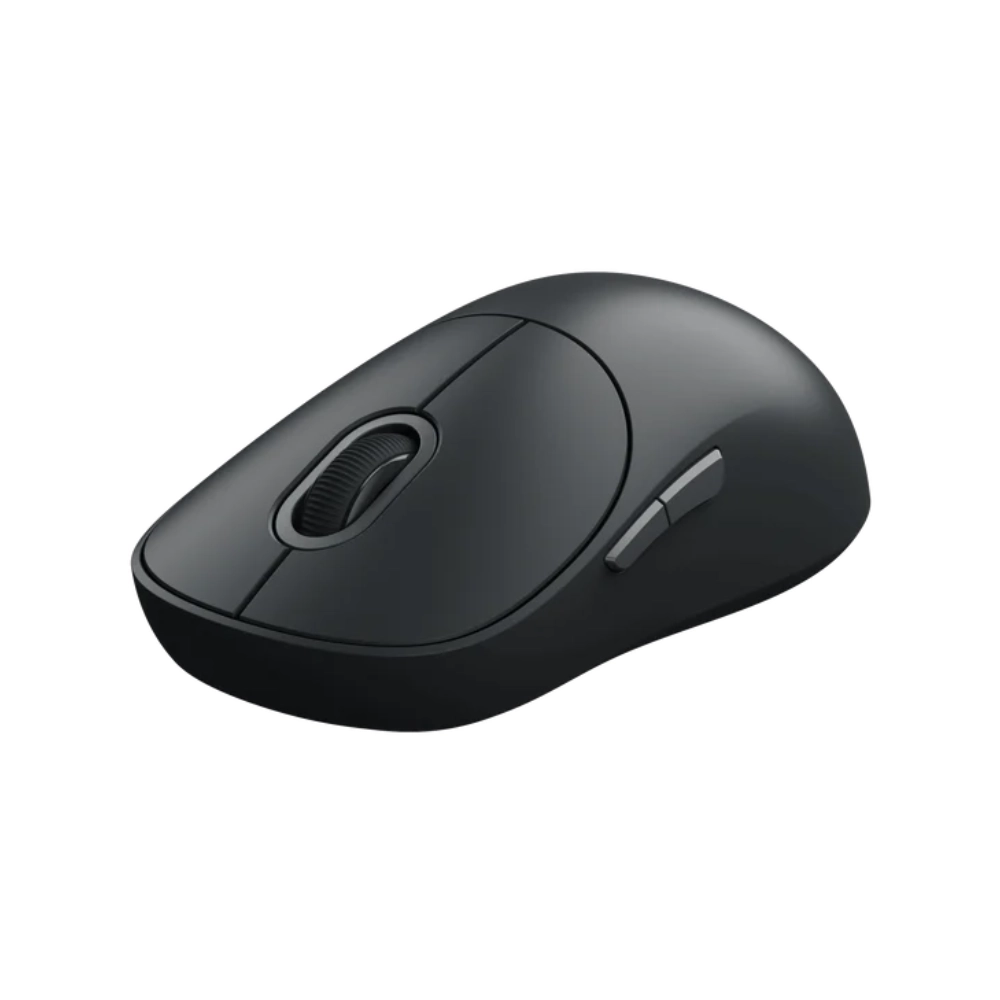
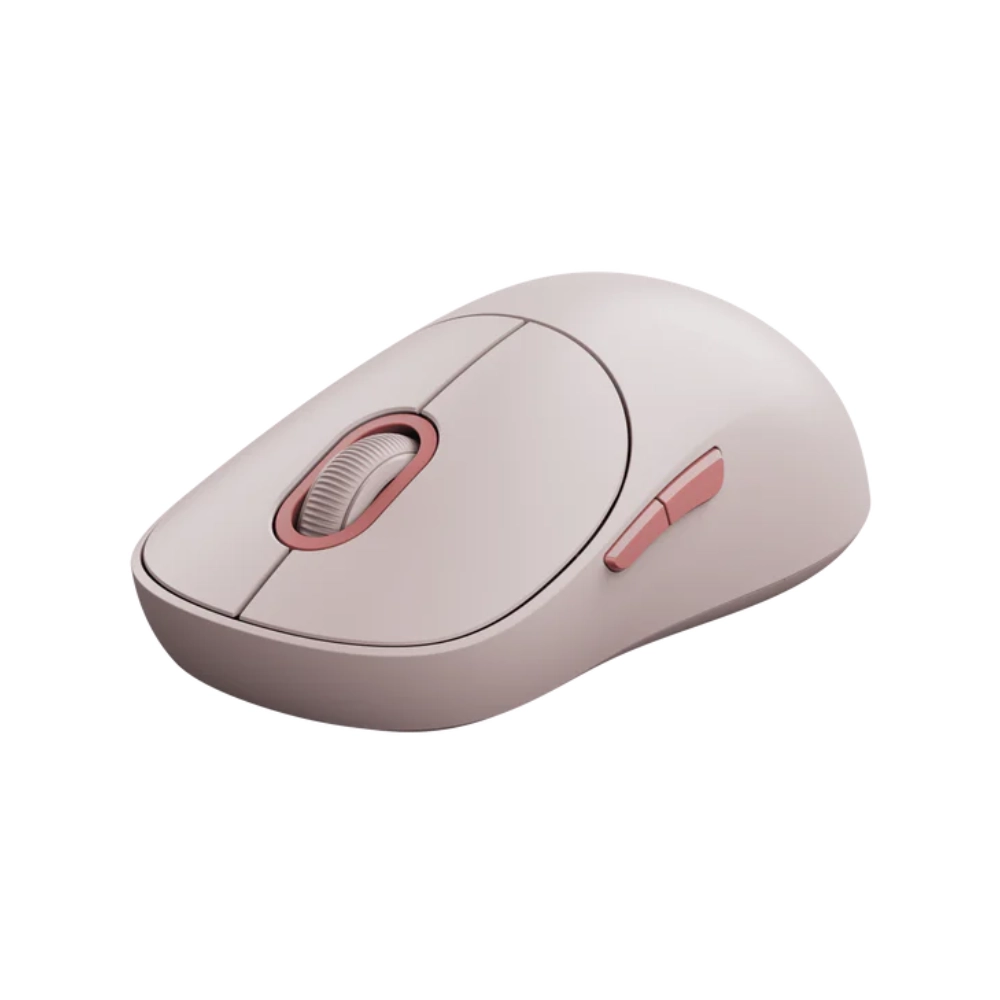
Xiaomi Wireless Mouse 3
Original price was: KSh 3,500.00.KSh 3,000.00Current price is: KSh 3,000.00.
- Sensor: PixArt Optical Sensor (1200 DPI)
- Connectivity: Dual Mode (2.4GHz USB + Bluetooth)
- Device Support: Connect up to 3 Devices
- Buttons: 5 Buttons (Left, Right, Scroll, Forward, Back)
- Switch Type: TTC Silent Micro-switches
- Weight: 57g (Ultralight – without battery)
- Dimensions: 119 x 64 x 41 mm
- Battery: 1 x AA Battery (Replaceable)
- Material: Matte Plastic + Metal Scroll Wheel
- Compatibility: Windows 10+, macOS 10.13+
- Prices and offers are subject to change without notice.
- Fast Delivery in Nairobi – Within 2 Hours.
- Reliable Nationwide Delivery – Within 24 Hours.
Recommended Accessories
View All
UGREEN Multi-Mode Vertical Wireless Mouse
Original price was: KSh 4,000.00.KSh 3,800.00Current price is: KSh 3,800.00.
Add to CartProduct details
Xiaomi Wireless Mouse 3 Price in Kenya
The Xiaomi Wireless Mouse 3 Price in Kenya is KSh 3,000. This is the mouse that proves office gear doesn’t have to be boring or loud. It combines a sophisticated, colorful aesthetic with the functionality needed for a modern hybrid workflow. Unlike standard mice that tie you to one device, this mouse offers Dual-Mode Connectivity, allowing you to pair up to three devices simultaneously (one via USB dongle, two via Bluetooth) and switch between them with a single button press. Silence is golden, especially in a quiet Nairobi office or a university library. The Xiaomi Wireless Mouse 3 features TTC Silent Main Buttons. You get the satisfying tactile “bump” of a click without the sharp “click-clack” noise, ensuring you don’t annoy your colleagues during intense work sessions.
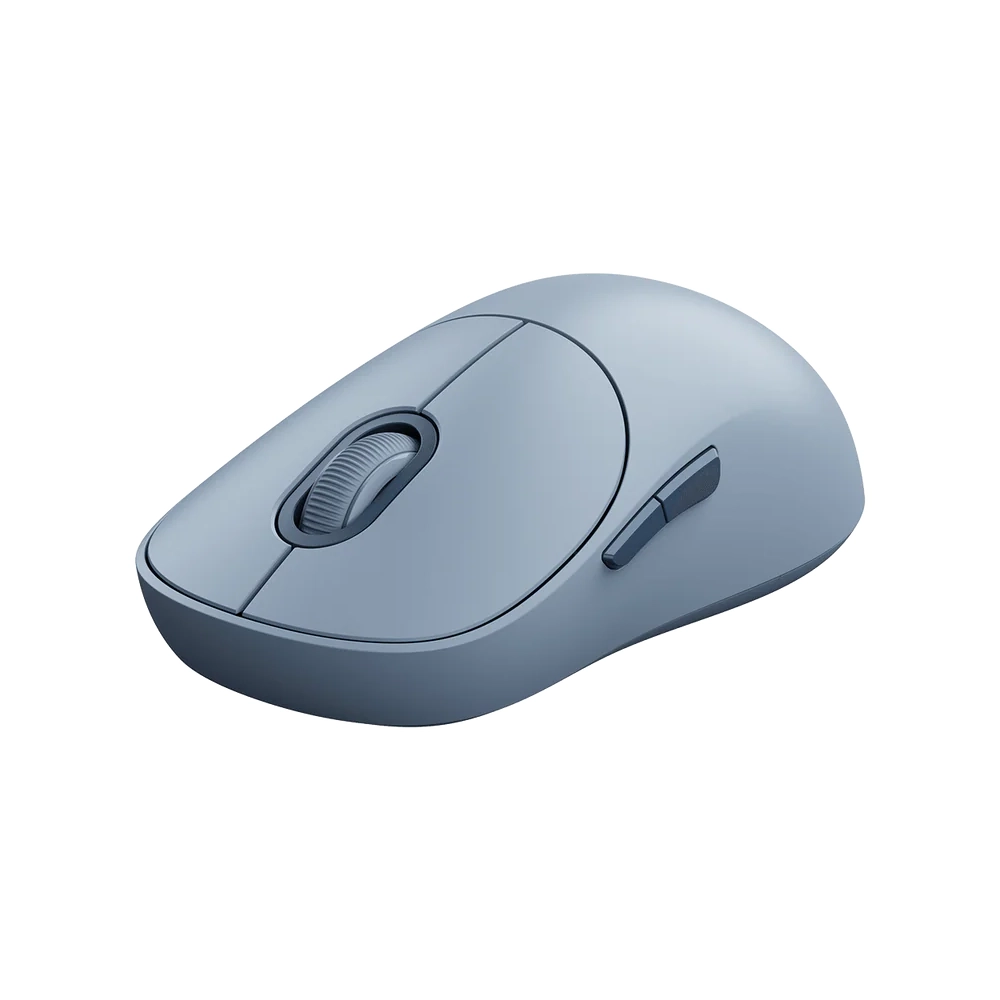
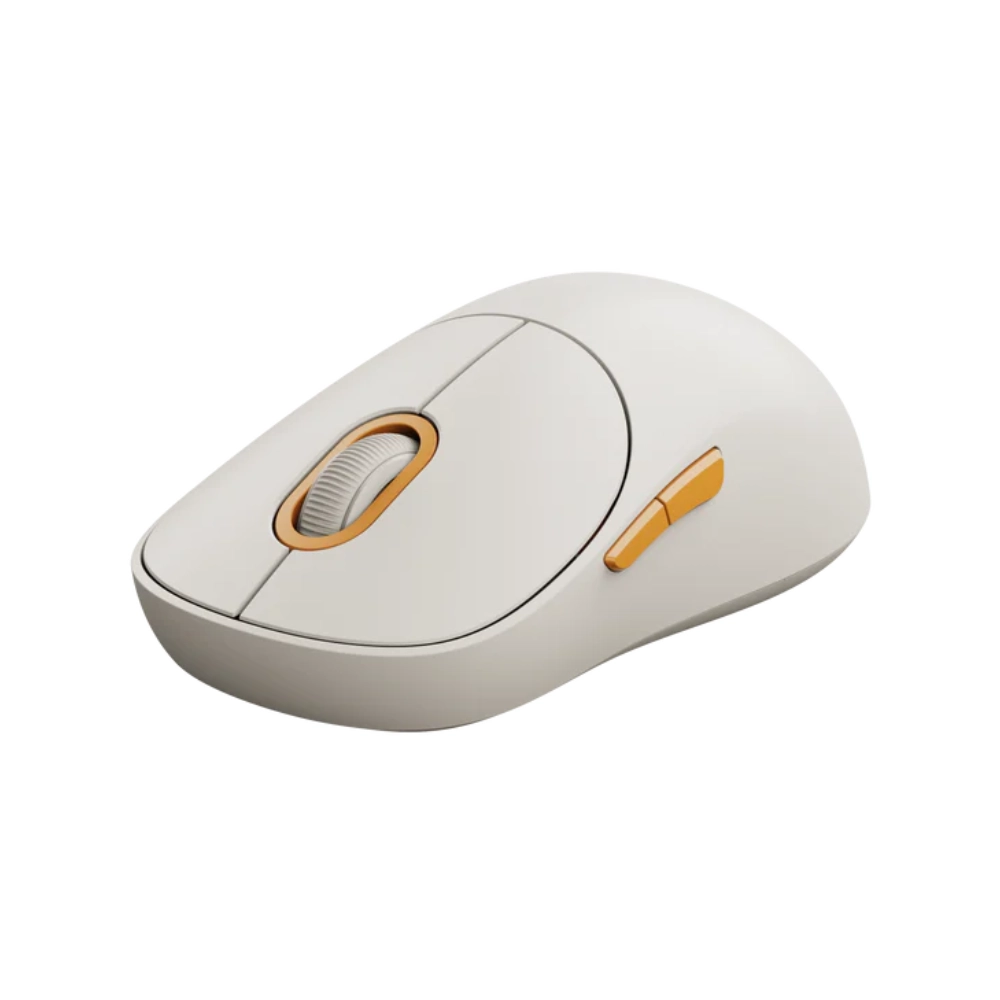
Under the hood, it uses a PixArt 1200 DPI precision sensor, offering smooth tracking on wood, paper, or cloth surfaces. Weighing just 57g, it is incredibly agile, reducing wrist fatigue during long workdays. Buy it today at Exelic Gadgets. We have the full color range—Off-White, Dark Grey, Pink, and Blue. Order now for same-day delivery within Nairobi or reliable next-day shipping via Wells Fargo/G4S to Mombasa, Kisumu, Eldoret, and countrywide.
Why You’ll Love It (The Lifestyle Upgrade)
- The “Silent Assassin” Click: The TTC silent switches reduce click noise by over 90%, so that you can work late at night at home without waking up your family.
- Master of Multitasking: Connect to your Laptop (USB), Tablet (Bluetooth 1), and Desktop (Bluetooth 2) at the same time, so that you can switch control between devices instantly without re-pairing.
- Thumb-Friendly Navigation: Two dedicated side buttons let you go “Forward” and “Back” in your browser, so that you can fly through web pages and folders faster than using the on-screen arrows.
- All-Day Comfort: The ergonomic curve supports the palm of your hand, so that you avoid the “claw cramp” that comes from using flat, unshaped travel mice.
- Glide Like Butter: It uses premium PTFE (Teflon) feet with a low friction coefficient, so that the mouse slides effortlessly across your desk pad with minimal resistance.
- Personalized Aesthetics: Available in bold colors like Pink and Blue, so that your desk setup reflects your personality rather than just being a sea of black plastic.
Xiaomi Wireless Mouse 3 Specifications
| Feature | Details |
| Price in Kenya | Ksh 3,000 |
| Model | Xiaomi Wireless Mouse 3 (XMWXSB03YM) |
| Connection Modes | 2.4GHz Wireless (USB Dongle) + Bluetooth |
| Bluetooth Channels | 2 Channels (Pair 2 Bluetooth devices) |
| DPI (Sensitivity) | 1200 DPI Fixed |
| Sensor Type | PixArt 1200DPI Optical |
| Click Sound | Silent (TTC Quiet Switches) |
| Number of Buttons | 4 main + 1 pairing button |
| Side Buttons | Yes (Forward / Backward) |
| Battery Type | 1 x AA Battery (1.5V) |
| Dimensions | 119mm x 64mm x 41mm |
| Net Weight | 57g (Excluding Battery) |
| Colors | Off-white, Dark Grey, Pink, Blue |
| OS Support | Windows 10/11, macOS 10.13+, Android |
Deep Dive: The Tech Explained
Dual-Mode, Triple Connection
In 2024, we don’t just use one computer. You might have a work laptop, a personal MacBook, and an iPad. The Xiaomi Wireless Mouse 3 handles all of them.
- Channel 1 (2.4GHz): Plug the small USB receiver into your main PC for a rock-solid, lag-free connection.
- Channel 2 & 3 (Bluetooth): Pair via Bluetooth to two other devices (e.g., your iPad and a secondary laptop).
A small button on the bottom of the mouse lets you cycle through these devices instantly. No unplugging dongles, no opening Bluetooth settings.
TTC Silent Switches
Most mice use “clicky” switches that are audible across the room. Xiaomi uses TTC Silent Switches for the left and right buttons. These are engineered to provide physical feedback—you feel the click—but dampen the sound mechanism. Ideally suited for open-plan offices, coffee shops, or dorm rooms where constant clicking is a nuisance.
PixArt 1200 DPI Sensor
At the heart of the mouse is a sensor from PixArt, the industry leader in optical tracking. The 1200 DPI (Dots Per Inch) resolution is the “sweet spot” for office work. It is fast enough to span a 1080p or 4K monitor with a flick of the wrist, but precise enough to select text in a Word document or edit cells in Excel without the cursor jittering.
Ergonomic “Comfort Curve”
Unlike the ultra-flat “travel mice” that force your hand into an unnatural flat position, the Xiaomi Mouse 3 has a proper arch. The 41mm height fills the palm of your hand, providing support. The matte finish is resistant to fingerprints and sweat, ensuring a secure grip even during humid Nairobi afternoons.
Efficiency Side Buttons
On the left side of the mouse, you will find two thumb buttons. By default, these map to “Page Forward” and “Page Back”. In a web browser or File Explorer, this is a massive time saver. Instead of moving your cursor to the top left corner of the screen to click “Back,” you just twitch your thumb. It sounds minor, but it speeds up browsing significantly.
PTFE Low-Friction Feet
Flip the mouse over, and you will see two smooth pads. These are made of PTFE (Polytetrafluoroethylene), the same material used in non-stick pans. This material has an incredibly low coefficient of friction, allowing the mouse to glide smoothly over wood desks, mousepads, or even paper, reducing the effort needed to move it.
Who Is This Perfect For?
- The Hybrid Worker: You switch between a Windows PC at the office and a MacBook at home. One mouse handles both without needing different dongles.
- The Library Student: You study at the UoN library or quiet cafes. You need a mouse that won’t get you “shushed” by others.
- The Aesthetic Desk Setup: You are tired of boring black tech. You want a Pink or Blue mouse to match your desk mat and mechanical keyboard.
Alternatives & Competitors
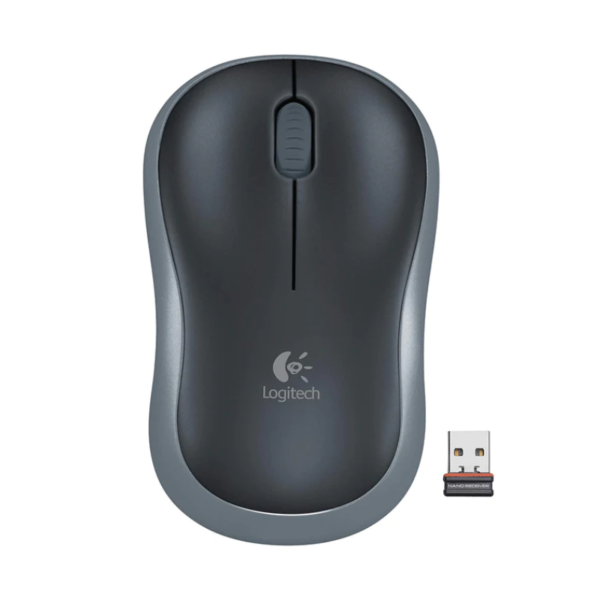
- Logitech M221 Wireless Mouse
- Logitech Pebble Mouse 2 M350s
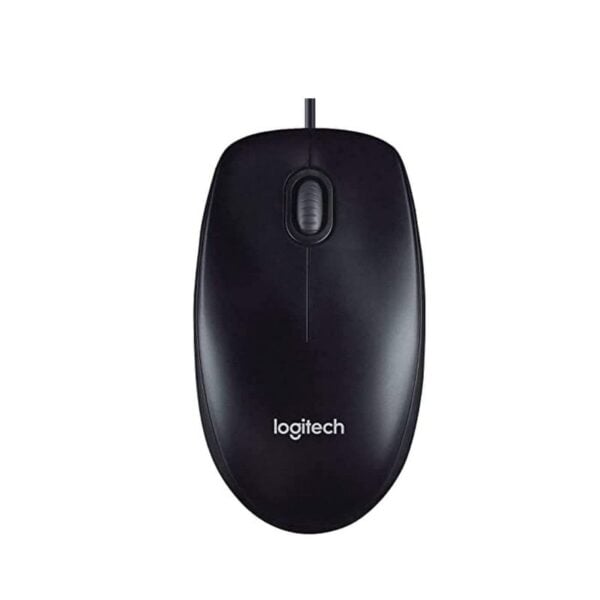
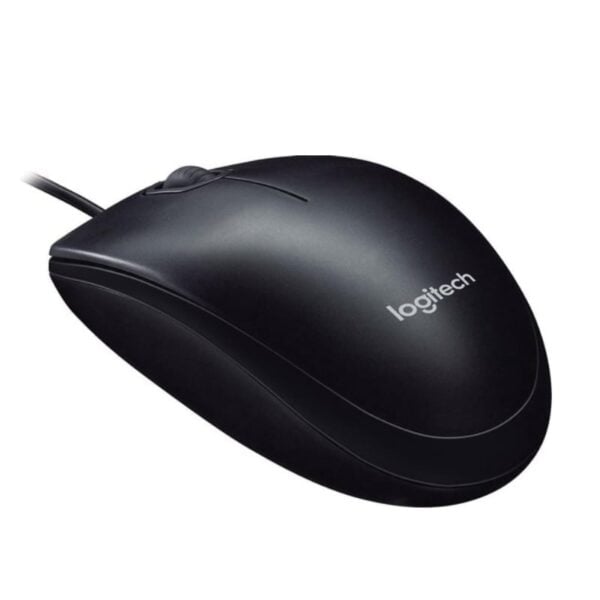
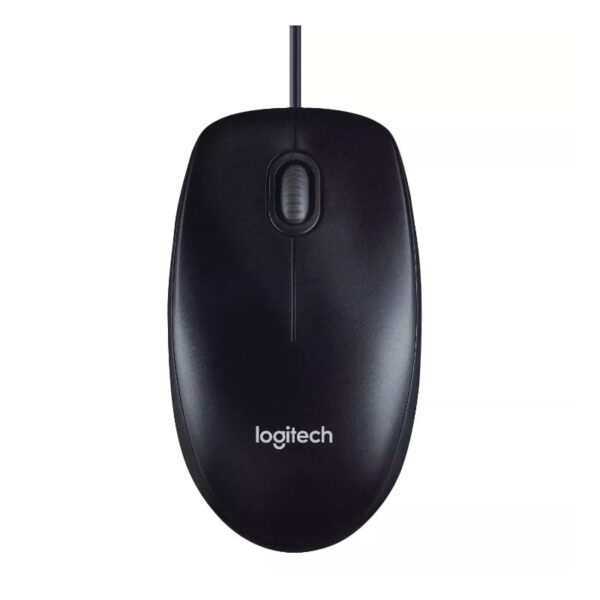
- Logitech M90 Wired Mouse
- Logitech Signature M650
Frequently Asked Questions (FAQs)
- Q: Does it come with a battery? A: Typically, No. Due to shipping regulations, the AA battery is often removed from the box. You will likely need to buy a standard AA battery separately.
- Q: Does it work with iPad? A: Yes. You can connect it to an iPad (running iPadOS 13.4 or later) via Bluetooth. It works perfectly for scrolling and clicking.
- Q: Are the side buttons silent too? A: No. The main Left and Right buttons are silent. The side (thumb) buttons and the scroll wheel click have a standard, albeit quiet, tactile sound.
- Q: Can I customize the buttons? A: On Windows, you can use third-party software (like X-Mouse Button Control) to remap the side buttons to other functions (like Volume or Copy/Paste), but there is no dedicated Xiaomi software for this.
- Q: Where is the USB receiver hiding? A: The nano receiver is stored inside the mouse. You lift the top cover (it’s magnetic or clipped) or open the bottom battery door to find it tucked away safely.
Buy the latest mouse in Kenya at Exelic Gadgets.
Customers Reviews
Related products
Sale

SaleDeal
There are no reviews yet.