Weight
- Apple Pencil
- 20.7 g
- Microsoft Surface Pen
- 20 g

Stylu comparison
Compare key specifications, features and design side by side.
01Selected 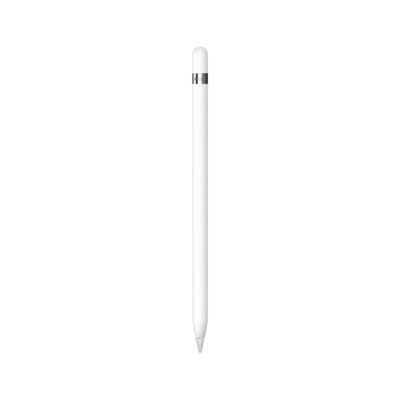 Apple Pencil (1st Generation)
KSh 14,000In Stock | 02 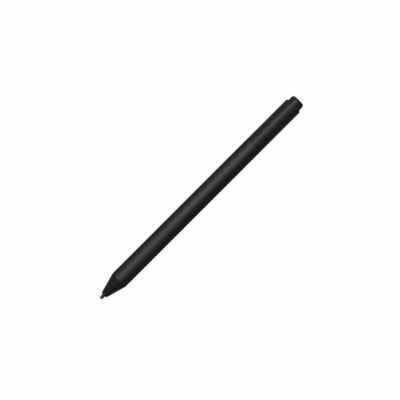 Microsoft Surface Pen (Stylet)
KSh 13,500In Stock |
|---|
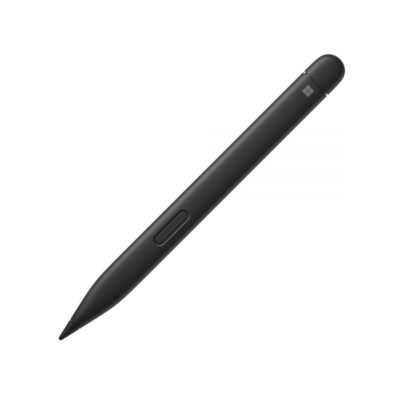
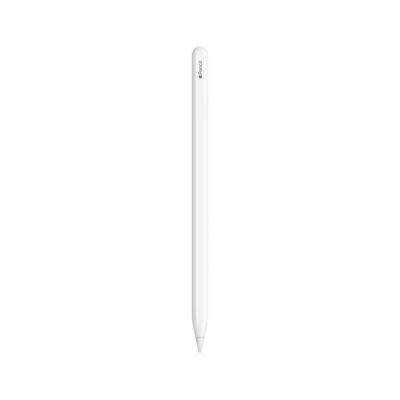
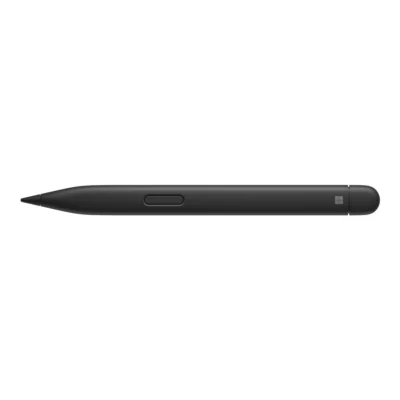
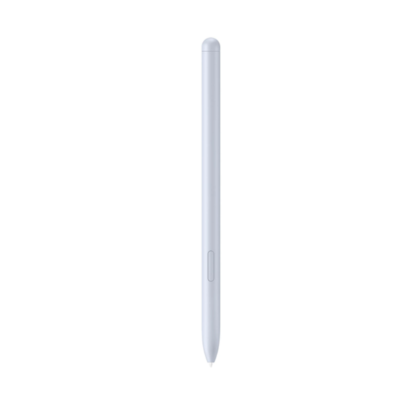
The Apple Pencil is made for the iPad Pro 12.9-inch, while the Microsoft Surface Pen is made for the Surface pen-enabled devices in Microsoft’s no-clip Pen table, so buy the one that matches your device.
The main differences to help you choose.
| Priority | Apple Pencil | Microsoft Surface Pen |
|---|---|---|
| Weight | 20.7 g | 20 g |
| Connections | Bluetooth | Bluetooth 4.0 |
| Tilt support | Tilt-sensitive input for shading | Supported on compatible Surface models |
| Pressure sensitivity | Pressure-sensitive input | 4,096 pressure levels on compatible devices |
Tick a topic above to see how each product answers it.
Explore the full specifications, section by section.
| Specification | Apple Pencil (1st Generation) | Microsoft Surface Pen (Stylet) |
|---|---|---|
| Brand | Apple | Microsoft |
| Model | Apple Pencil (1st generation) | Surface Pen (no-clip family) |
| Specification | Apple Pencil (1st Generation) | Microsoft Surface Pen (Stylet) |
|---|---|---|
| Dimensions | 175.7 mm long from tip to cap; 8.9 mm diameter | 146.1 × 9.7 × 9.7 mm |
| Weight | 20.7 g | 20 g |
| Specification | Apple Pencil (1st Generation) | Microsoft Surface Pen (Stylet) |
|---|---|---|
| Charging | Pairs and charges through its Lightning connector; USB-C iPads in the compatibility list require Apple’s separate adapter | — |
| Battery | — | Replaceable AAAA battery |
| Specification | Apple Pencil (1st Generation) | Microsoft Surface Pen (Stylet) |
|---|---|---|
| Compatibility | iPad Pro 12.9-inch (1st/2nd generation), 10.5-inch and 9.7-inch; iPad Air (3rd generation); iPad mini (5th generation); iPad (6th–10th generation) and iPad (A16). iPad 10th generation/A16 require the USB-C to Apple Pencil Adapter for pairing and charging. | Compatible Surface pen-enabled devices in Microsoft’s no-clip Pen table; pressure and tilt support vary by device. Other Windows PCs require a matching Microsoft Pen Protocol; Bluetooth pairing requires Windows 10/11 with current updates. |
| Pressure Sensitivity | Pressure-sensitive input | 4,096 pressure levels on compatible devices |
| Tilt Support | Tilt-sensitive input for shading | Supported on compatible Surface models; check the exact device in Microsoft’s compatibility table |
| Wireless | Bluetooth; the manufacturer does not specify a version | Bluetooth 4.0 |
| Pen Protocol | — | Microsoft Pen Protocol (MPP) v2.0 |
| Buttons | — | Barrel button and tail eraser/top button |
These products have the same published specifications.
Buy the one made for your device: the Apple Pencil for the iPad Pro 12.9-inch, or the Microsoft Surface Pen for the Surface pen-enabled devices in Microsoft’s no-clip Pen table.
Back to compared products ↑Apple Pencil (1st Generation)VSApple Pencil ProApple Pencil (1st Generation)VSApple Pencil (USB-C)Apple Pencil (1st Generation)VSSurface Slim Pen 2Apple Pencil (1st Generation)VSApple Pencil (2nd Generation)Apple Pencil (1st Generation)VSMicrosoft Surface Slim Pen 2Apple Pencil (1st Generation)VSLogitech Crayon Digital PencilApple Pencil (1st Generation)VSGalaxy Tab S10 Series S PenApple Pencil (1st Generation)VS Oppo AI PenApple Pencil (1st Generation)VS
 HP Rechargeable MPP 2.0 Tilt Pen
We are here to serve you
Keep a link to this cart, or ask us to send it to you. Reminders are optional.
You may send me reminders about this cart on the channels I select. I can opt out at any time.
Only the details you provide here or in checkout are used. Reminders are optional. Privacy notice