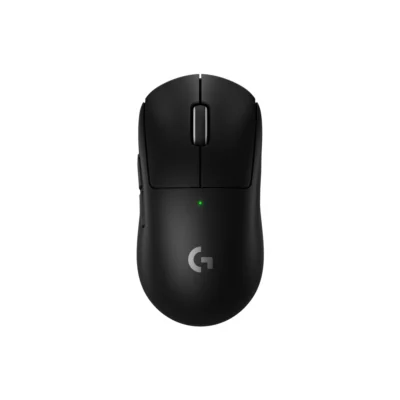
Weight
- Logitech MX Master 3S
- 141 g
- Logitech PRO X SUPERLIGHT
- 63 g

Mouse comparison
Compare sensor, connection, battery and comfort.
01Selected 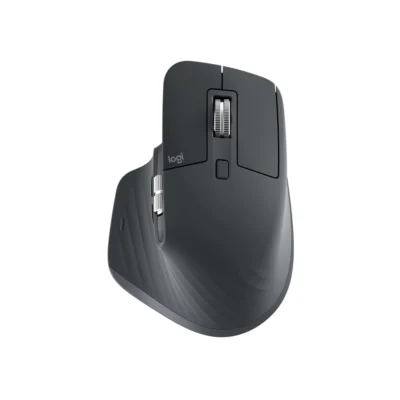 Logitech MX Master 3S
KSh 16,500In Stock | 02 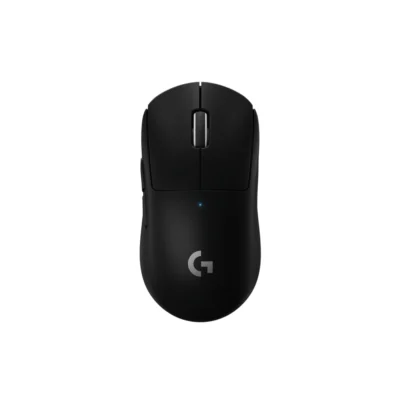 Logitech PRO X SUPERLIGHT
KSh 19,700In Stock |
|---|
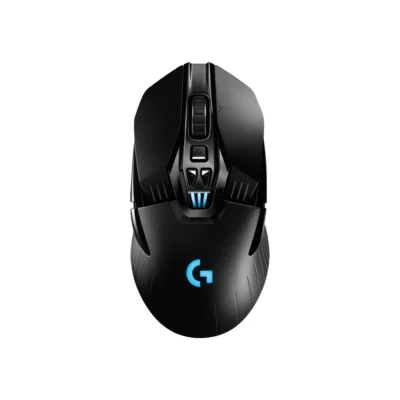
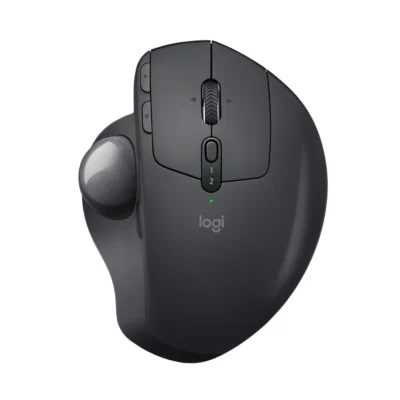
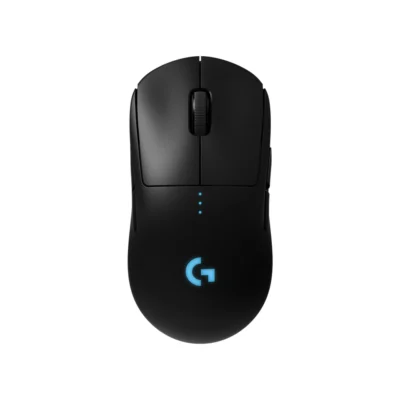
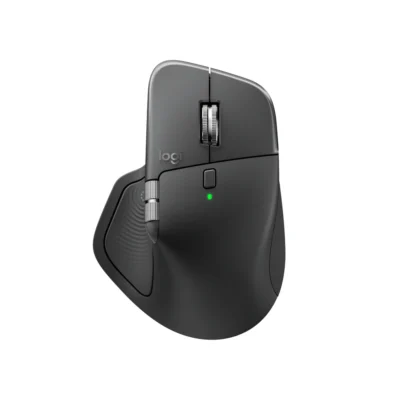
Choose the Logitech PRO X SUPERLIGHT if you want a 25,600 DPI sensor and a lighter build (63 g). Choose the Logitech MX Master 3S if you prefer Darkfield high precision and Rechargeable Li-Po.
The main differences to help you choose.
| Priority | Logitech MX Master 3S | Logitech PRO X SUPERLIGHT |
|---|---|---|
| Weight | 141 g | 63 g |
| Connections | Logi Bolt USB receiver or Bluetooth Low Energy | LIGHTSPEED wireless USB receiver |
| Controls | 7 buttons | 5 buttons |
| Battery life | 500 mAh battery | Up to 70 hours per charge |
| Performance | 8,000 DPI sensor | 25,600 DPI sensor |
| Battery capacity | 500 mAh battery | Battery: Rechargeable |
| Sensor technology | Darkfield high precision | HERO 25K |
| Charging port | USB-C | Micro-USB |
| Customization software | Logi Options+ on Windows and macOS | Logitech G HUB |
| Type | Productivity mouse | Gaming mouse |
| DPI | 200–8,000 DPI in 50-DPI increments | 100–25,600 DPI |
Tick a topic above to see how each product answers it.
Explore the full specifications, section by section.
| Specification | Logitech MX Master 3S | Logitech PRO X SUPERLIGHT |
|---|---|---|
| Brand | Logitech | Logitech |
| Model | MX Master 3S (910-006559) | PRO X SUPERLIGHT — Black: 910-005881; White: 910-005943 |
| Type | Productivity mouse | Gaming mouse |
| Color | Graphite | Black; White |
| Specification | Logitech MX Master 3S | Logitech PRO X SUPERLIGHT |
|---|---|---|
| Dimensions | 124.9 mm × 84.3 mm × 51 mm | 40 mm × 63.5 mm × 125 mm |
| Weight | 141 g | 63 g |
| Hand Orientation | Right-handed | — |
| Specification | Logitech MX Master 3S | Logitech PRO X SUPERLIGHT |
|---|---|---|
| Connection Type | Logi Bolt USB receiver or Bluetooth Low Energy | LIGHTSPEED wireless USB receiver |
| Bluetooth | Bluetooth Low Energy | — |
| Wireless Receiver | Logi Bolt USB receiver included; incompatible with Unifying | — |
| Wireless Range | Up to 10 m | — |
| Multi-Device Connection | Up to three paired devices with Easy-Switch | — |
| Specification | Logitech MX Master 3S | Logitech PRO X SUPERLIGHT |
|---|---|---|
| Customization Software | Logi Options+ on Windows and macOS | Logitech G HUB |
| Silent Clicks | Quiet Clicks | — |
| Special Features | — | No-additive PTFE feet; zero smoothing, acceleration or filtering |
| Specification | Logitech MX Master 3S | Logitech PRO X SUPERLIGHT |
|---|---|---|
| Sensor Technology | Darkfield high precision | HERO 25K |
| DPI | 200–8,000 DPI in 50-DPI increments | 100–25,600 DPI |
| Tracking Speed | — | 400 IPS |
| Acceleration | — | Over 40 G |
| Polling Rate | — | 1,000 Hz (1 ms) |
| Specification | Logitech MX Master 3S | Logitech PRO X SUPERLIGHT |
|---|---|---|
| Number of Buttons | 7 | 5 |
| Gesture Button | Yes | — |
| Scroll Wheel | MagSpeed electromagnetic scrolling with SmartShift | — |
| Horizontal Scroll | Yes | — |
| Thumb Wheel | Yes | — |
| Specification | Logitech MX Master 3S | Logitech PRO X SUPERLIGHT |
|---|---|---|
| Battery Type | Rechargeable Li-Po | Rechargeable |
| Battery Capacity | 500 mAh | — |
| Battery Life | Up to 70 days; one-minute charge provides up to three hours of use | Up to 70 hours of constant motion |
| Charging Port | USB-C | Micro-USB |
| Wireless Charging | — | POWERPLAY compatible; charging system sold separately |
| Specification | Logitech MX Master 3S | Logitech PRO X SUPERLIGHT |
|---|---|---|
| Windows | Windows 10/11 or later | — |
| macOS | macOS 10.15 or later | — |
| Other Operating Systems | ipados: iPadOS 14 or later via Bluetooth; android: Android 8.0 or later via Bluetooth; linux: Basic functions supported; chromeos: Basic functions supported | — |
| Specification | Logitech MX Master 3S | Logitech PRO X SUPERLIGHT |
|---|---|---|
| In the Box | Mouse; Logi Bolt USB receiver; USB-A to USB-C charging cable; user documentation | PRO X SUPERLIGHT Wireless Gaming Mouse; LIGHTSPEED wireless receiver; Charging/data cable; Receiver extension adapter; Optional grip tape; Cloth wipe for grip tape prep; Optional aperture door with PTFE foot; User documentation |
These products have the same published specifications.
Choose PRO X SUPERLIGHT for a lighter build.
Back to compared products ↑Logitech MX Master 3SVSLogitech G502 X LIGHTSPEEDLogitech MX Master 3SVSLogitech G903Logitech MX Master 3SVSLogitech MX ERGOLogitech MX Master 3SVSLogitech PRO WirelessMicrosoft Surface Arc MouseVSLogitech MX Master 3SLogitech MX Master 4VSLogitech MX Master 3SLogitech MX Master 3SVSMicrosoft Arc Wireless MouseLogitech MX Master 3SVS Logitech MX Vertical MouseLogitech MX Master 3SVS
 Logitech G502 Lightspeed Mouse
We are here to serve you