Weight
- Microsoft Surface Pen
- 20 g
- Microsoft Surface Slim Pen 2
- 13 g

Stylu comparison
Compare key specifications, features and design side by side.
01Selected 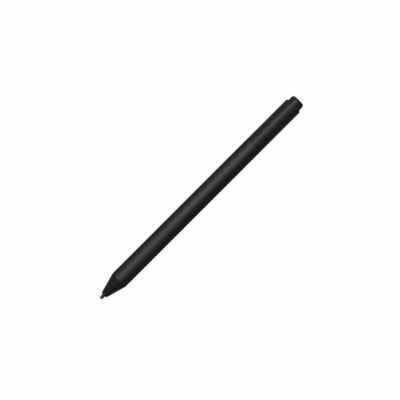 Microsoft Surface Pen (Stylet)
KSh 13,500In Stock | 02 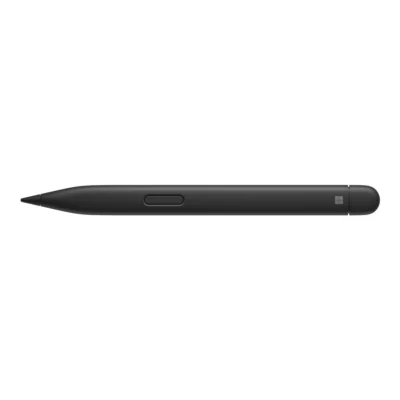 Microsoft Surface Slim Pen 2
KSh 22,000In Stock |
|---|
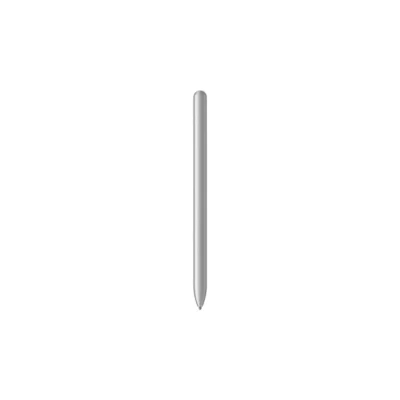
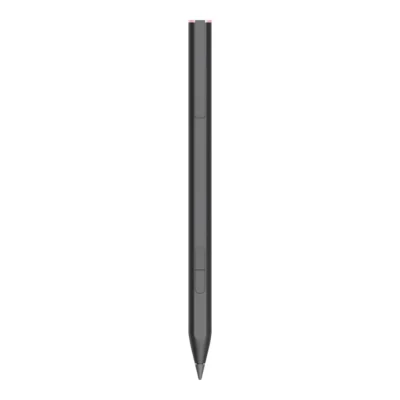
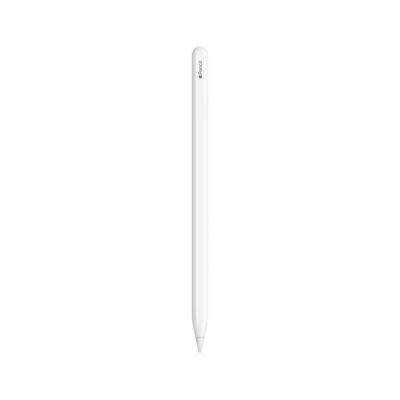
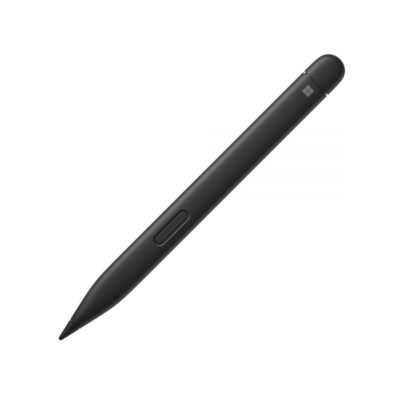
The Microsoft Surface Slim Pen 2 is lighter (13 g) and slimmer, while the Microsoft Surface Pen costs KSh 8,500 less.
The main differences to help you choose.
| Priority | Microsoft Surface Pen | Microsoft Surface Slim Pen 2 |
|---|---|---|
| Weight | 20 g | 13 g |
| Battery capacity | Replaceable AAAA battery | Rechargeable lithium-ion battery |
| Battery life | Replaceable AAAA battery | Up to 15 hours per charge |
| Connections | Bluetooth 4.0 | Bluetooth 5.0 |
| Buttons | Barrel button and tail eraser/top button | Side button, top button with eraser |
| Pen protocol | Microsoft Pen Protocol (MPP) v2.0 | Microsoft Pen Protocol |
| Pressure sensitivity | 4,096 pressure levels on compatible devices | 4096 pressure levels, zero-force inking on supported devices |
Tick a topic above to see how each product answers it.
Explore the full specifications, section by section.
| Specification | Microsoft Surface Pen (Stylet) | Microsoft Surface Slim Pen 2 |
|---|---|---|
| Brand | Microsoft | Microsoft |
| Model | Surface Pen (no-clip family) | Surface Slim Pen 2 |
| Manufacturer Part Number | — | 8WV-00001 |
| Color | — | Black |
| Condition | — | New |
| Specification | Microsoft Surface Pen (Stylet) | Microsoft Surface Slim Pen 2 |
|---|---|---|
| Dimensions | 146.1 × 9.7 × 9.7 mm | 136.8 × 11.3 × 6.3 mm |
| Weight | 20 g | 13 g |
| Specification | Microsoft Surface Pen (Stylet) | Microsoft Surface Slim Pen 2 |
|---|---|---|
| Battery | Replaceable AAAA battery | Rechargeable lithium-ion battery; up to 15 hours typical use |
| Charging | — | Compatible Surface pen-storage keyboard, Laptop Studio charging area, Surface Pro 12-inch rear charging area, or separate Surface Slim Pen charger |
| Specification | Microsoft Surface Pen (Stylet) | Microsoft Surface Slim Pen 2 |
|---|---|---|
| Compatibility | Compatible Surface pen-enabled devices in Microsoft’s no-clip Pen table; pressure and tilt support vary by device. Other Windows PCs require a matching Microsoft Pen Protocol; Bluetooth pairing requires Windows 10/11 with current updates. | Surface Pro 8, 9, 10 for Business, 11th Edition, 12th Edition and Pro 12-inch; Surface Pro X; Surface Laptop Studio and Studio 2. Supported features depend on the host. Surface Laptop 13-inch 1st Edition does not support pen input. |
| Pen Protocol | Microsoft Pen Protocol (MPP) v2.0 | Microsoft Pen Protocol |
| Pressure Sensitivity | 4,096 pressure levels on compatible devices | 4096 pressure levels; zero-force inking on supported devices |
| Tilt Support | Supported on compatible Surface models; check the exact device in Microsoft’s compatibility table | Supported on compatible Surface Pro and Laptop Studio models |
| Buttons | Barrel button and tail eraser/top button | Side button; top button with eraser |
| Wireless | Bluetooth 4.0 | Bluetooth 5.0 |
| Haptics | — | Tactile signals in selected applications on compatible Windows 11 devices |
| Included Items | — | Surface Slim Pen 2; charger sold separately |
| Specification | Microsoft Surface Pen (Stylet) | Microsoft Surface Slim Pen 2 |
|---|---|---|
| Included Items | — | Surface Slim Pen 2, quick-start guide, safety and warranty documents |
These products have the same published specifications.
For most buyers the Microsoft Surface Slim Pen 2 is the better buy; the Microsoft Surface Pen makes sense if price matters most, as it costs about 39% less.
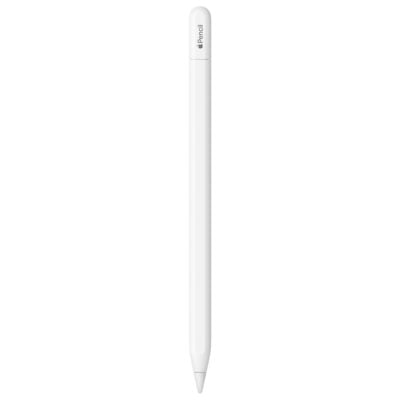
Back to compared products ↑Microsoft Surface Pen (Stylet)VSLogitech Crayon Digital PencilMicrosoft Surface Pen (Stylet)VSGalaxy Tab S10 Series S PenMicrosoft Surface Pen (Stylet)VSOppo AI PenMicrosoft Surface Pen (Stylet)VSHP Rechargeable MPP 2.0 Tilt PenApple Pencil (2nd Generation)VSMicrosoft Surface Pen (Stylet)Surface Slim Pen 2VSMicrosoft Surface Pen (Stylet)Apple Pencil (USB-C)VSMicrosoft Surface Pen (Stylet)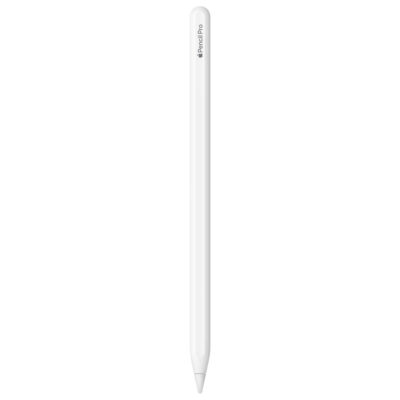 Apple Pencil ProVSMicrosoft Surface Pen (Stylet)
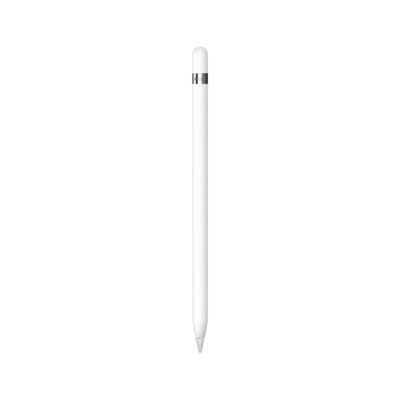 Apple Pencil (1st Generation)VSMicrosoft Surface Pen (Stylet)
We are here to serve you
Keep a link to this cart, or ask us to send it to you. Reminders are optional.
You may send me reminders about this cart on the channels I select. I can opt out at any time.
Only the details you provide here or in checkout are used. Reminders are optional. Privacy notice